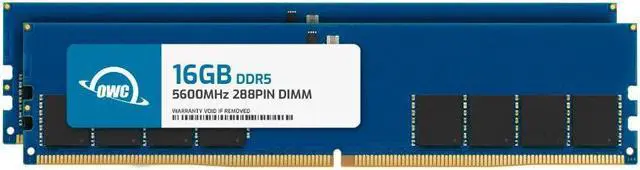
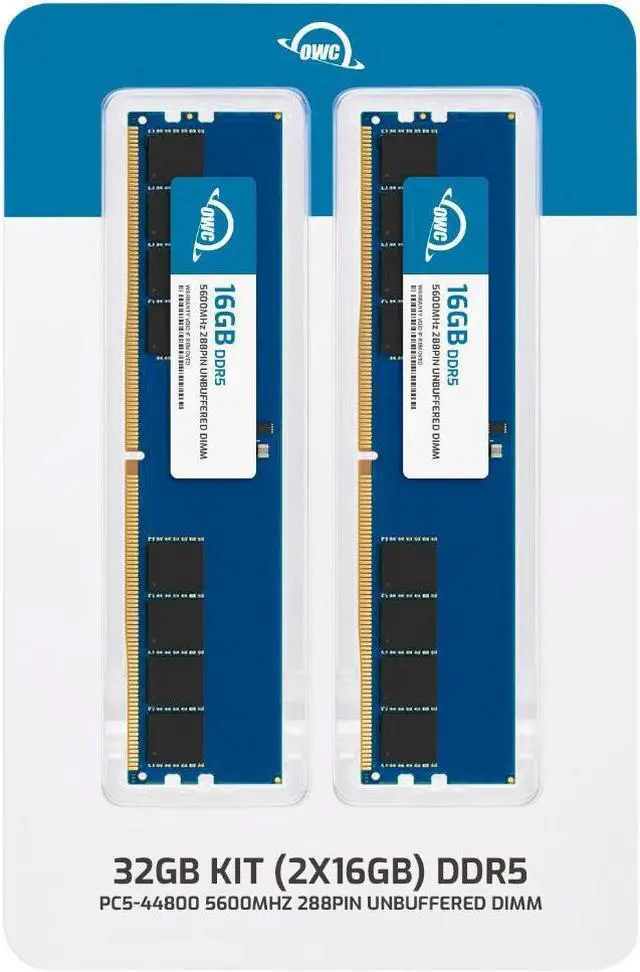
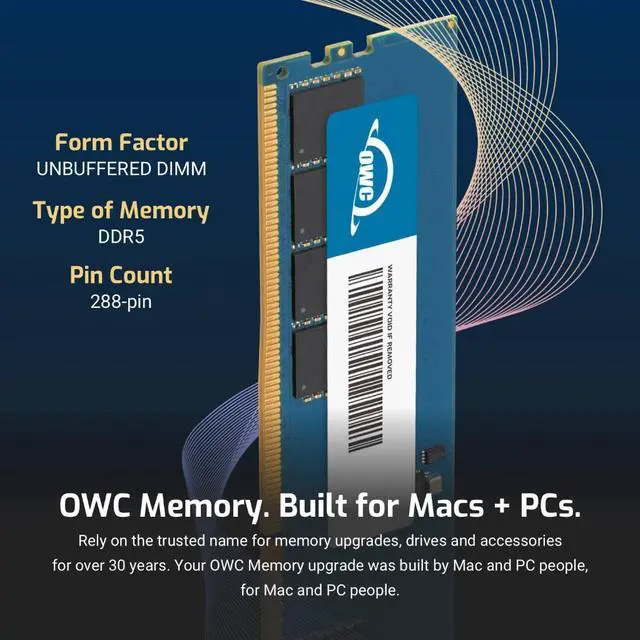
The OWC 32GB DDR5-5600 desktop memory kit pairs two 16GB non-ECC, unbuffered UDIMMs for a dual-channel upgrade, suited to compatible desktops that use 288-pin DDR5 memory.
Recommended For
- Desktop users whose compatible DDR5 system is running short on memory during everyday multitasking—such as keeping a browser, office apps, and communication tools open—who want to move to a 32GB, two-module kit.
- Desktop gamers with a compatible DDR5 motherboard who want 32GB across two matched modules for gaming alongside background apps, rather than a kit chosen for memory overclocking or RGB lighting.
- Home-office and small-business desktop users replacing or upgrading memory in a system that takes 288-pin DDR5 UDIMMs and supports this kit’s capacity and speed.
- Users with moderate photo, video, or other creative workloads who want 32GB for working with multiple applications, provided their projects do not routinely require more memory.
Real-World Use Scenarios
- When a desktop feels sluggish with many browser tabs, chat apps, and office programs open, upgrading from a lower memory capacity to 32GB can give those tasks more room to run together; the difference is most noticeable when the old setup was running short on memory.
- For modern PC gaming while keeping a browser, voice chat, or other apps open, 32GB provides more memory headroom than 16GB in games and setups that use it; it does not guarantee higher frame rates in every game.
- When using Unity alongside a game project, Chrome, and Discord, 32GB can ease memory pressure compared with a 16GB setup, helping the workflow feel less constrained when those programs are open at the same time.
- For a desktop used for gaming and occasional content creation or editing, 32GB can leave more room for the main application and background tasks than a smaller kit; unusually large or demanding projects may call for more memory.
- When upgrading a compatible desktop that currently has too little memory, installing this two-module kit can increase capacity for everyday multitasking; check the desktop’s memory type and supported capacity before installing.




 here!