




 here!
I’m your shopping assistant for PC builds, upgrades, and everything tech.
Got questions? Ask away!
Start a conversation
here!
I’m your shopping assistant for PC builds, upgrades, and everything tech.
Got questions? Ask away!
Start a conversation







Any questions? Ask CelesteSM will help you find out quickly.
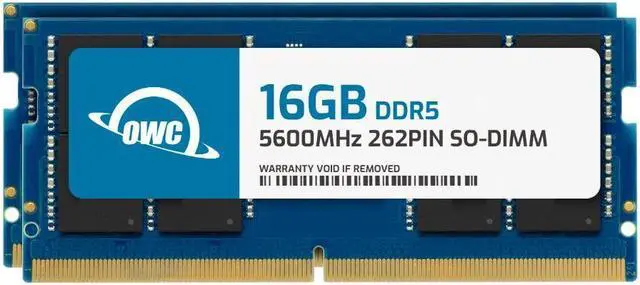
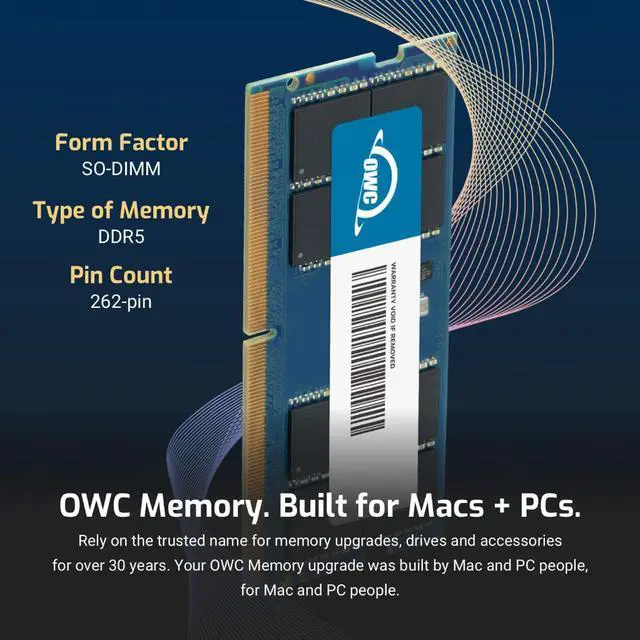
| Technology | DDR5 |
|---|---|
| Speed | PC5-44800 5600MHz CL46 |
| Form Factor | 262PIN SO-DIMM |
| ECC Type | NON ECC UNBUFFERED |
| Voltage | 1.1v |
| Compatibility | Laptops, Notebooks, , NAS System, All In One |
















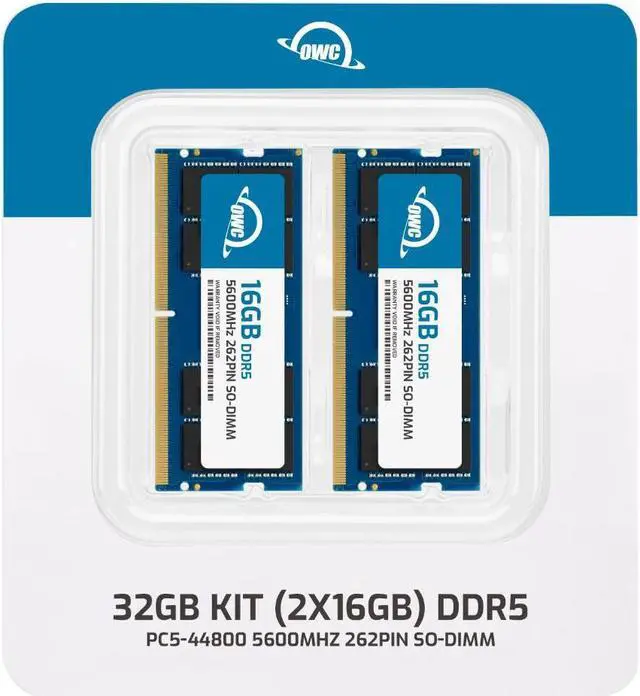
The OWC 32GB DDR5-5600 kit includes two 16GB non-ECC SODIMMs for upgrading a compatible Lenovo ThinkBook 14 G7 IML or 16 G7 IML, making it suitable for users who need more laptop memory.
| Attribute | Value |
|---|---|
| Best For | Upgrading compatible Lenovo ThinkBook 14 G7 IML and 16 G7 IML laptops with a 32GB DDR5 memory kit |
| Capacity And Configuration | 32GB kit with two 16GB modules |
| Memory Type And Performance | DDR5-5600 (PC5-44800) SODIMM memory with CL46 latency and 1Rx8 rank |
| Electrical And Module Design | 262-pin, 1.1V, non-ECC, unbuffered memory without a heat spreader |
| Model Identifiers | OWC part number 5S6D51R8032P; model number OWC5S6D51R8032P-C148-SF |
Q: OWC 32GB (2x16GB) or 64GB (2x32GB) for a ThinkBook 14 G7 IML?
A: Choose the OWC 32GB kit for a balanced capacity upgrade with two matched 16GB modules. Choose the 64GB kit if you want more memory headroom for heavier multitasking or larger projects; Lenovo lists up to 64GB DDR5-5600 and two dual-channel-capable SO-DIMM slots for this ThinkBook.
Q: Is the OWC 32GB kit worth choosing over OWC's 16GB (2x8GB) kit?
A: Choose the 32GB kit if you want twice the total memory while keeping a two-module DDR5-5600 configuration. The 16GB kit provides a lower-capacity option; both OWC kits contain two SO-DIMMs.
Q: Should I get this OWC 2x16GB kit or one OWC 32GB DDR5-5600 module?
A: Choose this kit for a matched pair of two 16GB modules installed together. Choose the single 32GB module if keeping one memory slot open for a later capacity addition is your priority. Lenovo lists two SO-DIMM slots and support for up to 64GB DDR5-5600 in the ThinkBook 14 G7 IML.
Q: Is this RAM compatible with the Lenovo ThinkBook 14 G7 IML or 16 G7 IML?
A: Yes. This 32GB kit is listed as compatible with the Lenovo ThinkBook 14 G7 IML and ThinkBook 16 G7 IML. Confirm your exact model before buying, since compatibility can vary between laptop configurations.
Q: Does the kit include two 16GB memory sticks?
A: Yes. The kit contains two 16GB DDR5 SODIMM modules, for 32GB total.
Q: Will this memory run at 5600MHz in my laptop?
A: The modules are rated for DDR5-5600. The laptop must support that speed; otherwise, memory may operate at a lower speed supported by the system.
Q: Can I install this RAM myself, and do I need to install software?
A: OWC describes memory installation as a DIY task in many cases. RAM replacement typically does not require separate software, but check the laptop’s service instructions first; installation difficulty and access vary by model.
Q: Is this 32GB kit a suitable upgrade for the ThinkBook 16 G7 IML?
A: The product information lists the ThinkBook 16 G7 IML as compatible. A video about this model also identifies two DDR5-5600 SODIMM slots and shows a 16GB-to-32GB upgrade. Confirm your exact laptop model before buying.
Q: Should I wait before deciding a RAM upgrade failed to boot?
A: Possibly. A ThinkBook 16 G7 IML owner reported that the laptop may take up to about 15 minutes for memory training after a RAM change. That is an individual report, not a guaranteed recovery time.
Q: Is installing RAM in the ThinkBook 16 G7 IML a DIY job?
A: It can be a DIY upgrade: a video demonstrates disassembly and a RAM upgrade on this model. It requires opening the laptop, so follow model-specific instructions and verify the exact machine variant before starting.


