• $739.99
  • Free 30-day Returns
  • Sold by Direct from manufacturerOWC
    4.7 (29 seller ratings)

    Shipped by Direct from manufacturerOWC

    Price alert
    Shop it at NeweggBusiness.

    Meet Your Seller

    OWC 32GB DDR5 5600 PC5-44800 CL46 2Rx8 262-pin 1.1V Non-ECC SODIMM Memory RAM Module Upgrade Compatible with Dell Alienware M18 R2

    • 16GB
    • 32GB
    • 32GB (2 x 16GB)
    • 64GB (2 x 32GB)
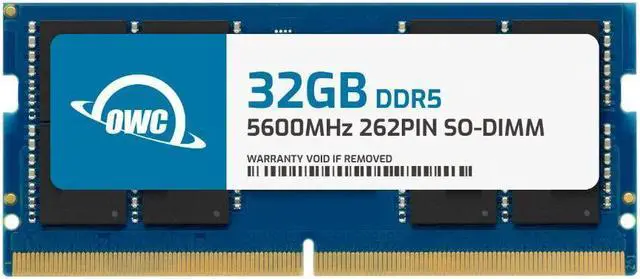
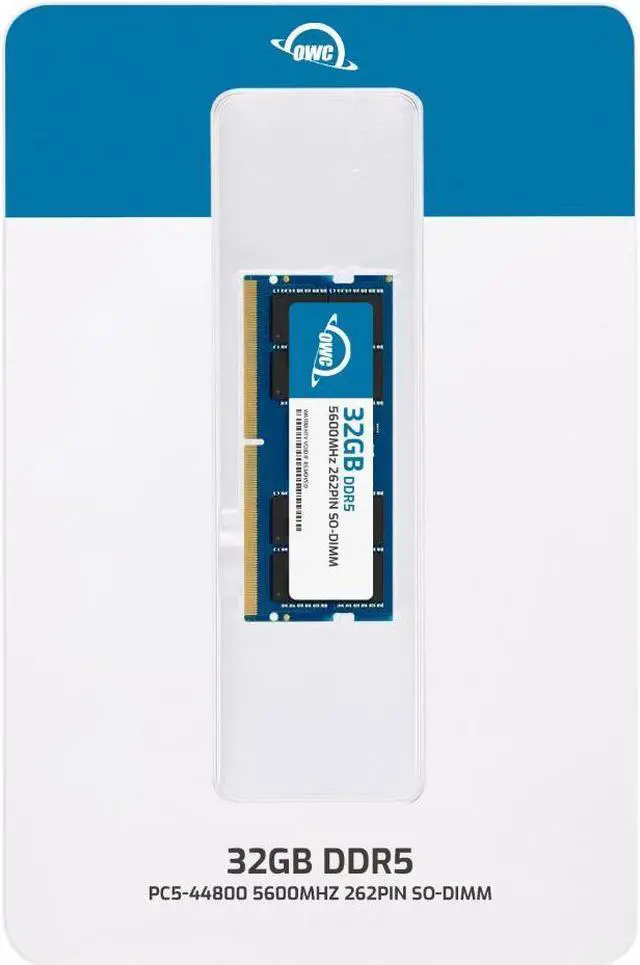
    • OWC 32GB UPGRADE: Consists of a single 32GB DDR5 5600 PC5-44800 CL46 2Rx8 262-pin 1.1V SODIMM Memory RAM Module Upgrade compatible with Dell Alienware model M18 R2.
    • 100% COMPLIANT: JEDEC-Standard and ROHS Compliant. Warranty-Safe Upgrade. Designed and Tested to Meet or Exceed all Manufacturer OEM Specs.
    • EASY INSTALLATION: In Most Cases, Installing Memory is an Easy DIY project. Watch our OWC Basic Installation Video for Help.
    • INDUSTRY LEADING: Consumer-friendly Advanced Replacement Program and Limited Lifetime Warranty, which includes Free Tech Support by Other World Computing.
    • Replacement for Dell part numbers SNP0X1C3C/32G AC774046.
    +
    +
    Overview
    Specs
    Reviews
    See all Q & A

    Any questions? Ask CelesteSM will help you find out quickly.

    OWC DDR5 PC5-44800 5600MHz SO-DIMM SPECIFICATIONS

    Technology DDR5
    Speed PC5-44800 5600MHz CL46
    Form Factor 262PIN SO-DIMM
    ECC Type NON ECC UNBUFFERED
    Voltage 1.1v
    Compatibility Laptops, Notebooks, , NAS System, All In One
    DDR5 LAPTOP NOTEBOOK MEMORY RAM MODULE SO-DIMM STICK 32gb 16gb 8gb 262pin 4800MHz PC5-38400 CL40
    imac 667 mhz ddr2 MAC MINI MACBOOK PRO white black ram owc 4gb upgrade 4 PC2-5300 mac memory
    DDR5 LAPTOP NOTEBOOK MEMORY RAM MODULE SO-DIMM STICK 32gb 16gb 8gb 262pin 4800MHz PC5-38400 CL40

    OWC DDR5 PC5-44800 5600MHz SO-DIMM SPECIFICATIONS

    Technology DDR5
    Speed PC5-44800 5600MHz CL46
    Form Factor 262PIN SO-DIMM
    ECC Type NON ECC UNBUFFERED
    Voltage 1.1v
    Compatibility Laptops, Notebooks, , NAS System, All In One
    DDR5 LAPTOP NOTEBOOK MEMORY RAM MODULE SO-DIMM STICK 32gb 16gb 8gb 262pin 4800MHz PC5-38400 CL40
    DDR5 LAPTOP NOTEBOOK MEMORY RAM MODULE SO-DIMM STICK 32gb 16gb 8gb 262pin 4800MHz PC5-38400 CL40
    DDR5 LAPTOP NOTEBOOK MEMORY RAM MODULE SO-DIMM STICK 32gb 16gb 8gb 262pin 4800MHz PC5-38400 CL40
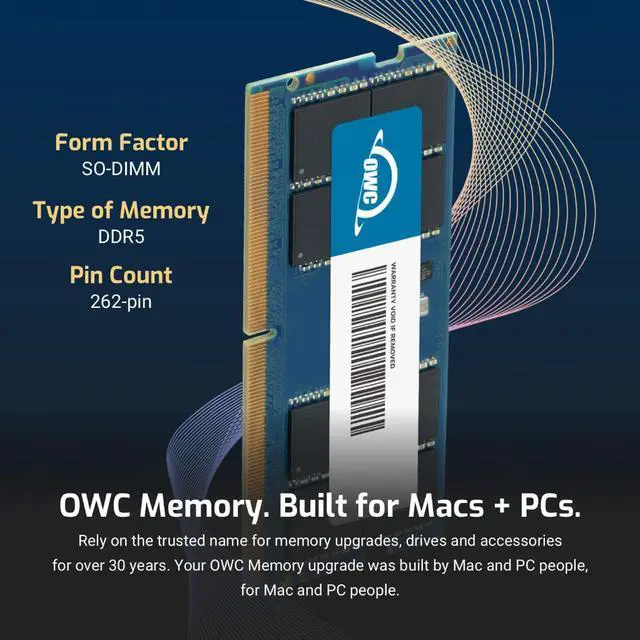
    OWC DDR5 memory is Fully compliant with JEDEC specifications, ROHS compliant, providing a warranty safe upgrade. OWC Memory is the most cost effective and simple DIY upgrade you can install to unleash your Mac or PC's full potential and speed up overall responsiveness. Become a multitasking maven when you upgrade your Mac or PC with OWC Memory. Open more apps. Open larger files. Plus, work with multiple files all at the same time. We test every OWC memory module at our in house lab so you can upgrade with the confidence that your memory is built to last.

    We built your OWC Memory upgrade to meet or exceed the toughest industry specs to provide years of worry-free service. OWC recommends that all DIMMs be the same capacity, speed, and manufacturer to ensure optimal memory performance.

    Warranty & Returns

    Warranty, Returns, And Additional Information

    Warranty

    • Please contact the Seller directly for warranty information. Warranty information may also be found on the Manufacturer's website.
    • CONTACT

    Return Policies

    • Return for refund within: 30 days
    • Return for replacement within: 60 days
    • This item is covered by OWC Return Policy

    Manufacturer Contact Info

    LOADING...

    The OWC 32GB DDR5-5600 SO-DIMM is a single laptop memory module for Dell Alienware M18 R2 owners seeking a compatible RAM upgrade, with CL46 timing, 1.1V operation, and non-ECC, unbuffered design.

    Recommended For

    • Alienware m18 R2 owners whose 16GB system is running short on memory during gaming or multitasking and who have confirmed an open slot and compatible existing RAM. This single 32GB module adds capacity; check the final capacity and memory-channel setup before ordering.
    • m18 R2 owners with one 32GB module installed who want to use the second slot to reach Dell’s listed 64GB configuration. Confirm the existing module and system configuration before pairing.
    • m18 R2 users doing memory-intensive workstation tasks, such as video editing or 3D work, who need a 32GB module to replace or add to their current RAM configuration. It is most suitable when they have verified the slot layout and the capacity they want.
    • m18 R2 owners replacing a failed or unsuitable memory module who want a single 32GB DDR5 SODIMM listed for that laptop. Dell provides instructions for replacing the m18 R2’s memory module.

    Real-World Use Scenarios

    • When a 16GB M18 R2 runs close to full during a game and background apps are open, upgrading to 32GB can reduce memory pressure and related stuttering; it is not expected to raise frame rates when memory is not the bottleneck.
    • For video editing or 3D graphics work on the M18 R2, adding memory can provide more room for demanding projects and other open apps; it will not by itself make CPU- or GPU-limited exports finish faster.
    • If you game while keeping a browser, chat, or other apps open, moving from a low-memory configuration to 32GB can give those tasks more breathing room; users already comfortable with 32GB for regular use may notice little benefit.
    • For workloads that need more than 32GB—such as large creative projects or several virtual machines—this module can be part of a 64GB setup when paired with a compatible 32GB module; Dell lists 2×32GB as a supported configuration.
    • For a DIY memory replacement or upgrade, the M18 R2 has two user-accessible SODIMM slots; follow Dell’s installation steps and check the existing memory configuration before adding a single module.

    Spec Summary

    AttributeValue
    Best ForA 32GB DDR5-5600 SODIMM memory upgrade for the Dell Alienware M18 R2
    Capacity32GB
    Memory Type And Configuration262-pin DDR5 SODIMM, unbuffered and non-ECC, with 2Rx8 rank and no heat spreader
    Speed And Timing5600 MHz (PC5-44800) with CL46 latency
    Electrical Specifications1.1V
    CompatibilityDell Alienware M18 R2
    Model IdentifiersOWC; part number 5S6D52R832GB; model number OWC5S6D52R832GB-C130-SF

    Reference Q&A

    Q: OWC 32GB single stick or OWC 2×16GB kit for 32GB in an Alienware M18 R2?

    A: Choose this 32GB module if you want 32GB on one stick and to leave the second memory slot open. Choose OWC’s 2×16GB kit if you want Dell’s documented 32GB dual-channel configuration at 5600 MT/s.

    Q: Should I choose this OWC 32GB module or an OWC 64GB (2×32GB) setup?

    A: Choose this module for a 32GB upgrade using one slot. Choose OWC’s 64GB 2×32GB setup when you want the M18 R2’s documented maximum memory capacity; Dell lists that configuration as dual-channel at 5200 MT/s.

    Q: OWC 16GB or 32GB memory module for the Alienware M18 R2?

    A: Choose the OWC 16GB module for a 16GB memory configuration. Choose this 32GB module when you want twice the capacity on one stick, with the M18 R2’s second memory slot available for a later upgrade.

    Q: Is this memory compatible with the Alienware M18 R2?

    A: The module is listed as compatible with the Dell Alienware M18 R2. It is a 32GB, 262-pin DDR5 SODIMM; confirm your system’s memory configuration and upgrade requirements before installing it.

    Q: Does this include one 32GB stick or a two-stick kit?

    A: It is one 32GB SODIMM module, not a two-stick kit. Whether you can add it to existing memory or need to replace a module depends on the laptop’s slots and supported configuration.

    Q: Will it run at 5600MHz in my laptop?

    A: The module is rated for DDR5-5600, but its actual operating speed depends on the laptop’s memory and processor support. It may run below 5600MHz if the system supports a lower speed.

    Q: Who is a 32GB memory upgrade suitable for?

    A: It may suit users whose work or other applications need more memory, such as people who run several apps at once. The benefit depends on whether their current workload is constrained by available RAM.

    Q: Is upgrading the M18 R2 to 32GB worthwhile if 16GB is causing stuttering?

    A: It may help when memory use is near capacity: an M18 R2 owner reported stuttering in games while 16GB was almost fully used. This product is one 32GB module, not a two-module kit, so check your laptop’s current memory layout before buying.

    Q: Will this 5600 MT/s memory necessarily run at 5600 MT/s in an M18 R2?

    A: Not necessarily. M18 R2 owners have reported 5600-rated memory running at 5200 MT/s, so the listed speed is not a guarantee of the operating speed in every configuration.

    Q: Is installing RAM in the M18 R2 a DIY upgrade?

    A: M18 R2 RAM upgrade videos demonstrate the installation process, so it can be a DIY task for someone comfortable opening a laptop. This listing is for one 32GB SODIMM; confirm the module arrangement you need before installation.

    Q: Should I choose 32GB or upgrade to more memory?

    A: The right capacity depends on your workload. M18 R2 discussions include upgrades beyond 32GB, including 64GB and 96GB configurations; this OWC listing provides a single 32GB module, not a larger kit.