




 here!
I’m your shopping assistant for PC builds, upgrades, and everything tech.
Got questions? Ask away!
Start a conversation
here!
I’m your shopping assistant for PC builds, upgrades, and everything tech.
Got questions? Ask away!
Start a conversation







Any questions? Ask CelesteSM will help you find out quickly.
| Technology | DDR5 |
|---|---|
| Speed | PC5-44800 5600MHz CL46 |
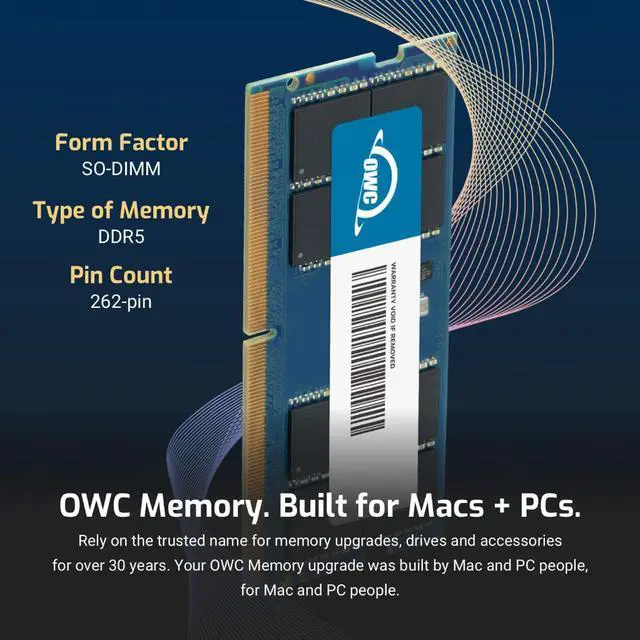
| Form Factor | 262PIN SO-DIMM |
| ECC Type | NON ECC UNBUFFERED |
| Voltage | 1.1v |
| Compatibility | Laptops, Notebooks, , NAS System, All In One |
















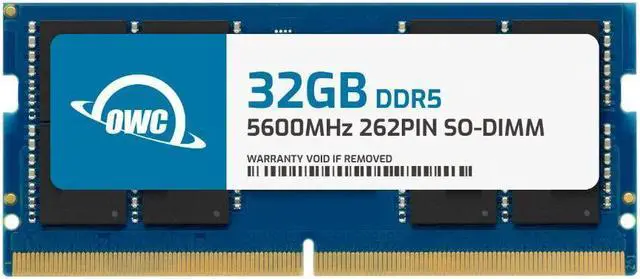
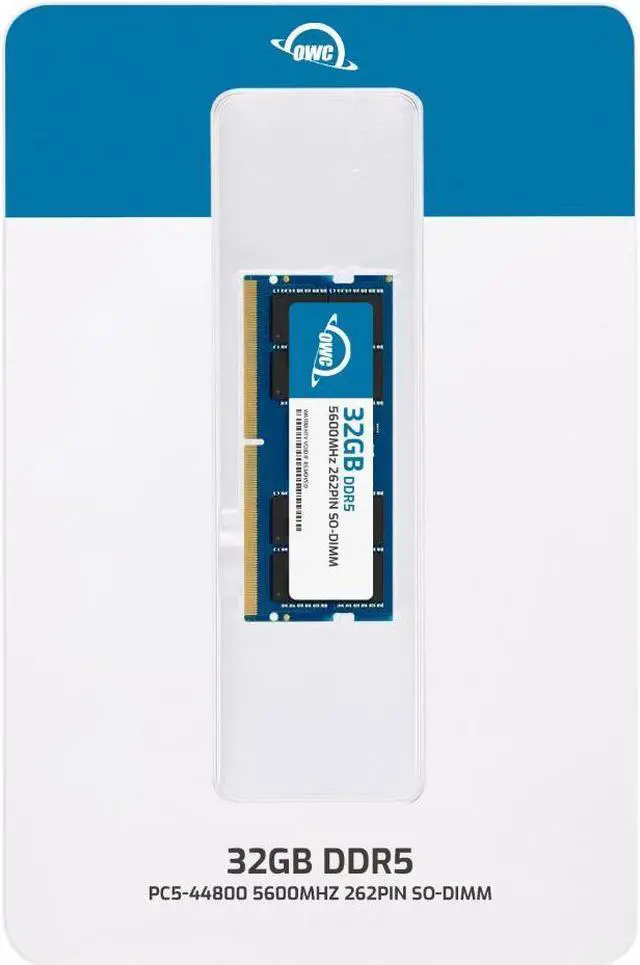
The OWC 32GB DDR5-5600 SODIMM is a single-module memory upgrade for Lenovo ThinkPad E14 Gen 6, E16 Gen 2, P1 Gen 6, and P16v Gen 1 owners looking to add laptop memory. It is 262-pin, non-ECC, unbuffered, and rated CL46 at 1.1V.
| Attribute | Value |
|---|---|
| Best For | Adding 32GB of memory to the listed Lenovo ThinkPad E14 Gen 6, E16 Gen 2, P1 Gen 6, or P16v Gen 1 systems |
| Capacity And Module Count | Single 32GB memory module |
| Memory Speed And Latency | DDR5-5600 (PC5-44800) with CL46 latency |
| Module Configuration | 262-pin DDR5 SODIMM; 2Rx8, non-ECC, unbuffered, 1.1V, with no heat spreader |
| Compatibility | Compatible with Lenovo ThinkPad E14 Gen 6, E16 Gen 2, P1 Gen 6, and P16v Gen 1 |
| Brand And Model Identifiers | OWC; part number 5S6D52R832GB; model number OWC5S6D52GB-C149-SF |
Q: OWC’s single 32GB DDR5-5600 module vs its 2×16GB 32GB kit: which should I choose?
A: Choose this single 32GB module when you want a 32GB upgrade using one memory slot, such as when retaining an existing module in a two-slot ThinkPad. Choose OWC’s 2×16GB kit when you want the 32GB capacity supplied as two modules. Both options are DDR5-5600 SO-DIMMs.
Q: OWC’s 32GB DDR5-5600 module vs its 16GB module: which is the better upgrade?
A: Choose the 32GB module when you want more memory capacity from a single module; choose the 16GB module for a smaller-capacity upgrade. Both are 262-pin, non-ECC DDR5-5600 SO-DIMMs, so the 32GB option is the capacity-focused choice for compatible ThinkPad models.
Q: Should I choose this OWC 32GB module or OWC’s 64GB (2×32GB) kit?
A: Choose this 32GB module for a single-module upgrade; choose OWC’s 64GB kit when you want 64GB supplied across two 32GB modules. For example, Lenovo lists up to 64GB of DDR5-5600 memory for the ThinkPad E14 Gen 6 Intel, which has two SO-DIMM slots.
Q: Is this 32GB RAM module compatible with my ThinkPad?
A: It is listed as compatible with the ThinkPad E14 Gen 6, E16 Gen 2, P1 Gen 6, and P16v Gen 1. Before buying, confirm your exact model configuration supports a 32GB DDR5-5600 SODIMM module and has an accessible memory slot.
Q: Does this come as a 32GB kit or one memory stick?
A: It is one 32GB SODIMM module, not a multi-module kit. Depending on your ThinkPad’s available slots and supported capacity, you may be able to add it to existing memory or use it to replace a module. Check the laptop’s current configuration before ordering.
Q: Will it run at the full 5600MHz speed?
A: It is rated for DDR5-5600, but the laptop’s processor and memory support determine the actual operating speed. If the system supports a lower speed, the module may run slower.
Q: Is this a practical DIY laptop upgrade, or does it need special setup?
A: The product information describes installation as a DIY task in most cases. It is a physical memory upgrade; check the ThinkPad’s service instructions and configuration first, and ensure the system is powered off before installation.
Q: Will any brand of DDR5-5600 SODIMM work in my ThinkPad E14 Gen 6?
A: This OWC module is listed as compatible with the ThinkPad E14 Gen 6 and matches its stated DDR5-5600 SODIMM format. A Reddit user did report boot trouble with a different 2×32GB kit, so check your exact laptop configuration and keep the original memory available in case troubleshooting is needed.
Q: Can I add this 32GB module to my existing RAM, or do I need a matched pair?
A: The OWC product is one 32GB module, not a matched kit. Whether you can add it depends on your laptop’s existing memory and available slots; check the configuration first. A Reddit E14 Gen 6 owner described having one occupied slot and one empty slot when planning an upgrade.
Q: Will upgrading RAM improve gaming performance on a ThinkPad E16 Gen 2?
A: Not necessarily. A Reddit discussion about an E16 Gen 2 found that adding RAM would not address a game’s graphics-processing bottleneck; it may help when memory capacity is the limitation. This product is a single 32GB module, not a graphics upgrade or a 64GB kit.


