




 here!
I’m your shopping assistant for PC builds, upgrades, and everything tech.
Got questions? Ask away!
Start a conversation
here!
I’m your shopping assistant for PC builds, upgrades, and everything tech.
Got questions? Ask away!
Start a conversation







Any questions? Ask CelesteSM will help you find out quickly.
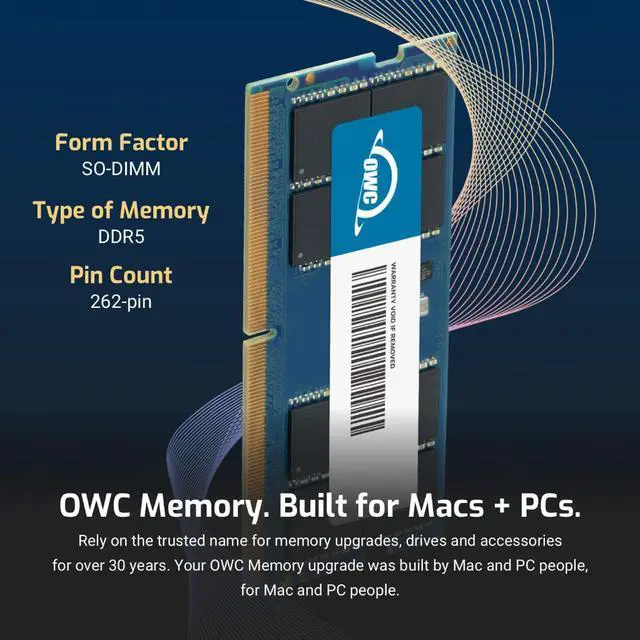
| Technology | DDR5 |
|---|---|
| Speed | PC5-44800 5600MHz CL46 |
| Form Factor | 262PIN SO-DIMM |
| ECC Type | NON ECC UNBUFFERED |
| Voltage | 1.1v |
| Compatibility | Laptops, Notebooks, , NAS System, All In One |
















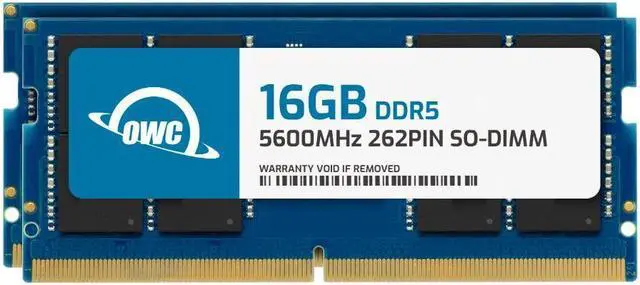
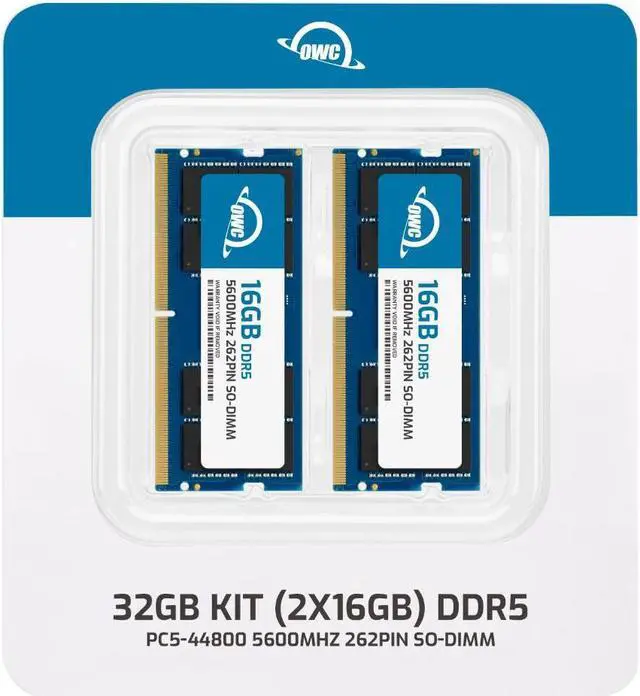
The OWC 32GB (2×16GB) DDR5-5600 SODIMM kit is a system-specific memory upgrade for Lenovo ThinkStation P3 Tiny owners who need two 16GB modules, with CL46 latency, 1.1V operation, and non-ECC unbuffered memory.
| Attribute | Value |
|---|---|
| Best For | Adding 32GB of DDR5 SODIMM memory to a Lenovo ThinkStation P3 Tiny |
| Memory Capacity And Kit Configuration | 32GB kit with two 16GB modules |
| Memory Type And Speed | DDR5-5600 (PC5-44800) SODIMM memory |
| Timing And Voltage | CL46 at 1.1V |
| Module Configuration | 262-pin, non-ECC, unbuffered, 1Rx8 modules without heat spreaders |
| Model Identifiers | OWC; part number 5S6D51R8032P; model number OWC5S6D51R8032P-C150-SF |
Q: Should I choose the OWC 32GB kit or an OWC 16GB DDR5-5600 module for a ThinkStation P3 Tiny?
A: Choose the 32GB (2×16GB) kit for 32GB total memory in a matched pair across the P3 Tiny’s two dual-channel-capable slots. Choose the 16GB module for a 16GB upgrade. Both are DDR5-5600, non-ECC SO-DIMMs; the P3 Tiny’s actual memory speed can depend on its processor configuration.
Q: For 32GB in a P3 Tiny, should I get this 2×16GB kit or one OWC 32GB module?
A: Choose this 2×16GB kit for a paired configuration across both memory slots, which Lenovo identifies as dual-channel capable. Choose one 32GB module if keeping a slot open for a later memory addition is the priority. Both options are OWC DDR5-5600, non-ECC SO-DIMMs.
Q: Is this OWC 32GB kit or an OWC 64GB (2×32GB) kit the better P3 Tiny upgrade?
A: Choose the 32GB kit for a matched 2×16GB configuration; choose the 64GB kit for more capacity when working with larger files or more simultaneous applications. Lenovo lists the P3 Tiny with two dual-channel-capable SODIMM slots and memory capacity up to 96GB, so both capacities are within that published system limit.
Q: Is this memory compatible with the Lenovo ThinkStation P3 Tiny?
A: Yes. This kit is listed for the Lenovo ThinkStation P3 Tiny and contains DDR5-5600, 262-pin, non-ECC SODIMMs. Confirm your system is a P3 Tiny and check its configuration before ordering.
Q: Does the 32GB kit contain one memory stick or two?
A: It contains two 16GB SODIMM modules, for 32GB total. The ThinkStation P3 Tiny supports up to two SODIMMs, so this kit uses both memory slots.
Q: Will the memory run at 5600 MT/s in the P3 Tiny?
A: The modules are rated for DDR5-5600, but the system’s actual memory speed depends on the processor and system configuration. The rated speed is not guaranteed for every P3 Tiny configuration.
Q: Can I install this memory myself?
A: The product information describes memory installation as a DIY task in most cases and points to an OWC installation video. Follow the P3 Tiny’s service instructions and use qualified help if you are not comfortable opening the system.
Q: Can the ThinkStation P3 Tiny use more than 64GB of RAM?
A: Some owners report using 96GB or 128GB in a P3 Tiny, despite questions about a 64GB limit. Those reports do not confirm support for every P3 Tiny configuration. This OWC kit provides 32GB total, not more than 64GB.
Q: Will a 2×16GB DDR5-5600 kit work in a P3 Tiny?
A: The product is listed as compatible with the ThinkStation P3 Tiny and uses two DDR5-5600 SODIMMs. Reddit owners discuss upgrading P3 Tiny memory, but those reports do not verify this exact OWC part number. Check your system’s exact model and memory configuration before buying.
Q: Are higher-capacity 2×48GB memory kits straightforward to install in a P3 Tiny?
A: Reddit reports are mixed: one owner said 2×48GB kits initially failed to POST, then later said they got the memory working, while another reported that 96GB worked. These accounts suggest results may depend on the specific system or setup; they do not establish that every kit will work. This OWC kit is a lower-capacity 32GB set.


