




 here!
I’m your shopping assistant for PC builds, upgrades, and everything tech.
Got questions? Ask away!
Start a conversation
here!
I’m your shopping assistant for PC builds, upgrades, and everything tech.
Got questions? Ask away!
Start a conversation








Any questions? Ask CelesteSM will help you find out quickly.
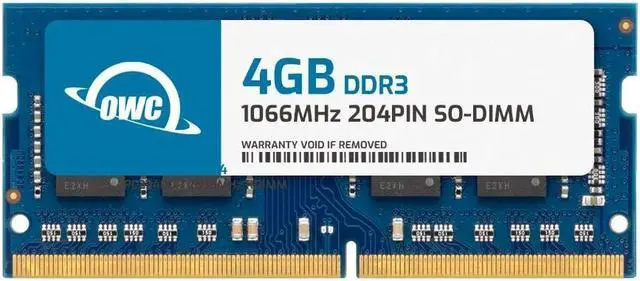
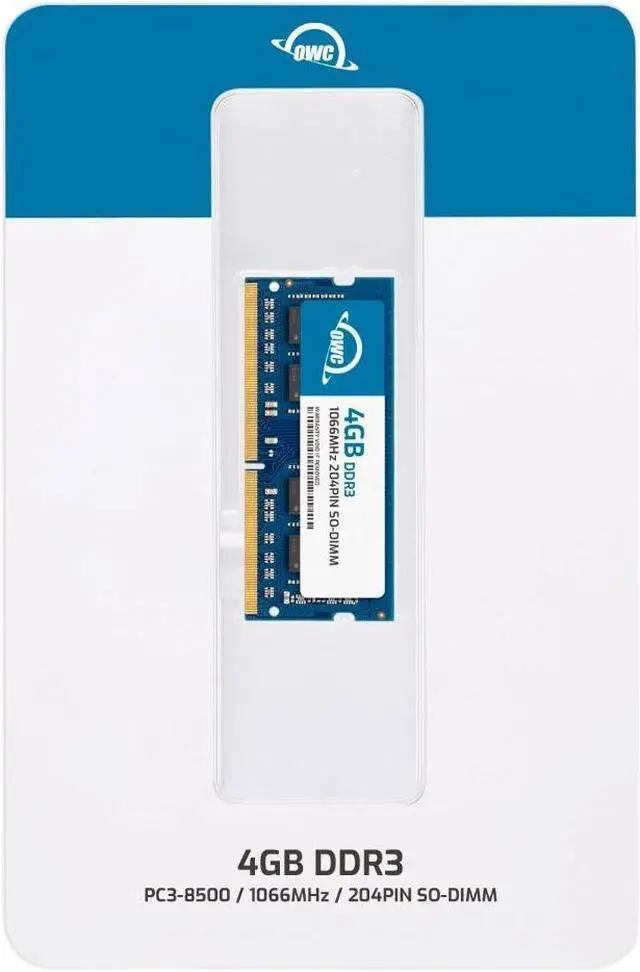
The OWC 8S5D32R804GB is a single 4GB DDR3-1066 (PC3-8500) laptop memory module for users upgrading a compatible Dell Vostro 3700, V13, or V130. It is a 204-pin, 1.5V, non-ECC, unbuffered SODIMM with CL7 timing.
| Attribute | Value |
|---|---|
| Best For | Dell Vostro 3700, V13, and V130 laptops that use 204-pin DDR3 SODIMM memory |
| Capacity | 4GB single memory module |
| Memory Type And Form Factor | DDR3 SODIMM, 204-pin |
| Speed And Latency | 1066 MHz (PC3-8500), CL7 |
| Memory Configuration | 2Rx8, non-ECC, unbuffered, with no heat spreader |
| Voltage | 1.5V |
| Brand And Model Identifiers | OWC; part number 8S5D32R804GB; model number OWC8S5D32R804GB-B285-SF |
Q: For a Dell Vostro 3700, should I use this 4GB module or configure 8GB of RAM?
A: Choose this single 4GB module for a 4GB memory configuration or as one part of an 8GB setup. Dell lists two SODIMM slots, supports modules up to 4GB each, and specifies 8GB maximum memory for the Vostro 3700; an 8GB setup therefore uses two 4GB modules.
Q: For a Vostro 3700, is this 1066MHz RAM a better match than 1333MHz DDR3?
A: This OWC module is a direct match for a 1066MHz memory configuration: it is DDR3-1066, PC3-8500, 204-pin, and 1.5V. Dell documents 1066MHz and 1333MHz memory support for the Vostro 3700 and notes that dual-core configurations operate at 1066MHz, so confirm the processor and installed memory configuration when choosing between speeds.
Q: Should I choose this 4GB module or a 2GB module for a compatible Vostro?
A: Choose the 4GB module when you want a single module with twice the capacity of a 2GB module, provided the specific Vostro model supports 4GB modules. This OWC module is a 4GB DDR3-1066 SODIMM; check the laptop’s supported capacity and current slot configuration to determine the resulting total memory.
Q: Will this RAM work in my laptop?
A: It is listed as compatible with the Dell Vostro 3700, Vostro V13, and Vostro V130. It is a 4GB, 204-pin DDR3-1066 (PC3-8500), 1.5V SODIMM, so confirm your laptop supports those specifications before buying; DDR3 SODIMMs are not compatible with every laptop.
Q: Can I add this to the RAM already in my laptop?
A: Possibly, if the laptop has an available memory slot and supports the added capacity. Check the laptop’s maximum supported memory and the existing module’s type and voltage first. This module is DDR3, 1066MHz, 1.5V, and 4GB; the product listing does not specify your laptop’s current configuration or maximum capacity.
Q: Is this a difficult upgrade to install?
A: For a compatible laptop, memory installation is generally a straightforward DIY task, though access varies by model. Follow the laptop’s service instructions and shut it down before installing the module. OWC describes installation as an easy project in most cases.
Q: Will adding this 4GB module make my laptop faster?
A: It may help if the laptop’s current memory capacity is limiting the tasks you run. The module adds 4GB of RAM, but it does not guarantee a speed improvement; the result depends on the laptop’s configuration and workload.
Q: Will this 4GB module work in a Dell Vostro V130?
A: The product information lists the Vostro V130 as compatible and specifies a 204-pin DDR3 1066, 1.5V SODIMM. A V130 discussion raises questions about supported memory speed and the model’s single slot, so confirm your exact configuration before buying; this single module may replace existing RAM rather than add to it.
Q: Can I install the RAM myself in a Vostro V130?
A: A Vostro V130 RAM-installation video demonstrates a DIY replacement, including opening the laptop and removing the old module. Power the laptop off and disconnect its battery before working; follow instructions for your exact model.
Q: Is a 4GB RAM upgrade worthwhile for an older Vostro V130?
A: It may suit someone replacing or upgrading RAM in a Vostro V130 that needs a 4GB module. A V130 owner’s video documents upgrading the laptop to 4GB, but the sources do not establish how much performance improvement to expect.


















