




 here!
I’m your shopping assistant for PC builds, upgrades, and everything tech.
Got questions? Ask away!
Start a conversation
here!
I’m your shopping assistant for PC builds, upgrades, and everything tech.
Got questions? Ask away!
Start a conversation







Any questions? Ask CelesteSM will help you find out quickly.
| Technology | DDR3 |
|---|---|
| Speed | PC3-12800 1600MHz CL11 |
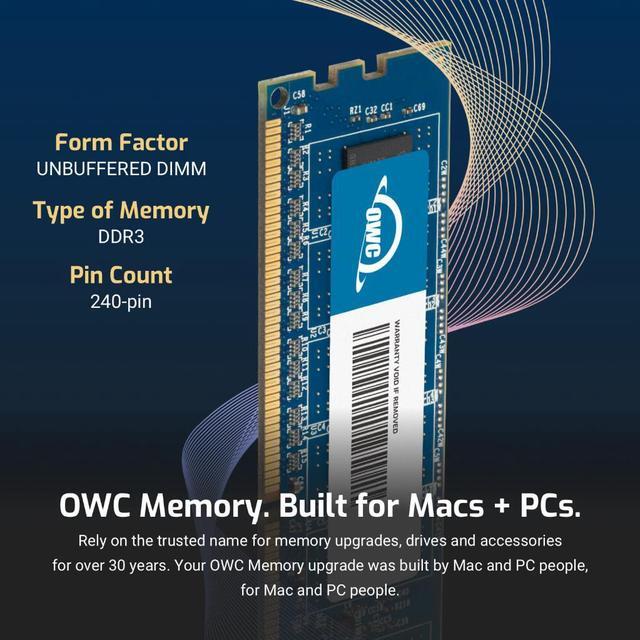
| Form Factor | 240PIN DIMM |
| ECC Type | NON ECC |
| Voltage | 1.5v |
| Compatibility | DESKTOP, WORKSTATION |
















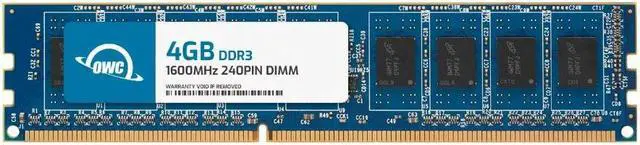
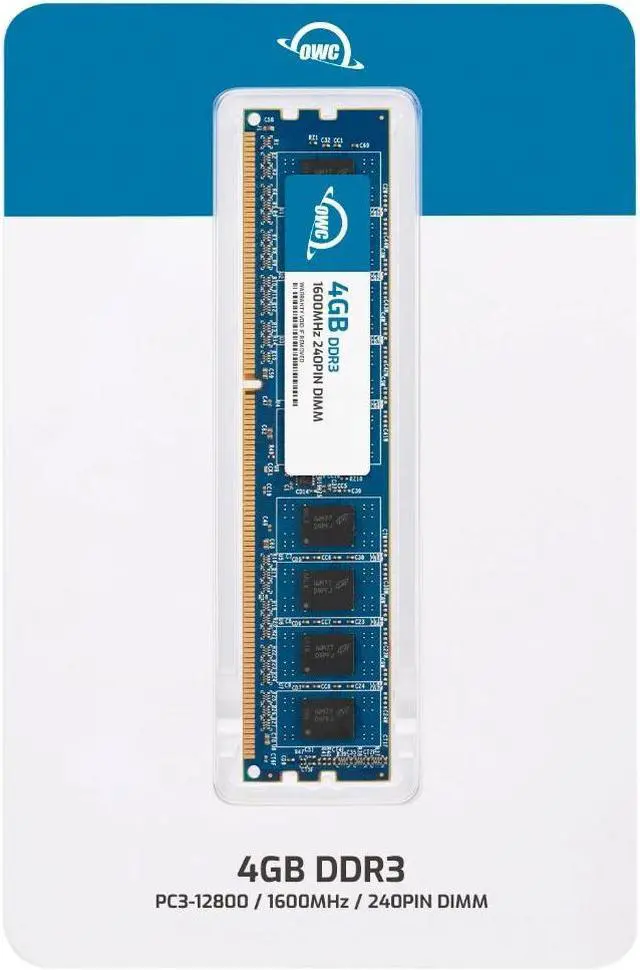
The OWC 4GB DDR3-1600 memory module is a system-specific RAM upgrade for Dell OptiPlex 7010 Desktop, SFF, Tower, and USFF computers that use compatible 240-pin DDR3 UDIMM memory.
| Attribute | Value |
|---|---|
| Best For | A 4GB DDR3 memory upgrade for Dell OptiPlex 7010 Desktop, SFF, Tower, and USFF systems |
| Capacity | 4GB single memory module |
| Memory Type And Configuration | DDR3 240-pin UDIMM for desktop systems; 1Rx8, non-ECC, unbuffered, with no heat spreader and black chips |
| Speed And Latency | DDR3-1600 (PC3-12800), CL11; external listing also states a 4 Gigabits per second data transfer rate |
| Electrical Specifications | 1.5V |
| Model Identifiers | OWC; part number 1U6D31R804GB; model number OWC1U6D31R804GB-B362-SF |
Q: Should I buy this single 4GB module or an 8GB OWC 2×4GB setup for an OptiPlex 7010?
A: Choose this single 4GB OWC module for a smaller, incremental memory addition; choose an 8GB 2×4GB setup if you want 8GB total from a matched pair. Dell recommends matched memory modules, and its OptiPlex 7010 guide lists 1600MHz DDR3 memory support.
Q: How does this 4GB OWC module compare with upgrading an OptiPlex 7010 to 16GB?
A: This module provides 4GB on its own and is a practical choice for a smaller memory addition. A 16GB configuration offers more total capacity; Dell lists 16GB as the OptiPlex 7010 maximum and specifies four DIMM slots for Desktop, Mini-Tower, and SFF models, and two for USFF.
Q: Is this OWC 4GB module a fit for the OptiPlex 7010 SFF and USFF, or just the Tower?
A: OWC lists the 4GB module as compatible with the OptiPlex 7010 Desktop, SFF, Tower, and USFF. It is a 240-pin DDR3-1600 desktop DIMM; Dell’s guide lists the 7010’s supported memory type and speed as DDR3 1600MHz.
Q: Will this RAM work in a Dell OptiPlex 7010 SFF?
A: It is listed as compatible with the OptiPlex 7010 SFF, as well as the 7010 Desktop, Tower, and USFF. It is a 4GB, 240-pin DDR3-1600, 1.5V, non-ECC unbuffered desktop DIMM; confirm your exact model and memory type before buying.
Q: Can I add this 4GB module to the RAM already in my OptiPlex 7010?
A: The 7010 supports this type of DDR3 non-ECC memory, but check the installed module’s specifications and your system’s available slots. Dell recommends matching memory size, speed, and technology in pairs; unmatched modules can work, but may slightly reduce performance.
Q: Will my computer show the full 4GB?
A: The module’s capacity is 4GB. A 32-bit operating system may make less than 4GB available; a 64-bit operating system is needed to use 4GB or more fully. The amount shown can also depend on the system configuration.
Q: Is this a reasonable DIY RAM upgrade?
A: For a compatible OptiPlex 7010, memory installation is generally a straightforward desktop task. Shut down and unplug the computer before opening it, and check the system’s installation instructions and available memory slot before inserting the module.
Q: What RAM type and speed should I look for in an OptiPlex 7010?
A: This module matches the product’s listed specifications: 4GB DDR3-1600, 240-pin, non-ECC, unbuffered UDIMM at 1.5V. Check your existing memory and system configuration before buying; Reddit discussions about the 7010 also emphasize checking memory type and configuration.
Q: Should I buy one 4GB stick or a pair?
A: This listing is for one 4GB module. A single stick can add capacity if your system has an available compatible slot, while a matched pair may be preferable for dual-channel operation. Check the 7010’s current memory layout before choosing.
Q: Can I mix this module with the RAM already in my OptiPlex 7010?
A: Possibly, but the product details do not guarantee compatibility with every existing module. Check the current RAM’s specifications and the system’s configuration; using modules with matching specifications is a more predictable choice. Reddit reports describe both mixed-memory configurations and cases where an upgrade did not work as expected.
Q: Is this 4GB module enough for an OptiPlex 7010?
A: It adds 4GB; it does not provide more than 4GB by itself. Whether that is enough depends on the computer’s existing RAM and intended workload. Check the installed capacity first, especially if you are trying to address slow performance or run several applications at once.


