




 here!
I’m your shopping assistant for PC builds, upgrades, and everything tech.
Got questions? Ask away!
Start a conversation
here!
I’m your shopping assistant for PC builds, upgrades, and everything tech.
Got questions? Ask away!
Start a conversation








Any questions? Ask CelesteSM will help you find out quickly.
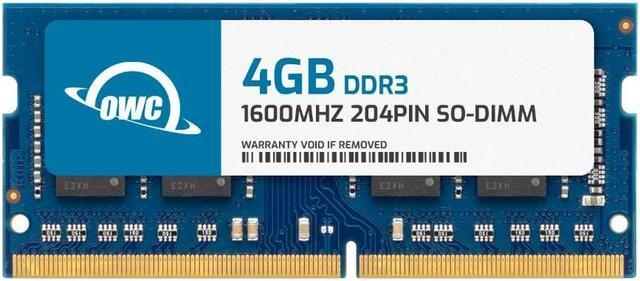
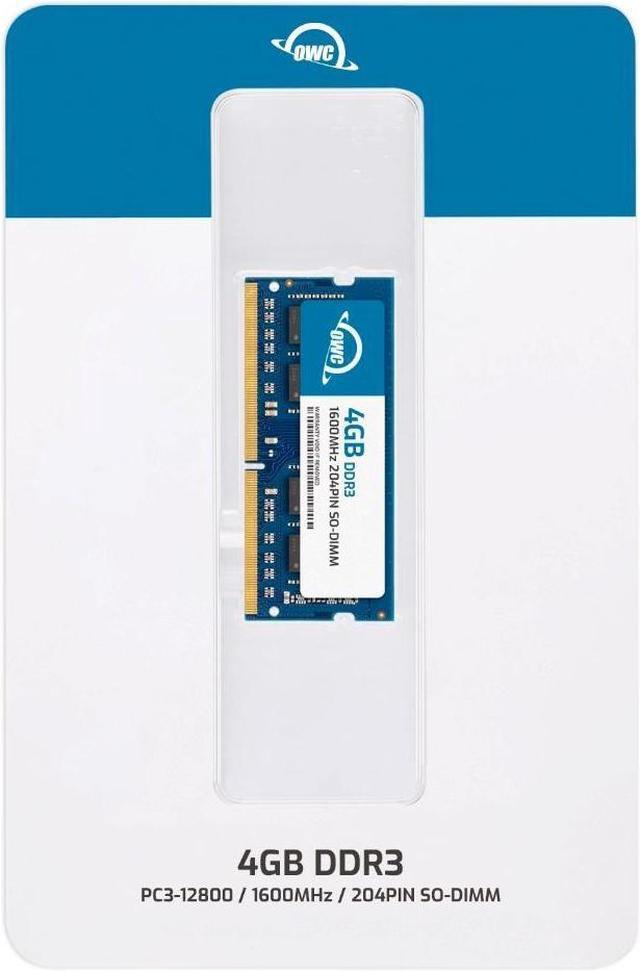
The OWC 1S6D31R804GB is a single 4GB DDR3-1600, 204-pin SO-DIMM memory module for users upgrading a compatible HP EliteBook 8460w, 8470p, 8470w, 8540p, or 8540w.
| Attribute | Value |
|---|---|
| Best For | A 4GB laptop memory upgrade for the listed HP EliteBook 8460w, 8470p, 8470w, 8540p, and 8540w models |
| Capacity | 4GB |
| Memory Type And Configuration | DDR3, 204-pin SODIMM; non-ECC, unbuffered, 1Rx8, with no heat spreader |
| Speed And Latency | 1600 MHz (PC3-12800), CL11 |
| Voltage | 1.5V |
| Model Identifiers | OWC; part number 1S6D31R804GB; model number OWC1S6D31R804GB-B425-SF |
Q: OWC 4GB vs. 8GB DDR3-1600 SODIMM: which should I choose for an EliteBook 8470p?
A: Choose this 4GB module when adding memory in a smaller increment or matching a 4GB module already installed. Choose an 8GB module when you want more capacity from one slot; HP lists the EliteBook 8470p as supporting 8GB SODIMMs and up to 16GB total.
Q: Is one OWC 4GB module or a matched pair of 4GB modules a better upgrade?
A: Choose this single 4GB module for a step-by-step upgrade or to pair with a matching 4GB module already installed. Choose two matching 4GB modules for an 8GB configuration that uses both memory slots; HP says matching SODIMM sizes and speeds maximize dual-channel performance on the EliteBook 8470p.
Q: Should I use this 4GB module or upgrade an EliteBook 8470p to 16GB with two 8GB modules?
A: Choose this 4GB module for a smaller capacity addition or to match an existing 4GB SODIMM. Choose two 8GB modules when you want a 16GB configuration; HP lists 16GB as the EliteBook 8470p’s maximum memory capacity and identifies two 8GB modules as a supported configuration.
Q: Is this memory compatible with my HP EliteBook?
A: The product is listed as compatible with the HP EliteBook 8460w, 8470p, 8470w, 8540p, and 8540w. Confirm your exact model before ordering; compatibility can vary between laptop configurations.
Q: Can I add this to the RAM already in my laptop?
A: Possibly. This is one 4GB module, but whether you can add it or must replace an existing module depends on your laptop’s open memory slots and maximum supported capacity. Check the laptop’s current memory configuration and specifications first.
Q: Will this work in any laptop that uses DDR3 memory?
A: No. The laptop must support 204-pin DDR3-1600 (PC3-12800) 1.5V non-ECC SODIMM memory and have room for a 4GB module. Check the laptop’s specifications for the required memory type and supported capacity.
Q: Will adding this 4GB module make my laptop faster?
A: It may improve responsiveness if the laptop is slowing down because it lacks available memory. It adds 4GB of RAM, but it will not necessarily help when the slowdown is caused by another component or software, and the laptop must support the resulting memory configuration.
Q: Will this RAM work in my HP EliteBook?
A: The product lists the EliteBook 8460w, 8470p, 8470w, 8540p, and 8540w as compatible. The 8460p is not listed; a Reddit discussion notes that its supported memory speed can depend on the processor, so check the exact model and configuration before buying.
Q: Is this 4GB module a worthwhile upgrade for an EliteBook with 4GB RAM?
A: It adds one 4GB module, but the resulting total depends on the laptop’s current memory and available slot. An EliteBook 8470p owner asking about a 4GB-to-8GB upgrade was advised to check whether the existing 4GB is one module or two; check your configuration before ordering. More RAM may help if your workload is limited by memory, but this module alone does not guarantee enough for demanding tasks.
Q: Should I use this as a single stick or buy a matched pair?
A: This product is one 4GB module. An EliteBook 8470p discussion reports dual-channel operation with two 2GB modules and single-channel operation with one module. If dual-channel operation matters, check your existing RAM and laptop configuration before choosing a single module or a pair.
Q: Is replacing the RAM in an EliteBook 8470p a DIY job?
A: A YouTube video demonstrates replacing or upgrading the memory in an EliteBook 8470p, indicating that it can be a hands-on upgrade. Confirm the module specifications and your laptop’s exact model before installation.


















