




 here!
I’m your shopping assistant for PC builds, upgrades, and everything tech.
Got questions? Ask away!
Start a conversation
here!
I’m your shopping assistant for PC builds, upgrades, and everything tech.
Got questions? Ask away!
Start a conversation







Any questions? Ask CelesteSM will help you find out quickly.
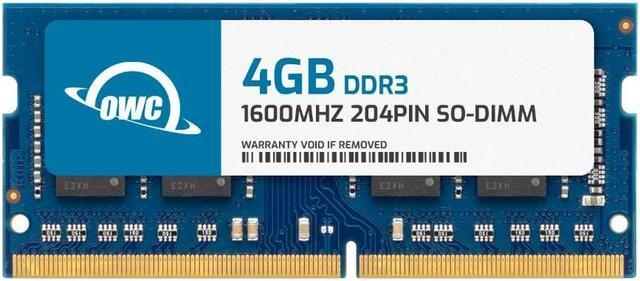
The OWC 1S6D31R804GB is a 4GB DDR3-1600, 204-pin SODIMM memory module for owners upgrading a compatible HP EliteBook 8770w or 9470m. It is a 1.5V, non-ECC, unbuffered module with CL11 latency.
| Attribute | Value |
|---|---|
| Best For | Adding a 4GB laptop memory module to compatible HP EliteBook 8770w or 9470m systems |
| Capacity | 4GB in a single memory module |
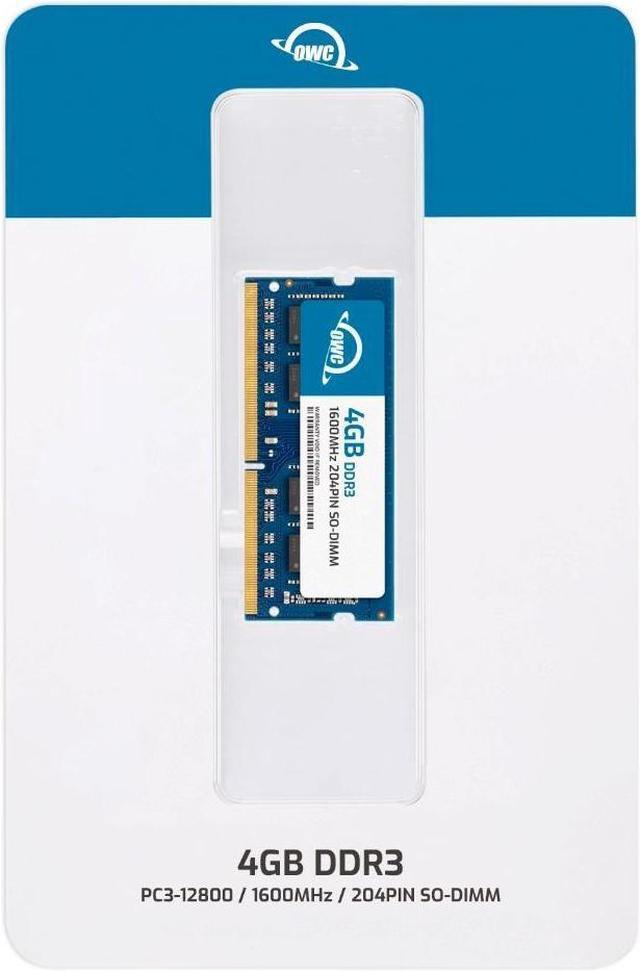
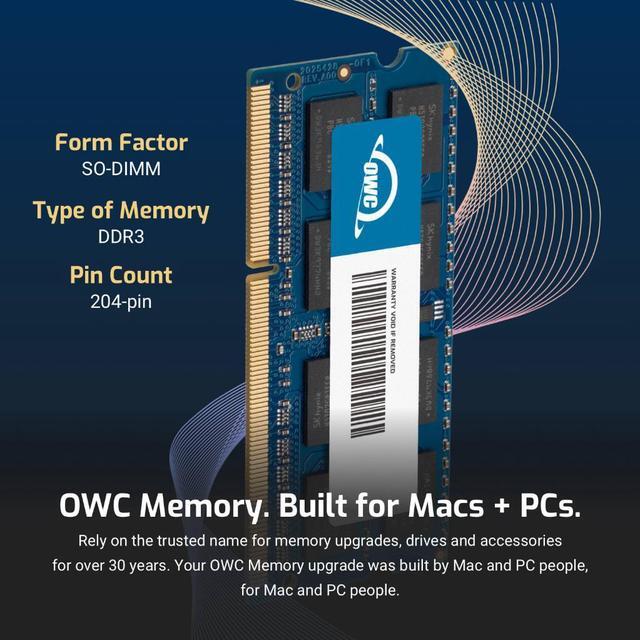
| Memory Type And Configuration | DDR3-1600 (PC3-12800) 204-pin SODIMM, non-ECC, unbuffered, 1Rx8, CL11, 1.5V |
| Physical Design | No heat spreader; black chips |
| Model Identifiers | OWC; part number 1S6D31R804GB; model number OWC1S6D31R804GB-B427-SF |
Q: OWC 4GB DDR3-1600 vs. OWC 8GB DDR3-1600: which should I choose?
A: Choose this 4GB module when a 4GB stick fits your upgrade plan. Choose OWC’s 8GB DDR3-1600 module when you want twice the capacity from one stick. Both are 204-pin, 1.5V, CL11 DDR3-1600 SO-DIMMs; check your computer’s supported capacity before selecting.
Q: Should I get this OWC 4GB stick or the OWC 8GB kit with two 4GB sticks?
A: Choose this single 4GB module when you want to add or replace one 4GB stick. Choose OWC’s 8GB kit when your upgrade plan calls for two matching 4GB modules. Both options are DDR3-1600, CL11, 204-pin SO-DIMMs; confirm the number of available slots and your computer’s supported configuration.
Q: OWC 2GB vs. 4GB DDR3-1600: which capacity should I buy?
A: Choose this 4GB module when you want twice the capacity of a single OWC 2GB module. Choose the 2GB option when that capacity better matches your planned memory configuration. Both are OWC DDR3-1600 SO-DIMMs; verify your computer’s supported capacity and memory layout.
Q: Will this 4GB memory module work in my laptop?
A: It is listed as compatible with the HP EliteBook 8770w and 9470m. It is a 204-pin DDR3-1600, 1.5V SO-DIMM, so check your laptop’s exact model specifications and supported memory before buying; DDR3 modules are not interchangeable with DDR4 or DDR5.
Q: Can I add this 4GB module alongside the RAM already in my laptop?
A: Possibly, if the laptop has an available memory slot and supports the resulting total capacity. Check the laptop’s supported memory type, speed, voltage, and maximum capacity; matching the existing module’s specifications can help avoid compatibility issues.
Q: Can I install this laptop memory myself?
A: Usually, laptop memory can be installed as a DIY task, but the steps depend on the laptop. Follow the computer’s service instructions, power it off and disconnect it before opening it, and seek help if the memory is not readily accessible.
Q: Will adding this 4GB module make my laptop faster?
A: It may improve responsiveness if the laptop is currently limited by available memory, especially when running several applications. The benefit depends on the laptop’s current RAM, workload, and total supported memory; adding RAM does not guarantee faster performance for every task.
Q: Will this RAM work in my HP EliteBook 8770w or 9470m?
A: The product listing identifies both models as compatible and specifies a 4GB, 204-pin DDR3-1600, 1.5V, 1Rx8 SODIMM. Before buying, check your exact laptop configuration and existing memory: a 9470m owner reported trouble with a different 4GB 1Rx8 module, so matching broad specifications alone may not guarantee that every module works in every setup.
Q: Is one 4GB module enough for a 9470m RAM upgrade?
A: It provides 4GB of additional memory if the laptop recognizes it, but the resulting total depends on the RAM already installed and the laptop’s configuration. Reddit discussions about upgrading the 9470m include questions about choosing capacity and reports of larger configurations, so check your current memory and upgrade target before deciding whether one 4GB module is sufficient.
Q: Can I install RAM in the 9470m myself?
A: A YouTube walkthrough demonstrates a do-it-yourself RAM upgrade on the EliteBook Folio 9470m. The video is a general installation guide, not a demonstration of this OWC module, so verify the laptop model and memory specifications before installation.


















