




 here!
I’m your shopping assistant for PC builds, upgrades, and everything tech.
Got questions? Ask away!
Start a conversation
here!
I’m your shopping assistant for PC builds, upgrades, and everything tech.
Got questions? Ask away!
Start a conversation








Any questions? Ask CelesteSM will help you find out quickly.


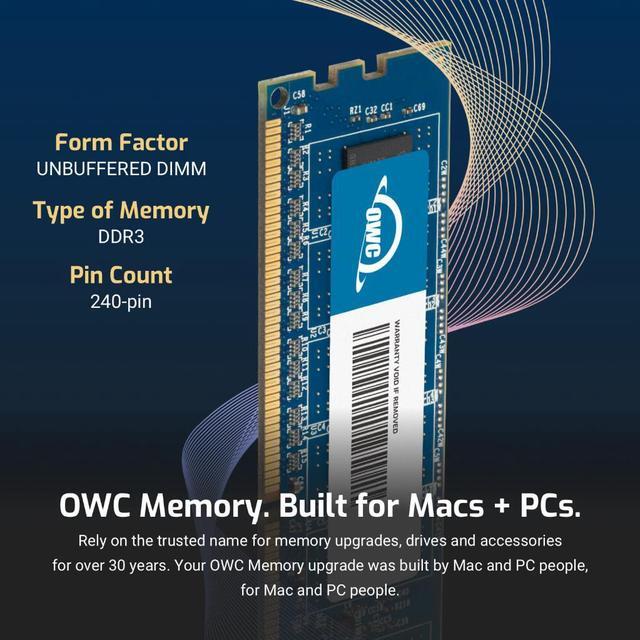
| Technology | DDR3 |
|---|---|
| Speed | PC3-14900 1866MHz CL11 |
| Form Factor | 240PIN DIMM |
| ECC Type | NON ECC |
| Voltage | 1.5v |
| Compatibility | DESKTOP, WORKSTATION |


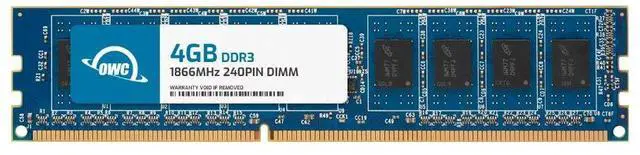
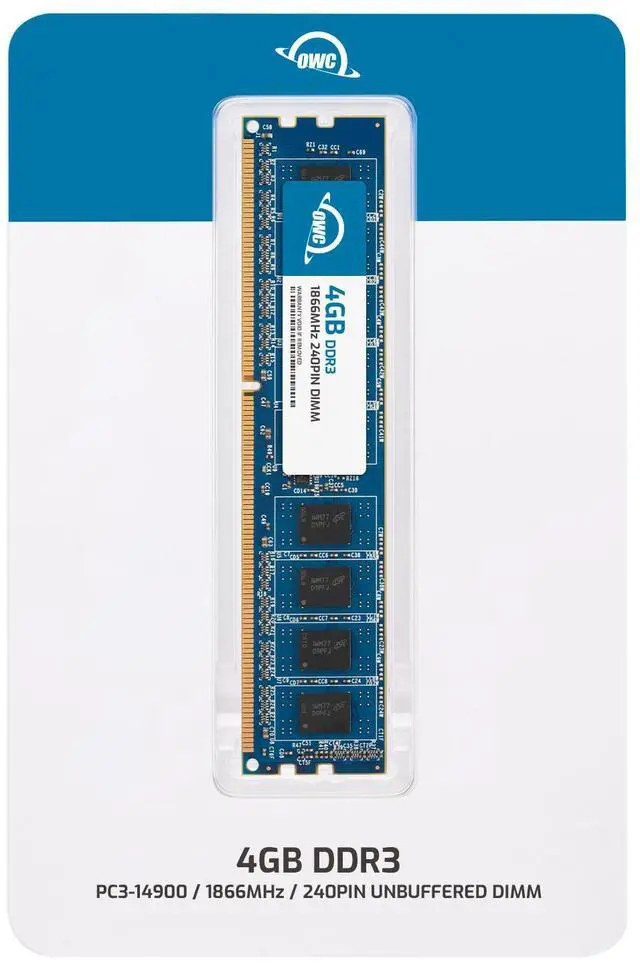
The OWC 4GB DDR3-1866 desktop memory module is a single 240-pin, 1.5V, non-ECC unbuffered DIMM for desktop users replacing Crucial CTM345S memory or upgrading a compatible DDR3 system.
| Attribute | Value |
|---|---|
| Best For | Desktop memory upgrades |
| Capacity | 4 GB |
| Memory Speed | DDR3-1866 (PC3-14900) |
| Latency And Electrical | CL13 at 1.5 V; non-ECC, unbuffered |
| Form Factor And Design | Desktop form factor; standard color, with no heat spreader or LED |
| Model Identifiers | OWC; part number 1U8D31R804GB; model number OWC1U8D31R804GB-CE05-SF |
Q: OWC 4GB DDR3-1866 vs OWC 4GB DDR3-1600: which should I choose?
A: Choose this 4GB DDR3-1866 module when your desktop supports 240-pin, 1.5V, non-ECC unbuffered DDR3-1866 memory. Choose OWC’s 4GB DDR3-1600 module when your system specifies PC3-12800/DDR3-1600. Both are 4GB desktop DIMMs; the right choice depends on the memory specifications supported by your system.
Q: Should I get this OWC 4GB stick or an OWC 8GB DDR3-1866 stick?
A: Choose this 4GB module when you need a single 4GB DDR3-1866 DIMM that matches your system’s supported specifications. Choose OWC’s 8GB DDR3-1866 module when you want 8GB on one DIMM and your desktop supports that module capacity and configuration.
Q: Is this 4GB OWC module or an 8GB OWC DDR3-1866 kit better for a desktop upgrade?
A: Choose this single 4GB module when adding or replacing memory with one 4GB DIMM. Choose OWC’s 8GB kit, configured as two 4GB DDR3-1866 DIMMs, when you want 8GB total across two modules and your desktop supports that capacity and arrangement.
Q: How can I tell if this RAM is compatible with my desktop?
A: Check that your desktop supports DDR3 240-pin desktop DIMMs, unbuffered non-ECC memory, 1.5V operation, and a 4GB module at a speed the system supports. The motherboard and processor may limit the speed below 1866MHz, so verify the system’s memory specifications before buying.
Q: Can I add this module to the RAM already in my computer?
A: You can add it if the computer supports this type of DDR3 desktop memory and has an available slot. Mixed memory speeds may run at the slowest module’s speed, and mixing modules may affect multi-channel operation. Check the motherboard’s supported capacity and installation guidance.
Q: Will this memory work in a laptop?
A: No. This is a 240-pin desktop DIMM, not a laptop SO-DIMM. Use it only in a desktop system whose specifications support DDR3 DIMMs.
Q: Will installing this RAM make my computer faster?
A: It may help if the computer is running short of memory, but a speed increase is not guaranteed. This is one 4GB module, and the system may run it below 1866MHz if the motherboard or processor supports a lower memory speed.


