




 here!
I’m your shopping assistant for PC builds, upgrades, and everything tech.
Got questions? Ask away!
Start a conversation
here!
I’m your shopping assistant for PC builds, upgrades, and everything tech.
Got questions? Ask away!
Start a conversation







Any questions? Ask CelesteSM will help you find out quickly.
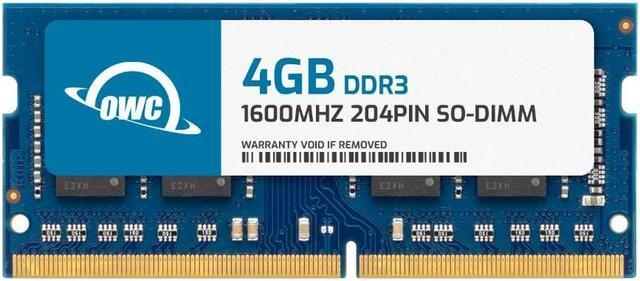
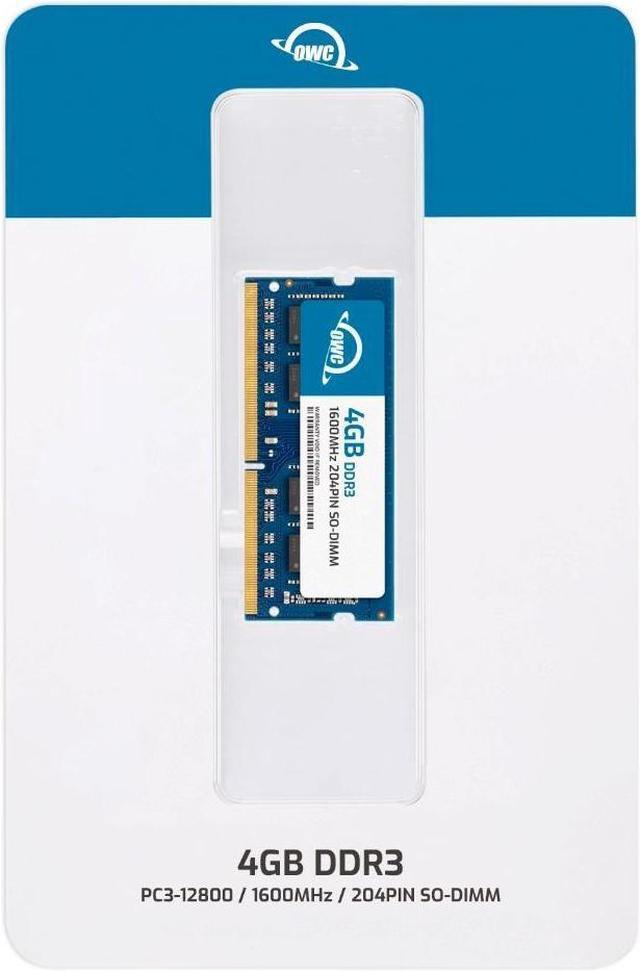
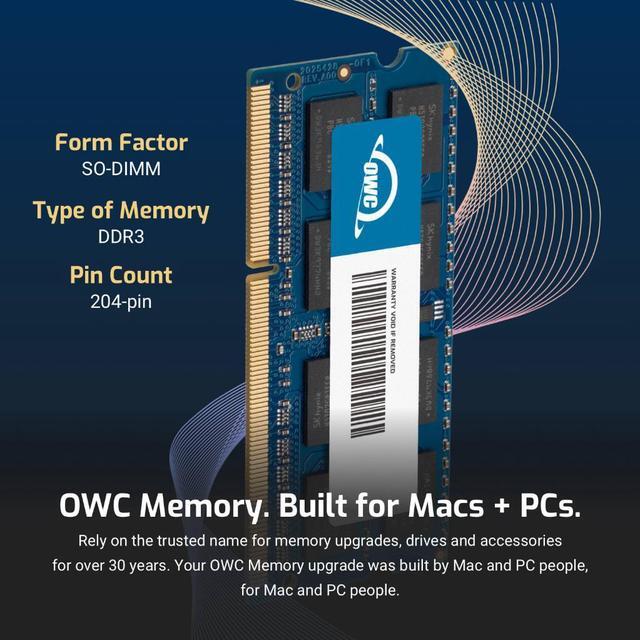
The OWC 4GB DDR3L 1600 SODIMM is a single laptop memory module for upgrading a Dell Inspiron 15R 5537, with 204-pin, 1.35V, non-ECC, unbuffered, CL11, 1Rx8 specifications.
| Attribute | Value |
|---|---|
| Best For | A 4GB laptop memory upgrade for the Dell Inspiron 15R 5537 |
| Memory Capacity | 4GB |
| Memory Type And Configuration | DDR3L 204-pin SODIMM, non-ECC, unbuffered, 1Rx8 |
| Speed And Latency | 1600 MHz (PC3L-12800), CL11 |
| Voltage And Cooling | 1.35V; no heat spreader |
| Compatibility | Dell Inspiron 15R 5537 |
| Module Quantity And Appearance | 1 module with black chips |
| Model Identifiers | OWC; part number 1S6T31R804GB; model OWC1S6T31R804GB-B313-SF |
Q: OWC 4GB vs OWC 8GB DDR3L-1600: which should I choose for the Inspiron 15R 5537?
A: Choose this OWC 4GB module when you want to add 4GB of memory; choose OWC’s 8GB module when you want twice the capacity from one module. Both are DDR3L-1600, PC3L-12800, 204-pin SO-DIMMs, and Dell lists the Inspiron 5537 with two memory slots and support for up to 16GB.
Q: Should I get this OWC 4GB stick or an OWC 8GB (2×4GB) kit?
A: Choose this single 4GB stick if you’re adding 4GB to existing memory—for example, adding it to an existing 4GB module makes 8GB total. Choose the OWC 8GB kit when you want two 4GB modules as a set. Both options use DDR3L-1600, 204-pin SO-DIMMs; the Inspiron 5537 has two memory slots and supports dual-channel DDR3L.
Q: OWC 4GB vs OWC 16GB (2×8GB) kit: which is the higher-capacity upgrade for the Inspiron 15R 5537?
A: Choose this OWC 4GB module for a 4GB addition. Choose the OWC 16GB (2×8GB) kit when you want a two-module upgrade totaling 16GB, the maximum memory capacity Dell lists for the Inspiron 5537. Both use DDR3L-1600, 204-pin SO-DIMMs.
Q: Is this memory compatible with a Dell Inspiron 15R 5537?
A: Yes. This module is listed as compatible with the Dell Inspiron 15R 5537. It is a single 4GB, 204-pin DDR3L-1600 SO-DIMM rated at 1.35V; confirm the laptop’s current memory configuration and supported capacity before installing it.
Q: Can I add this RAM to the memory already in my laptop?
A: Possibly. This is one 4GB module, so adding it requires an available compatible memory slot and support for the resulting total capacity. Check the laptop’s memory specifications and existing module before buying; matching the slot alone does not guarantee compatibility.
Q: Will adding this 4GB module make an older laptop faster?
A: It may help with slowdowns caused by running short of memory, such as when switching between documents, email, and a few browser tabs. It will not upgrade the processor or fix slow storage, and the benefit depends on the laptop’s current memory and workload.
Q: Is this RAM suitable for a DIY laptop upgrade?
A: It can be a DIY upgrade if the laptop provides accessible memory slots and supports this module. Check the laptop’s service instructions first, because installation access varies by model.
Q: Is this 4GB module compatible with the Dell Inspiron 15R 5537, and does DDR3L matter?
A: The product is listed as compatible with the Inspiron 15R 5537 and uses 204-pin DDR3L-1600 memory at 1.35V. A Reddit discussion about this laptop cautions that DDR3L is required, so check the module type rather than choosing a standard DDR3 stick.
Q: Will adding this 4GB stick noticeably speed up a 5537 for browsing and office work?
A: It depends on whether the laptop is short on memory. In one discussion, a user reported that an SSD improved browsing, office work, and streaming; replies questioned whether more RAM would help that use case when the system already had 8GB. This module is not a guaranteed speed fix.
Q: Can I use this to replace a 2GB stick in a 6GB Inspiron 5537?
A: It may suit that upgrade if your laptop has the expected 4GB-plus-2GB arrangement and an available compatible slot. A Reddit post describes that configuration, but check your installed modules and slots before buying; this product is one 4GB module, not a kit.
Q: Is installing RAM in the Inspiron 15R 5537 a reasonable DIY job?
A: A repair video demonstrates RAM replacement, but rates the repair as intermediate difficulty. It can be a DIY task if you are comfortable opening the laptop and following anti-static and power-disconnection precautions.


