




 here!
I’m your shopping assistant for PC builds, upgrades, and everything tech.
Got questions? Ask away!
Start a conversation
here!
I’m your shopping assistant for PC builds, upgrades, and everything tech.
Got questions? Ask away!
Start a conversation







Any questions? Ask CelesteSM will help you find out quickly.
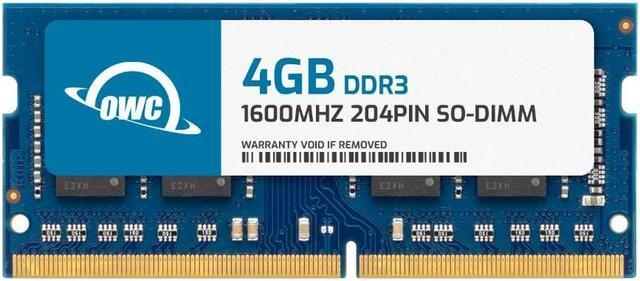
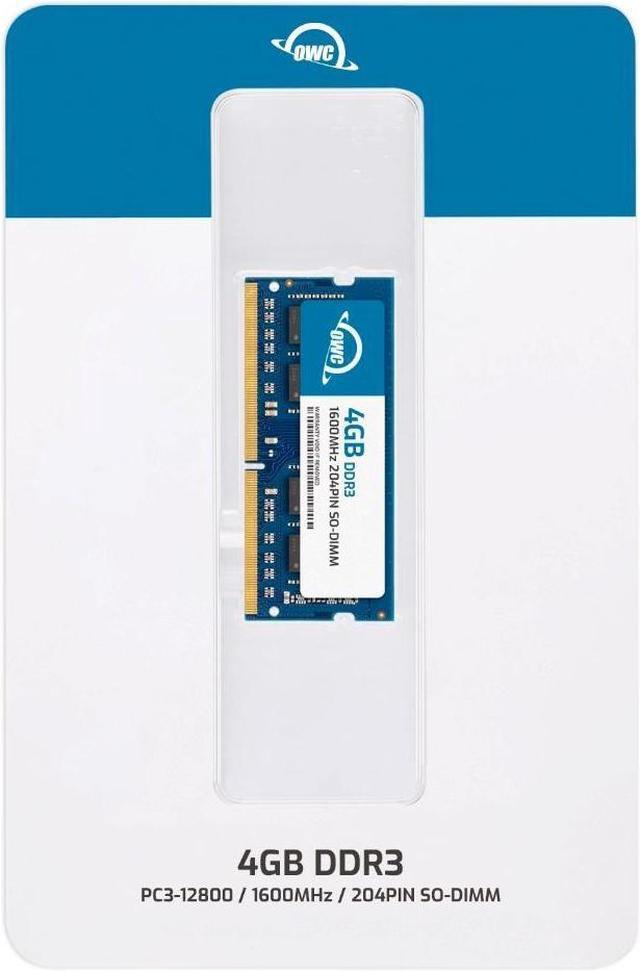
The OWC 1S6T32R804GB is a 4GB DDR3L-1600, 204-pin non-ECC SODIMM for users upgrading a Dell Inspiron 11 3137 that supports this memory type and capacity.
| Attribute | Value |
|---|---|
| Best For | A 4GB DDR3L memory upgrade for Dell Inspiron 11 3137 systems that use a 204-pin SODIMM |
| Memory Capacity | 4GB |
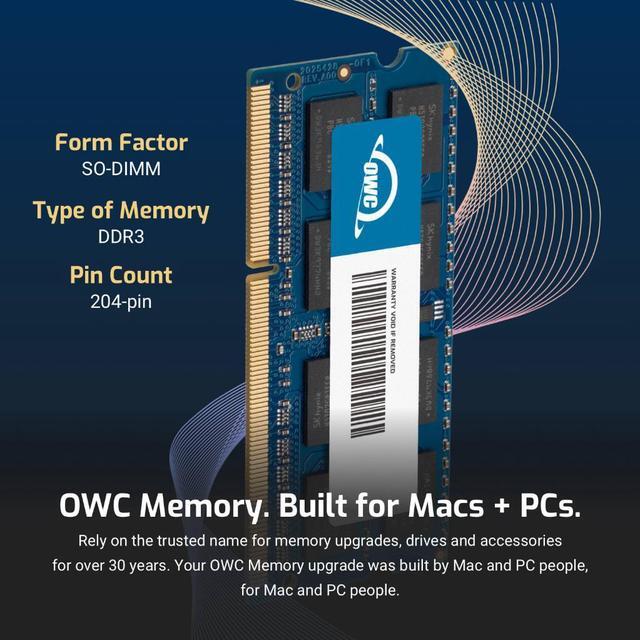
| Memory Type And Configuration | DDR3L laptop SODIMM, 204-pin, non-ECC, unbuffered, 2Rx8 |
| Speed And Latency | 1600 MHz (PC3L-12800), CL11 |
| Voltage | 1.35V |
| Model Identifiers | OWC; part number 1S6T32R804GB; model number OWC1S6T32R804GB-B310-SF |
Q: For a Dell Inspiron 11 3137, should I choose this 4GB OWC module over a 2GB memory configuration?
A: Choose the OWC 4GB module when you want the laptop’s 4GB memory configuration: it matches Dell’s published 4GB option and the system’s DDR3L-1600 specification.
Q: For the Inspiron 11 3137, should I pick OWC’s 4GB DDR3L-1600 or 4GB DDR3L-1333 module?
A: Choose the 4GB DDR3L-1600 module when matching the Inspiron 3137’s published 1600 MHz memory speed. OWC lists both capacities and speeds, so the 1600 MHz version is the closer specification match.
Q: Is one 4GB module a better fit than two 2GB modules for the Inspiron 11 3137?
A: One 4GB SODIMM is the matching layout for this laptop: Dell’s reference guide lists one memory connector and a supported 4GB configuration. This OWC module is a single 4GB, 204-pin DDR3L-1600 SODIMM.
Q: How can I tell if this RAM is compatible with my laptop?
A: Check the laptop’s manual for support of 4GB DDR3L-1600 (PC3L-12800), 204-pin SO-DIMM memory at 1.35V, and confirm its slot and maximum-capacity limits. The supplied product information names both the Dell Inspiron 14 3451 and Inspiron 11 3137, so verify the exact model before buying.
Q: Can I add this module to the RAM already in my laptop?
A: Possibly. This is one 4GB module, so it can be added if the laptop has an available compatible slot and supports the resulting total memory. Check the laptop’s memory type, voltage, slot configuration, and capacity limit; physical fit alone does not guarantee compatibility.
Q: Will adding this 4GB module make my laptop faster?
A: It may reduce slowdowns if the laptop is running short on memory during everyday tasks. It adds RAM but does not upgrade the processor or storage, so it will not help much if those components are the cause of slow performance.
Q: Is this a suitable replacement for a failed laptop RAM stick?
A: It can be a replacement when the laptop supports a 4GB, 204-pin DDR3L-1600 SO-DIMM at 1.35V. Confirm the exact laptop’s memory specifications first, especially because the supplied product details list two different Inspiron models.
Q: Is this module confirmed compatible with the Dell Inspiron 14 3451?
A: The provided product information is inconsistent: the title names the Inspiron 14 3451, while the compatibility field names the Inspiron 11 3137. The YouTube videos cover memory replacement for each laptop, but do not confirm this exact OWC module fits either one. Verify the laptop’s exact model and required memory specifications before buying.
Q: Can I install the memory myself in an Inspiron 14 3451 or 11 3137?
A: A DIY replacement is possible, but the repair tutorials rate the work as intermediate difficulty and list small flat-head and Phillips screwdrivers. These videos describe the repair process, not the compatibility of this specific OWC module.


