




 here!
I’m your shopping assistant for PC builds, upgrades, and everything tech.
Got questions? Ask away!
Start a conversation
here!
I’m your shopping assistant for PC builds, upgrades, and everything tech.
Got questions? Ask away!
Start a conversation








Any questions? Ask CelesteSM will help you find out quickly.
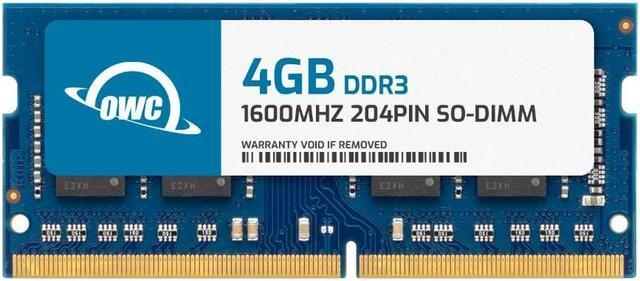
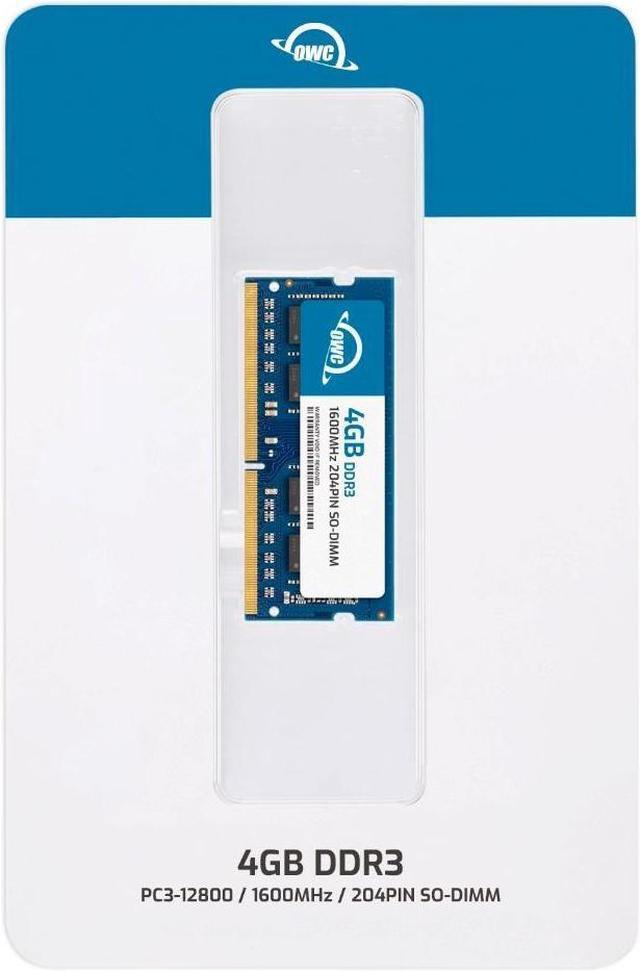
The OWC 4GB DDR3L 1600 SODIMM is a memory upgrade for HP x360 310 G1 owners seeking a system-compatible 204-pin, 1.35V module with CL11 timing.
| Attribute | Value |
|---|---|
| Best For | Adding 4GB of laptop memory to an HP x360 310 G1 |
| Capacity | 4GB |
| Memory Type And Form Factor | DDR3L, 204-pin Non-ECC SODIMM laptop memory |
| Speed And Latency | 1600 MHz (PC3L-12800), CL11 |
| Module Configuration | 1Rx8 rank, 1.35V, unbuffered, no heat spreader; black chips |
| Compatibility | HP x360 310 G1 |
| Model Identifiers | OWC (Other World Computing); part number 1S6T31R804GB; model OWC1S6T31R804GB-B418-SF |
Q: For an HP x360 310 G1, should I choose this OWC 4GB stick or an OWC 8GB single module?
A: Choose this 4GB module for a 4GB memory configuration; choose OWC’s 8GB single module for an 8GB configuration. The HP x360 310 G1 has one SO-DIMM slot and supports up to 8GB, so the 8GB single module matches its maximum memory capacity.
Q: Should I choose this OWC 4GB module or OWC’s 8GB (2 x 4GB) kit?
A: Choose this single 4GB module when your target is 4GB. The OWC kit provides 8GB across two 4GB modules; for the HP x360 310 G1’s one-slot layout, an OWC 8GB single module is the matching choice for an 8GB configuration.
Q: OWC 4GB DDR3L-1600 or OWC 2GB DDR3L-1333: which capacity should I choose?
A: Choose this 4GB module when you want twice the capacity of the OWC 2GB module in one SO-DIMM. Choose the 2GB module when 2GB is your intended memory configuration. This product is rated DDR3L-1600, while OWC’s 2GB module is rated DDR3L-1333.
Q: Is this RAM compatible with my laptop?
A: It is listed as compatible with the HP x360 310 G1. It is a 4GB, 204-pin DDR3L-1600 (PC3L-12800) SODIMM rated at 1.35V. Before buying, confirm your exact system configuration supports these specifications and the added capacity; matching the physical slot alone does not guarantee compatibility.
Q: Can I add this module to the RAM already in my laptop?
A: Possibly. This is one 4GB module, so adding it depends on whether your laptop has an available compatible slot and supports the resulting total memory. Check the laptop’s memory limit and configuration before combining it with existing RAM.
Q: Will adding this 4GB module make my laptop faster?
A: It may improve responsiveness if the laptop is running short of memory during your usual tasks and supports the module. It adds RAM but does not upgrade the processor or graphics hardware, so the benefit depends on the laptop’s current memory and workload.
Q: Is this suitable for a DIY laptop upgrade?
A: The product information describes installation as a DIY task in most cases. Whether it is straightforward depends on how your laptop’s memory slots are accessed, so check the HP x360 310 G1 service instructions before starting.


