




 here!
I’m your shopping assistant for PC builds, upgrades, and everything tech.
Got questions? Ask away!
Start a conversation
here!
I’m your shopping assistant for PC builds, upgrades, and everything tech.
Got questions? Ask away!
Start a conversation








Any questions? Ask CelesteSM will help you find out quickly.
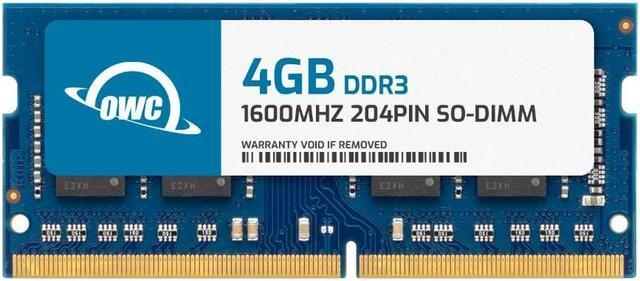
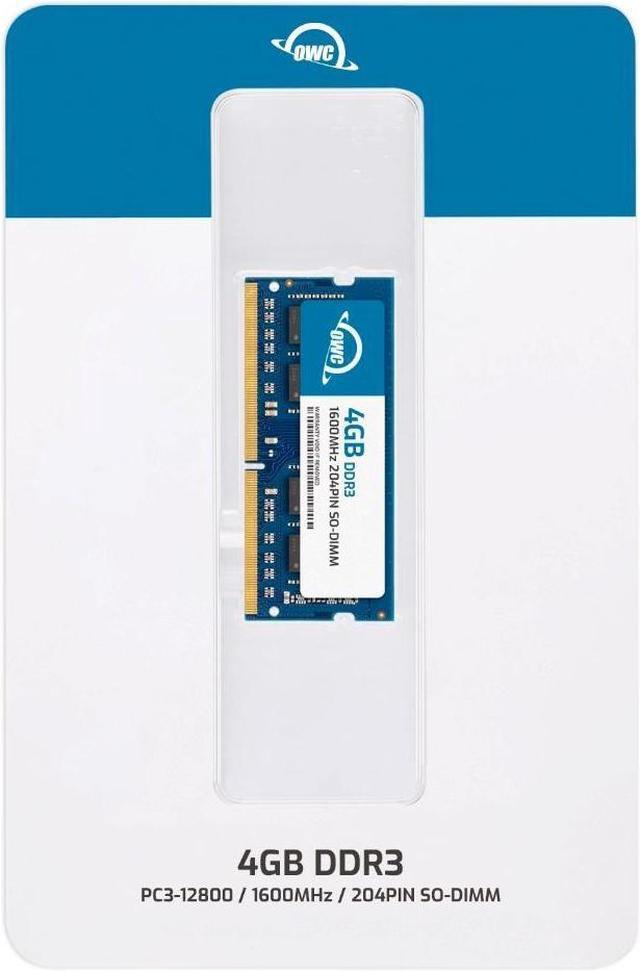
The OWC 4GB DDR3L 1600 SODIMM is a single low-voltage memory module for upgrading compatible Lenovo ThinkCentre E63z AIO, M600 Tiny, M73e Tiny, M73z AIO, M93 Tiny, and M93p Tiny systems.
| Attribute | Value |
|---|---|
| Best For | Adding 4GB of DDR3L SODIMM memory to a compatible Lenovo ThinkCentre E63z AIO, M600 Tiny, M73e Tiny, M73z AIO, M93 Tiny, or M93p Tiny |
| Capacity | 4GB memory module |
| Memory Type And Form Factor | DDR3L, 204-pin non-ECC SODIMM; laptop memory |
| Speed And Latency | 1600 MHz (PC3L-12800) with CL11 latency |
| Voltage And Buffering | 1.35V, unbuffered and non-registered |
| Memory Configuration | Single module, 1Rx8 rank |
| Compatibility | Compatible with Lenovo ThinkCentre E63z AIO, M600 Tiny, M73e Tiny, M73z AIO, M93 Tiny, and M93p Tiny |
| Module Construction | Black chips; no heat spreader |
| Model Identifiers | OWC; part number 1S6T31R804GB; model number OWC1S6T31R804GB-B500-SF |
Q: For a ThinkCentre M93 Tiny, should I choose this OWC 4GB module or an OWC 8GB module?
A: Choose the OWC 8GB module when you want more memory from one module; choose this 4GB module for a smaller capacity increase or to build an 8GB total with two 4GB modules. Lenovo lists two SODIMM sockets and a 16GB maximum for the M93/M93p Tiny. Check the installed memory and exact system configuration before selecting a layout.
Q: Should I choose this OWC 4GB module or a 2GB module for a compatible ThinkCentre?
A: This 4GB module provides twice the memory capacity of a 2GB module at the listed DDR3L-1600 speed. Choose it when you want a 4GB single-module upgrade; a 2GB module is the lower-capacity option. Lenovo lists 2GB, 4GB, and 8GB DDR3L-1600 SODIMM offerings.
Q: For 4GB total in a ThinkCentre M93 Tiny, should I use this single 4GB module or two 2GB modules?
A: Choose this single 4GB module if you want 4GB in one stick and to leave the second SODIMM socket available for a later upgrade. Two 2GB modules also total 4GB but use both sockets. Lenovo specifies two SODIMM sockets for the M93/M93p Tiny.
Q: How can I tell if this 4GB RAM module is compatible with my ThinkCentre?
A: This module is specified for the Lenovo ThinkCentre E63z AIO, M600 Tiny, M73e Tiny, M73z AIO, M93 Tiny, and M93p Tiny. It is a 4GB, 204-pin DDR3L-1600 (PC3L-12800) 1.35V SO-DIMM. Check your exact system’s memory specifications and capacity limits before buying; matching the slot alone does not guarantee compatibility.
Q: Can I add this module to the RAM already installed in my computer?
A: Possibly. This is one 4GB module, so it can be added if the computer has an available compatible SO-DIMM slot and supports the resulting total memory capacity. Check the system’s memory limits and configuration before combining it with existing RAM.
Q: Will adding this 4GB module make my computer faster?
A: It may improve responsiveness if the compatible computer is running short on memory. The benefit depends on the current RAM configuration and workload; adding memory does not upgrade the processor or storage, and it will not necessarily speed up tasks limited by those components.
Q: Is this RAM a practical DIY upgrade?
A: The module is designed for a 204-pin SO-DIMM slot, and the product information describes memory installation as a DIY task in most cases. Whether it is straightforward depends on access to the slot in your exact ThinkCentre; follow the system’s service instructions before installing it.
Q: Will this RAM fit a ThinkCentre M93p Tiny?
A: The product data lists the M93p Tiny as compatible. It is a 204-pin DDR3L-1600 SODIMM; check your exact machine configuration and available memory slot before ordering. Lenovo’s replacement video covers memory installation for the M93p Tiny, and a Reddit upgrade discussion identifies DDR3L SODIMM slots in that model.
Q: For a ThinkCentre M73 Tiny, does DDR3L matter, or will regular DDR3 work?
A: This module is DDR3L and rated at 1.35V. A Reddit discussion about an M73 Tiny reports boot problems after installing 1.5V DDR3 where DDR3L was required, so check the machine’s memory requirements and choose DDR3L when specified.
Q: Is 4GB enough for a ThinkCentre M600 Tiny, or should I plan for more?
A: This is a single 4GB module, so it provides 4GB total if it replaces the existing stick, or adds 4GB if the system has an open slot. Reddit discussions mention upgrading M600 Tiny systems from 4GB to 8GB; a video describing an M600 Tiny configuration reports one memory slot and an 8GB maximum. Confirm the limit for your exact M600 model before buying.


