




 here!
I’m your shopping assistant for PC builds, upgrades, and everything tech.
Got questions? Ask away!
Start a conversation
here!
I’m your shopping assistant for PC builds, upgrades, and everything tech.
Got questions? Ask away!
Start a conversation








Any questions? Ask CelesteSM will help you find out quickly.
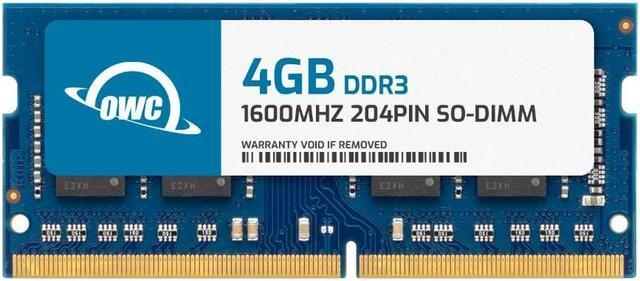
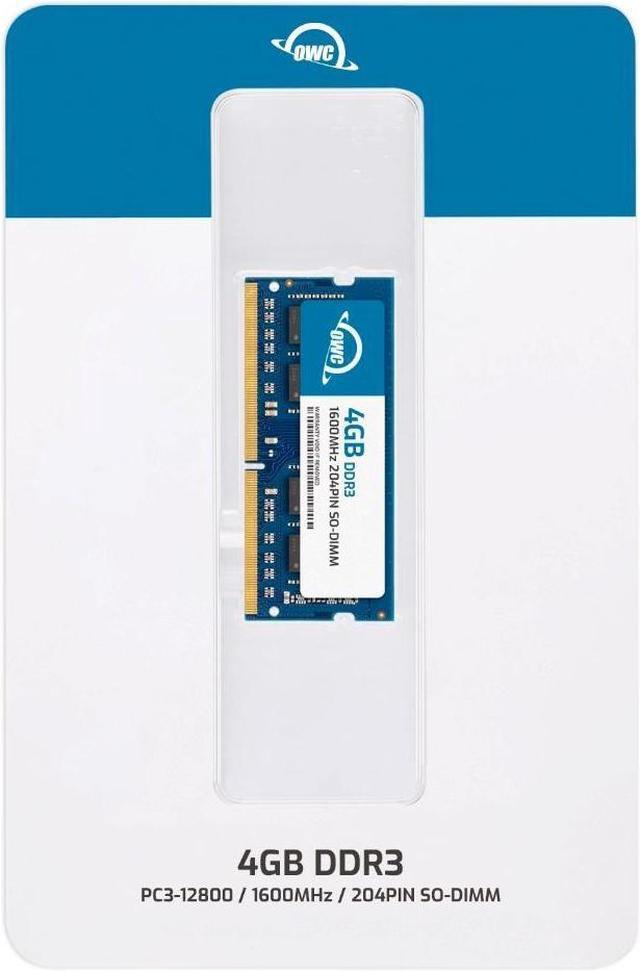
The OWC 4GB DDR3L 1600 SODIMM is a single-module memory upgrade for compatible Lenovo G50-70, G50-80, G50-80 Touch, G510, G51-35, G70-70, and G70-80 laptops that use 204-pin DDR3L memory.
| Attribute | Value |
|---|---|
| Best For | Adding 4GB of laptop memory to compatible Lenovo G50-70, G50-80, G50-80 Touch, G510, or G51-35 systems |
| Capacity | 4GB single memory module |
| Memory Type And Configuration | 204-pin DDR3L SODIMM, 1Rx8, non-ECC and unbuffered; no heat spreader |
| Speed And Latency | 1600 MHz (PC3L-12800) with CL11 latency |
| Voltage | 1.35V |
| Model Identifiers | OWC memory module; part number 1S6T31R804GB, model OWC1S6T31R804GB-B492-SF |
Q: OWC 4GB DDR3L module or OWC 8GB DDR3L module—which should I choose?
A: Choose this 4GB module for a 4GB memory increase; choose OWC’s 8GB DDR3L-1600 module when you want an 8GB increase from one slot. Both are 204-pin, 1.35V DDR3L SO-DIMMs, so check your Lenovo’s memory-slot layout and supported capacity before choosing.
Q: Should I get this OWC 4GB stick or an OWC 8GB (2×4GB) kit?
A: Choose this single 4GB stick for a one-module upgrade. Choose the OWC 8GB kit when you want two matched 4GB modules for a system with two compatible memory slots. Confirm your specific Lenovo configuration’s slot count and supported capacity first.
Q: OWC 4GB DDR3L-1600 or OWC 4GB DDR3-1600—which matches the listed Lenovo models?
A: Choose this DDR3L-1600 module for a listed Lenovo configuration that specifies 1.35V DDR3L memory. OWC’s standard DDR3-1600 module is rated at 1.5V, so match the memory type and voltage required by your exact system.
Q: How can I tell if this RAM will work in my Lenovo laptop?
A: The listing names the Lenovo G50-70, G50-80, G50-80 Touch, G510, G51-35, G70-70, and G70-80 as compatible. Before buying, confirm your exact model supports a 4GB, 204-pin DDR3L-1600 (PC3L-12800), 1.35V SO-DIMM and check its memory limit and available slots.
Q: Can I add this 4GB module to the RAM already in my laptop?
A: Possibly. This is one 4GB module, so your laptop needs an available compatible slot and must support the combined memory capacity and configuration. Check the laptop’s specifications before combining it with existing RAM.
Q: Is this one 4GB stick or a kit?
A: It is a single 4GB memory module, not a multi-stick kit. Check your laptop’s current memory layout and supported capacity to decide whether one 4GB module fits your upgrade plan.
Q: Can I install this RAM myself?
A: Often, but installation depends on how your laptop’s memory slots are accessed. Check the Lenovo service instructions for your exact model first; the product information describes installation as a DIY task in most cases.
Q: Will this RAM work in my Lenovo G50-70 or G50-80?
A: The product data lists the G50-70 and G50-80 as compatible and specifies 4GB DDR3L-1600, 204-pin SO-DIMM memory at 1.35V. Check your exact laptop configuration and available slot before buying; G50-80 versions can differ in their memory-slot layout.
Q: Will adding this 4GB module make my older Lenovo noticeably faster?
A: It may help if your laptop is running short of memory and the module increases its total RAM. It is not a guaranteed speed fix: a Reddit discussion about the G50-80 notes that a RAM upgrade alone did not immediately solve sluggishness, and other hardware such as the storage drive can also affect responsiveness.
Q: Can I install this RAM myself?
A: A DIY installation is possible for many users, but the steps depend on the laptop configuration. Lenovo’s G50/Z50 memory-replacement video covers the G50-70 and G50-80 and advises taking electrostatic-discharge precautions. Check the service instructions for your exact model before opening it.
Q: Is one 4GB module enough, or should I choose more RAM?
A: This is one 4GB module, so whether it is enough depends on your current RAM, free slots, and laptop’s supported configuration. Reddit discussions about G50 upgrades consider moving from 4GB to 8GB or higher; check your installed memory and exact model before deciding whether to add this module or choose a larger upgrade.


