




 here!
I’m your shopping assistant for PC builds, upgrades, and everything tech.
Got questions? Ask away!
Start a conversation
here!
I’m your shopping assistant for PC builds, upgrades, and everything tech.
Got questions? Ask away!
Start a conversation








Any questions? Ask CelesteSM will help you find out quickly.
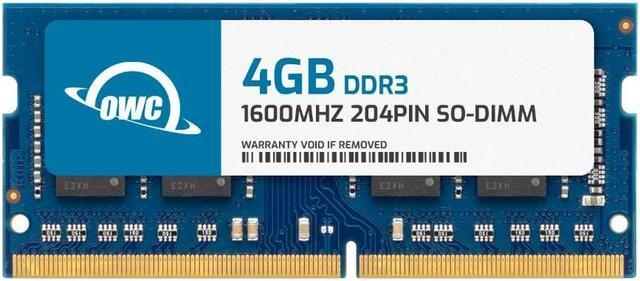
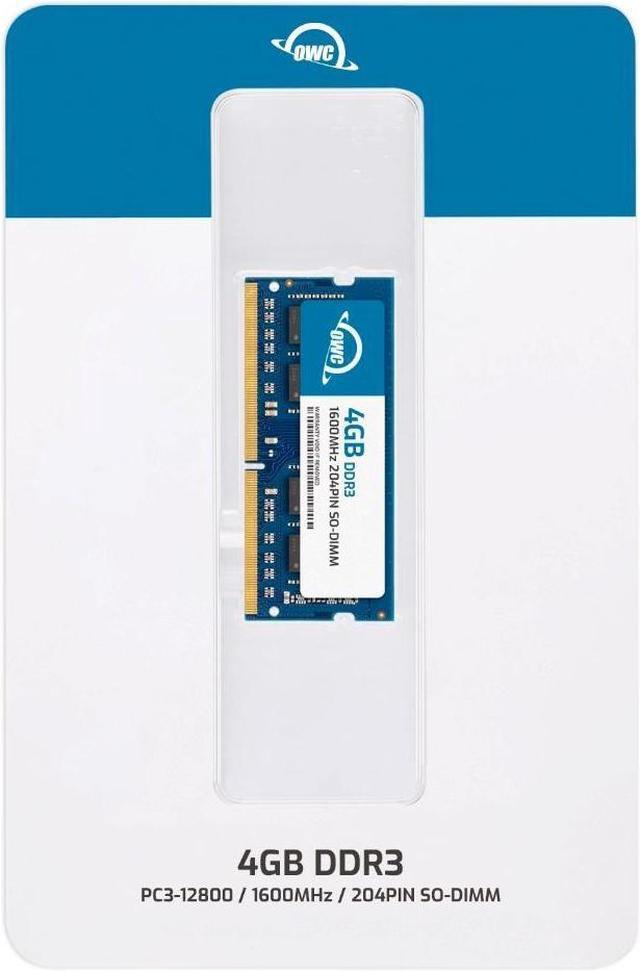
The OWC 1S6T31R804GB is a single 4GB DDR3L-1600 SODIMM memory module for Lenovo ThinkPad T560, W540, W541, and X250 owners seeking a model-specific memory upgrade.
| Attribute | Value |
|---|---|
| Best For | A 4GB laptop memory upgrade for Lenovo ThinkPad T560, W540, W541, and X250 systems |
| Memory Capacity | 4GB |
| Memory Type And Configuration | DDR3L-1600 (PC3L-12800), 204-pin SO-DIMM, non-ECC, unbuffered, 1Rx8 |
| Speed And Timing | 1600 MHz with CL11 latency |
| Voltage And Physical Features | 1.35V, no heat spreader, black chips |
| Model Identifiers | OWC; part number 1S6T31R804GB; model OWC1S6T31R804GB-B505-SF |
Q: OWC 4GB vs 8GB DDR3L-1600 SODIMM: which should I choose?
A: Choose this 4GB module for a smaller capacity addition to a compatible ThinkPad. Choose OWC’s 8GB single-module option when you want more memory from one module. Both are DDR3L-1600, 204-pin SO-DIMMs; check your ThinkPad’s available slots and supported capacity before choosing.
Q: Should I get this 4GB module or an OWC 8GB kit with two 4GB sticks?
A: Choose this single 4GB module when adding memory to an existing compatible setup. Choose OWC’s 8GB (2 × 4GB) kit when you want an 8GB matched pair for two memory slots. Lenovo lists dual-channel-capable memory for the ThinkPad T560 and W541; confirm the exact model’s slot layout and memory configuration.
Q: OWC 4GB module or OWC 16GB (2 × 8GB) kit for a ThinkPad memory upgrade?
A: Choose this 4GB module for a smaller, single-module addition. Choose OWC’s 16GB (2 × 8GB) kit when you are configuring a compatible system for 16GB across two slots. Supported capacity depends on the ThinkPad model and configuration; Lenovo lists up to 32GB for the T560 and configuration-dependent limits for the W541.
Q: Will this RAM work in my laptop?
A: It is listed as compatible with the Lenovo ThinkPad T560, W540, W541, and X250. Before buying, confirm your exact model supports 4GB DDR3L-1600, 204-pin SO-DIMM memory at 1.35V, and has an upgradeable memory slot.
Q: Can I add this 4GB module to the RAM already in my laptop?
A: Possibly. This is one 4GB module, so you can add it only if your laptop has an available compatible slot and supports the resulting total memory. Check your current configuration and the laptop’s memory limits first.
Q: Is 4GB enough for a useful RAM upgrade?
A: This module adds 4GB, but whether that is enough depends on your laptop’s existing memory and the applications you use. It may suit a replacement or a modest memory increase; check the system’s supported capacity and your current total before deciding.
Q: Is this a DIY installation, or does it include installation?
A: The product information describes memory installation as a DIY task in most cases. The module is the memory component; check your laptop’s service instructions to confirm how to access its memory slot and whether you are comfortable installing it.
Q: Can I add this 4GB module alongside the RAM already in my ThinkPad X250?
A: No. Reddit discussions describe the X250 as having one RAM slot, so this module would replace the installed memory rather than add to it.
Q: Is this the right RAM type for a ThinkPad X250?
A: The product is listed as compatible with the X250 and uses 204-pin DDR3L-1600 SODIMM memory. Reddit discussions also identify DDR3L as the type used by the X250; check your exact laptop model before ordering.
Q: Should I choose this 4GB module if I want more RAM in my X250?
A: This module provides 4GB. It may suit a replacement for an existing 4GB module, but it may not meet a goal of increasing memory beyond 4GB. Reddit upgrade discussions consider larger capacities, so check your current memory and target capacity before choosing.
Q: Can I install the memory myself?
A: A memory replacement can be a DIY task if you are comfortable opening the laptop and following model-specific instructions. Lenovo’s X240/X250 video demonstrates replacing the memory module and recommends precautions against electrostatic discharge.


