




 here!
I’m your shopping assistant for PC builds, upgrades, and everything tech.
Got questions? Ask away!
Start a conversation
here!
I’m your shopping assistant for PC builds, upgrades, and everything tech.
Got questions? Ask away!
Start a conversation








Any questions? Ask CelesteSM will help you find out quickly.
| Technology | DDR3 |
|---|---|
| Speed | PC3L-12800 1600MHz CL11 |
| Form Factor | 204PIN DIMM |
| ECC Type | NON ECC |
| Voltage | 1.35v |
| Compatibility | LAPTOP, MINI PC, NAS SYSTEM |
















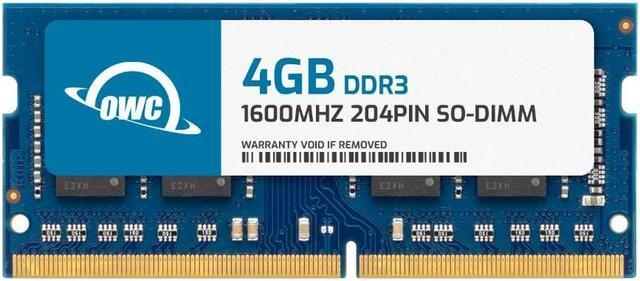
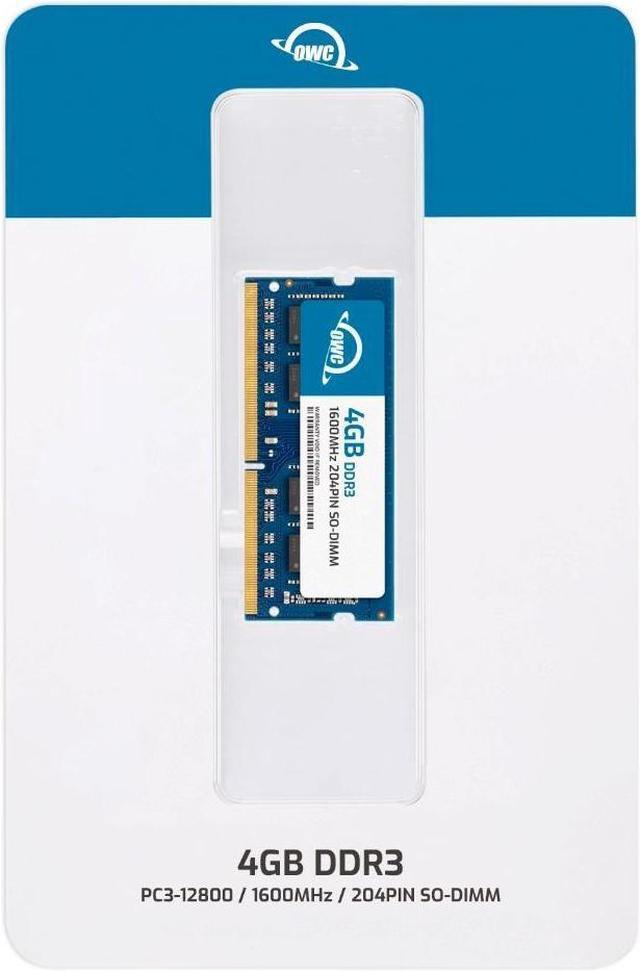
The OWC 1S6T32R804GB is a 4GB DDR3L-1600, 204-pin SODIMM memory module for upgrading compatible NCR POS XR3 (7613) and XR4 (7602) systems. It suits owners of these POS models who need a system-specific, non-ECC memory upgrade.
| Attribute | Value |
|---|---|
| Best For | Adding 4GB of memory to compatible NCR POS XR3 (7613) and XR4 (7602) systems |
| Capacity | 4GB |
| Memory Type And Configuration | 204-pin DDR3L SODIMM, 2Rx8 rank, non-ECC and unbuffered |
| Memory Speed | DDR3L-1600 (PC3L-12800), rated at 1600 MHz |
| Latency And Voltage | CL11 at 1.35V |
| Brand | OWC (Other World Computing) |
| Model Identifiers | Part number 1S6T32R804GB; model number OWC1S6T32R804GB-B928-SF |
Q: Should I choose this 4GB module or an 8GB memory configuration for an XR3 or XR4?
A: Choose this module when you want to install 4GB of memory. For an 8GB total configuration, the XR3 and XR4 support two 204-pin DDR3L SODIMMs and up to 8GB; two 4GB modules provide that total.
Q: How does this OWC module compare with the standard 4GB XR3 or XR4 memory configuration?
A: Both are 4GB memory configurations. This OWC module is a 4GB DDR3L-1600 SODIMM listed as compatible with the XR3 and XR4, making it an option for replacing a 4GB module or adding 4GB when the system configuration has an available slot.
Q: Does this 4GB OWC module fit an XR3 or an XR4?
A: The module is listed as compatible with both the NCR POS XR3 (7613) and XR4 (7602). Choose based on which terminal you are upgrading; the product listing specifies the same 4GB DDR3L-1600 module for either model.
Q: Is this memory compatible with an NCR POS XR3 or XR4?
A: The product listing identifies it as compatible with NCR POS XR3 (7613) and XR4 (7602). It is a single 4GB, 204-pin DDR3L-1600 SO-DIMM rated at 1.35V; confirm your system model and memory requirements before ordering.
Q: Can I add this 4GB module to the RAM already in my system?
A: Possibly. It can be added if the system has an available compatible SO-DIMM slot and supports the resulting memory capacity and configuration. Check the system’s specifications before combining it with existing RAM.
Q: Will adding this 4GB module make my system faster?
A: It may improve responsiveness if a compatible system is running short on memory. The benefit depends on the current RAM configuration and workload; adding memory does not upgrade the processor or guarantee a speed increase.
Q: Is this memory suitable for a DIY upgrade?
A: It is a SO-DIMM module, and the product information describes installation as a DIY task in many cases. Whether it is straightforward depends on access to the system’s memory slot; follow the device’s service instructions and power it down before installation.


