




 here!
I’m your shopping assistant for PC builds, upgrades, and everything tech.
Got questions? Ask away!
Start a conversation
here!
I’m your shopping assistant for PC builds, upgrades, and everything tech.
Got questions? Ask away!
Start a conversation








Any questions? Ask CelesteSM will help you find out quickly.
| Technology | DDR3 |
|---|---|
| Speed | PC3L-12800 1600MHz CL11 |
| Form Factor | 204PIN DIMM |
| ECC Type | NON ECC |
| Voltage | 1.35v |
| Compatibility | LAPTOP, MINI PC, NAS SYSTEM |
















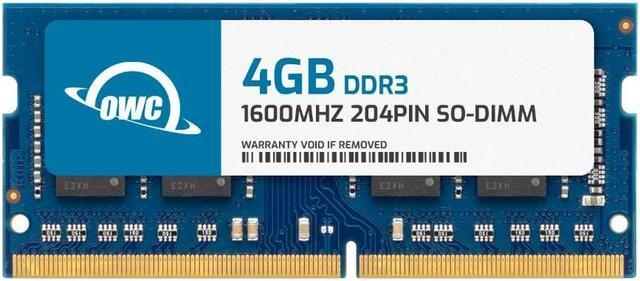
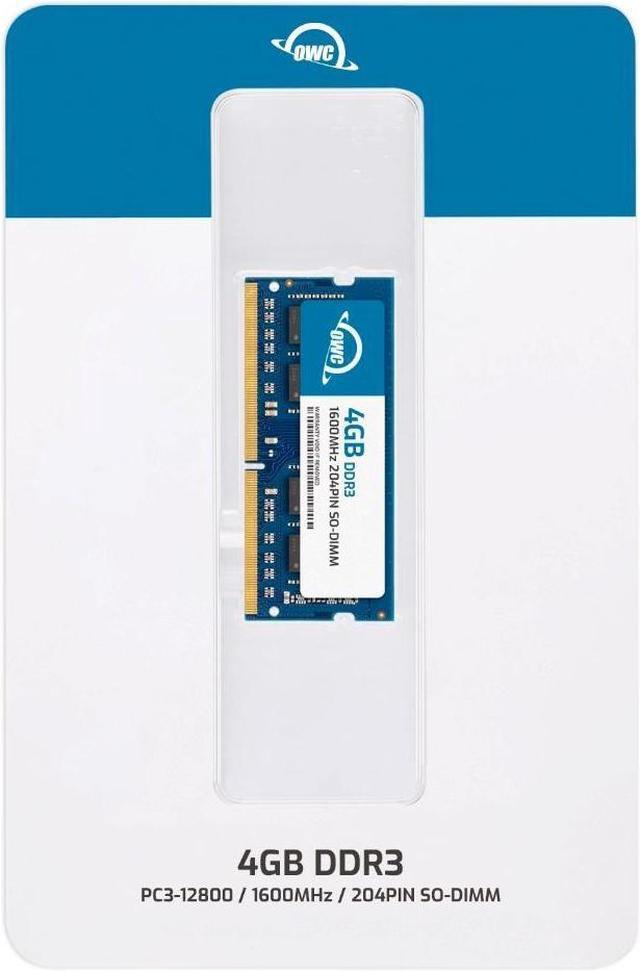
The OWC 4GB DDR3L 1600 SODIMM is a single non-ECC memory module compatible with the Synology DiskStation DS1019+, for owners seeking a system-specific RAM upgrade with 1.35V, 204-pin memory.
| Attribute | Value |
|---|---|
| Best For | A 4GB DDR3L SODIMM memory upgrade for the Synology DiskStation DS1019+ |
| Capacity And Configuration | 4GB single-module memory, 1Rx8 rank, non-ECC and unbuffered, with no heat spreader |
| Interface And Form Factor | 204-pin DDR3L SODIMM |
| Speed And Timing | 1600 MHz (PC3L-12800), CL11 |
| Voltage | 1.35V |
| Model Identifiers | OWC; part number 1S6T31R804GB; model number OWC1S6T31R804GB-B764-SF |
Q: How does this OWC 4GB module compare with the DS1019+’s original memory?
A: The DS1019+ is listed with two 4GB DDR3L non-ECC SO-DIMMs, for 8GB total. This OWC module is a single 4GB DDR3L-1600 non-ECC SO-DIMM, making it a like-for-like capacity choice when replacing one module.
Q: Should I choose one OWC 4GB module or two 4GB modules for a DS1019+?
A: Choose one module when replacing a single 4GB stick; choose two 4GB modules when replacing both sticks. The DS1019+’s listed 8GB configuration uses two 4GB modules.
Q: For a DS1019+, should I choose this OWC 4GB module or an OWC 8GB module?
A: Choose this 4GB module when matching the DS1019+’s listed 4GB-per-module, 8GB-total configuration. OWC also offers an 8GB single module for buyers comparing module capacity; the Synology-listed DS1019+ configuration is two 4GB modules.
Q: Will this RAM work in a Synology DS1019+?
A: OWC lists this module as compatible with the DS1019+. It is a single 4GB, 204-pin DDR3L-1600 SODIMM rated at 1.35V and non-ECC. Check the NAS’s memory replacement procedure before buying; the listing does not establish that installing it will increase the system’s total memory.
Q: Is this one 4GB stick or a two-module kit?
A: It is one 4GB memory module, not a two-stick kit. Confirm your NAS’s current memory configuration and replacement needs before ordering.
Q: Can I install this RAM myself?
A: The listing describes memory installation as a DIY task in many cases, but it does not guarantee that access is simple on the DS1019+. Check the NAS-specific replacement instructions and support terms before attempting installation.
Q: Is this 4GB module a reliable fit for the Synology DS1019+?
A: Its listed DDR3L, 204-pin, non-ECC SODIMM specifications are the type discussed for DS1019+ upgrades, but Reddit reports show that third-party RAM compatibility can vary, including boot problems with some modules. The discussions do not confirm this exact OWC part number, so compatibility is not guaranteed; back up important data before upgrading.
Q: Is adding 4GB worthwhile if my DS1019+ runs containers or other memory-heavy services?
A: It may be useful if those services are pushing the NAS’s current memory usage high. Reddit users discuss RAM upgrades in connection with container-heavy workloads, but this single 4GB module is a modest increase; the benefit depends on your current memory configuration and usage.
Q: Should I replace the original RAM or use this alongside it?
A: The product information identifies this as one 4GB module but does not specify a required installation arrangement. DS1019+ user reports describe mixed results with third-party modules and different configurations, so check your NAS’s current RAM setup and do not assume that pairing it with the original memory will work reliably.


