




 here!
I’m your shopping assistant for PC builds, upgrades, and everything tech.
Got questions? Ask away!
Start a conversation
here!
I’m your shopping assistant for PC builds, upgrades, and everything tech.
Got questions? Ask away!
Start a conversation







Any questions? Ask CelesteSM will help you find out quickly.
| Technology | DDR5 |
|---|---|
| Speed | PC5-38400 4800MHz CL40 |
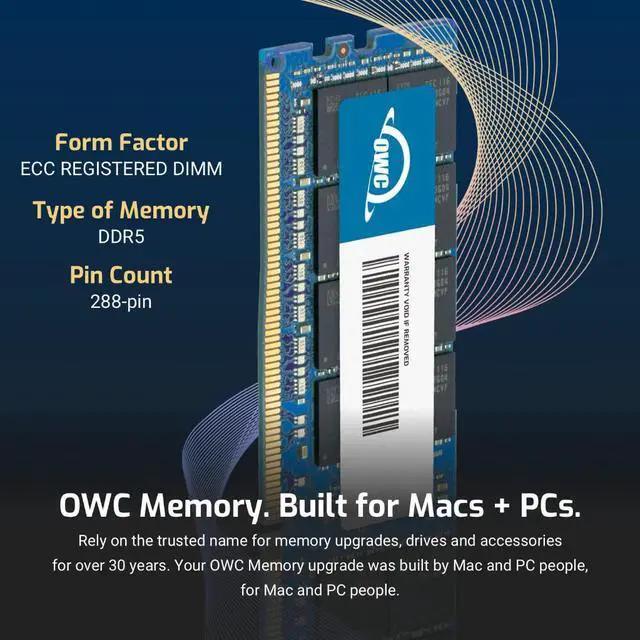
| Form Factor | 288PIN ECC REG DIMM |
| ECC Type | ECC REGISTERED |
| Voltage | 1.1v |
| Compatibility | Workstation, NAS System, , Servers, Network Switch |
















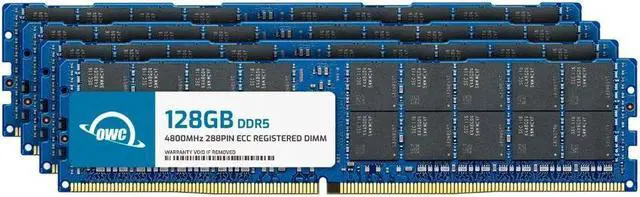
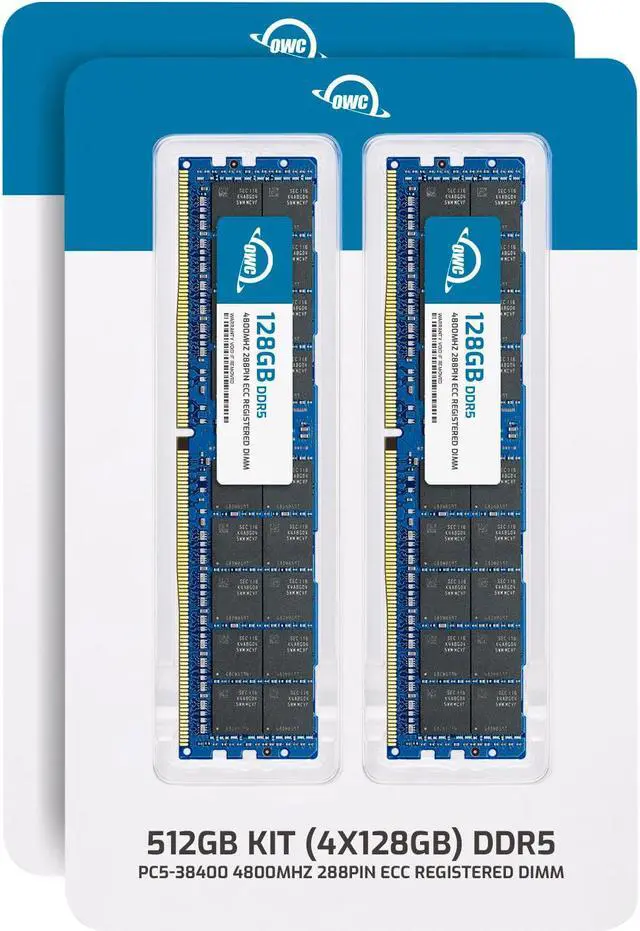
The OWC 512GB DDR5-4800 ECC Registered RDIMM kit includes four 128GB modules for upgrading compatible HP ProLiant DL325, DL345, DL360, DL365, or DL380 Gen11 servers that need high-capacity server memory.
| Attribute | Value |
|---|---|
| Best For | ECC registered memory upgrades for the listed HP ProLiant Gen11 servers |
| Capacity | 512GB kit comprising 4 × 128GB modules |
| Memory Type And Compatibility | DDR5 ECC registered RDIMM memory for HP ProLiant DL325 Gen11, DL345 Gen11, DL360 Gen11, DL365 Gen11, and DL380 Gen11 systems |
| Speed And Latency | 4800 MT/s (PC5-38400) with CL40 latency |
| Module Configuration | 288-pin, 4Rx4 rank, without a heat spreader |
| Voltage | 1.1V |
| Model Identifiers | OWC; part number 4R8D54R4512S; model OWC4R8D54R4512S-B893-SF |
Q: OWC 512GB (4x128GB) vs 256GB (4x64GB): which kit should I choose?
A: Choose the 512GB kit when you want twice the total capacity in the same four-module count. Both OWC kits are DDR5-4800 CL40 ECC registered RDIMMs; the 512GB kit uses four 128GB 4Rx4 modules, while the 256GB kit uses four 64GB 2Rx4 modules. ([eshop.macsales.com](https://eshop.macsales.com/item/owc-memory-pc-38400-ddr5-4800mhz-288-pin-ecc-r-rdimm-for-pc?sku=OWC4R8D52R4256S&utm_source=openai))
Q: OWC 512GB (4x128GB) vs 512GB (8x64GB): what’s the difference?
A: Both OWC configurations total 512GB and use DDR5-4800 CL40 ECC registered memory. Choose the 4x128GB kit when your target configuration calls for four DIMMs; the 8x64GB kit uses eight DIMMs to reach the same capacity. Confirm the server’s supported DIMM population before choosing a layout. ([eshop.macsales.com](https://eshop.macsales.com/shop/USB2/OWC_Express/USB2_USB3_Bus_Powered?filter.catidpath=4153&filter.dimension_frequency_10=4800MHz&filter.dimension_total_capacity_106=512.0GB&sort.price=asc&utm_source=openai))
Q: OWC 512GB (4x128GB) vs 1TB (8x128GB): which capacity should I get?
A: Choose the 512GB kit for a four-module, 512GB configuration. OWC’s 1TB configuration uses eight 128GB DDR5-4800 CL40 ECC registered DIMMs, so it is the higher-capacity option when the server’s supported configuration calls for 1TB and eight modules. ([eshop.macsales.com](https://eshop.macsales.com/item/owc-memory-pc-38400-ddr5-4800mhz-288-pin-ecc-r-rdimm-for-pc?sku=OWC4R8D52R4256S&utm_source=openai))
Q: Will this memory work in a standard desktop PC?
A: No. This is DDR5 ECC Registered DIMM (RDIMM) server memory, not standard desktop memory. It is intended for compatible HP ProLiant Gen11 servers and cannot be mixed with unbuffered or load-reduced memory.
Q: Which HP ProLiant servers is this 512GB kit compatible with?
A: The kit is listed as compatible with the HP ProLiant DL325 Gen11, DL345 Gen11, DL360 Gen11, DL365 Gen11, and DL380 Gen11. Confirm your server’s processor, memory configuration, and DIMM population requirements before buying.
Q: Can I add this kit alongside the RAM already in my server?
A: Do not assume it will work with the installed memory. The kit is registered ECC RDIMM and cannot be mixed with unbuffered or load-reduced DIMMs; check your server’s memory population rules and existing module specifications before combining memory.
Q: What is included in the 512GB kit?
A: It includes four 128GB DDR5-4800 ECC Registered DIMMs, for 512GB total. Each module is 288-pin, 4Rx4, CL40, and rated at 1.1V.
Q: Is third-party DDR5 RDIMM worth considering for an HPE Gen11 server?
A: It may be worth considering when reducing memory cost is a priority and the DIMMs are verified for the exact server configuration. Reddit discussion also flags a trade-off: troubleshooting or support under an HPE service contract may be harder with non-HPE memory. This OWC kit has its own stated warranty, but the discussion does not verify this specific kit.
Q: Will 128GB DDR5-4800 RDIMMs work in an HPE ProLiant DL365 Gen11?
A: The product information lists this kit for the DL365 Gen11. A DL365 Gen11 memory video describes the server as using ECC Registered DIMMs and lists 128GB modules and 4800 MT/s as supported options; the installed CPU affects the maximum memory speed. Confirm the exact CPU and configuration before buying—the video does not verify this specific OWC kit.
Q: What should I check if a Gen11 server reports an unsupported DIMM configuration after a memory upgrade?
A: Check the server’s DIMM population order and supported configuration, then verify that each module is seated correctly. A DL380 Gen11 discussion describes a population-rule error that was resolved by reseating the DIMMs in the correct slots. The required layout depends on the server model and configuration.
Q: Does using non-HPE memory create a trade-off for HPE support?
A: It can. Reddit users report that support teams may ask them to reproduce problems with HPE memory, which can add troubleshooting steps. The discussion does not establish the support terms for this particular OWC kit or a specific server contract, so check those terms before choosing third-party memory.


