




 here!
I’m your shopping assistant for PC builds, upgrades, and everything tech.
Got questions? Ask away!
Start a conversation
here!
I’m your shopping assistant for PC builds, upgrades, and everything tech.
Got questions? Ask away!
Start a conversation







Any questions? Ask CelesteSM will help you find out quickly.
| Technology | DDR5 |
|---|---|
| Speed | PC5-44800 5600MHz CL46 |
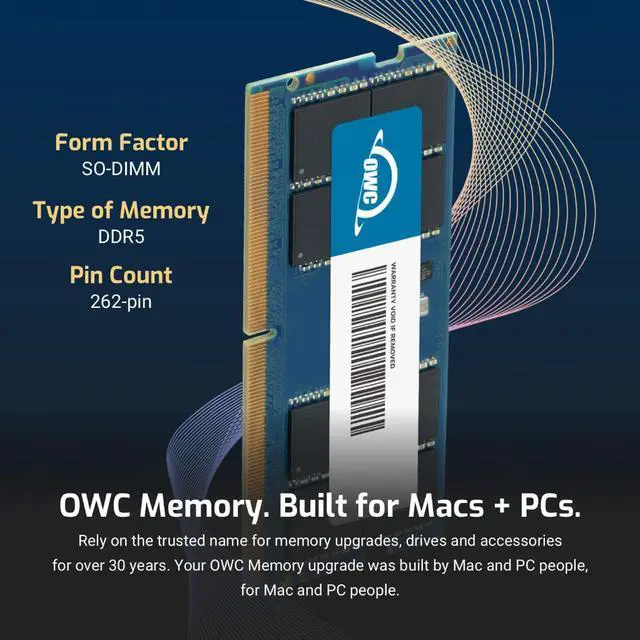
| Form Factor | 262PIN SO-DIMM |
| ECC Type | NON ECC UNBUFFERED |
| Voltage | 1.1v |
| Compatibility | Laptops, Notebooks, , NAS System, All In One |
















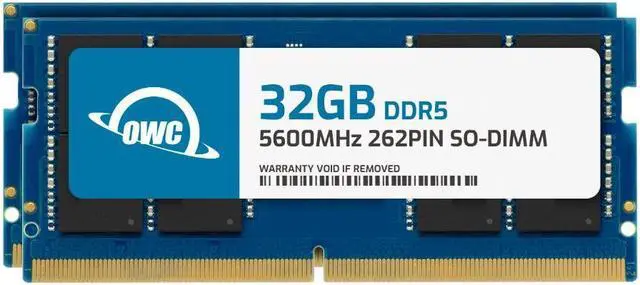
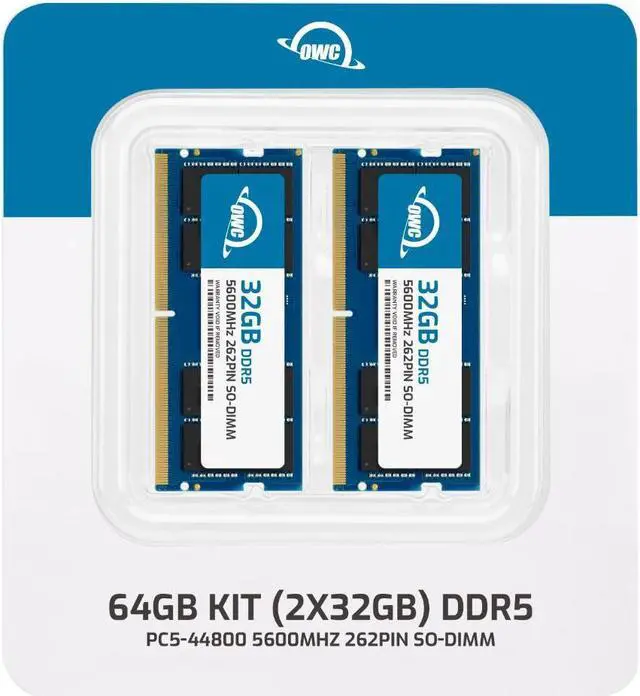
The OWC 64GB (2×32GB) DDR5-5600 SODIMM kit is a memory upgrade for Dell Alienware M18 R2 owners who need more RAM for demanding multitasking or memory-intensive work; it uses 262-pin, 1.1V non-ECC modules rated CL46.
| Attribute | Value |
|---|---|
| Best For | A 64GB (2 × 32GB) DDR5 SODIMM memory upgrade for the Dell Alienware M18 R2 |
| Capacity | 64GB total across two 32GB modules |
| Memory Configuration | 262-pin DDR5 SODIMM, 2Rx8 rank, non-ECC, unbuffered, with no heat spreader |
| Speed And Latency | DDR5-5600 (PC5-44800) with CL46 latency |
| Voltage | 1.1V |
| Brand And Model Identifiers | OWC; part number 5S6D52R8064P; model number OWC5S6D52R8064P-C130-SF |
Q: Should I choose the OWC 64GB kit or the OWC 32GB (2x16GB) kit for an Alienware M18 R2?
A: Choose the OWC 64GB (2x32GB) kit if you want 64GB total memory for larger workloads or more simultaneous applications. The OWC 32GB (2x16GB) kit provides the same DDR5-5600 rating in a lower-capacity, dual-module configuration. Dell lists both 32GB and 64GB dual-channel configurations for the M18 R2; its listed 64GB configuration runs at 5200 MT/s, so the system’s supported configuration determines the effective memory speed.
Q: How does the OWC 64GB kit compare with the M18 R2’s Dell-listed 64GB memory configuration?
A: Both use two 32GB modules for 64GB total in dual-channel mode. The OWC kit is rated DDR5-5600, while Dell lists the M18 R2’s 64GB configuration at 5200 MT/s; the laptop’s supported memory configuration determines the operating speed.
Q: Should I use one OWC 32GB module or the OWC 64GB (2x32GB) kit?
A: One OWC 32GB module provides 32GB total; the 64GB kit supplies two 32GB modules for 64GB total. For an M18 R2 upgrade targeting 64GB, choose the kit: Dell lists two SODIMM slots and a 64GB, 2x32GB dual-channel configuration.
Q: Will this 64GB kit work in an Alienware M18 R2?
A: Yes. The kit is listed as compatible with the Alienware M18 R2 and includes two 32GB DDR5 SODIMM modules. Confirm the laptop model before purchasing, since memory compatibility varies by system.
Q: Does the kit contain two memory sticks, and will it bring the system to 64GB?
A: Yes. It contains two 32GB modules, for 64GB total. It is suitable for an M18 R2 upgrade when the system’s existing memory is being replaced or when the laptop has compatible capacity available; check the installed configuration before ordering.
Q: Will this RAM actually run at 5600MT/s in the M18 R2?
A: The modules are rated for DDR5-5600, but the laptop determines the operating speed. Dell lists the M18 R2’s 64GB (2 × 32GB) configuration at 5200MT/s, so do not assume this kit will run at 5600MT/s in that configuration.
Q: Is this laptop RAM, or can I use it in a desktop?
A: It is 262-pin DDR5 SODIMM memory for compatible laptops and small-form-factor systems. It is not a standard desktop DIMM, so check that the device accepts DDR5 SODIMMs before buying.
Q: Will this 64GB kit run at 5600 MT/s in an Alienware M18 R2?
A: The kit is rated for 5600 MT/s, but the laptop’s actual memory speed may vary. M18 R2 owners report 64GB kits running at either 5200 or 5600 MT/s, with one user reporting that a BIOS update changed the speed. These reports do not confirm this specific OWC kit’s speed in every M18 R2.
Q: Is 64GB a useful upgrade if my M18 R2 stutters while gaming?
A: It may help if memory use is causing the stutter: an M18 R2 owner reported game stuttering while the laptop’s 16GB was nearly full. This kit provides 64GB total, but the discussion does not establish that a RAM upgrade will fix stuttering caused by other factors.
Q: Can I install the memory myself?
A: A DIY installation appears feasible for some owners: one M18 R2 user reported completing a memory swap in a few minutes. The kit is a pair of 262-pin SODIMMs, but follow a model-specific installation guide and check that the system recognizes both modules after installation.
Q: Should I choose 64GB or a larger 96GB kit for the M18 R2?
A: Choose this 64GB kit if 64GB meets your workload and you want the specified 2×32GB configuration. M18 R2 owners discuss using 96GB, but reported speeds and experiences vary; those reports do not establish that a larger kit is the better choice for every system.


