• $77.97
  • Free 30-day Returns
  • Sold by Direct from manufacturerOWC
    4.7 (29 seller ratings)

    Shipped by Direct from manufacturerOWC

    Price alert
    Newegg PC Builder
    Shop it at NeweggBusiness.

    Meet Your Seller

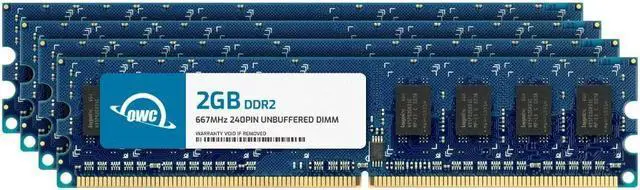
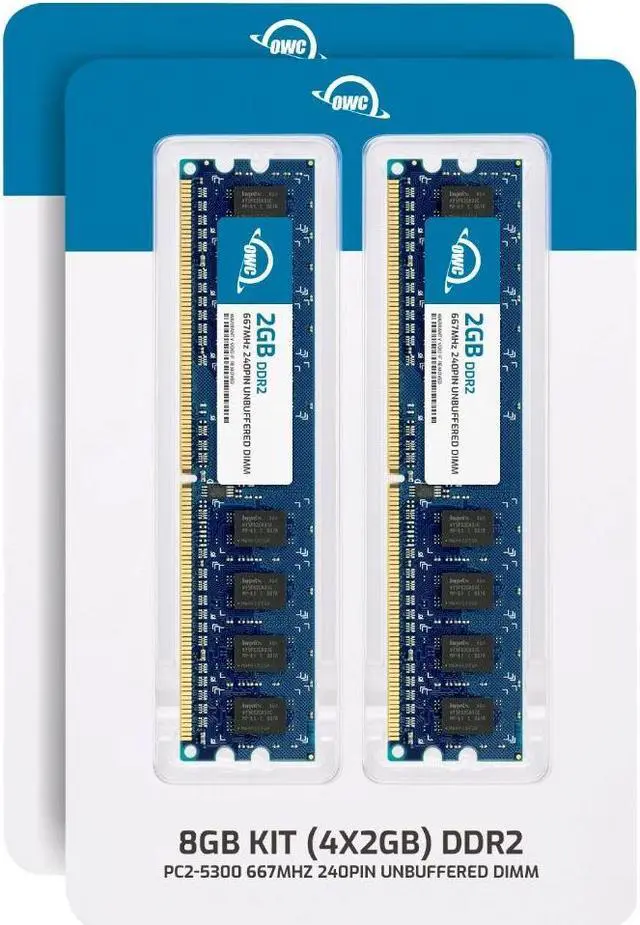
    OWC 8GB (4x2GB) DDR2 667 PC2-5300 CL5 2Rx8 240-pin 1.8V Non-ECC UDIMM Memory RAM Module Upgrade Kit for Select Desktops

    • 1GB
    • 2GB (2 x 1GB)
    • 4GB (4 x 1GB)
    • 8GB (4 x 2GB)
    • OWC 8GB UPGRADE: Consists of 4pcs of 2GB DDR2 667 PC2-5300 CL5 2Rx8 240-pin 1.8V Non-ECC Unbuffered DIMM Memory RAM Module Upgrade Kit for Select Desktops.
    • 100% COMPLIANT: JEDEC-Standard and ROHS Compliant. Warranty-Safe Upgrade. Designed and Tested to Meet or Exceed all Manufacturer OEM Specs.
    • INCREASED PERFORMANCE: Memory Upgrades are the Most Effective and Easy Way to Boost your PC's Performance.
    • INDUSTRY LEADING: Consumer-friendly Advanced Replacement Program and Limited Lifetime Warranty, which includes Free Tech Support by Other World Computing.
    • EASY INSTALLATION: In Most Cases, Installing Memory is an Easy DIY project. Watch our OWC Basic Installation Video for Help.
    🔥Don't forget your OS, we have Windows 11 OEM, Download and USB versions available
    +
    +
    Overview
    Specs
    Reviews

    Any questions? Ask CelesteSM will help you find out quickly.

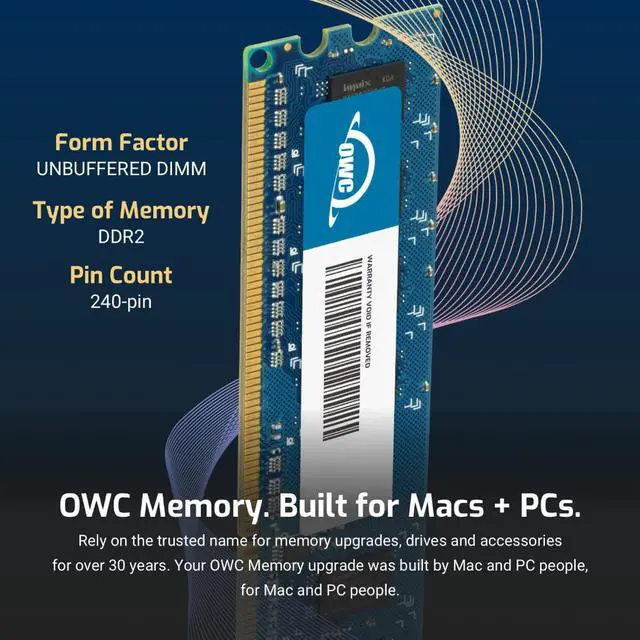
    OWC DDR2 memory is Fully compliant with JEDEC specifications, ROHS compliant, providing a warranty safe upgrade. OWC Memory is the most cost effective and simple DIY upgrade you can install to unleash your Mac or PC's full potential and speed up overall responsiveness. Become a multitasking maven when you upgrade your Mac or PC with OWC Memory. Open more apps. Open larger files. Plus, work with multiple files all at the same time. We test every OWC memory module at our in house lab so you can upgrade with the confidence that your memory is built to last.

    We built your OWC Memory upgrade to meet or exceed the toughest industry specs to provide years of worry-free service. OWC recommends that all DIMMs be the same capacity, speed, and manufacturer to ensure optimal memory performance.

    Warranty & Returns

    Warranty, Returns, And Additional Information

    Warranty

    • Please contact the Seller directly for warranty information. Warranty information may also be found on the Manufacturer's website.
    • Read full details
    • CONTACT

    Return Policies

    • Return for refund within: 30 days
    • Return for replacement within: 60 days
    • This item is covered by OWC Return Policy

    Manufacturer Contact Info

    LOADING...

    The OWC 8GB DDR2 667 desktop memory kit includes four 2GB, 240-pin, 1.8V non-ECC unbuffered DIMMs for upgrading compatible desktops that use DDR2-667 (PC2-5300) memory.

    Recommended For

    • Owners maintaining a compatible legacy desktop that has four DDR2 DIMM slots and supports 8GB can use the matched 4×2GB kit to increase memory capacity for everyday multitasking.
    • Retro-computing builders restoring a desktop that specifically uses 240-pin DDR2 memory can use this kit when the motherboard supports the module type, speed, and 8GB total capacity.
    • Repair technicians or hobbyists replacing a full set of desktop DIMMs can use the four-module kit in a compatible system that accepts 2GB DDR2 modules; check the motherboard manual because slot population and capacity limits vary by system.
    • Users running a compatible 64-bit operating system and several programs at once may benefit if their current memory capacity is the bottleneck; the kit increases capacity, not processor or graphics performance.

    Real-World Use Scenarios

    • On a compatible older desktop that slows down when several programs are open, moving to 8GB can reduce memory pressure and make switching between a browser, email, and office apps feel smoother—if limited RAM was the bottleneck.
    • For basic home or office work on a supported DDR2 desktop, 8GB can leave more room for a few browser tabs, documents, and spreadsheets to stay open together; it will not overcome limits from an older processor or slow storage.
    • When bringing an older desktop back into service with a lightweight Linux setup, 8GB can provide headroom for everyday desktop tasks and light browsing, though results depend on the system’s processor, software, and hardware support.
    • For a compatible legacy PC kept for older software or games, replacing a smaller memory configuration with 8GB can make the machine more practical for running the operating system alongside other apps; it does not by itself guarantee higher game performance.