




 here!
I’m your shopping assistant for PC builds, upgrades, and everything tech.
Got questions? Ask away!
Start a conversation
here!
I’m your shopping assistant for PC builds, upgrades, and everything tech.
Got questions? Ask away!
Start a conversation






Any questions? Ask CelesteSM will help you find out quickly.
| Technology | DDR3 |
|---|---|
| Speed | PC3L-10600 1333MHz CL9 |
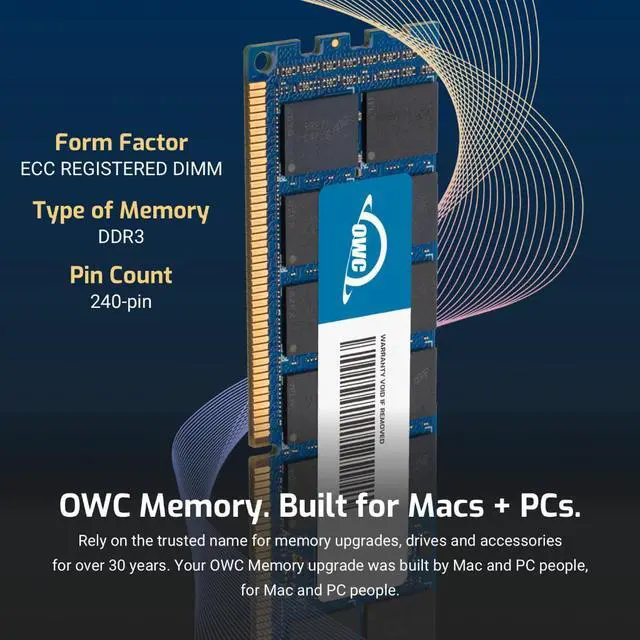
| Form Factor | 240PIN DIMM |
| ECC Type | ECC REGISTERED |
| Voltage | 1.35v |
| Compatibility | WORKSTATION , SERVER, NAS SYSTEM, ROUTER |
















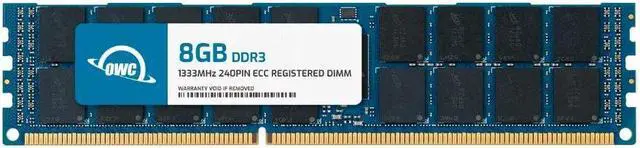
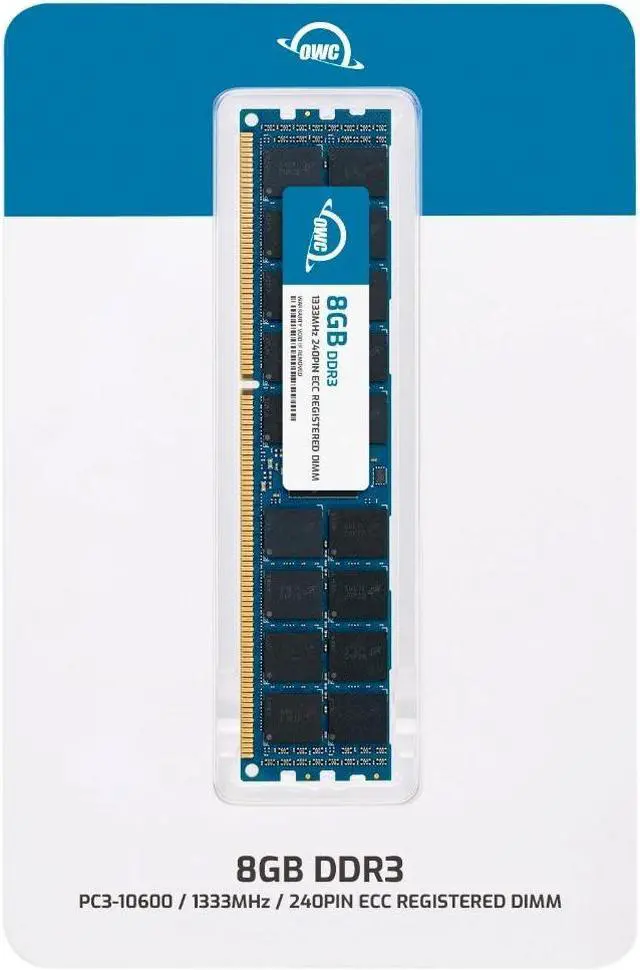
The OWC 8GB DDR3L-1333 ECC Registered RDIMM is a single 240-pin, 1.35V server-memory module designed for Cisco UCS B200 M2 owners upgrading compatible systems; it is intended for servers and workstations that support registered memory.
| Attribute | Value |
|---|---|
| Best For | Server memory upgrades for a Cisco UCS B200 M2 using ECC registered DIMM memory |
| Capacity | 8GB single memory module |
| Memory Type And Compatibility | 240-pin DDR3L ECC registered RDIMM in server form factor, compatible with Cisco UCS B200 M2 |
| Speed And Latency | 1333 MHz (PC3L-10600) with CL9 latency |
| Module Configuration | 2Rx4 rank configuration; no heat spreader |
| Voltage | 1.35V |
| Model Identifiers | OWC part number 1R3T32R408GB; model OWC1R3T32R408GB-B744-SF |
Q: Should I get one 8GB OWC module or the OWC 16GB (2 x 8GB) kit?
A: Choose this single 8GB module when you want to add memory in one-DIMM increments. Choose the OWC 16GB kit when you want 16GB across two matching 8GB modules in one purchase. The Cisco UCS B200 M2 has three memory channels per CPU, so check the server’s DIMM population plan when selecting module count.
Q: Is this 8GB OWC RDIMM or a single 16GB OWC DDR3L RDIMM better for a B200 M2 upgrade?
A: Choose this 8GB module for an 8GB capacity increment; choose the single 16GB OWC module when you want more capacity per DIMM. Both are listed as 1333MHz DDR3L ECC registered memory. Match the choice to the B200 M2’s supported DIMM configuration and your planned total capacity.
Q: How does this OWC 8GB DDR3L module compare with OWC’s 8GB DDR3 1.5V RDIMM?
A: Both OWC modules are 8GB, 1333MHz, CL9, ECC registered RDIMMs with 240 pins and 2Rx4 rank. This DDR3L version is specified at 1.35V; the DDR3 version is specified at 1.5V. Choose based on the voltage and memory configuration you are matching in the B200 M2; Cisco lists both 1.35V and 1.5V DIMMs for the platform.
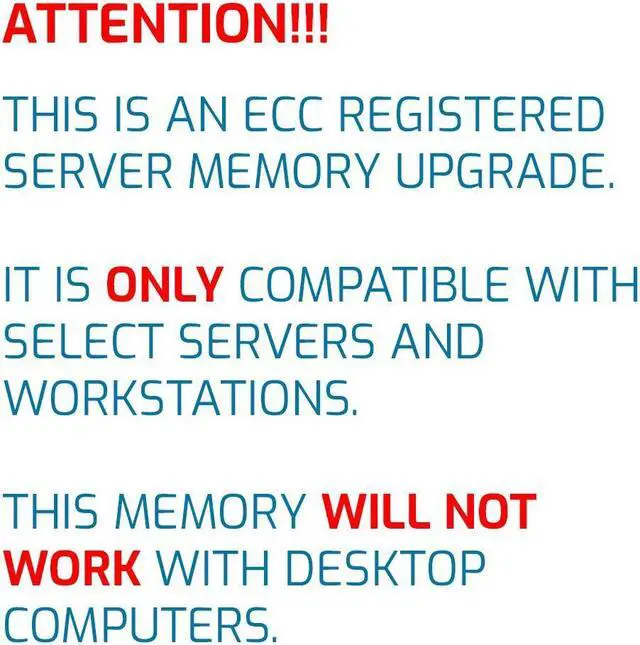
Q: Will this memory work in a standard desktop PC?
A: No. This is 240-pin DDR3L ECC Registered DIMM (RDIMM) memory, intended for supported server or workstation systems. The listing identifies it as compatible with the Cisco UCS B200 M2; check your system’s specifications before buying.
Q: Can I mix this module with the RAM already in my server?
A: Do not mix it with unbuffered or ECC load-reduced memory. Before combining it with other RDIMMs, check the server’s memory population rules for supported capacity, rank, speed, and slot configuration.
Q: How can I check whether this RAM is compatible with my server?
A: Confirm that the server supports DDR3L 1333 ECC Registered DIMMs and this module’s 8GB capacity and 2Rx4 rank. The listing specifies compatibility with the Cisco UCS B200 M2; for another system, verify its memory documentation and installation rules before buying.
Q: Does this listing include one 8GB module?
A: Yes. It includes one 8GB DDR3L 1333 ECC Registered DIMM. Check the server’s slot population rules to determine whether one module is suitable for your planned upgrade.


