




 here!
I’m your shopping assistant for PC builds, upgrades, and everything tech.
Got questions? Ask away!
Start a conversation
here!
I’m your shopping assistant for PC builds, upgrades, and everything tech.
Got questions? Ask away!
Start a conversation






Any questions? Ask CelesteSM will help you find out quickly.
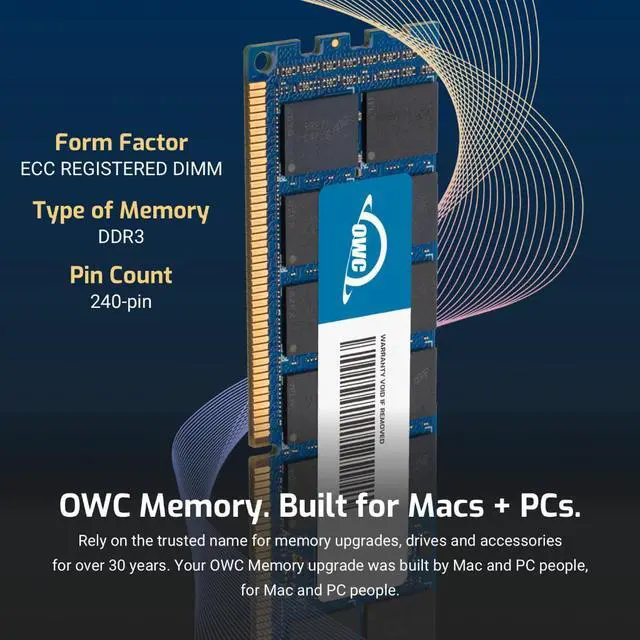
| Technology | DDR3 |
|---|---|
| Speed | PC3L-12800 1600MHz CL11 |
| Form Factor | 240PIN DIMM |
| ECC Type | ECC REGISTERED |
| Voltage | 1.35v |
| Compatibility | WORKSTATION , SERVER, NAS SYSTEM, ROUTER |
















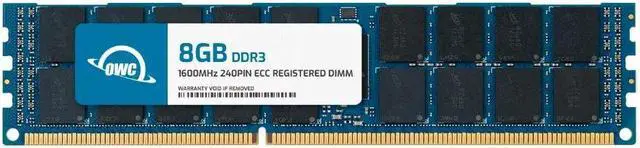
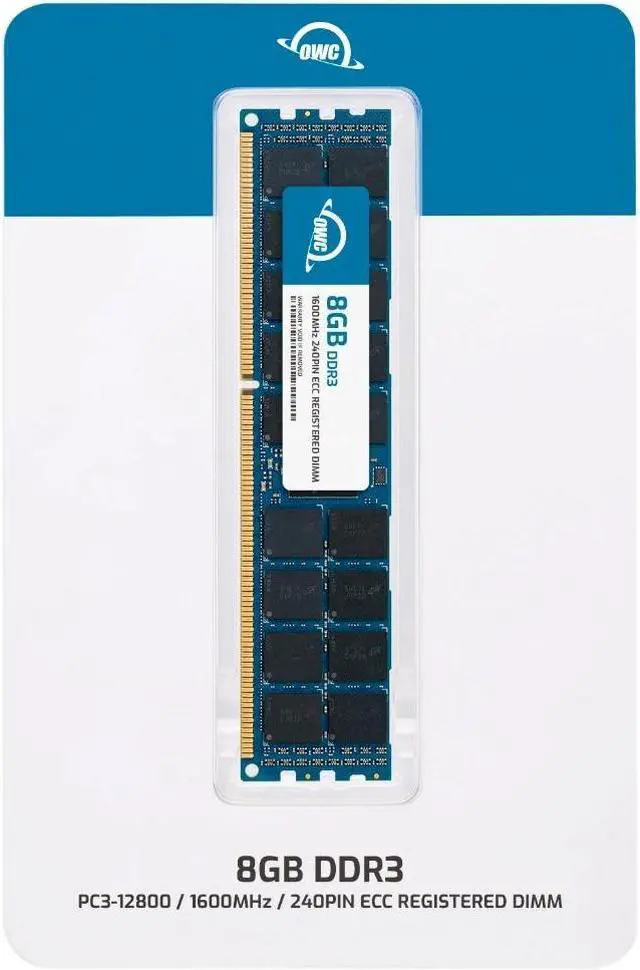
The OWC 8GB DDR3L-1600 ECC Registered RDIMM is a server-memory upgrade for compatible Cisco UCS B200 M3, B22 M3, B420 M3, C22 M3, and C220 M3 systems, with 1.35V operation and a 240-pin, 2Rx4 design.
| Attribute | Value |
|---|---|
| Best For | ECC registered server-memory upgrades for the listed Cisco UCS systems |
| Capacity | 8GB single memory module |
| Memory Type And Configuration | DDR3L ECC registered RDIMM with 2Rx4 rank, 240-pin form factor and no heat spreader |
| Speed And Latency | 1600 MHz (PC3L-12800) with CL11 latency |
| Voltage | 1.35V |
| System Compatibility | Cisco UCS B200 M3, B22 M3, B420 M3, C22 M3 and C220 M3 |
| Model Identifiers | OWC part number 1R6T32R408GB; model number OWC1R6T32R408GB-B749-SF |
Q: Should I choose this OWC 8GB module or an OWC 16GB DDR3L RDIMM?
A: Choose this 8GB module when you want 8GB per slot or are matching an existing 8GB module as part of a supported memory configuration. Choose the OWC 16GB module when you want twice the capacity per slot and your server supports that capacity and population. Both are DDR3L-1600, CL11, 240-pin, 1.35V, ECC registered 2Rx4 modules. Cisco lists both 8GB and 16GB RDIMMs in supported C220 M3 configurations.
Q: Is one OWC 8GB module or an OWC 16GB (2x8GB) kit the better upgrade?
A: Choose this single 8GB module when your upgrade plan calls for one 8GB DIMM. Choose the OWC 2x8GB kit when you want 16GB total across two DIMMs and your server’s supported memory-population plan accommodates them. Cisco’s C220 M3 documentation describes configurations using both one and multiple 8GB DIMMs.
Q: How does this OWC 8GB 2Rx4 module compare with an OWC 8GB 1Rx4 module?
A: Both provide 8GB capacity and DDR3L-1600 ECC registered memory. Choose this 2Rx4 module when it matches the rank specified for your server’s configuration or existing memory; choose the OWC 1Rx4 version when that is the specified rank. Check the server’s memory compatibility and population guidance before selecting between them.
Q: Will this RAM work in my Cisco UCS server?
A: It is listed as compatible with the Cisco UCS B200 M3, B22 M3, B420 M3, C22 M3, and C220 M3. Check your server’s memory specifications and configuration before buying; compatibility with other systems is not established by the product information.
Q: Can I use this memory in a standard desktop computer?
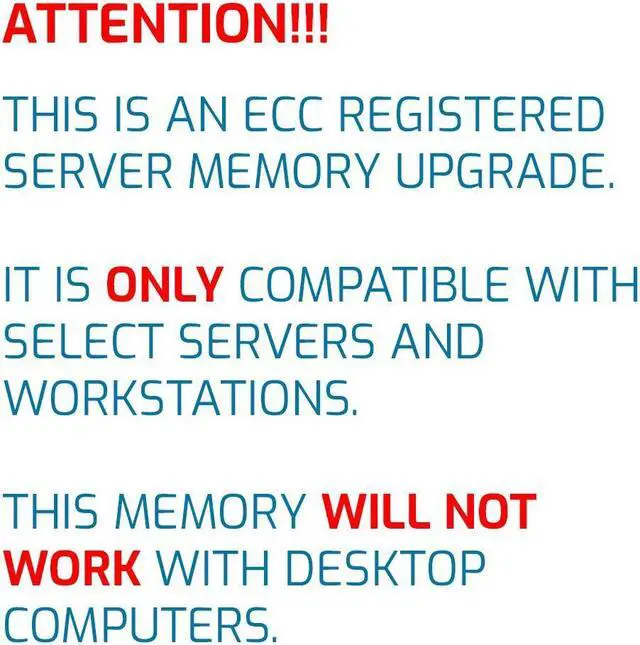
A: No. This is 240-pin DDR3L ECC Registered (RDIMM) server memory, and the product listing says it is not compatible with standard desktop computers.
Q: Can I mix this with unbuffered or load-reduced memory?
A: No. The product information says this registered DIMM cannot be mixed with unbuffered memory or ECC load-reduced (LRDIMM) memory. Confirm the memory type already installed in your server before adding it.
Q: Is this one 8GB stick or a multi-module kit?
A: It is one 8GB DDR3L 1600 ECC Registered RDIMM module, not a kit. Check your server’s memory-slot and population requirements to determine whether one module is suitable for your configuration.
Q: Is this the right memory type for a Cisco UCS C220 M3?
A: It matches the product’s listed C220 M3 requirements: DDR3L-1600, 8GB, ECC registered RDIMM, 2Rx4, and 1.35V. Confirm the server’s existing DIMM type and slot configuration before buying; it is not standard desktop memory.
Q: Can I mix this RDIMM with the memory already in my server?
A: Do not mix it with unbuffered or load-reduced memory. The product is a registered ECC DIMM; check the installed modules and the server’s memory-population rules before combining DIMMs.
Q: Is it worth upgrading an older Cisco UCS M3 server?
A: It may suit a low-cost memory replacement or small upgrade if the server still meets your needs. Reddit discussion highlights the M3 platform’s age and management-interface limitations, so consider the server’s broader support and usability—not just the cost of this 8GB module.


