




 here!
I’m your shopping assistant for PC builds, upgrades, and everything tech.
Got questions? Ask away!
Start a conversation
here!
I’m your shopping assistant for PC builds, upgrades, and everything tech.
Got questions? Ask away!
Start a conversation






Any questions? Ask CelesteSM will help you find out quickly.
| Technology | DDR3 |
|---|---|
| Speed | PC3L-12800 1600MHz CL11 |
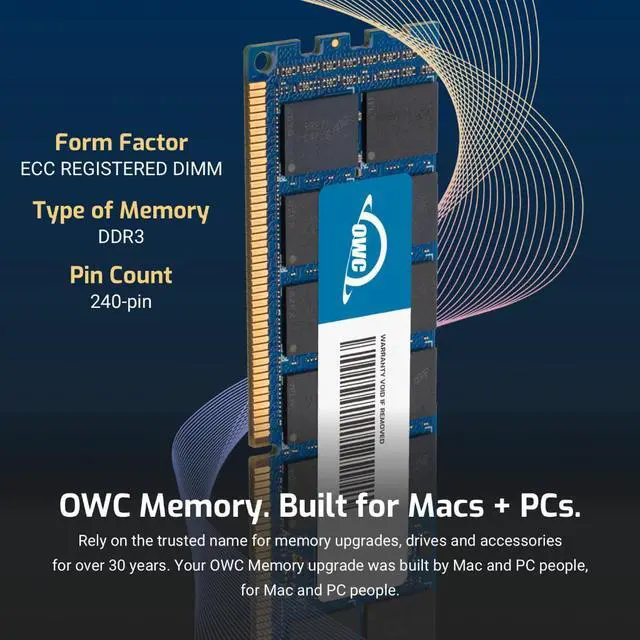
| Form Factor | 240PIN DIMM |
| ECC Type | ECC REGISTERED |
| Voltage | 1.35v |
| Compatibility | WORKSTATION , SERVER, NAS SYSTEM, ROUTER |
















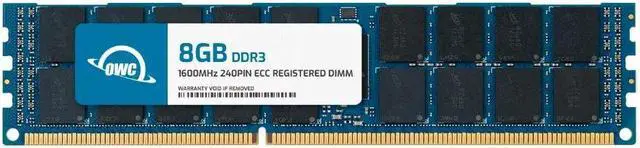
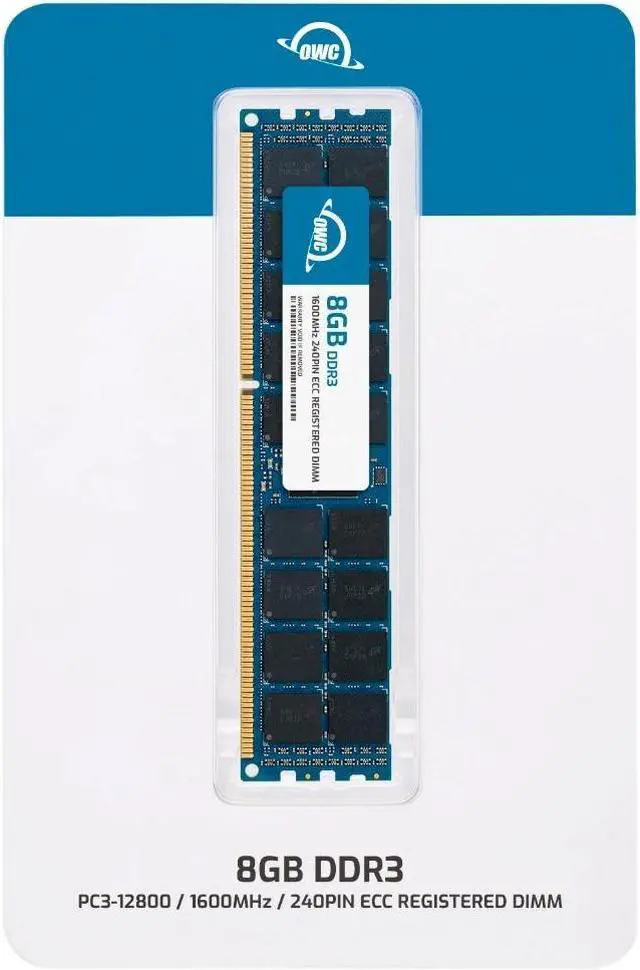
The OWC 8GB DDR3L-1600 ECC Registered RDIMM is a server-memory upgrade for Cisco UCS C200 M2 and C210 M2 systems, with 1.35V operation, CL11 timing, and a 240-pin, 2Rx4 design.
| Attribute | Value |
|---|---|
| Best For | ECC-registered server memory for Cisco UCS C200 M2 and C210 M2 systems |
| Capacity | 8GB single memory module |
| Memory Configuration | DDR3L 1600 (PC3L-12800) with CL11 latency, 1.35V, 240-pin ECC registered RDIMM, 2Rx4 rank, and no heat spreader |
| Compatible Systems | Cisco UCS C200 M2 and Cisco UCS C210 M2 |
| Model Identifiers | OWC part number 1R6T32R408GB; model number OWC1R6T32R408GB-B752-SF |
Q: Is one 8GB OWC module or two 8GB modules a better choice for a Cisco UCS C200 M2 or C210 M2?
A: Choose this single 8GB module for an 8GB memory configuration or a step-by-step upgrade. Choose two matching 8GB modules when targeting 16GB; Cisco documents 8GB and 16GB configurations for these server models.
Q: Should I choose an 8GB or 4GB DIMM for a UCS C200 M2 or C210 M2?
A: Choose this 8GB module when you want more memory capacity from a single DIMM. A 4GB configuration is an option for a smaller total-memory build; Cisco lists both 4GB and 8GB DIMM configurations for these servers.
Q: Is this 8GB module or a 16GB DIMM the better upgrade for a UCS C200 M2 or C210 M2?
A: Choose this 8GB module for an incremental upgrade or a configuration built around 8GB DIMMs. Choose a 16GB DIMM when your target capacity calls for fewer, higher-capacity modules; Cisco lists configurations using both 8GB and 16GB DIMMs for these server models.
Q: Will this memory work in my Cisco UCS C200 M2 or C210 M2?
A: It is specified as compatible with the Cisco UCS C200 M2 and C210 M2. It is a single 8GB DDR3L-1600, 1.35V ECC Registered RDIMM. Confirm your server’s supported memory configuration and slot-population rules before installing it.
Q: Can I use this RAM in a standard desktop PC?
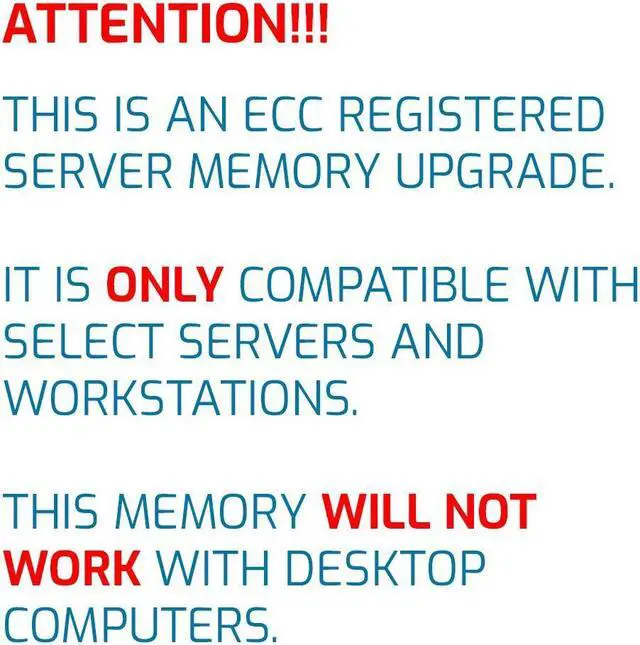
A: No. This is ECC Registered server memory, not standard unbuffered desktop RAM. Use it only in a system that supports DDR3 ECC RDIMMs, such as a compatible Cisco UCS C200 M2 or C210 M2.
Q: Can I mix this module with the RAM already in my server?
A: Do not mix it with unbuffered memory or ECC Load Reduced (LRDIMM) memory. Before combining it with other registered DIMMs, check the server’s memory rules for supported capacities, ranks, speeds, and slot population.
Q: How much RAM is included, and is it a multi-module kit?
A: The package is one 8GB memory module, not a multi-module kit. Whether one module is the right upgrade depends on your server’s available slots, current memory, and supported population configuration.
Q: Is this a suitable memory upgrade for a Cisco UCS C200 M2 or C210 M2?
A: The module is listed as compatible with both models. It adds 8GB as one DDR3L-1600 ECC registered RDIMM. Before buying, check the server’s current memory layout and supported configuration; a Reddit discussion about upgrading a C200 M2 cautions that memory rank and channel setup matter.
Q: Will adding this 8GB module noticeably improve a C210 M2’s performance?
A: Not necessarily. It adds memory capacity, but a speed improvement depends on whether the server’s workload is limited by RAM. A C210 M2 owner asked whether a memory upgrade would produce a noticeable boost, so consider your current capacity and workload before buying.
Q: Can I use this in a standard desktop or mix it with unbuffered memory?
A: No. This is registered ECC server memory, not standard desktop memory, and the product information says it cannot be mixed with unbuffered or load-reduced memory. Reddit discussions about registered memory also describe compatibility problems when it is used in systems that require unbuffered DIMMs.


