




 here!
I’m your shopping assistant for PC builds, upgrades, and everything tech.
Got questions? Ask away!
Start a conversation
here!
I’m your shopping assistant for PC builds, upgrades, and everything tech.
Got questions? Ask away!
Start a conversation






Any questions? Ask CelesteSM will help you find out quickly.
| Technology | DDR3 |
|---|---|
| Speed | PC3L-12800 1600MHz CL11 |
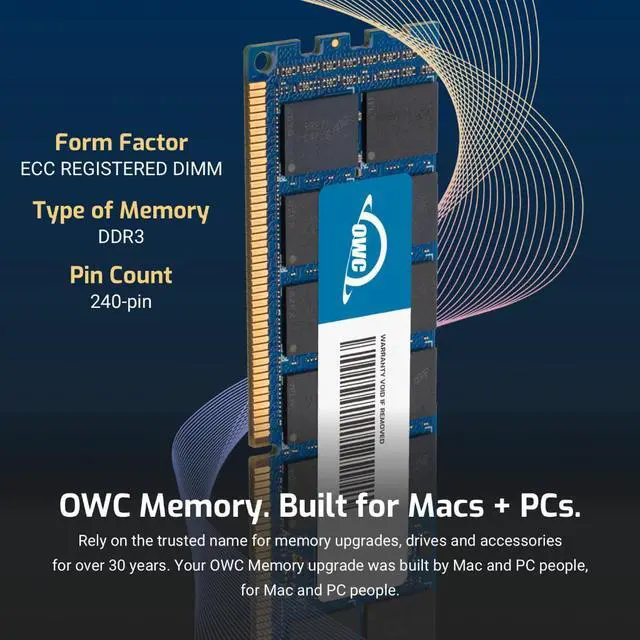
| Form Factor | 240PIN DIMM |
| ECC Type | ECC REGISTERED |
| Voltage | 1.35v |
| Compatibility | WORKSTATION , SERVER, NAS SYSTEM, ROUTER |
















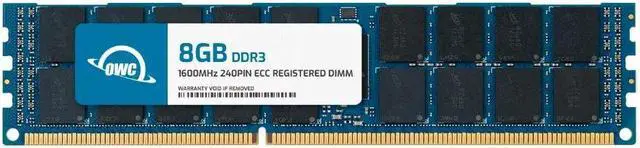
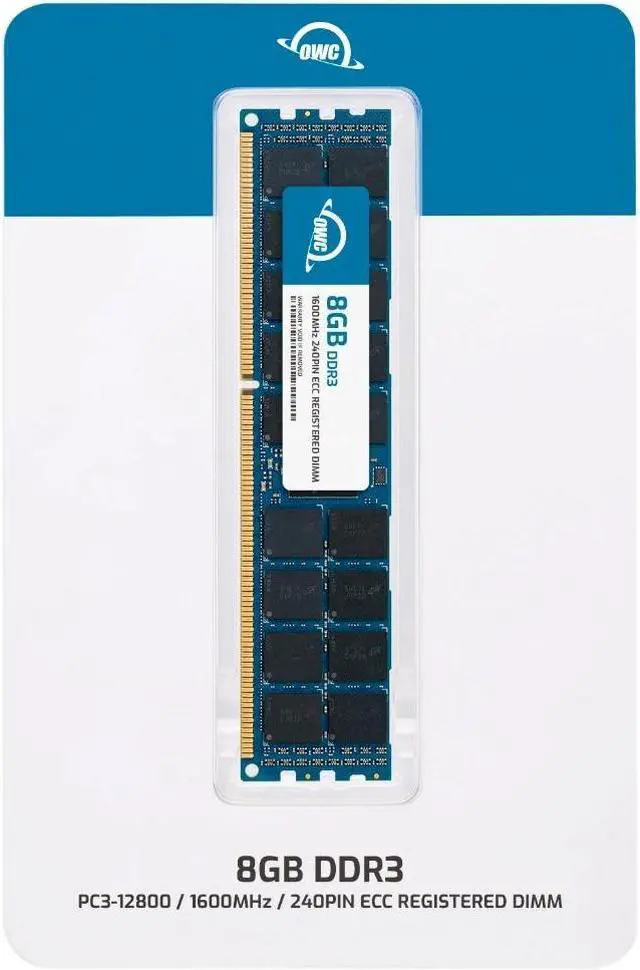
The OWC 1R6T31R408GB is a single 8GB DDR3L-1600 ECC registered RDIMM for upgrading compatible Dell PowerEdge C6220, C6220 II, C8000, C8220, and C8220X servers; it suits server and workstation builds that support this memory type.
| Attribute | Value |
|---|---|
| Best For | ECC registered server or workstation memory upgrades for the listed Dell PowerEdge systems |
| Capacity | 8GB, supplied as one module |
| Memory Type And Configuration | DDR3L ECC registered RDIMM, 240-pin, 1Rx4; no heat spreader |
| Speed And Latency | 1600 MHz (PC3L-12800), CL11 |
| Voltage | 1.35V |
| Compatible Systems | Dell PowerEdge C6220, C6220 II, C8000, C8220, and C8220X |
| Model Identifiers | OWC; part number 1R6T31R408GB; model number OWC1R6T31R408GB-B701-SF |
Q: OWC 8GB or 16GB DDR3L-1600 RDIMM: which should I choose for a PowerEdge C6220?
A: Choose this 8GB module for an 8GB capacity increment or to match an 8GB-per-module upgrade plan. Choose OWC’s 16GB DDR3L-1600 RDIMM when you want twice the capacity per module. Both are ECC registered DDR3L-1600 modules; check the server’s memory-population requirements when planning an upgrade.
Q: OWC 8GB DDR3L-1600 or 8GB DDR3-1333 RDIMM—which fits a C6220 upgrade?
A: Choose this 1600MT/s DDR3L module when your C6220 upgrade plan targets the server’s supported 1600MT/s memory configuration. OWC’s 1333MT/s RDIMM is the same capacity and a registered ECC module, making it an alternative for a plan built around 1333MT/s memory. Dell lists both 1333MT/s and 1600MT/s RDIMMs for the C6220.
Q: OWC 8GB DDR3L-1600 1.35V or OWC 8GB DDR3-1600 1.5V RDIMM?
A: Choose this DDR3L module if you want an 8GB, ECC registered DIMM specified for 1.35V operation. OWC also offers an 8GB DDR3-1600 ECC RDIMM specified at 1.5V; both are rated at 1600MT/s. Dell lists 1.35V and 1.5V 1600MT/s RDIMMs among the C6220 memory options.
Q: Will this RAM work in my Dell PowerEdge server?
A: The module is listed as compatible with the Dell PowerEdge C6220, C6220 II, C8000, C8220, and C8220X. It is an 8GB DDR3L-1600, 1Rx4 ECC Registered RDIMM. Confirm your server’s memory configuration and population rules before buying.
Q: Can I use this memory in a standard desktop PC?
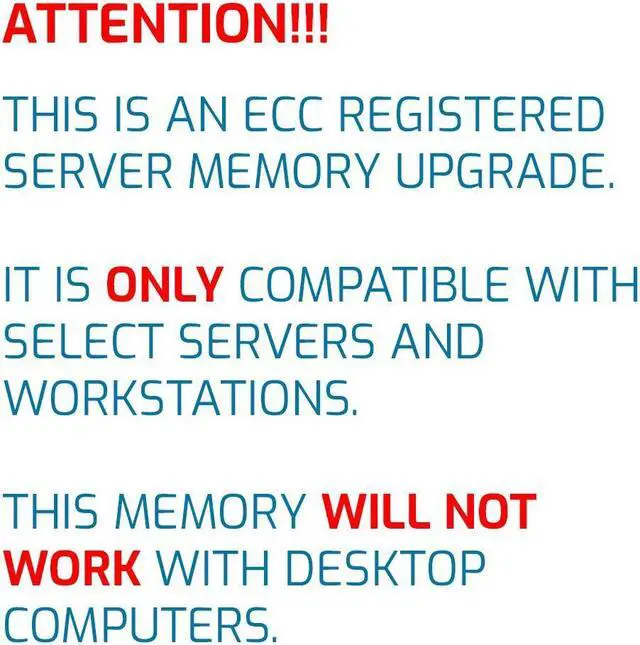
A: No. This is ECC Registered server memory, not standard desktop memory. It is intended for a system that supports DDR3L ECC RDIMMs, and it should not be mixed with unbuffered memory.
Q: Can I mix this module with the RAM already in my server?
A: Do not mix it with unbuffered memory. Before combining it with other registered DIMMs, check the server’s memory rules for supported capacity, rank, speed, and slot population; compatibility is not guaranteed from the module specifications alone.
Q: How much memory is included, and what speed is it rated for?
A: The product is one 8GB DDR3L-1600 module, rated PC3L-12800 with CL11 timing and 1.35V operation. The server’s supported configuration determines whether it runs at that rated speed.
Q: Will this 8GB RDIMM work in a Dell PowerEdge C6220?
A: It is listed as compatible with the C6220, C6220 II, C8000, C8220, and C8220X. It is ECC registered memory, so check the server’s existing DIMM type and configuration before buying; it cannot be mixed with unbuffered memory.
Q: Is it worth buying RAM for an older C6220?
A: It can make sense if you already own the server and need more memory: Reddit users describe DDR3 RAM as inexpensive. The overall value depends on your use and operating costs, since the C6220’s power consumption can make it a costly choice for light or always-on workloads.
Q: Is one 8GB module enough for a C6220 homelab node?
A: That depends on the workloads and the node’s current memory. This product adds 8GB as a single DIMM; Reddit C6220 setups show configurations such as 32GB and 128GB per node, so treat this module as a capacity increase rather than a complete memory target for every use.


