




 here!
I’m your shopping assistant for PC builds, upgrades, and everything tech.
Got questions? Ask away!
Start a conversation
here!
I’m your shopping assistant for PC builds, upgrades, and everything tech.
Got questions? Ask away!
Start a conversation






Any questions? Ask CelesteSM will help you find out quickly.
| Technology | DDR3 |
|---|---|
| Speed | PC3L-12800 1600MHz CL11 |
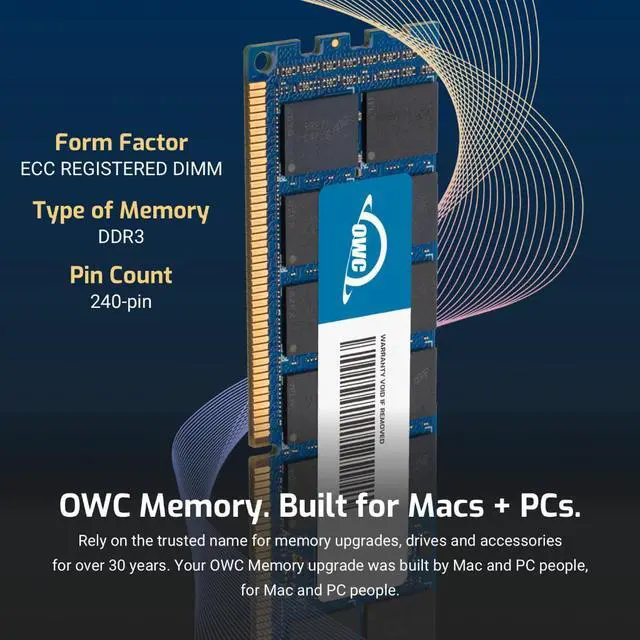
| Form Factor | 240PIN DIMM |
| ECC Type | ECC REGISTERED |
| Voltage | 1.35v |
| Compatibility | WORKSTATION , SERVER, NAS SYSTEM, ROUTER |
















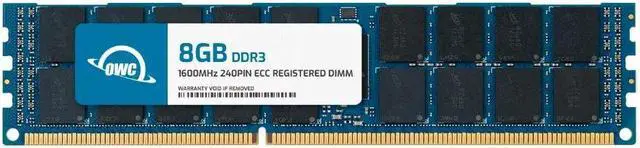
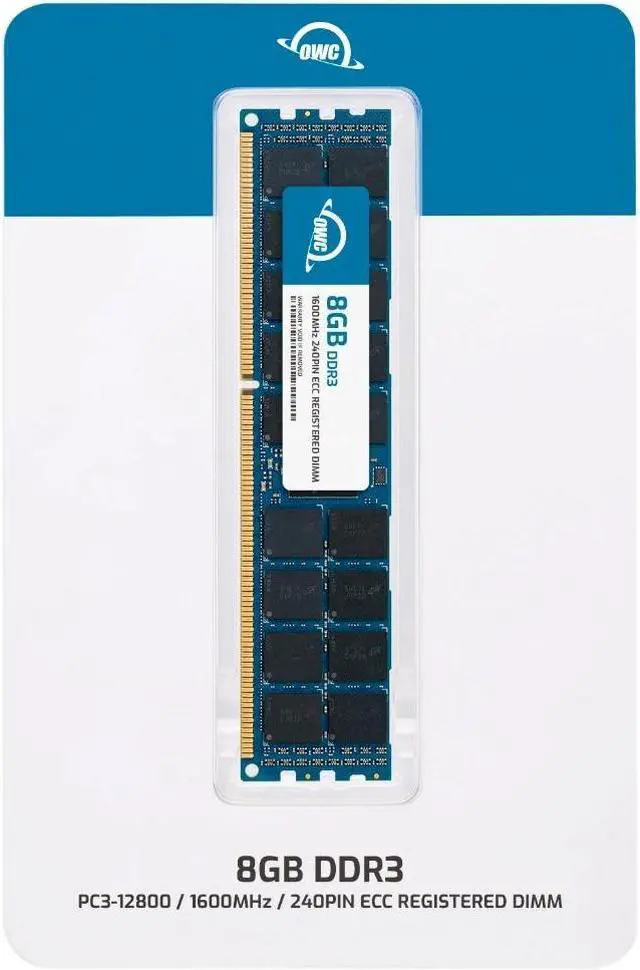
The OWC 8GB DDR3L-1600 ECC Registered RDIMM is a server-memory upgrade for Dell PowerEdge R520, R620, R715, R720, and R720xd systems that use compatible registered memory.
| Attribute | Value |
|---|---|
| Best For | Server or workstation memory upgrades for the listed Dell PowerEdge systems; uses ECC registered memory |
| Capacity | 8GB single memory module |
| Memory Type And Configuration | DDR3L ECC registered RDIMM, 240-pin, 1Rx4; server form factor |
| Speed And Latency | 1600 MHz (PC3L-12800), CL11 |
| Voltage And Cooling | 1.35V; no heat spreader |
| System Compatibility | Dell PowerEdge R520, R620, R715, R720, and R720xd |
| Physical Design | Black chips |
| Brand And Model Identifiers | OWC; part number 1R6T31R408GB; model number OWC1R6T31R408GB-B705-SF |
Q: Should I choose this OWC 8GB module or an OWC 16GB DDR3L-1600 RDIMM for a PowerEdge R720?
A: Choose the 8GB module to add capacity in smaller increments; choose the 16GB module when you want more memory capacity from each DIMM slot. Dell lists both 8GB 1Rx4 and 16GB 2Rx4 DDR3-1600 RDIMMs as supported configurations for the R720 and R720xd.
Q: Should I buy this single 8GB OWC module or the OWC 16GB (2x8GB) kit?
A: Choose this single module when adding one 8GB DIMM; choose the 16GB kit when your planned upgrade is two 8GB DIMMs for 16GB total. Both OWC options are DDR3L-1600 ECC Registered RDIMMs, and Dell documents 1600 MT/s RDIMM support for the R720 and R720xd.
Q: For a PowerEdge R720, should I choose OWC DDR3L-1600 or DDR3L-1333 memory?
A: Choose this DDR3L-1600 module when your server configuration supports 1600 MT/s and you want that rated speed. Choose OWC DDR3L-1333 when matching a 1333 MT/s memory configuration. Dell notes that mixed memory speeds operate at the slowest DIMM’s common frequency, and the R720 supports both speeds depending on configuration.
Q: Will this memory work in a regular desktop or laptop?
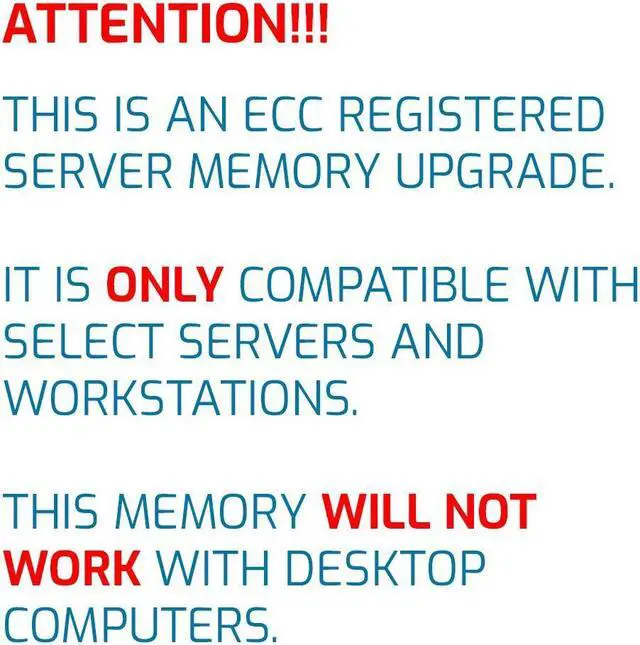
A: No. This is 240-pin ECC Registered (RDIMM) server memory, not standard desktop memory. The product information says it is not compatible with standard desktops and must not be mixed with unbuffered memory.
Q: Is this compatible with my Dell PowerEdge server?
A: The product is listed as compatible with the Dell PowerEdge R520, R620, R715, R720, and R720xd. Confirm your exact server model and its memory configuration before ordering; the module is 8GB DDR3L-1600 ECC Registered RDIMM.
Q: Can I mix this with the memory already in my server?
A: Do not mix this registered module with unbuffered memory. Check that your server’s existing memory and configuration support ECC Registered RDIMMs, and follow the server’s memory-population guidance.
Q: How much memory do I get, and how many modules are included?
A: The listing is for one 8GB memory module, not a multi-module kit.
Q: Will this 8GB DDR3L 1600 1Rx4 RDIMM work in a Dell PowerEdge R720?
A: It matches the R720 memory type and speed discussed in server-upgrade guidance: 8GB DDR3-1600 ECC Registered DIMMs are supported. The product is also listed as compatible with the R720. Confirm the server’s existing memory type and population before installing it.
Q: Can I mix this module with the RAM already in my server?
A: Only if the existing memory is compatible Registered DIMM (RDIMM) memory; do not mix it with unbuffered memory or LRDIMMs. Mixed capacities or ranks may also require specific slot placement, so check the server’s memory-population rules before adding a single module.
Q: Will this RAM actually run at 1600 MHz?
A: The module is rated for DDR3-1600, but the server may run memory more slowly depending on its processor and installed-memory configuration. If other installed modules or the system configuration limit the speed, the memory can operate below its 1600 rating.
Q: Is an 8GB RDIMM a suitable choice if I want to maximize my R720’s memory?
A: It can add or replace 8GB of memory, but this single module is not by itself a maximum-capacity upgrade. R720 memory limits depend on the DIMM type and configuration; choose RDIMMs or LRDIMMs as a consistent type, since they cannot be mixed.


