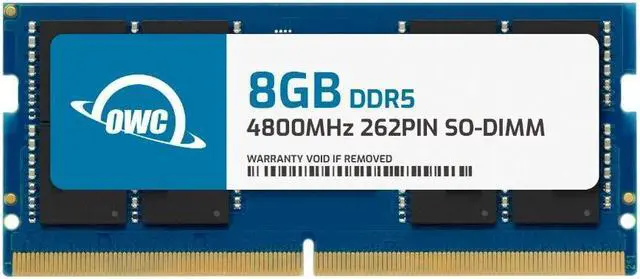
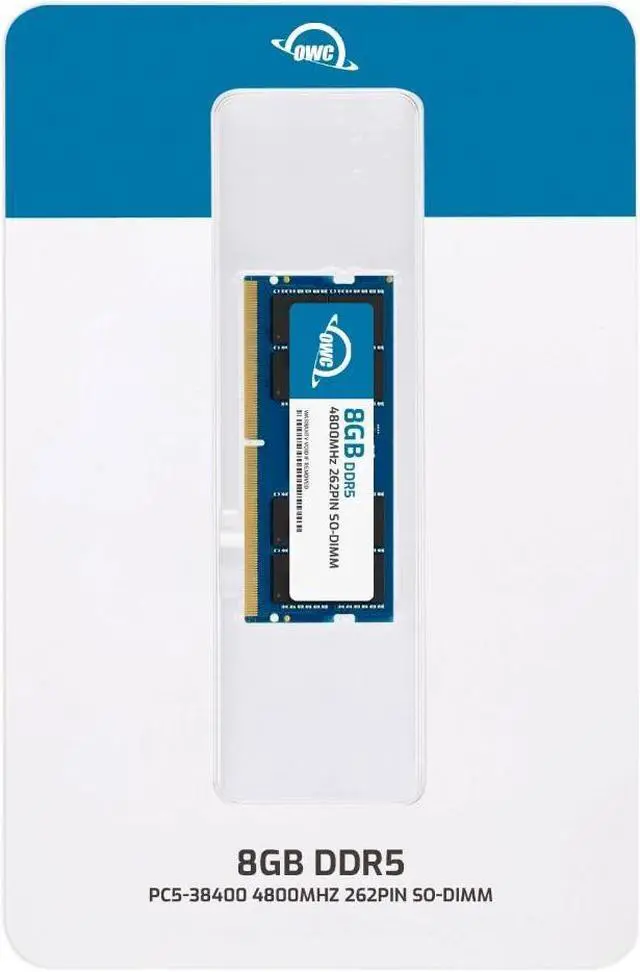
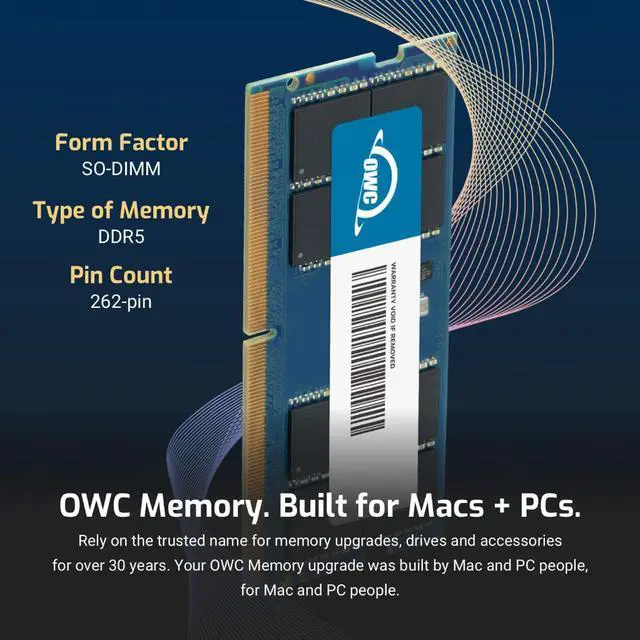
The OWC 4S8D51R608GB is an 8GB DDR5-4800, CL40 laptop memory module for owners upgrading or replacing RAM in compatible Dell G15 5520, 5521, 5525, or 5530 systems.
Recommended For
- Dell G15 5520, 5521, 5525, or 5530 owners whose laptop has one 8GB DDR5-4800 SODIMM and who want to add a second 8GB module for a 16GB configuration. Check the installed memory and laptop configuration before buying; Dell lists two SODIMM slots on these models.
- G15 owners with an 8GB single-module setup who experience memory pressure while gaming or multitasking and want an incremental upgrade rather than replacing the laptop’s existing memory. A Dell G15 5520 review describes 8GB as usable in a pinch but recommends a memory upgrade.
- Owners who prefer a DIY memory upgrade and are comfortable opening the laptop to install a SODIMM; Dell’s service manual documents removable memory modules, and OWC describes installation as a DIY task.
- G15 owners replacing a failed or missing 8GB DDR5-4800 SODIMM who want a single-module replacement with the listed 262-pin, non-ECC laptop-memory format.
Real-World Use Scenarios
- On a compatible Dell G15 with 8GB installed and a free memory slot, adding this module can bring the system to 16GB. That gives games and Windows more memory headroom; Dell lists 2×8GB as a supported dual-channel configuration on the G15 5530.
- When gaming with a browser, chat app, or other programs open, adding this stick alongside a compatible 8GB module can reduce pressure from a limited 8GB setup. It adds memory capacity, but does not guarantee higher frame rates.
- For school or everyday work on a G15, adding memory can help when many browser tabs, documents, spreadsheets, or video-call apps are open at once. The practical benefit is more room for concurrent apps, especially on a laptop that currently has only 8GB.
- For a G15 owner comfortable opening the laptop, this module can be used for a DIY memory upgrade or replacement. Dell provides model-specific RAM replacement instructions; check the exact laptop model and existing memory configuration before installation.




 here!