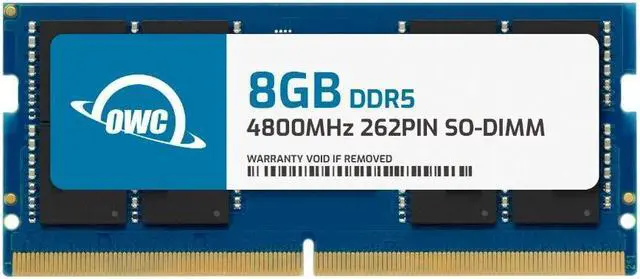
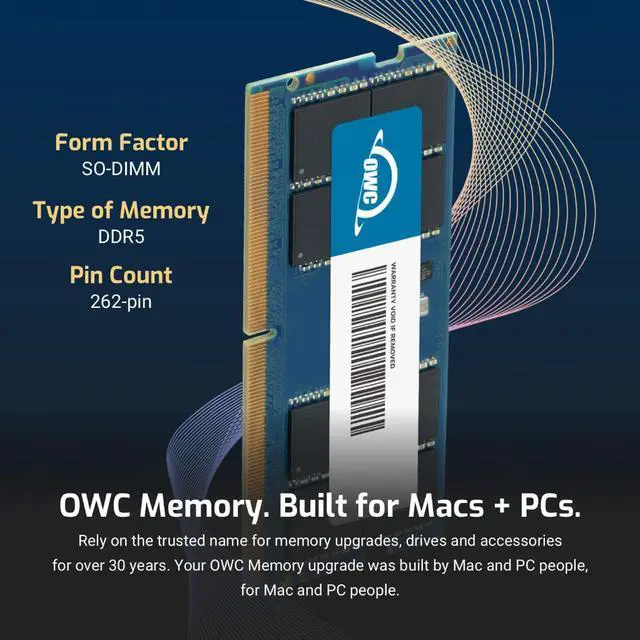
The OWC 8GB DDR5-4800 SODIMM is a laptop memory upgrade for Dell Inspiron 16 Plus 7620 and 7630 models with memory slots, suited to owners seeking a model-specific module for adding or replacing RAM.
Recommended For
- Inspiron 16 Plus 7620 owners with an RTX 3050/3050 Ti or integrated graphics configuration: add this module to the system’s built-in 8GB to reach Dell’s supported 16GB configuration for the open SODIMM slot.
- Inspiron 16 Plus 7620 owners with an RTX 3060 and one open SODIMM slot: pair this 8GB module with an existing 8GB module for Dell’s supported 16GB dual-channel configuration.
- Inspiron 16 Plus 7630 owners with the DDR5, SODIMM-equipped version and an available slot: add 8GB to an existing 8GB module for Dell’s supported 16GB dual-channel setup.
- Owners of a compatible 7620 or 7630 who need to replace an 8GB DDR5 SODIMM with the same capacity and speed, rather than increase total memory substantially.
Real-World Use Scenarios
- When an Inspiron 16 Plus with DDR5 slots is running short of memory during a workday, adding this module can provide more room for browser tabs, spreadsheets, messaging, and video calls to stay open together, reducing slowdowns caused by memory pressure.
- For photo editing or other moderate creative work, added memory can give editing software and supporting apps more working room; it helps most when the laptop is already nearing its available memory, rather than making the processor or graphics chip faster.
- When gaming on a compatible Inspiron 16 Plus configuration, the extra capacity can help keep chat, a browser, or other background apps open alongside a game if memory is the bottleneck; the RAM upgrade alone should not be expected to increase game frame rates.
- For school or remote work involving PDFs, documents, research tabs, and a live meeting, adding memory can make it easier to switch among those apps without closing tasks to free up memory.