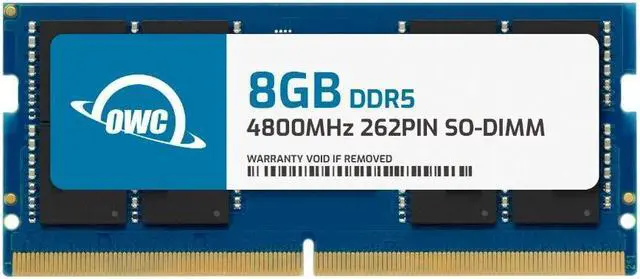
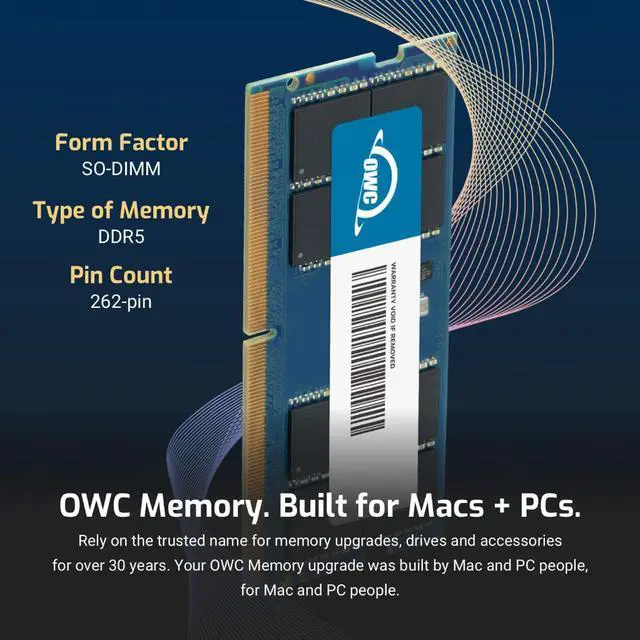
The OWC 8GB DDR5-4800 SODIMM is a non-ECC laptop memory module for owners upgrading compatible Alienware M15 R7, M16 R1, M17 R5 AMD, M18 R1 AMD, or X17 R2 systems.
Recommended For
- Owners of a listed compatible Alienware model with one 8GB module and an open memory slot who want to add a second 8GB module for a 16GB dual-channel configuration, where that configuration is supported by their exact model.
- Owners of a listed compatible Alienware laptop replacing a failed or missing 8GB DDR5-4800 SODIMM and seeking a single-module replacement rather than a higher-capacity kit.
- DIY upgraders with a listed compatible model who have checked their laptop’s current RAM layout and want a standard removable SODIMM for a modest memory increase.
Real-World Use Scenarios
- An Alienware m15 R7 owner with one 8GB module can add this module to reach Dell’s supported 16GB dual-channel configuration—useful for keeping a game open alongside chat, a browser, or other background apps. More memory headroom can reduce slowdowns caused by running short of RAM, but it does not guarantee higher game frame rates.
- For an m15 R7 configured with a single 8GB module, adding this one can bring the system to Dell’s supported 16GB configuration for everyday multitasking, such as working with several browser tabs while using office apps or a video call.
- If a compatible laptop has a faulty 8GB DDR5 SODIMM, this module can serve as a replacement; after installation, confirm that the laptop recognizes the memory and runs normally.
- A hands-on owner upgrading an m15 R7 can use this module as a modest, targeted memory upgrade rather than replacing the laptop; check the installed capacity and open slot first, because adding 8GB will not increase capacity if it replaces an existing 8GB module.
- For an Alienware m16 R1 AMD or m18 R1 AMD, verify the existing RAM configuration before buying: Dell lists 16GB as the minimum supported configuration, so this single 8GB module is not, by itself, a complete 16GB upgrade.




 here!