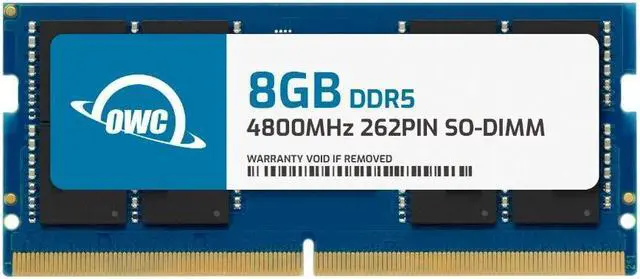
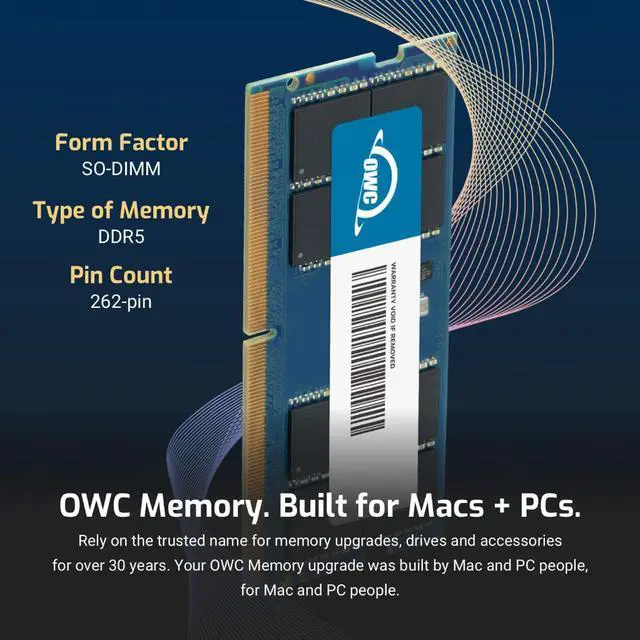
The OWC 4S8D51R608GB is a single 8GB DDR5-4800, CL40 unbuffered SODIMM memory module for Dell XPS 15 9520 and 9530 owners seeking a compatible RAM upgrade.
Recommended For
- XPS 15 9520 or 9530 owners who have verified an open SODIMM slot and want to add exactly 8GB of DDR5-4800 memory; the 9520 supports an 8GB single-module configuration and a 16GB dual-channel configuration with 2 × 8GB.
- Owners of a compatible XPS 15 who need to replace a failed 8GB DDR5-4800 SODIMM with a module matching this product’s listed capacity, speed, and form factor.
- XPS 15 9520 owners whose laptop has one 8GB module and who want Dell’s listed 16GB, 2 × 8GB dual-channel configuration for routine work and multitasking.
- XPS 15 owners comfortable opening the laptop to install or replace memory, rather than looking for an external plug-in upgrade.
Real-World Use Scenarios
- If an XPS 15 9520 or 9530 currently has one 8GB module and an empty slot, adding this module brings total memory to 16GB. With browser tabs, Office apps, and a video call open together, the extra capacity can help reduce slowdowns caused by memory pressure.
- For photo editing or short video projects while keeping a browser or reference apps open, adding this module to an 8GB setup raises total memory to 16GB, giving the editing software and background apps more room. It does not guarantee faster exports if the processor or graphics card is the limiting factor.
- If an XPS 15 has a faulty 8GB memory module, this compatible stick can serve as a replacement to restore that 8GB of memory capacity. Replacing a failed module is a repair, not a capacity upgrade, unless the new module is added alongside another one.
- For a DIY memory upgrade, an owner can open the compatible XPS 15, seat the module in a SODIMM slot, and reinstall the base cover. Dell documents the installation steps; the laptop must be opened, so this is a component upgrade rather than a tool-free change.




 here!