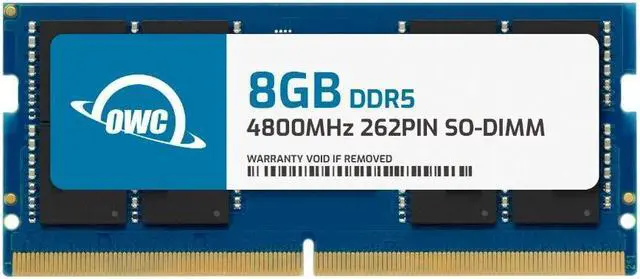
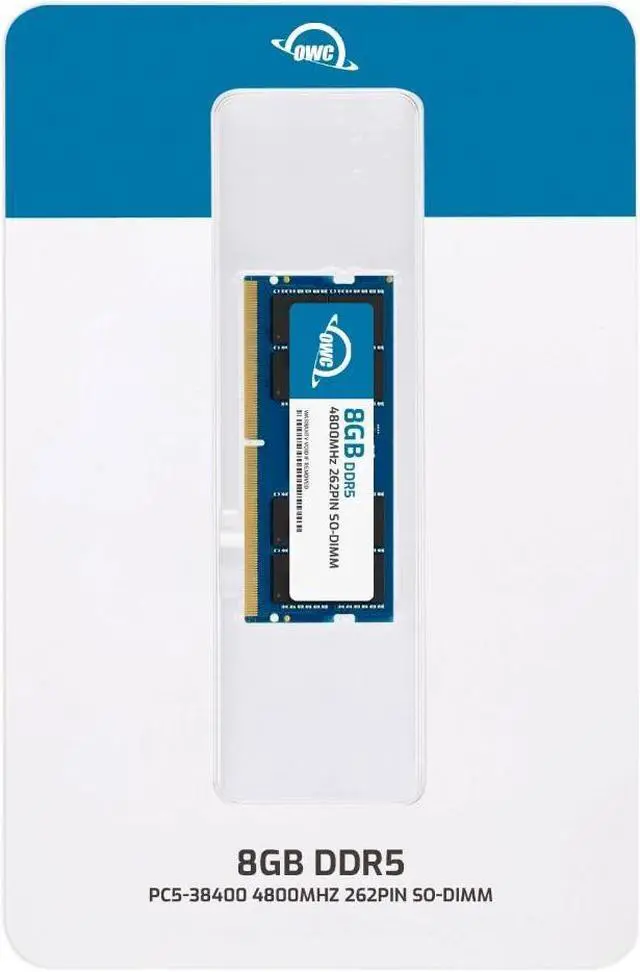
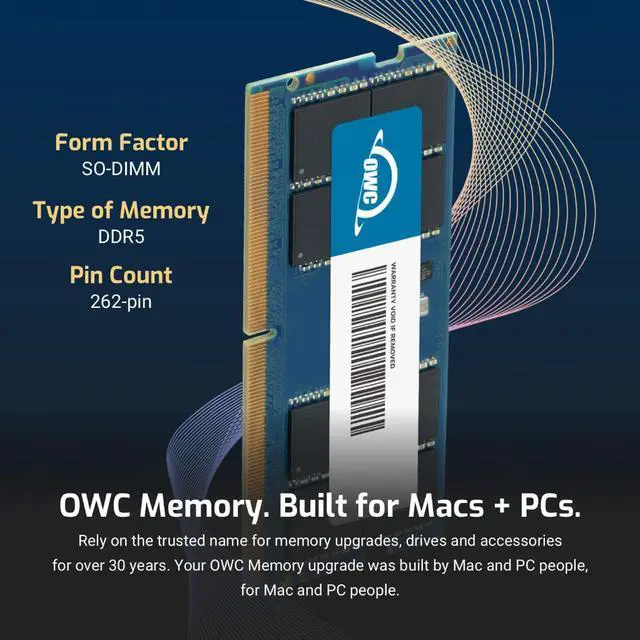
The OWC 8GB DDR5-4800 CL40 SODIMM is a memory upgrade designed for the Dell Vostro 16 7620, suited to owners who want to add an 8GB laptop RAM module with the listed 262-pin, 1.1V specifications.
Recommended For
- Dell Vostro 16 7620 owners with the 8GB onboard configuration who want Dell’s listed 16GB dual-channel setup by filling the laptop’s single SODIMM slot with an 8GB module.
- Vostro 7620 users doing everyday office work—such as documents, spreadsheets, browser tabs, and video calls—who want to move beyond the laptop’s 8GB onboard memory without choosing a larger-capacity module.
- Vostro 7620 owners using Intel Iris Xe integrated graphics who want the supported 8GB-plus-8GB dual-channel memory configuration; Dell notes that Iris Xe defaults to Intel UHD Graphics with single-channel memory.
- Vostro 7620 owners who want a system-specific DDR5-4800 SODIMM for a planned memory upgrade and are comfortable installing a laptop memory module.
Real-World Use Scenarios
- For a Vostro 16 7620 configured with 8GB onboard and an empty memory slot, adding this module brings the system to 16GB. That gives more room to keep browser tabs, email, and office apps open together during a workday.
- When a user joins video meetings while referring to documents and keeping other work apps open, the 16GB configuration provides more memory headroom for running those tasks together; it does not guarantee faster internet or call quality.
- On a Vostro 7620 configuration with Intel Iris Xe integrated graphics, pairing the onboard 8GB with this 8GB module creates the 8GB-plus-8GB dual-channel configuration Dell lists; Dell notes that Iris Xe defaults to Intel UHD Graphics in single-channel mode.
- For light photo or video editing alongside a browser and other desktop apps, the 16GB setup gives the editing workflow more memory to share. The module increases system memory; it does not by itself guarantee faster rendering or exports.