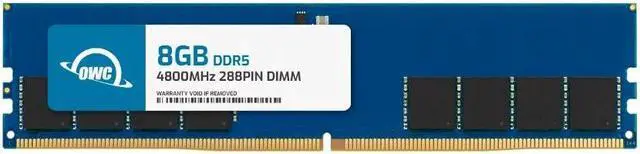
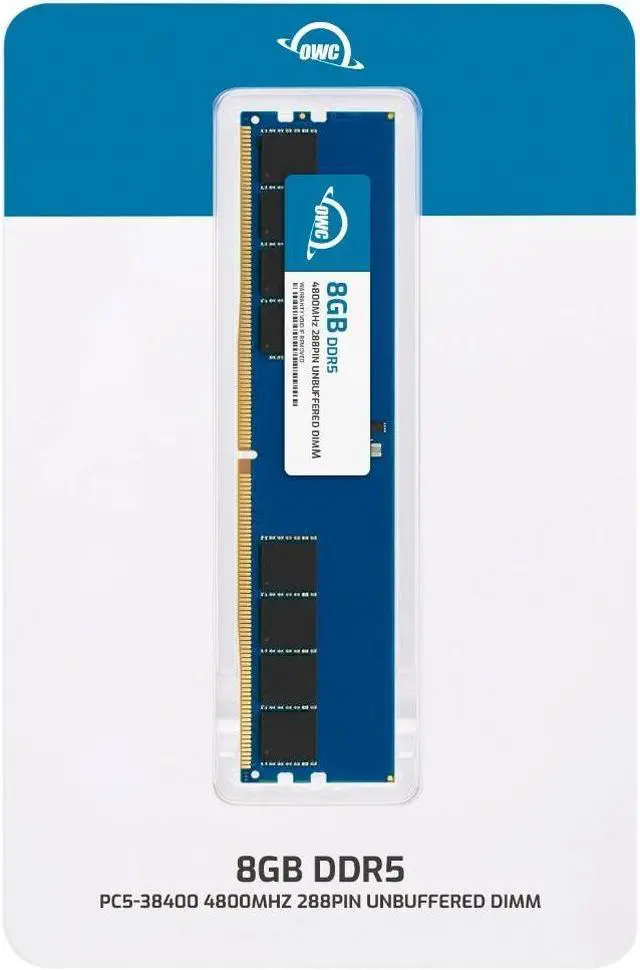
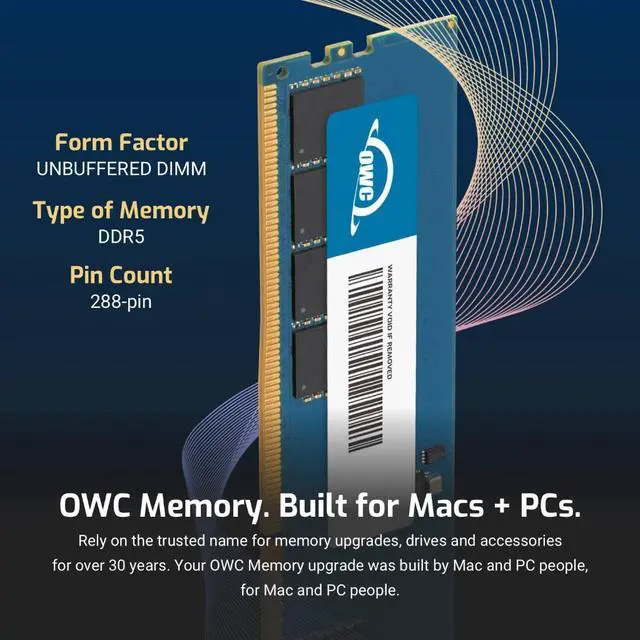
The OWC 8GB DDR5-4800 CL40 UDIMM is a single-module memory upgrade for Lenovo ThinkCentre M80s Gen 3, M80t Gen 3, M90s Gen 3, M90t Gen 3, and neo 70t Gen 3 desktops.
Recommended For
- ThinkCentre M80s Gen 3, M80t Gen 3, M90s Gen 3, M90t Gen 3, or neo 70t Gen 3 owners who want to add one 8GB desktop DIMM for everyday office multitasking, after checking the system’s current memory and available slots.
- IT staff servicing the listed ThinkCentre desktop models who need a single non-ECC UDIMM replacement matching the specified DDR5-4800, 8GB module format.
- Owners of compatible ThinkCentre desktops who want a small, incremental memory addition rather than replacing all installed RAM; check the existing configuration and available slots before adding the module.
Real-World Use Scenarios
- On a compatible ThinkCentre that currently has 8GB of memory, add this module to reach 16GB; everyday work such as keeping email, office documents, and several browser tabs open may feel less constrained when memory was the bottleneck.
- When browser tabs or office apps slow down as more are opened, use the added memory to give the computer more room to keep them active; the benefit is most likely if memory use was already near its limit.
- During a work call, keep video-conferencing software open alongside a spreadsheet, documents, and browser tabs; the extra capacity may reduce slowdowns caused by competing for memory, but it will not improve an internet connection or processor limits.
- For a light-use office desktop that pauses or reloads apps when switching between tasks, add the module if monitoring shows memory is running short; more memory can ease that pressure, but may not help if the slowdown has another cause.
- As a small-capacity first step in upgrading a supported ThinkCentre, install one 8GB module and check the resulting total memory; the M80s Gen 3 and M90s Gen 3 have four DDR5 UDIMM slots, though the best configuration depends on the memory already installed.




 here!