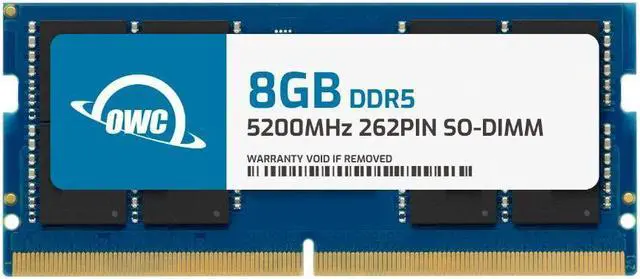
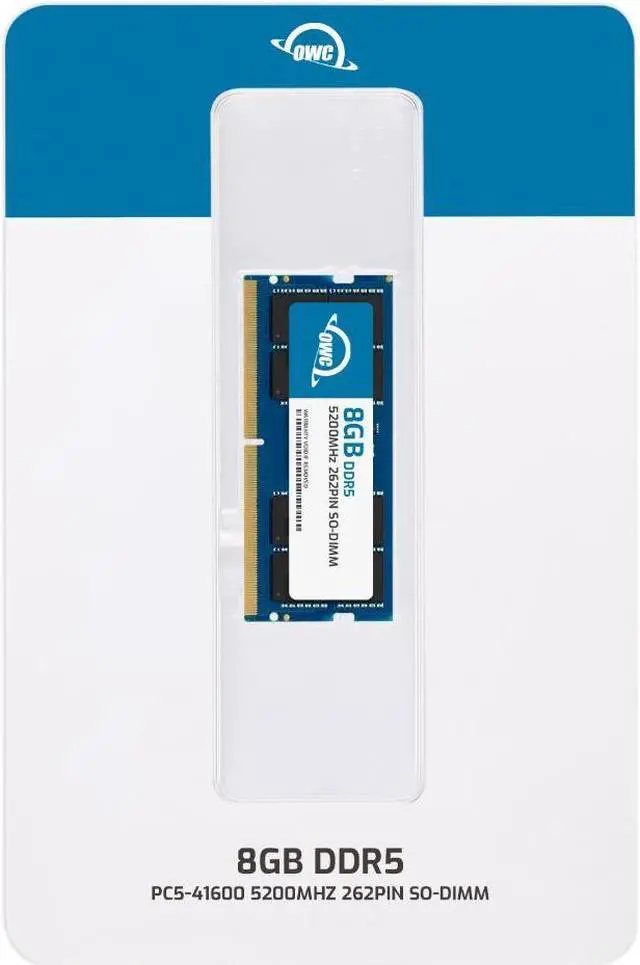
The OWC 8GB DDR5-5200 262-pin SODIMM is a laptop memory upgrade for HP Victus 16t-r000 and 16t-r100 owners seeking a compatible module to add memory capacity. It is non-ECC, unbuffered, CL42, and operates at 1.1V.
Recommended For
- HP Victus 16t-r000 or 16t-r100 owners with one 8GB DDR5-5200 SODIMM and an empty slot who want to move to 16GB by adding a compatible second module. Check the installed memory and laptop configuration before ordering.
- Victus owners seeking a memory upgrade they can install themselves: HP’s service guide describes the memory as customer-accessible and the laptop as having two SODIMM slots. The upgrade requires opening the laptop and handling its internal components.
- Victus users who have confirmed that their existing memory is a compatible 8GB DDR5-5200 module and want to keep the laptop’s two memory slots in a paired 8GB-plus-8GB configuration.
Real-World Use Scenarios
- If a compatible Victus 16t-r000 or 16t-r100 has one 8GB module and an empty memory slot, add this module to bring the system to 16GB. Having more memory available can help when gaming with Discord, a browser, or other apps open; it does not guarantee higher game frame rates.
- For everyday work or study, adding memory to an 8GB Victus configuration can give Windows more room to keep browser tabs, documents, and video-call apps open together, reducing slowdowns when switching among them.
- When a Victus laptop slows down because games and background apps are using most of its available memory, adding this module can reduce memory pressure. It is an upgrade to system memory capacity, not a fix for limits caused by the processor or graphics card.
- For photo editing or other work with larger files, extra memory can help keep more of the project and supporting apps available at once. The improvement depends on whether the workload was running short of memory; this 8GB module does not remove CPU, graphics, or storage limits.
- For a DIY upgrade, the Victus 16-r0xxx family has removable memory and two SODIMM slots, so the module may be useful when a slot is available. Check the laptop’s current memory layout first: some configurations already use both slots, and adding one 8GB module will not always result in a 16GB total.




 here!