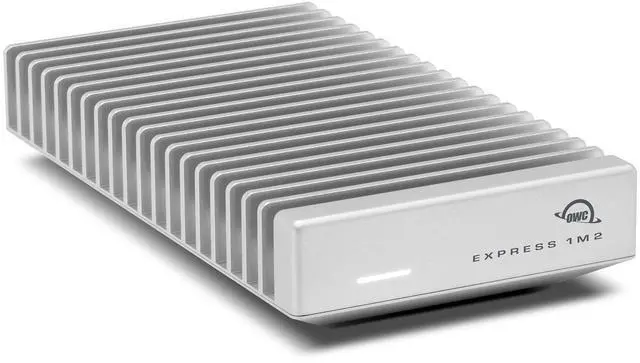
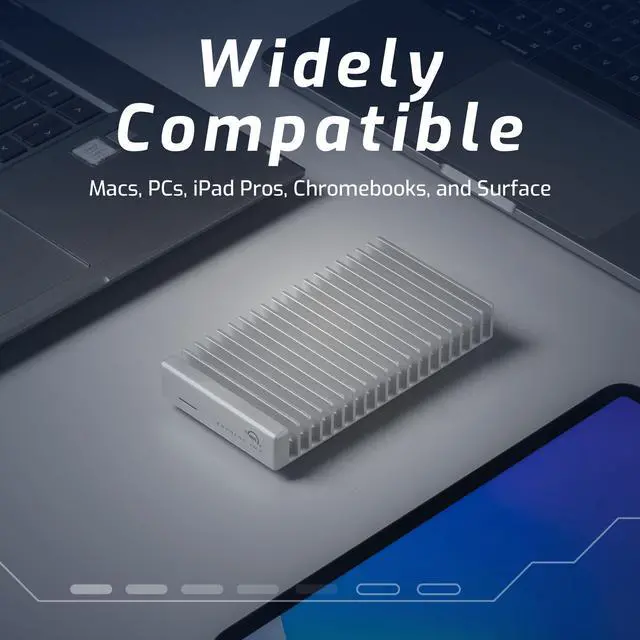
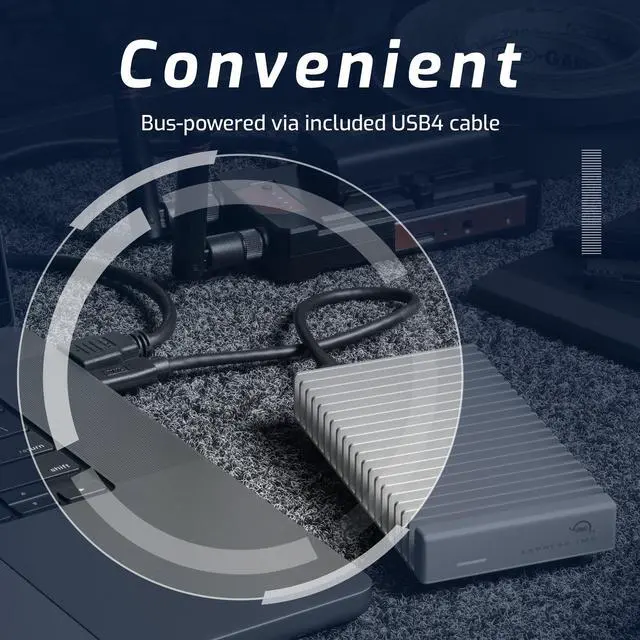
The OWC Express 1M2 80G is a USB4 external NVMe enclosure for a separately purchased M.2 SSD, designed for peak real-world speeds over 6,000 MB/s with a compatible drive and host. It suits creative professionals and other users who move large files and want high-speed external storage.
Recommended For
- 8K video editors, colorists, and VFX artists who use a USB4 80Gb/s or Thunderbolt 5 computer and need fast external storage for active projects, renders, and large exports.
- DITs and high-volume photographers who regularly offload large batches of photos or video and want a bus-powered drive they can carry between shoots.
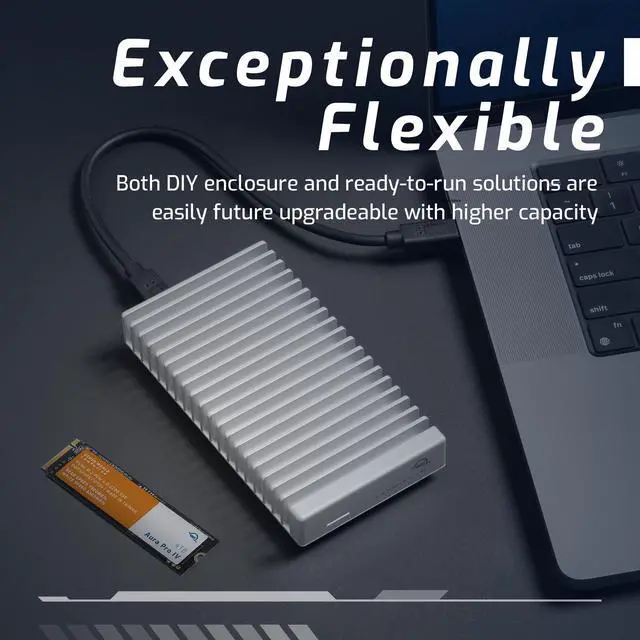
- Experienced DIY builders who already own a compatible 2242 or 2280 NVMe SSD and want an enclosure they can reuse or upgrade with another drive later.
- Mac or PC users who frequently move large files between machines and value high sequential transfer performance; benchmark testing found the enclosure especially quick with optimized NVMe transfer tools.
Real-World Use Scenarios
- After installing an M.2 NVMe SSD, a video editor can keep footage and project files on the external drive and edit from it on a compatible computer; reviewers and users describe using the 1M2 for video workflows, though actual playback and transfer performance depends on the SSD and host connection.
- When a shoot or project generates hundreds of gigabytes of files, a creator can use the enclosure for ingesting or moving large media sets; testing shows it can handle large sequential writes quickly, but everyday file-copy speed may be lower than benchmark results.
- A photographer or video creator who needs more working space can configure the enclosure with a chosen-capacity NVMe SSD for active libraries, raw footage, or project files; the supplied Newegg item is enclosure-only, so the SSD must be purchased and installed separately.
- Someone moving between a desktop and laptop can carry one working drive between compatible systems instead of keeping duplicate project copies; they should format it for the systems they use and expect speeds to vary with each computer’s port.
- A creator using the drive for scratch files, caches, or temporary exports can keep those data-heavy tasks off a computer’s internal storage; the passive, fanless enclosure avoids adding drive-fan noise, while sustained performance still depends on the installed SSD and workload.




 here!