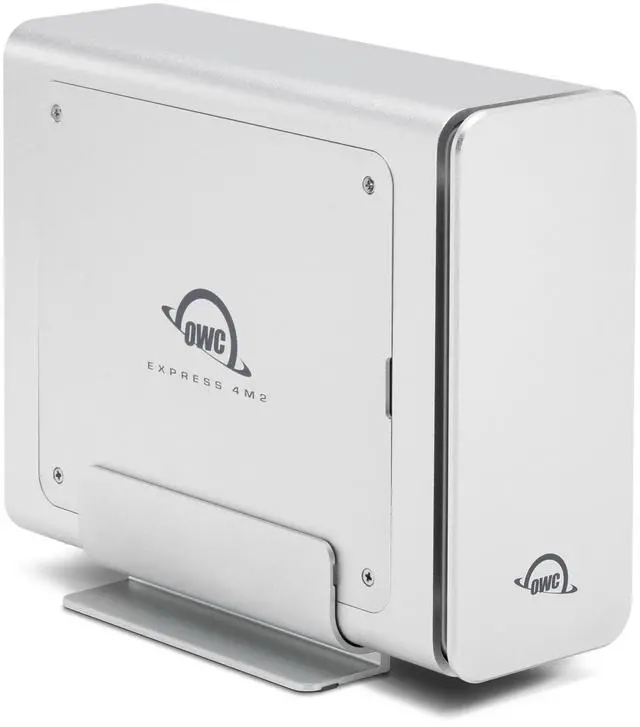
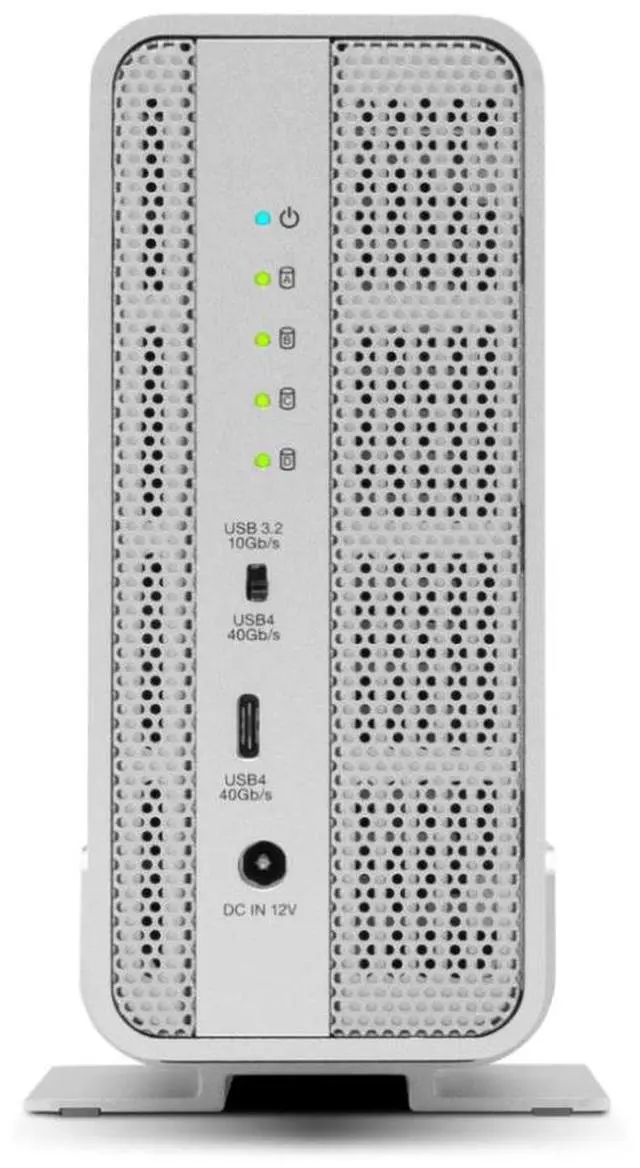
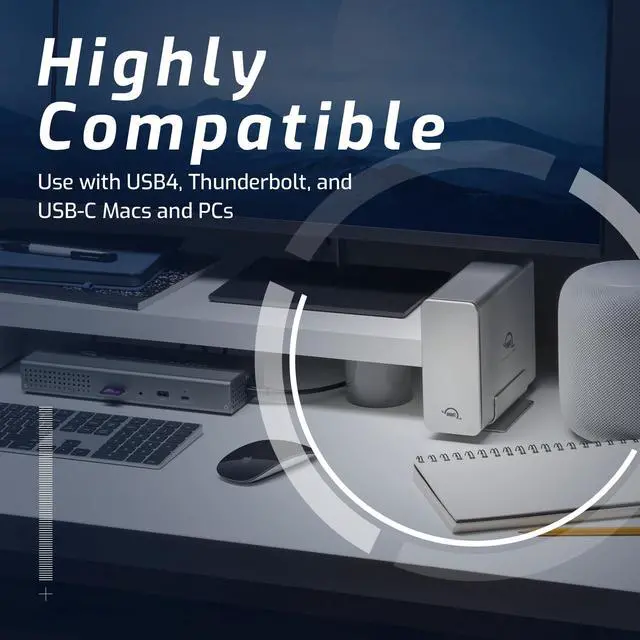
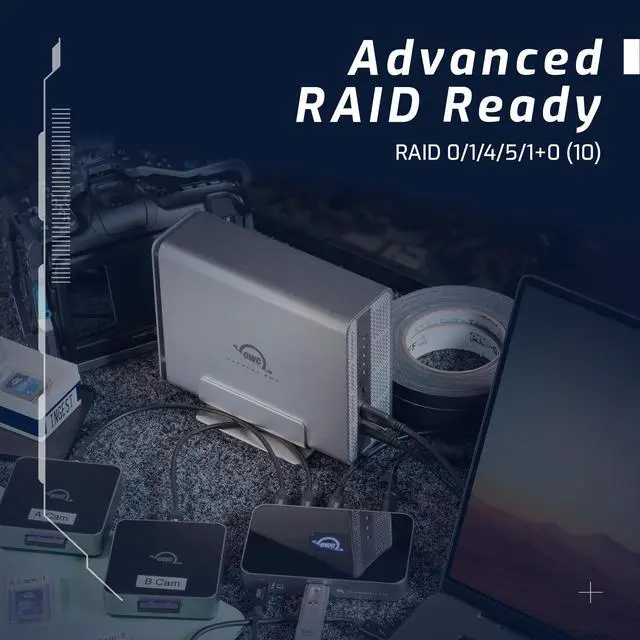
The OWC Express 4M2 is a four-bay USB4 (40Gb/s) enclosure for user-installed NVMe M.2 SSDs, designed for creative professionals who need fast external storage or a DIY RAID setup; it supports 2230, 2242, and 2280 drives and offers up to 3200MB/s real-world performance. SSDs are sold separately.
Recommended For
- Video editors and post-production teams who keep active 4K/6K projects, large media libraries, or scratch files on a desktop NVMe RAID and want high-throughput storage they can configure with their own SSDs.
- DITs and filmmakers who need to offload media from multiple camera cards on set to a high-capacity desktop or shuttle RAID, and can work with a powered enclosure rather than a pocket-sized drive.
- Photographers and creative professionals who routinely move or edit large RAW photo catalogs and want to build storage capacity from separately purchased M.2 NVMe SSDs.
- Mac and PC users building a shared high-speed storage workflow who have a compatible USB4 or Thunderbolt 4/5 connection and are comfortable setting up a software RAID.
Real-World Use Scenarios
- A video editor sets up multiple NVMe drives as a RAID work volume to edit high-bitrate or multi-stream 4K/6K footage from an external drive; on a USB4 or Thunderbolt 4/5 host, the array can keep storage from becoming a bottleneck in demanding timelines.
- A digital imaging technician or camera crew offloads footage from several cards between takes; a configured NVMe array provides a fast external destination for consolidating media before post-production.
- A photographer keeps a large Lightroom catalog or active image projects on external storage; the enclosure’s multiple SSD slots let them build a high-capacity work volume, while fast access can make browsing and transferring large photo sets more responsive.
- A creator uses external storage for editing caches, scratch files, or frequently accessed project assets; multiple NVMe drives in a RAID configuration can provide a faster workspace than a single-drive setup, subject to the host connection and RAID configuration.
- A user with spare compatible M.2 NVMe SSDs builds a desktop storage array instead of buying a preconfigured external drive; they choose the drives and RAID setup to suit their capacity or performance needs, then connect the enclosure to a compatible Mac or PC.




 here!