





How to Pair the Watch to My Phone?
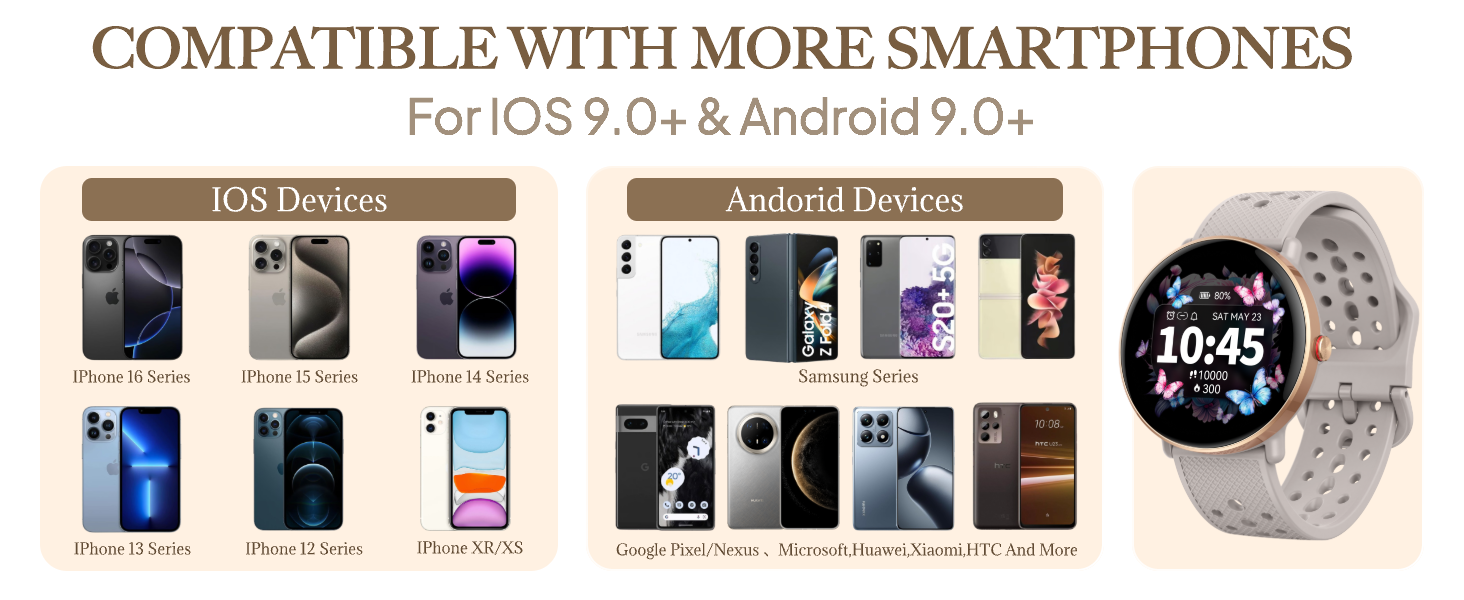
1.Download GloryFit app on your phone.
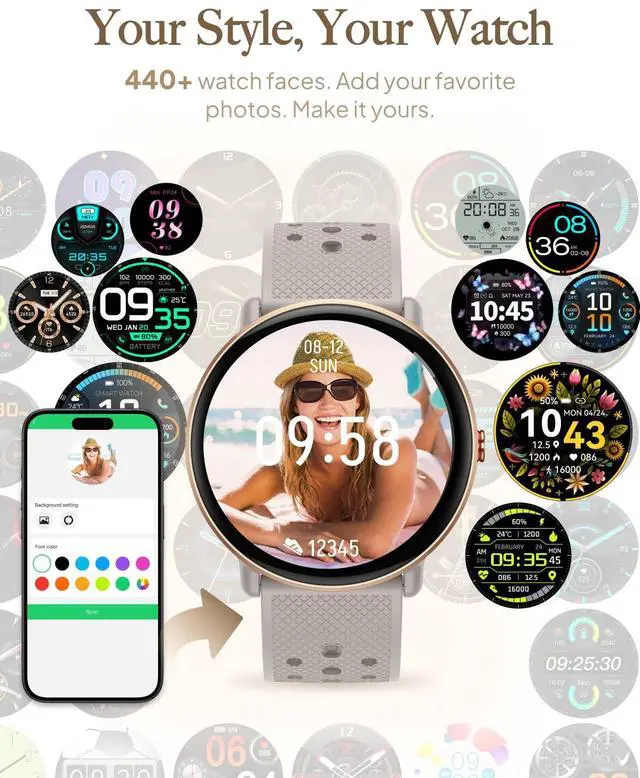
2.GloryFit App >Device > Add a new device > Select S62 > Click all the "allow"s and "pair"s that pop up on your phone
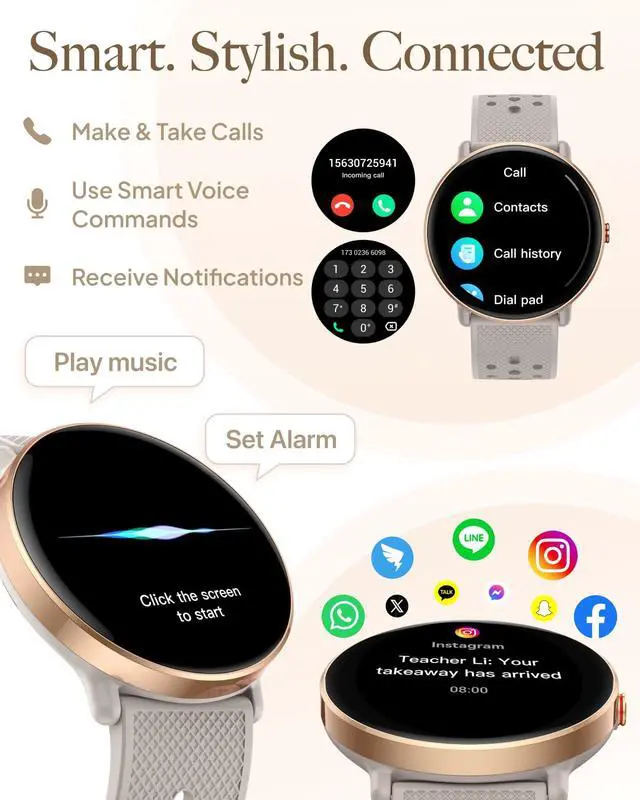
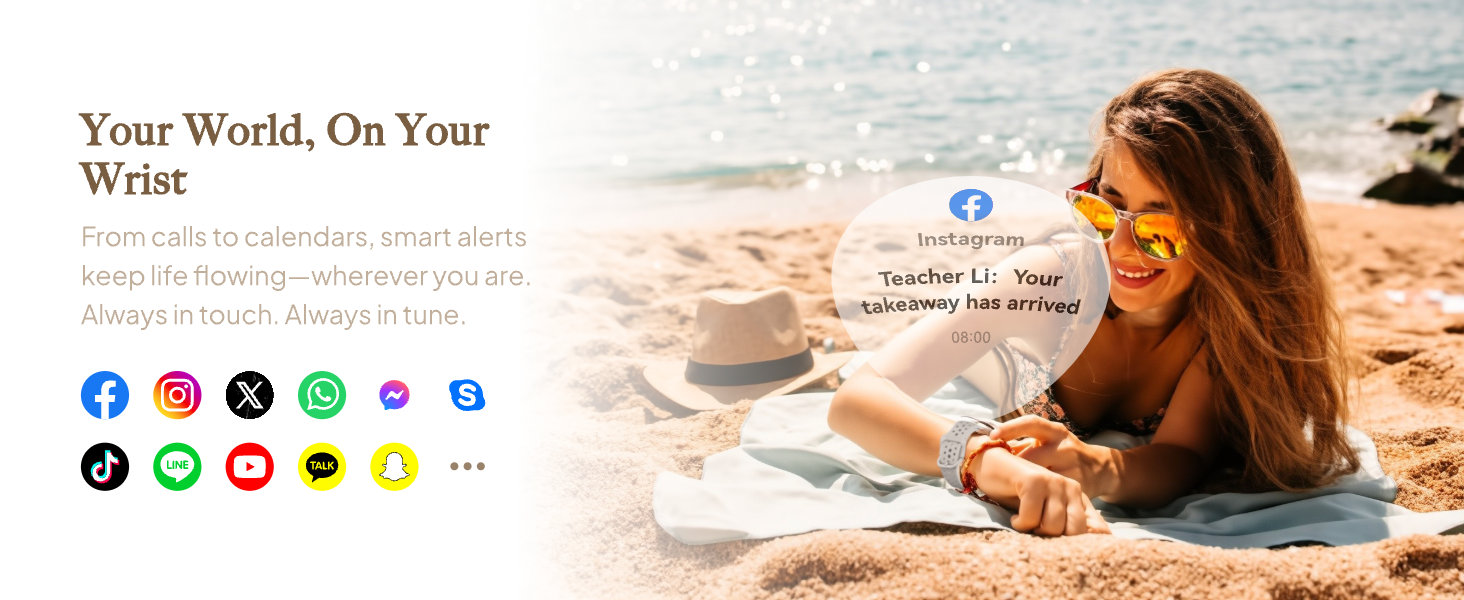
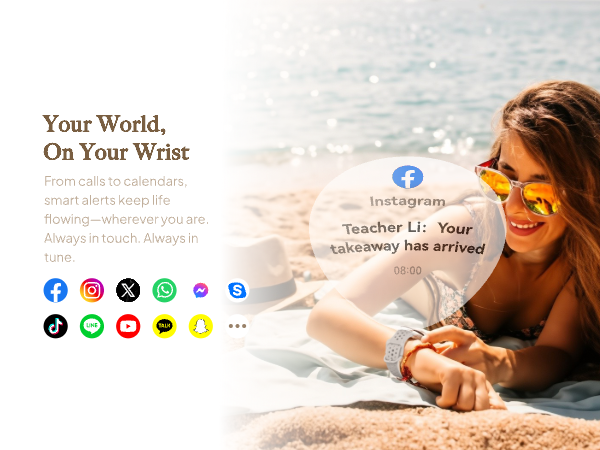
How to enable messages and apps notifications on the watch?
1. Pair the watch to your phone via GloryFit.
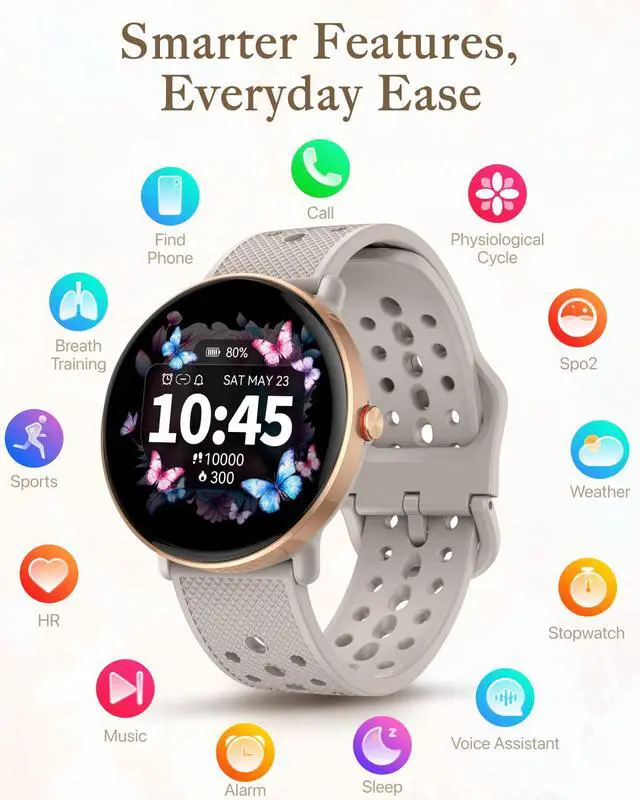
2. Enable notifications for needed messages and apps in your phone settings.
3. GloryFit > Device > Enable SMS and apps for watch notifications.
Google Message & RCS messages not supported. Turn off RCS.
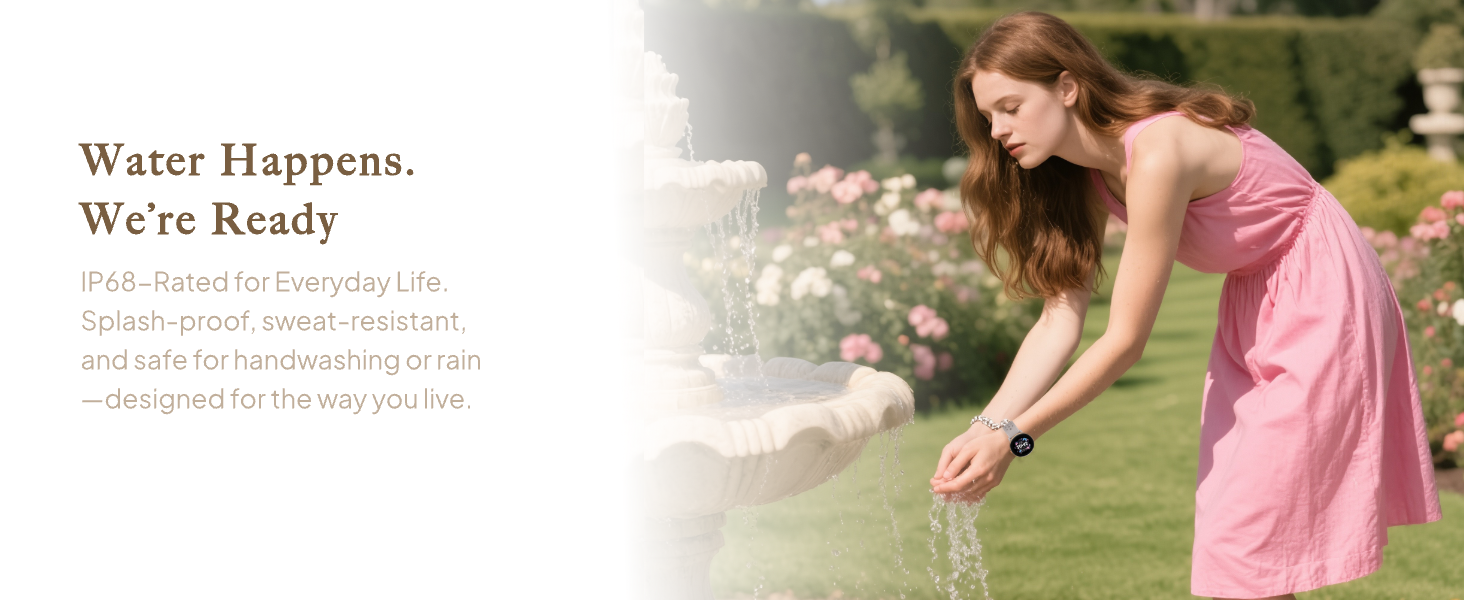
Can I wear the watch when swimming or taking a shower?
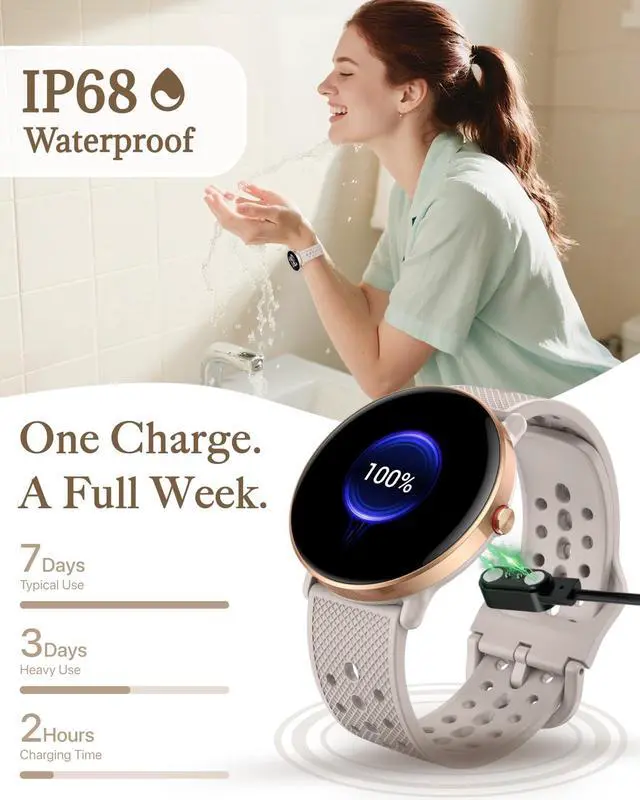
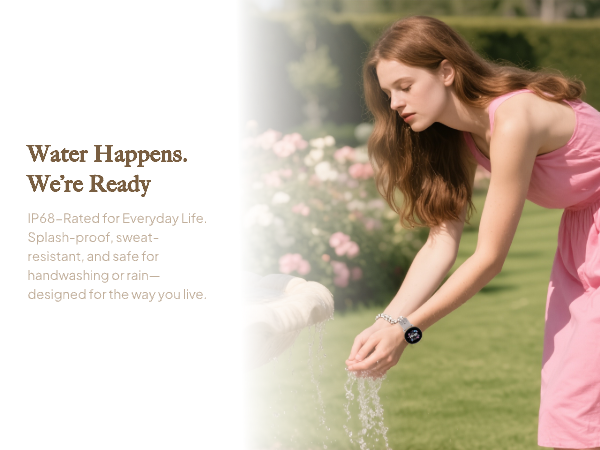
Please kindly note that IP68 is a lab-tested data in static water. Swimming or showering involves many uncertain factors (e.g., water pressure, temperature changes, chemicals in water), so we do not recommend wearing the watch in these scenarios.?
Why does the app charge me monthly fees?
Some scanning software may redirect you to paid subscription services. If you encounter this situation, please search for "GloryFit" manually on the App Store or Google Play to download it.
The time on the watch isn't correct.
1.Download GloryFit app on your phone.
2.GloryFit App >Device > Add a new device > S62 > Click all the "allow"s and "pair"s that pop up on your phone .
Now the time and date of the watch will sync with your phone's time and date.





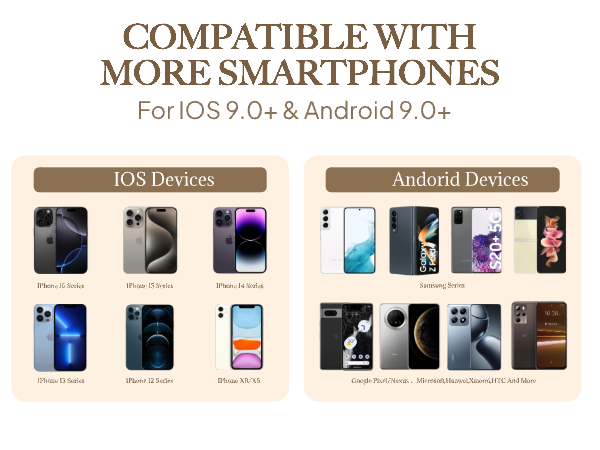
How to Pair the Watch to My Phone?
1.Download GloryFit app on your phone.
2.GloryFit App >Device > Add a new device > Select S62 > Click all the "allow"s and "pair"s that pop up on your phone
How to enable messages and apps notifications on the watch?
1. Pair the watch to your phone via GloryFit.
2. Enable notifications for needed messages and apps in your phone settings.
3. GloryFit > Device > Enable SMS and apps for watch notifications.
Google Message & RCS messages not supported. Turn off RCS.
Can I wear the watch when swimming or taking a shower?
Please kindly note that IP68 is a lab-tested data in static water. Swimming or showering involves many uncertain factors (e.g., water pressure, temperature changes, chemicals in water), so we do not recommend wearing the watch in these scenarios.?
Why does the app charge me monthly fees?
Some scanning software may redirect you to paid subscription services. If you encounter this situation, please search for "GloryFit" manually on the App Store or Google Play to download it.
The time on the watch isn't correct.
1.Download GloryFit app on your phone.
2.GloryFit App >Device > Add a new device > S62 > Click all the "allow"s and "pair"s that pop up on your phone .
Now the time and date of the watch will sync with your phone's time and date.