



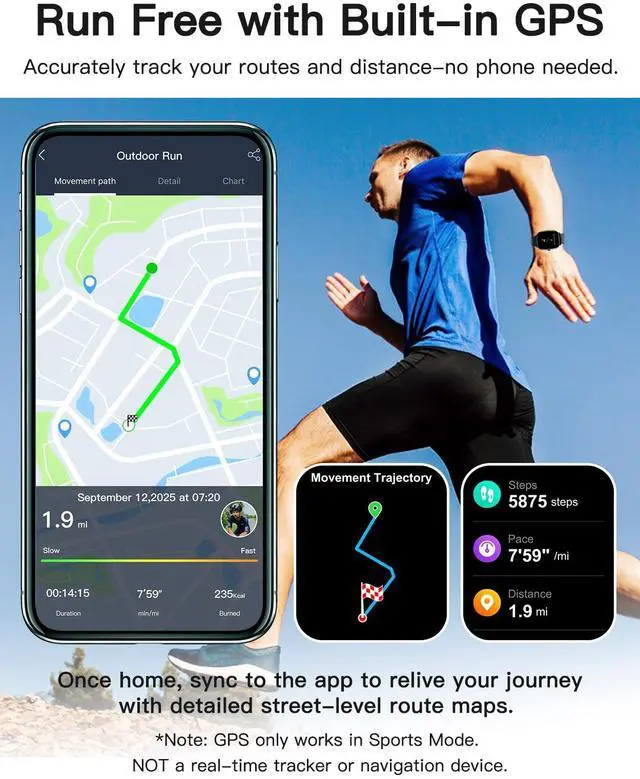


Does the Built-in GPS support real-time navigation or tracking?
No. It does not support navigation or tracking for a lost watch. It is an activity tracker that records distance and pace. View route graphs on your watch after exercise, or sync to the Gloryfit App for detailed street-level route maps.
How to turn on the watch and set time/date?
1. Press and hold the watch button to turn it on. If it doesn't work, charge it till power on.
2. Connect the watch to your phone via the Gloryfit app. After pairing, the watch's date and time will sync with your phone's to stay consistent.
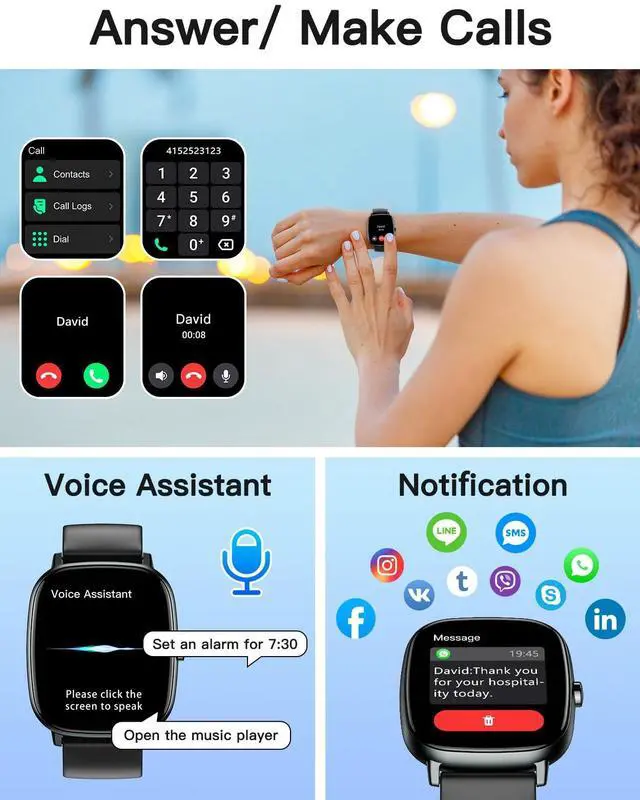
How to enable message notifications?
1. Open the GloryFit app, go to Device > SMS Reminder, and turn it on.
2. In your phone's settings, allow the GloryFit app to run in the background, and make sure incoming message contents are visible in the notification bar.










Does the Built-in GPS support real-time navigation or tracking?
No. It does not support navigation or tracking for a lost watch. It is an activity tracker that records distance and pace. View route graphs on your watch after exercise, or sync to the Gloryfit App for detailed street-level route maps.
How to turn on the watch and set time/date?
1. Press and hold the watch button to turn it on. If it doesn't work, charge it till power on.
2. Connect the watch to your phone via the Gloryfit app. After pairing, the watch's date and time will sync with your phone's to stay consistent.
How to enable message notifications?
1. Open the GloryFit app, go to Device > SMS Reminder, and turn it on.
2. In your phone's settings, allow the GloryFit app to run in the background, and make sure incoming message contents are visible in the notification bar.
HUAKUA Smart Watches
Gift for Mother's Day
Gift for Father's Day
Gift for Christmas
Valentine's Day Gift
Gift for Birthday