



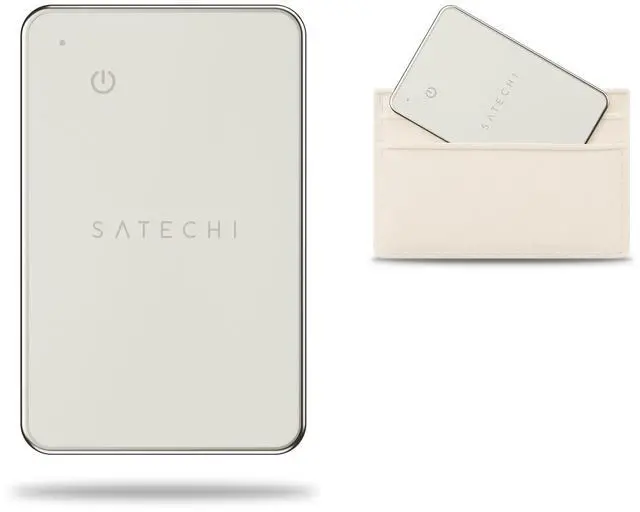
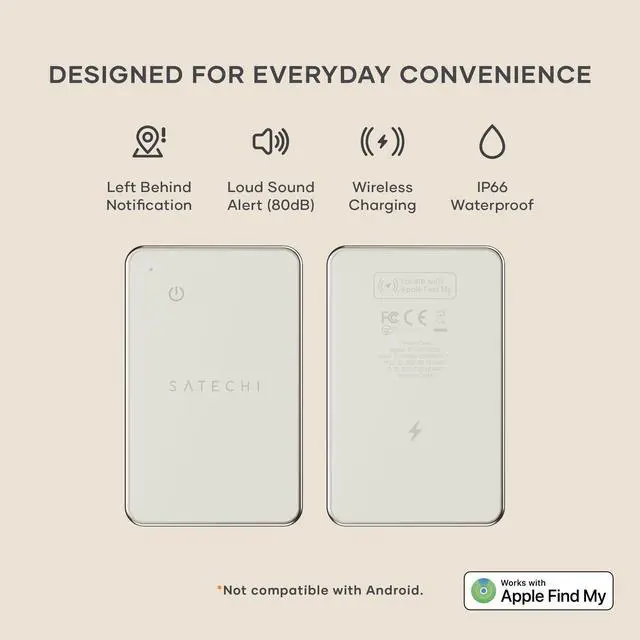
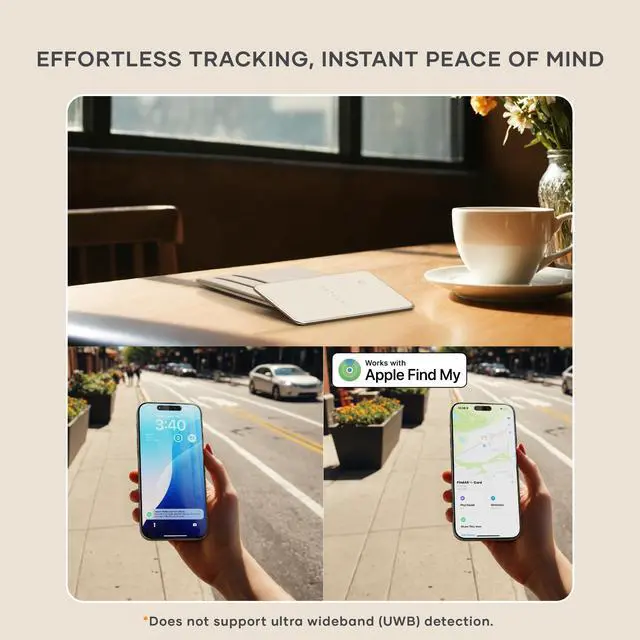
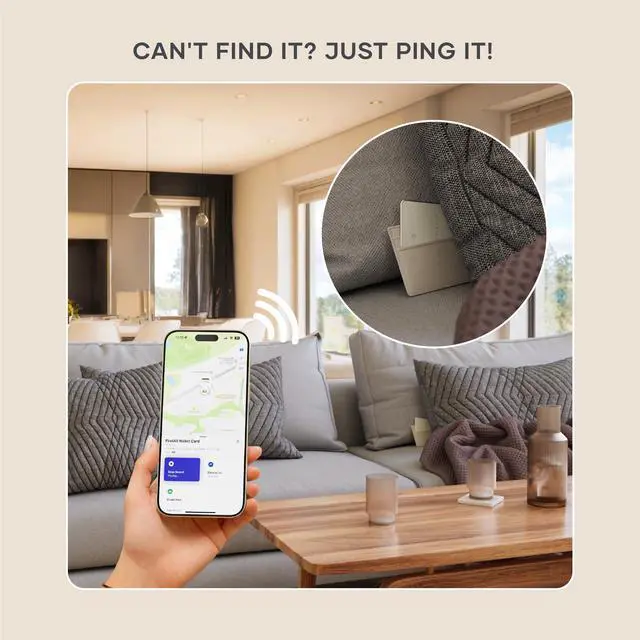


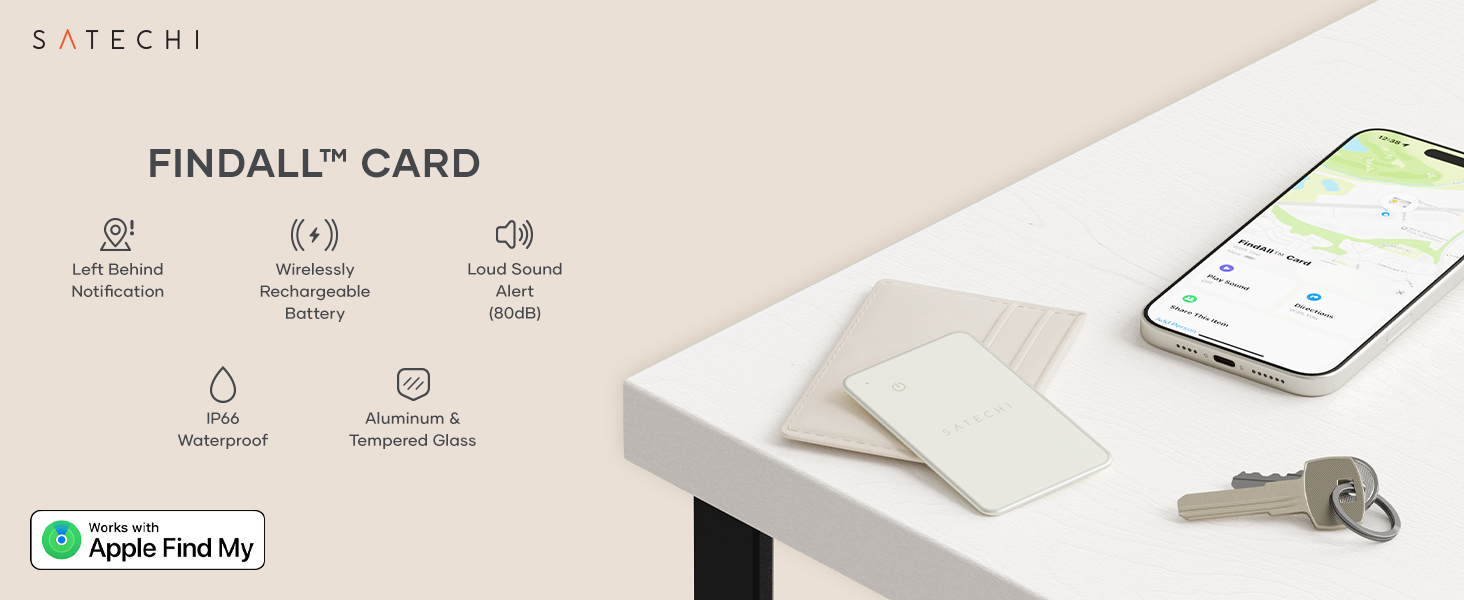
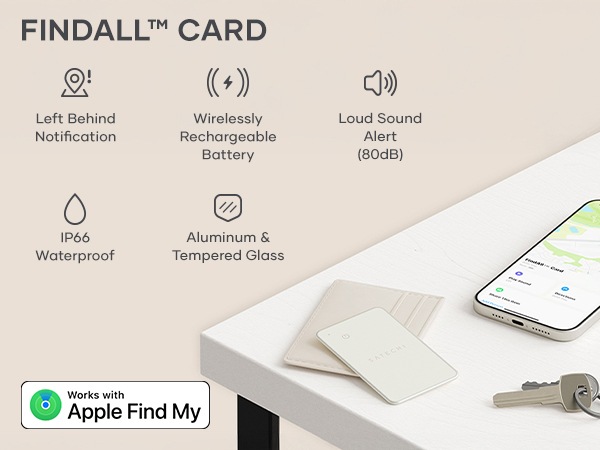
Tag everything that matters
 FindAll Wallet Card | 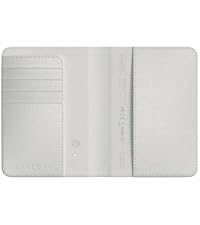 FindAll Passport Holder | 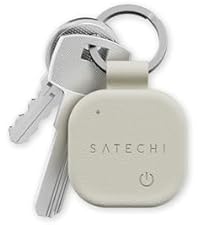 FindAll Keychain | 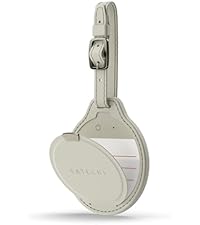 FindAll Luggage Tag |  FindAll Glasses Case | |
|---|---|---|---|---|---|
Customer Reviews | — | — | — | — | — |
Price | — | — | — | — | — |
Best For | Wallet & cards | Passport & travel | Keys | Checked luggage | Eyewear |
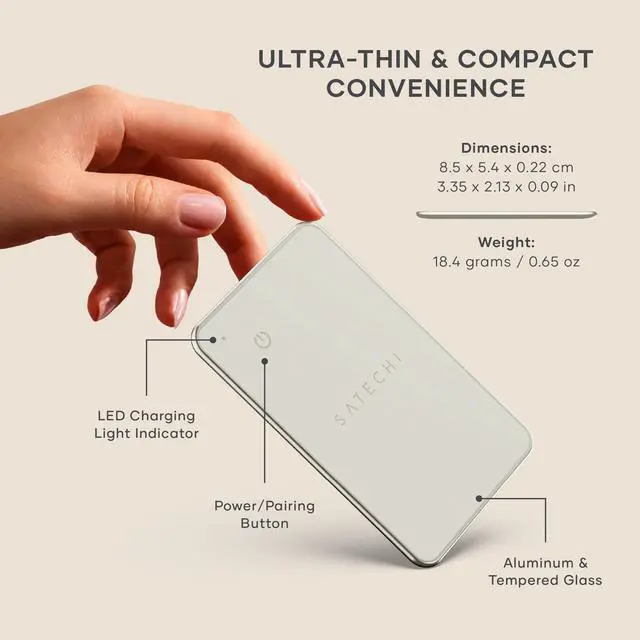
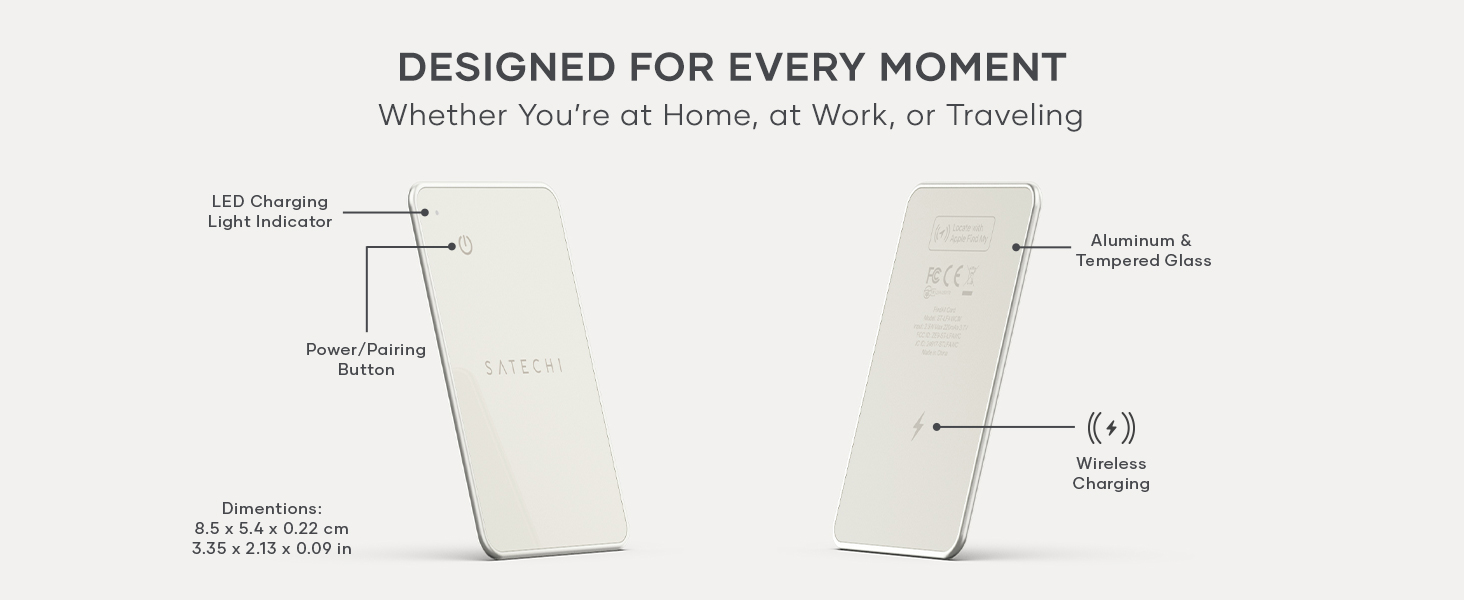
Material | Aluminum & tempered glass | Vegan leather | Vegan leather | Vegan leather | Vegan leather |
Apple Find My | ? | ? | ? | ? | ? |
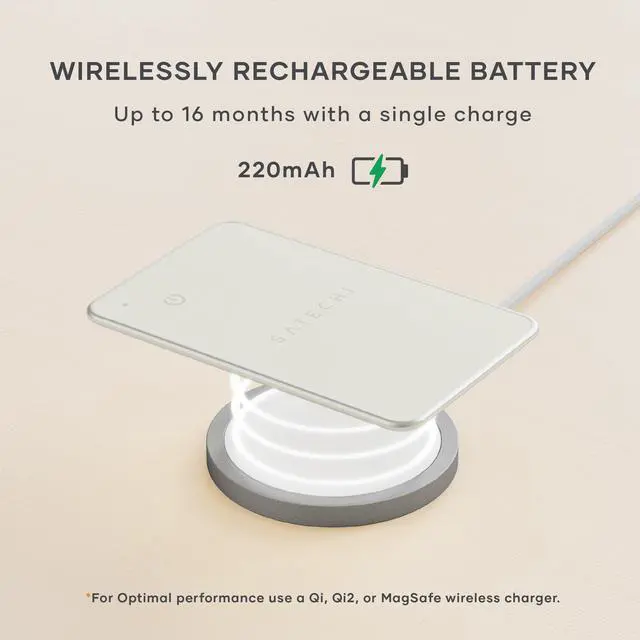
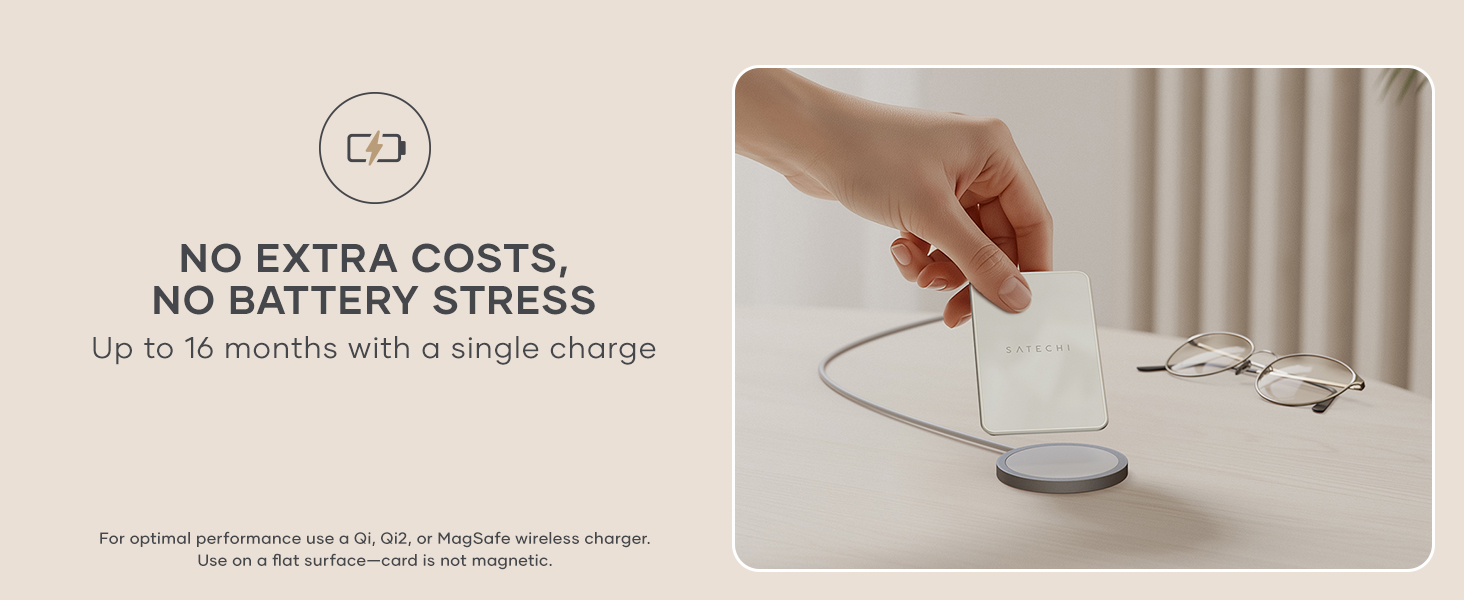
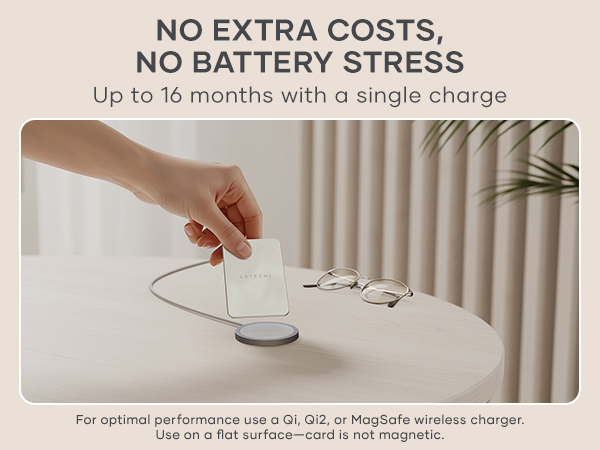
Battery Life | Up to 16 months | Up to 5 months | Up to 12 months | Up to 8 months | Up to 8 months |
Wireless Charging | Qi, Qi2 & MagSafe | Qi, Qi2 & MagSafe | Qi, Qi2 & MagSafe | Qi, Qi2 & MagSafe | Qi, Qi2 & MagSafe |
Colors | Black, Sand, Desert Rose | Black, Sand, Desert Rose | Black, Sand, Desert Rose | Black, Sand, Desert Rose | Black, Sand, Desert Rose |
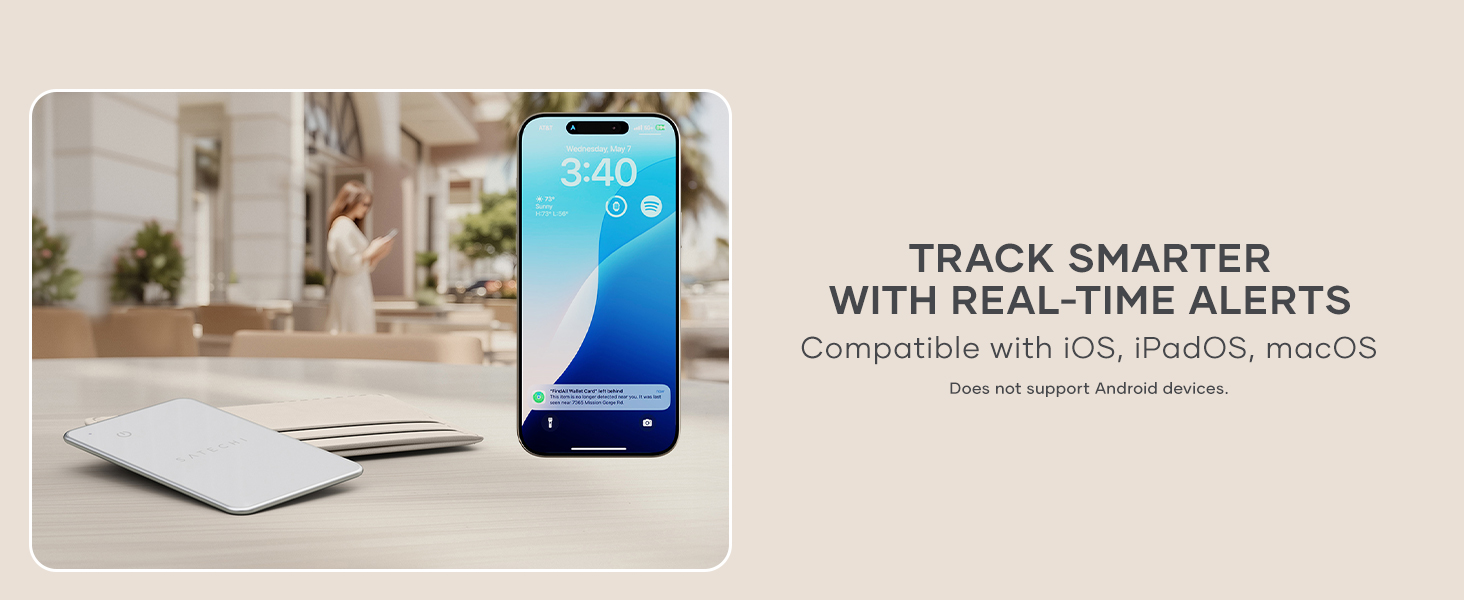
Can the Find My feature work with Android?
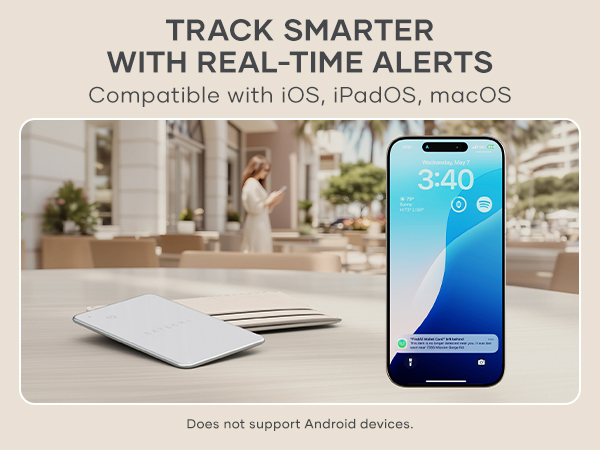
It does not work with Android, only compatible with iOS, iPadOS and macOS. You can login on an android device through icloud.com with an Apple ID to locate the device only if it has been paired to an iPhone or iPad beforehand.
Why hasn't my FindAll Card been updating its location?
Please make sure your Bluetooth is always on, if Bluetooth is off, you will not be able to get the latest location in real time.
What happens if my FindAll Card is stolen?
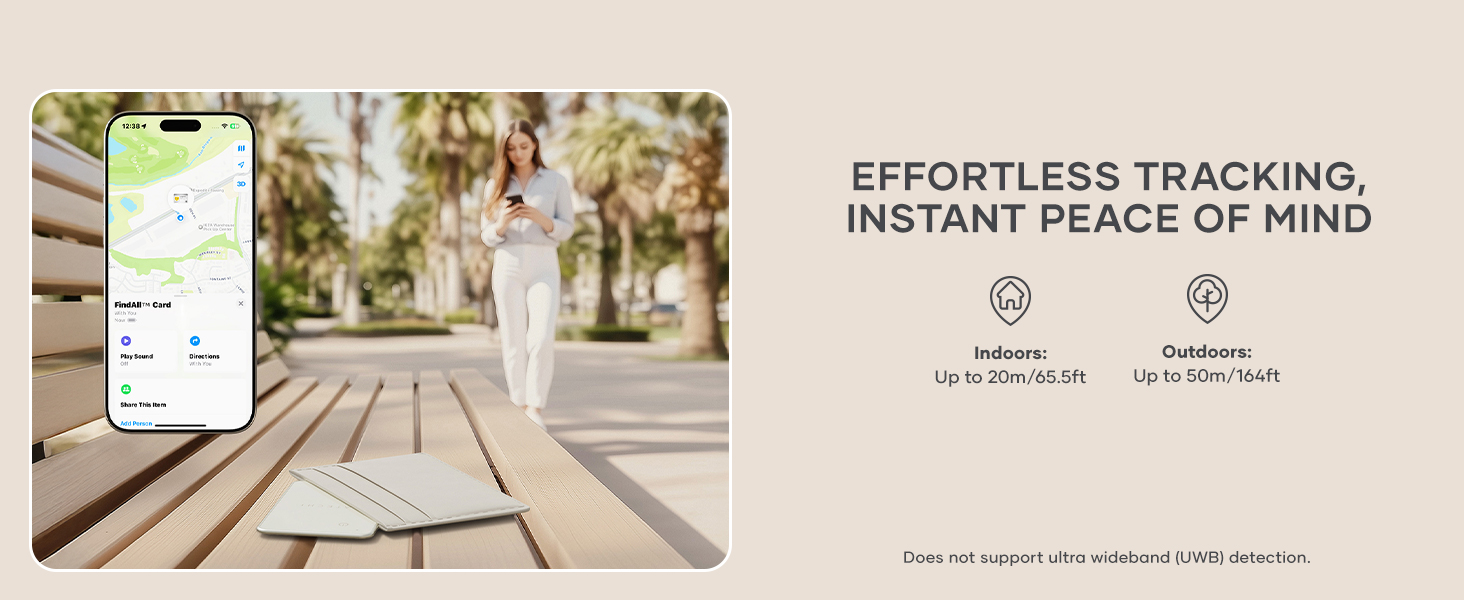
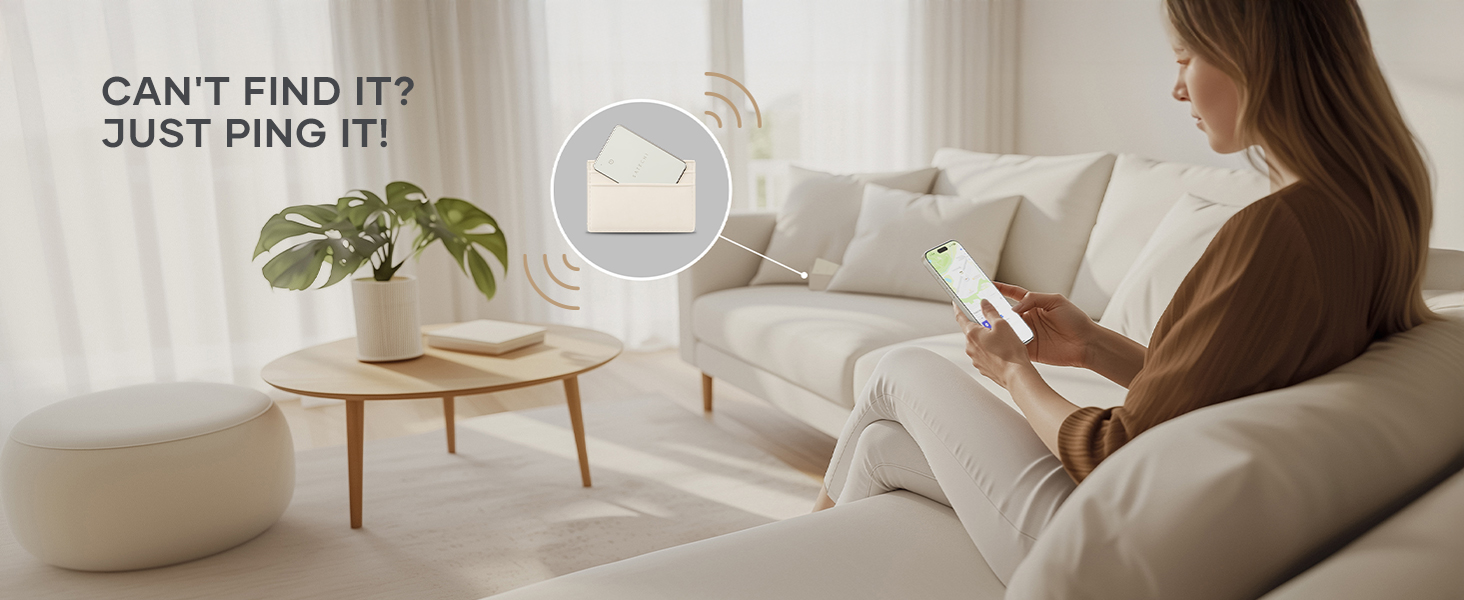
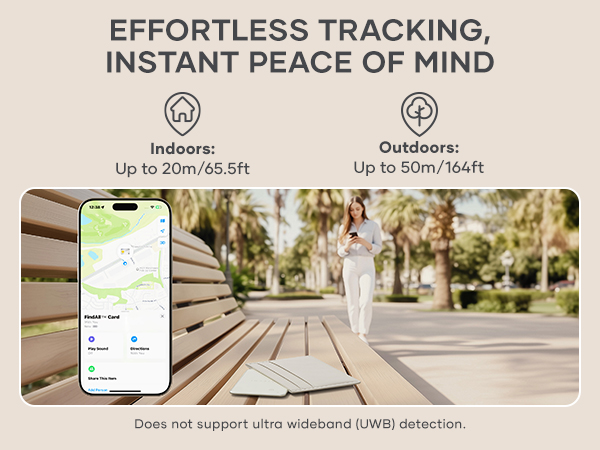
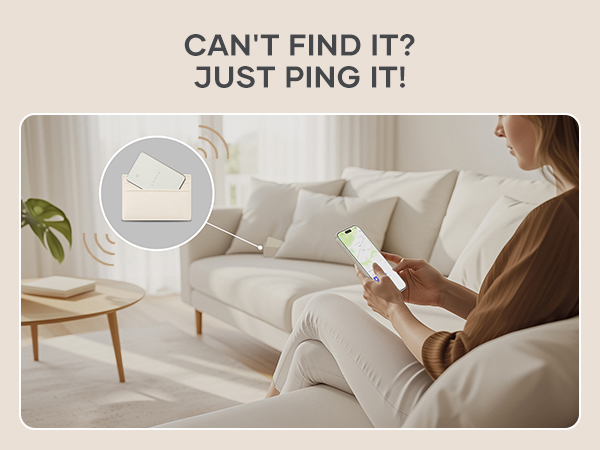
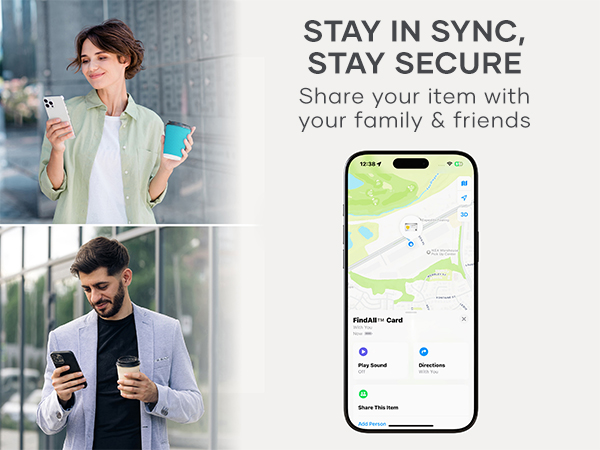
Open the Find My app, select the Items tab, find your FindAll Card and view its location on the map. If it is nearby, use the app to play a sound on the FindAll Card to help you locate it. If you cannot find your FindAll Card enable Lost Mode.
How can I power off my FindAll Card ?
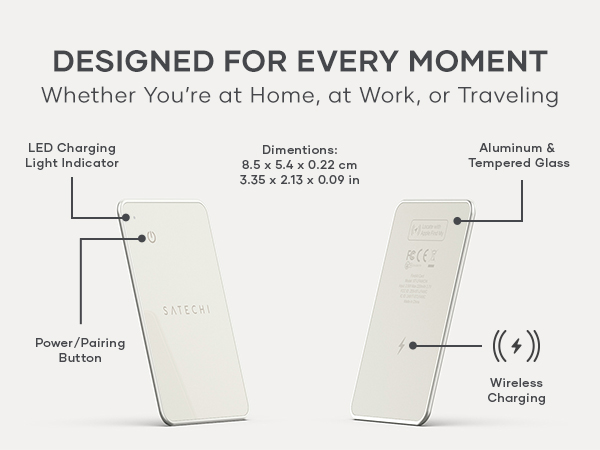
Quickly press the power button 2 times, then long press the 3rd time for at least 5 to 7 seconds. You will hear two beeps, indicating your FindAll Card is powered off.
How to perform factory reset of the FindAll Card?
Quickly press the power button 4 times, then long-press for at least 3 seconds, then you will hear a beep confirming the Card has been reset.
Biggest Summer Event

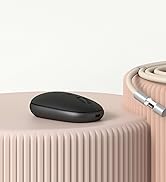

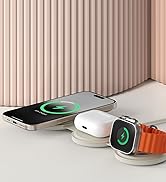
OntheGo Collection
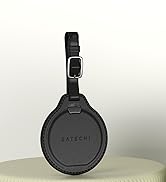
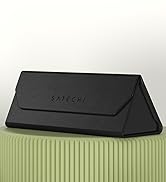

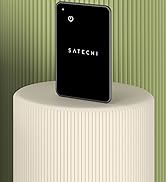
FindAll Collection
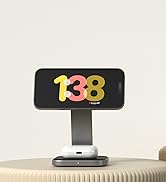

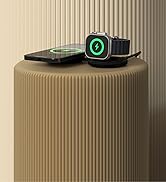
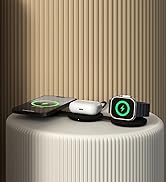
Qi2 Charging Collection

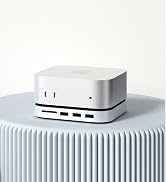
Connectivity & Expansion
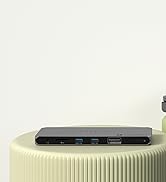
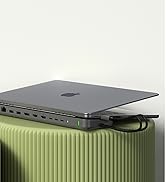
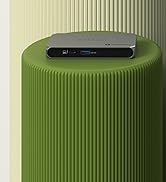
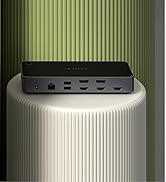
Docking Stations

Power & Charging




Productivity Essentials

About Satechi
We’re more than just another tech brand; we’re innovators committed to bringing you faster, more efficient solutions.
Our USB Type-C hubs, adapters, and accessories are designed to seamlessly combine performance and style. No matter what your goals are, our gear is here to make your life a little easier.

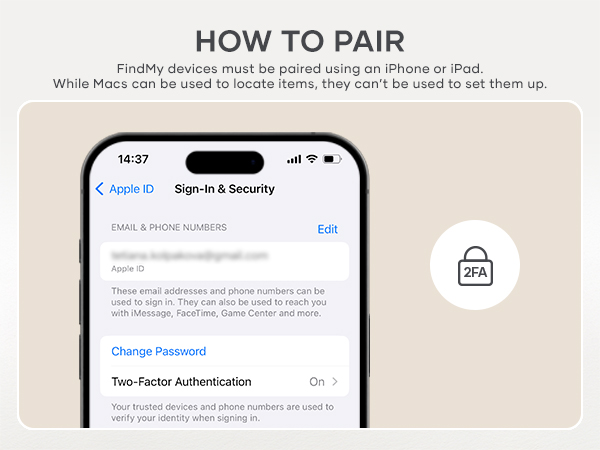
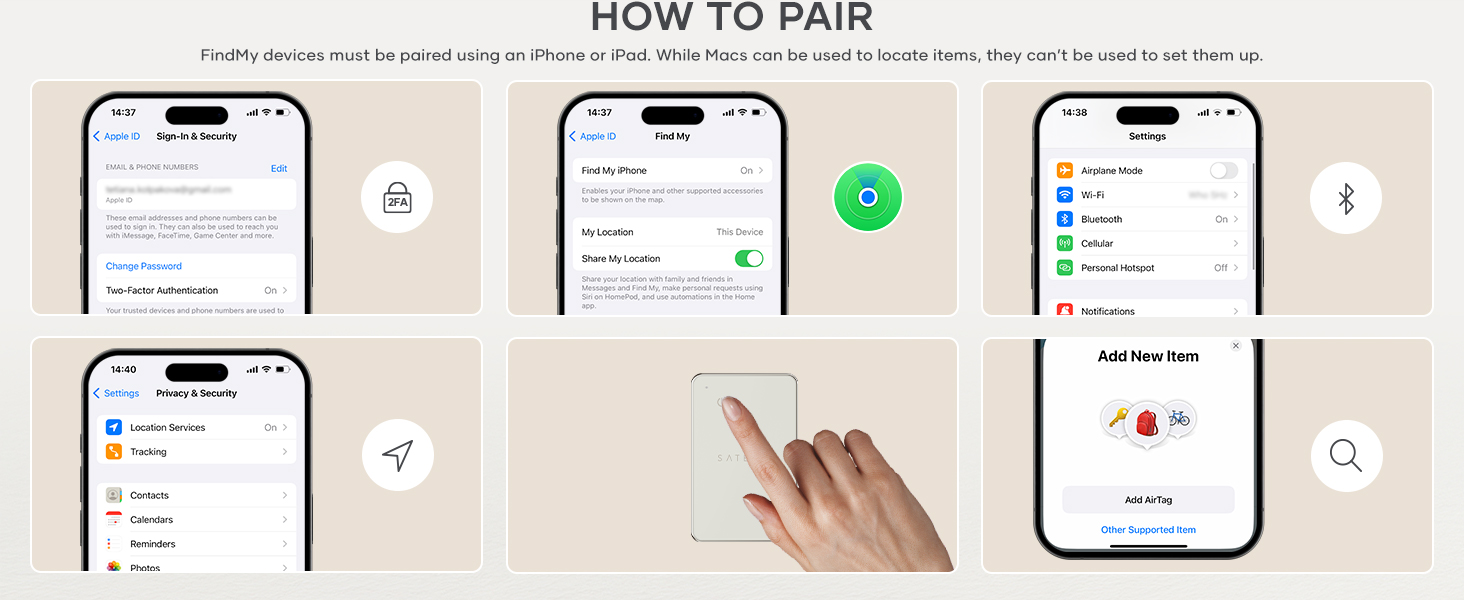
Turn on Two-Factor Authentication
Turn on Two-Factor Authentication for your Apple ID. Go to Settings > your name > Password & Security > Turn On Two-Factor Authentication > Continue
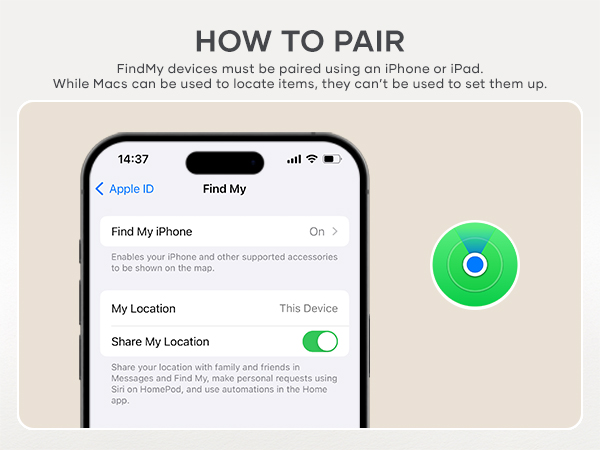
Turn on Find My
Go to Settings > your name > Find My > Find My iPhone > Turn On
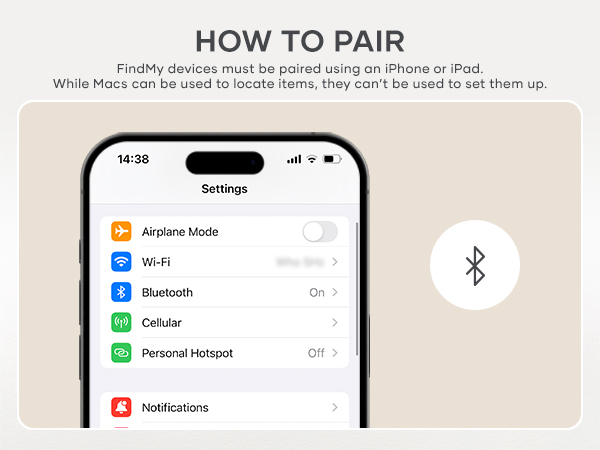
Turn on Bluetooth & Network
Turn on Bluetooth, connect to Wi-Fi or cellular network
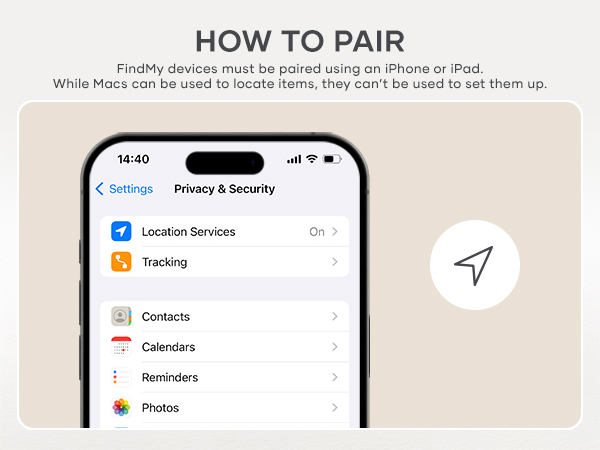
Turn on Location Services
Go to Settings > Privacy & Security > Location Services > Turn On
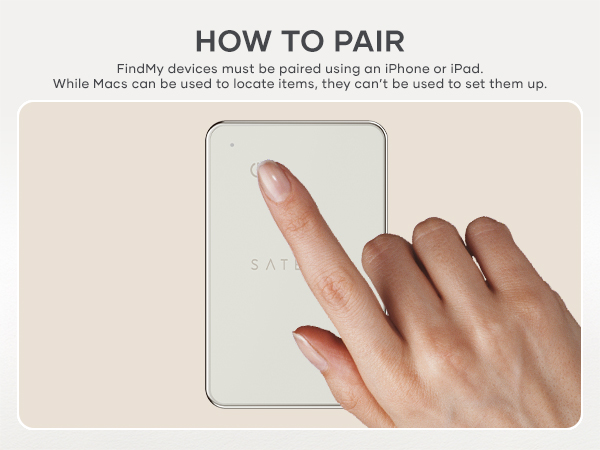
Power up the FindAll Card
Press the power button once to turn the FindAll Card on. It will beep to indicate it is on
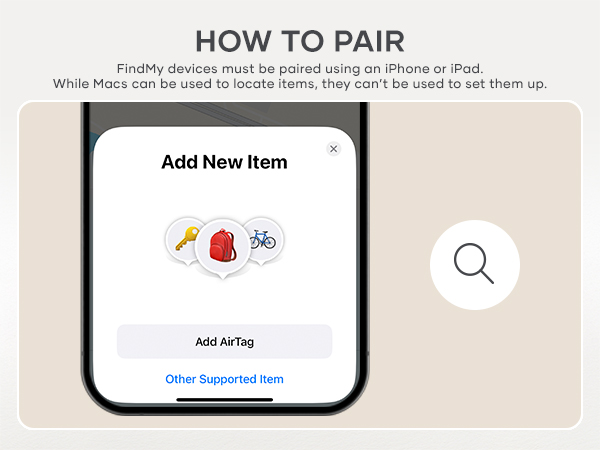
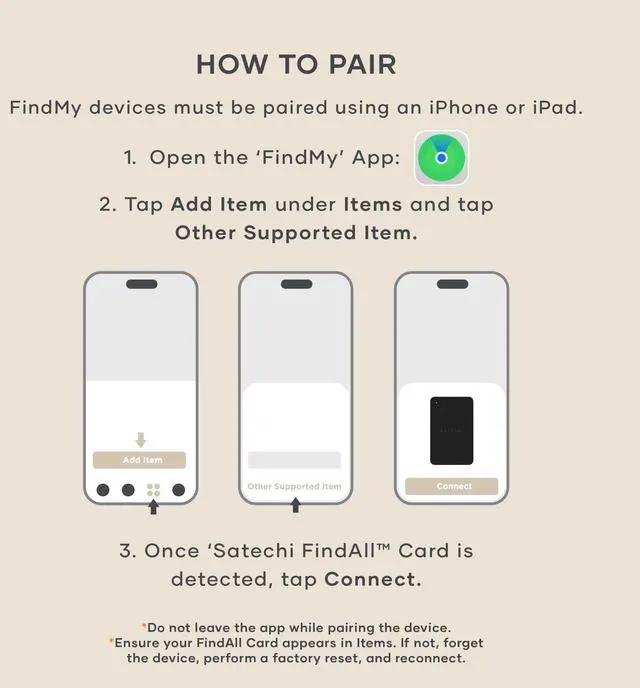
Pair with Find My
Open the Find My app. Go to Items > Add Item > Other Supported Item. Once the Card is detected press Connect. If it's not detected, perform a factory reset on the FindAll Card, then reconnect
Tag everything that matters
FindAll Wallet Card | FindAll Passport Holder | FindAll Keychain | FindAll Luggage Tag | FindAll Glasses Case |
|---|---|---|---|---|
| Customer Reviews | ||||
| — | — | — | — | — |
| Price | ||||
| — | — | — | — | — |
| Best For | ||||
| Wallet & cards | Passport & travel | Keys | Checked luggage | Eyewear |
| Material | ||||
| Aluminum & tempered glass | Vegan leather | Vegan leather | Vegan leather | Vegan leather |
| Apple Find My | ||||
| ? | ? | ? | ? | ? |
| Battery Life | ||||
| Up to 16 months | Up to 5 months | Up to 12 months | Up to 8 months | Up to 8 months |
| Wireless Charging | ||||
| Qi, Qi2 & MagSafe | Qi, Qi2 & MagSafe | Qi, Qi2 & MagSafe | Qi, Qi2 & MagSafe | Qi, Qi2 & MagSafe |
| Colors | ||||
| Black, Sand, Desert Rose | Black, Sand, Desert Rose | Black, Sand, Desert Rose | Black, Sand, Desert Rose | Black, Sand, Desert Rose |
Can the Find My feature work with Android?
It does not work with Android, only compatible with iOS, iPadOS and macOS. You can login on an android device through icloud.com with an Apple ID to locate the device only if it has been paired to an iPhone or iPad beforehand.
Why hasn't my FindAll Card been updating its location?
Please make sure your Bluetooth is always on, if Bluetooth is off, you will not be able to get the latest location in real time.
What happens if my FindAll Card is stolen?
Open the Find My app, select the Items tab, find your FindAll Card and view its location on the map. If it is nearby, use the app to play a sound on the FindAll Card to help you locate it. If you cannot find your FindAll Card enable Lost Mode.
How can I power off my FindAll Card ?
Quickly press the power button 2 times, then long press the 3rd time for at least 5 to 7 seconds. You will hear two beeps, indicating your FindAll Card is powered off.
How to perform factory reset of the FindAll Card?
Quickly press the power button 4 times, then long-press for at least 3 seconds, then you will hear a beep confirming the Card has been reset.
Biggest Summer Event
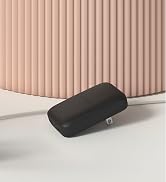
OntheGo Collection
FindAll Collection
Qi2 Charging Collection
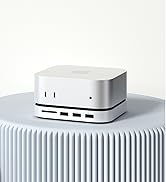
Connectivity & Expansion
Docking Stations
Power & Charging

Productivity Essentials
About Satechi
We’re more than just another tech brand; we’re innovators committed to bringing you faster, more efficient solutions.
Our USB Type-C hubs, adapters, and accessories are designed to seamlessly combine performance and style. No matter what your goals are, our gear is here to make your life a little easier.
