






Why is the tracker card still unable to connect to my iPhone even with a stable Wi-Fi or cellular data connection?
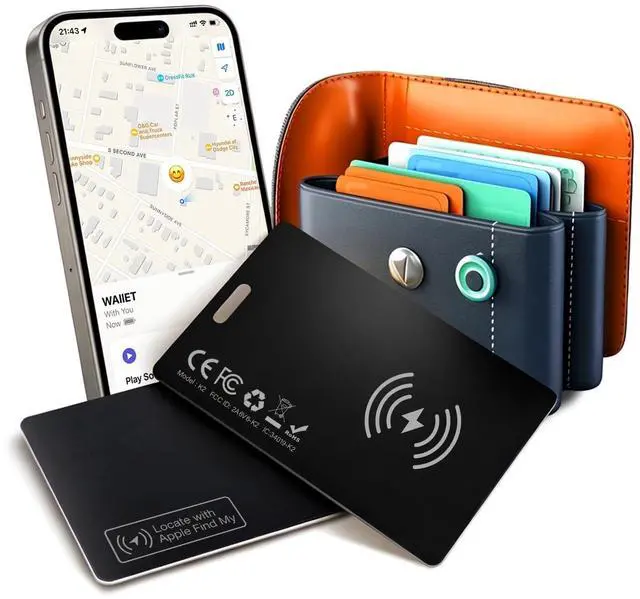
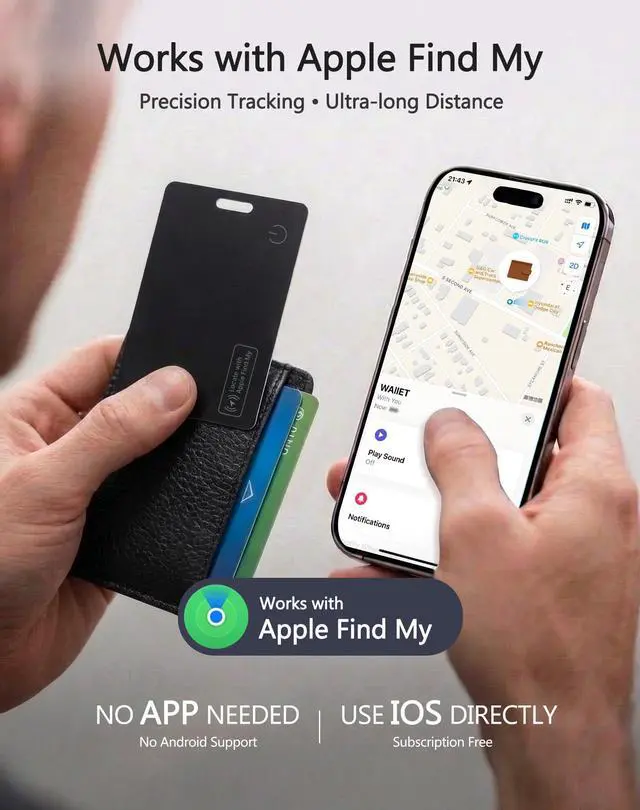
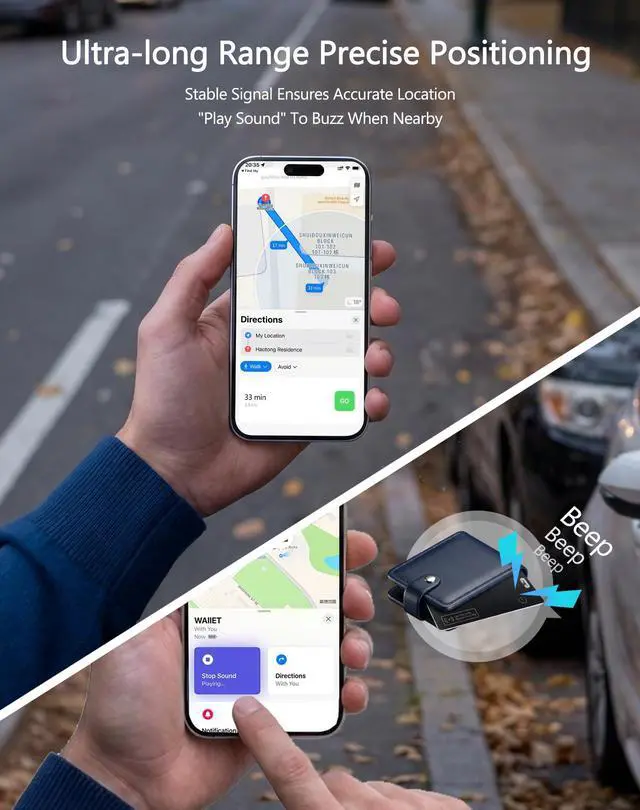
Make sure Bluetooth is on. Only compatible with iOS 14.5 and above. Reset: Press button 4x, hold till tone, press once to power on. Open Find My > Add Item > Other Supported Item. Only works with Apple Find My (no Android).
Is Bialeire's after-sales service trustworthy?
Absolutely. You can contact Bialeire anytime to resolve any product questions you may have, and we will provide you with a satisfying solution within 12 hours.
How do I charge the Tracker Card? How do I know it’s fully charged?
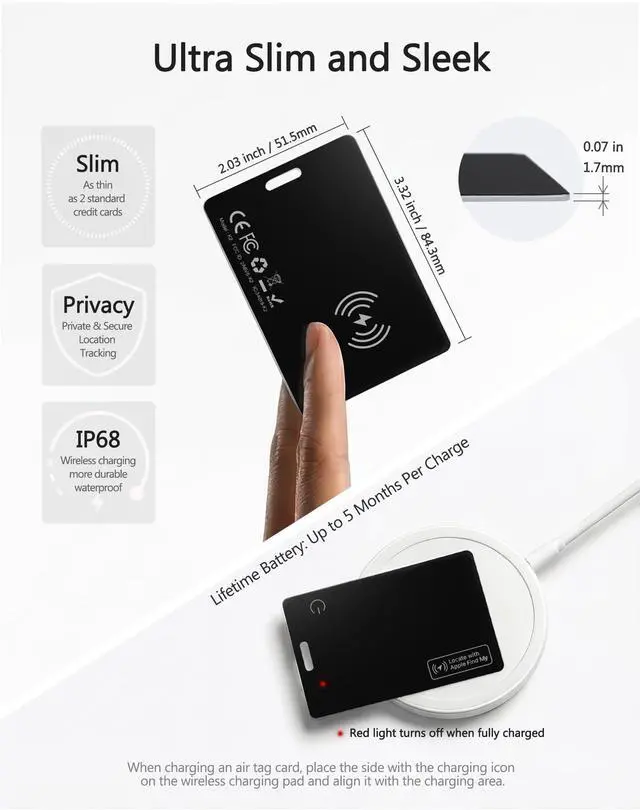
First, confirm your wireless charger is working. Then place the tracker with the button facing up, and align its wireless charging icon with your charger’s coil center. A red light turns on when it’s charging.
Will the tracker card demagnetize or interfere with my credit cards?
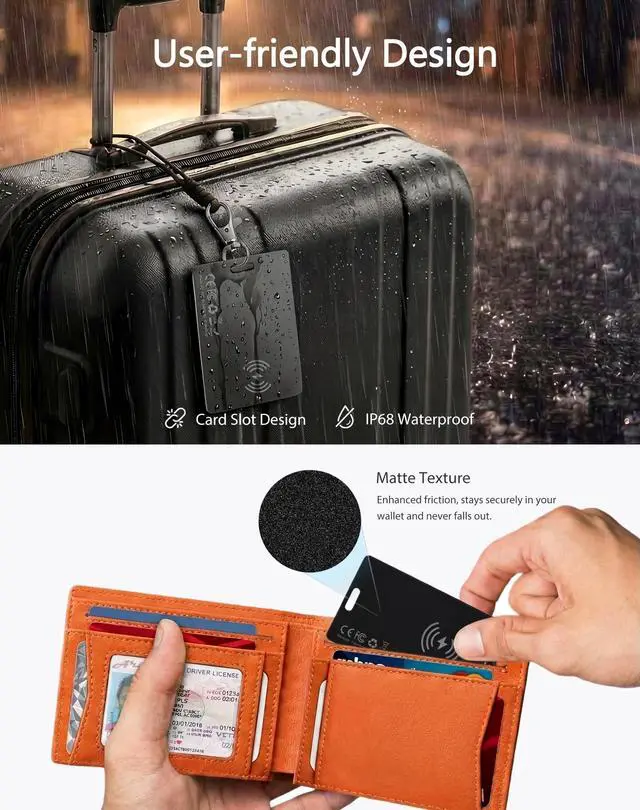
No—it has no magnets, so it won’t demagnetize or interfere with your credit cards. It contains just enough metal to safely attach to MagSafe chargers for power.
Can I use the Bialeire tracker card in an RFID-blocking or magnetic wallet?
Yes. RFID shielding won’t block Bluetooth, but metal in your wallet may weaken the tracker’s signal. We recommend testing it based on your wallet’s material and where you place the tracker.


Why is the tracker card still unable to connect to my iPhone even with a stable Wi-Fi or cellular data connection?
Make sure Bluetooth is on. Only compatible with iOS 14.5 and above. Reset: Press button 4x, hold till tone, press once to power on. Open Find My > Add Item > Other Supported Item. Only works with Apple Find My (no Android).
Is Bialeire's after-sales service trustworthy?
Absolutely. You can contact Bialeire anytime to resolve any product questions you may have, and we will provide you with a satisfying solution within 12 hours.
How do I charge the Tracker Card? How do I know it’s fully charged?
First, confirm your wireless charger is working. Then place the tracker with the button facing up, and align its wireless charging icon with your charger’s coil center. A red light turns on when it’s charging.
Will the tracker card demagnetize or interfere with my credit cards?
No—it has no magnets, so it won’t demagnetize or interfere with your credit cards. It contains just enough metal to safely attach to MagSafe chargers for power.
Can I use the Bialeire tracker card in an RFID-blocking or magnetic wallet?
Yes. RFID shielding won’t block Bluetooth, but metal in your wallet may weaken the tracker’s signal. We recommend testing it based on your wallet’s material and where you place the tracker.