






CAPTURE YOUR RIDE ANYTIME, ANYWHERE!
ATTENTION:
please follow these steps to get the tire length:
Step1, Measure the wheel diameter of your bicycle.
Step2, Convert your measurement to millimetre (mm)
Step3, Multiply the result by p(3.14) to get the tire length, round to the integer, input the code into the wireless bike computer
Please refer to the instruction manual before use.


PRUNUS was founded by a team of bike lovers that have over 10 years of MTB bike experiences, committed to do everything we can do to provide high-quality bike accessories at friendly prices for our customers. Choose PRUNUS and enjoy your exquisite life!
Record Your Progress in Bits and Pieces!
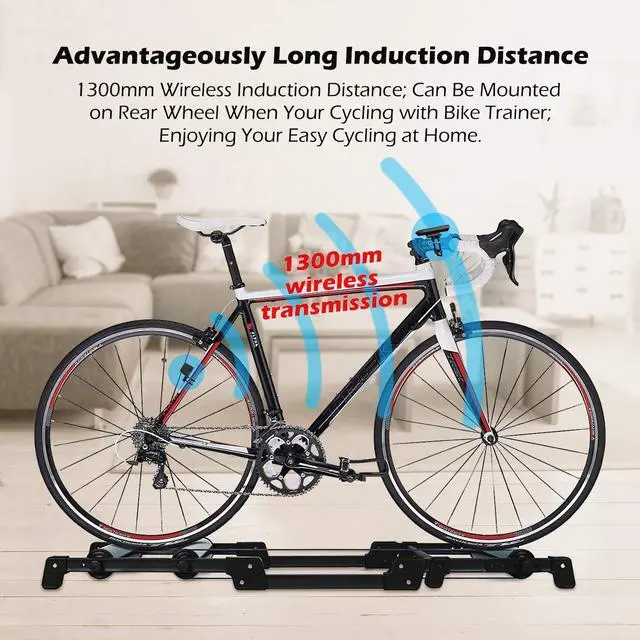
With the adoption of wireless signal transmission technology, our bike computer exerts a favorable anti-shock & anti-interference performance. You only need to install the wireless sensor and the magnet at a distance of about 5mm, and the sensor's front (with arrow marks) corresponds to the front of the magnet. Then it will have a good reception, so you do not need to worry about the data errors caused by shock and interference during riding.
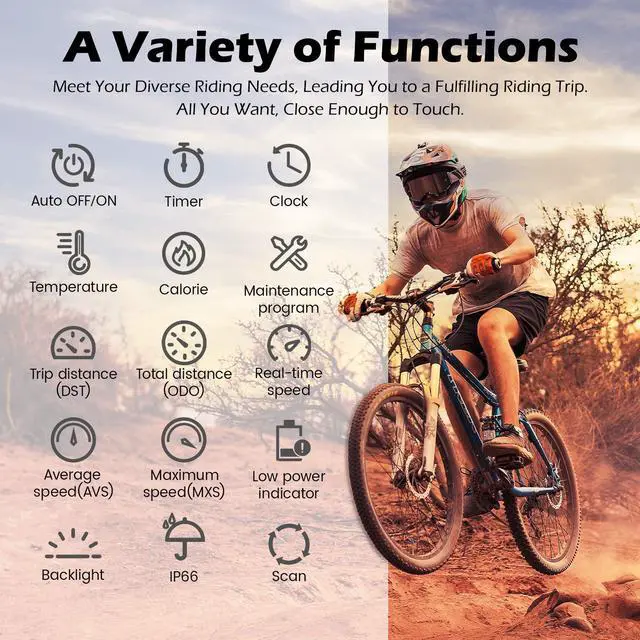
- BACKLIGHT ALWAYS MODE
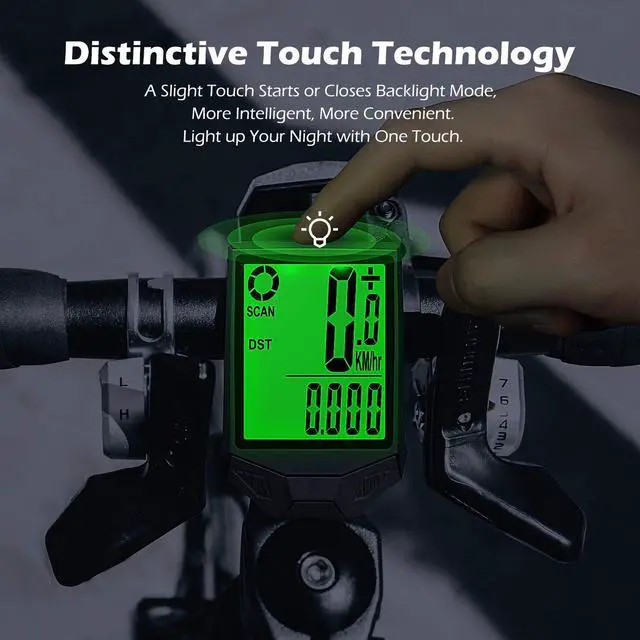
- TOUCH CONTROL
- TEMPERATURE
- CALORIES
- FREEZE FRAME MEMORY
- TIMER AND CLOCK
- AUTO & MANUAL WAKE-UP
- ODO\DST\MXS\AVS\TRIP TIME

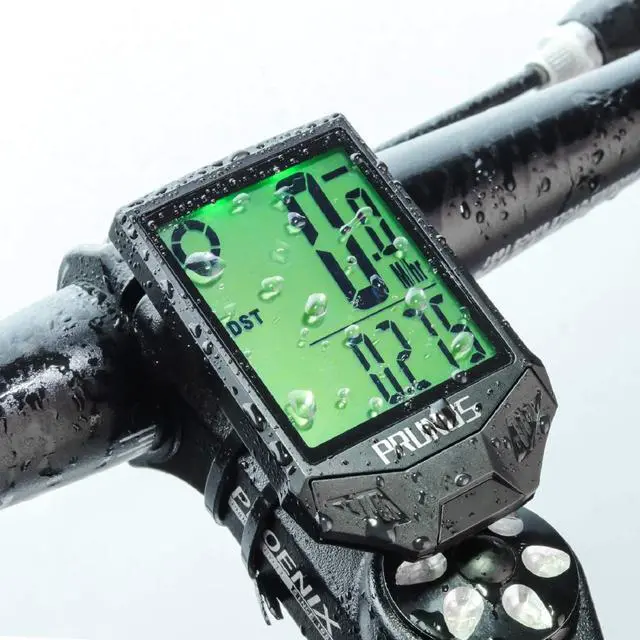
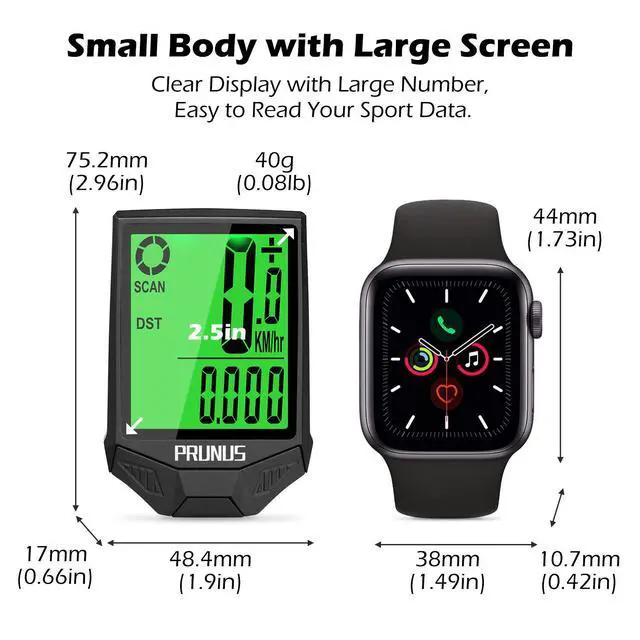
Large Screen & Highlight Display
Thanks to the large screen with highlight LCD display, our bike computer is so readable that even in the strong sunlight, you can still clearly catch sight of the data on the screen. More importantly, once the backlight is triggered, it will always be on. So you can view your data at any time at night.

Auto Standby / Wake up
When it is out of use, our bike computer will stop working after 300s. On the contrary, within 2 hours of dormancy, it will wake up in 10s but 1min if over 2 hours when you start riding. Accordingly, you don’t have to start or close it manually every time. Moreover, you can also press any key.

INSTALLATION
a. Install the sensor on the tube of your bicycle.
b. Screw the magnet on the spoke of your bicycle. You are supposed to install the wireless sensor and the magnet at a distance of about 5mm, and the sensor’s front (with arrow marks) corresponds to the front of the magnet.
c. Install the pedestal of your bike computer.
d. Fix your bike computer on the pedestal.

Unavailable Types of Bicycle
Not available for stationary bikes, bicycles with sparse spokes or bicycles with cutter wheels and solid wheels.

Available Types of Bicycle
Suitable for bicycles over 16 inches with standard 2mm spokes, including cruiser bicycle, road bike, mountain bike, folding bike as well as some bikes for indoor cycling.

Q & A
1. You'd better measure your bike directly with a ruler to get more accurate data before use.
2. Your riding data will be cleared once the battery is replaced. So you are supposed to reset the program after you have installed a new battery.
3. To reset the program, you just need to simultaneously press the two keys for 3s at the same time.
4. The bike computer is of a function that you can switch kilometer to mile as you want.
5. Only on a condition that the wireless sensor and the odometer must have power at the same time can the bike computer work normally.
6. There may be a very small number of products in the transportation process will appear battery dead, if the battery is dead within 3 months of use, please contact. We will help you solve in a timely manner!

CAPTURE YOUR RIDE ANYTIME, ANYWHERE!
ATTENTION:
please follow these steps to get the tire length:
Step1, Measure the wheel diameter of your bicycle.
Step2, Convert your measurement to millimetre (mm)
Step3, Multiply the result by p(3.14) to get the tire length, round to the integer, input the code into the wireless bike computer
Please refer to the instruction manual before use.
Record Your Progress in Bits and Pieces!
PRUNUS was founded by a team of bike lovers that have over 10 years of MTB bike experiences, committed to do everything we can do to provide high-quality bike accessories at friendly prices for our customers. Choose PRUNUS and enjoy your exquisite life!
With the adoption of wireless signal transmission technology, our bike computer exerts a favorable anti-shock & anti-interference performance. You only need to install the wireless sensor and the magnet at a distance of about 5mm, and the sensor's front (with arrow marks) corresponds to the front of the magnet. Then it will have a good reception, so you do not need to worry about the data errors caused by shock and interference during riding.
- BACKLIGHT ALWAYS MODE
- TOUCH CONTROL
- TEMPERATURE
- CALORIES
- FREEZE FRAME MEMORY
- TIMER AND CLOCK
- AUTO & MANUAL WAKE-UP
- ODO\DST\MXS\AVS\TRIP TIME
Large Screen & Highlight Display
Thanks to the large screen with highlight LCD display, our bike computer is so readable that even in the strong sunlight, you can still clearly catch sight of the data on the screen. More importantly, once the backlight is triggered, it will always be on. So you can view your data at any time at night.
Auto Standby / Wake up
When it is out of use, our bike computer will stop working after 300s. On the contrary, within 2 hours of dormancy, it will wake up in 10s but 1min if over 2 hours when you start riding. Accordingly, you don’t have to start or close it manually every time. Moreover, you can also press any key.
INSTALLATION
a. Install the sensor on the tube of your bicycle.
b. Screw the magnet on the spoke of your bicycle. You are supposed to install the wireless sensor and the magnet at a distance of about 5mm, and the sensor’s front (with arrow marks) corresponds to the front of the magnet.
c. Install the pedestal of your bike computer.
d. Fix your bike computer on the pedestal.
Unavailable Types of Bicycle
Not available for stationary bikes, bicycles with sparse spokes or bicycles with cutter wheels and solid wheels.
Available Types of Bicycle
Suitable for bicycles over 16 inches with standard 2mm spokes, including cruiser bicycle, road bike, mountain bike, folding bike as well as some bikes for indoor cycling.
Q & A
1. You'd better measure your bike directly with a ruler to get more accurate data before use.
2. Your riding data will be cleared once the battery is replaced. So you are supposed to reset the program after you have installed a new battery.
3. To reset the program, you just need to simultaneously press the two keys for 3s at the same time.
4. The bike computer is of a function that you can switch kilometer to mile as you want.
5. Only on a condition that the wireless sensor and the odometer must have power at the same time can the bike computer work normally.
6. There may be a very small number of products in the transportation process will appear battery dead, if the battery is dead within 3 months of use, please contact. We will help you solve in a timely manner!