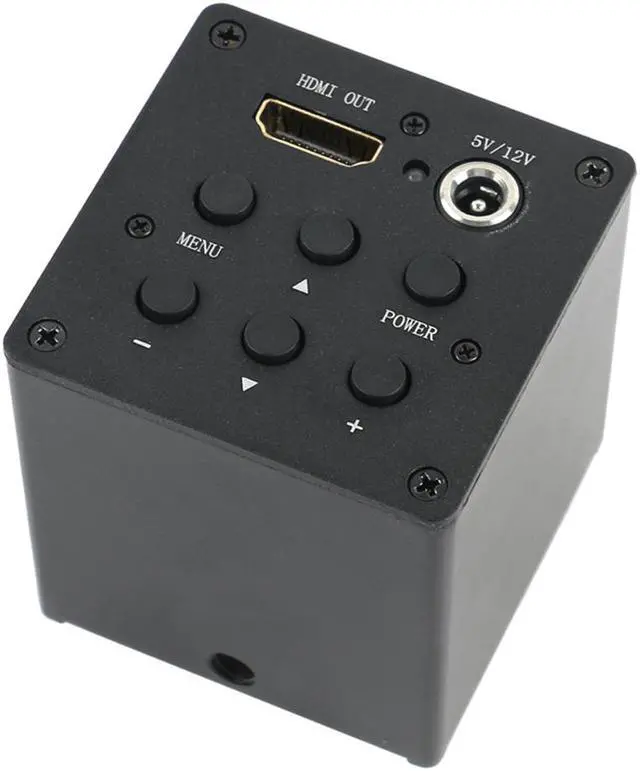
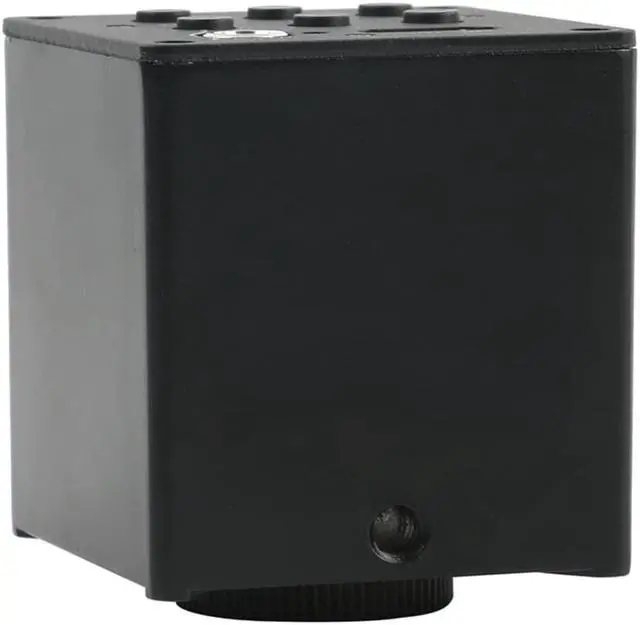
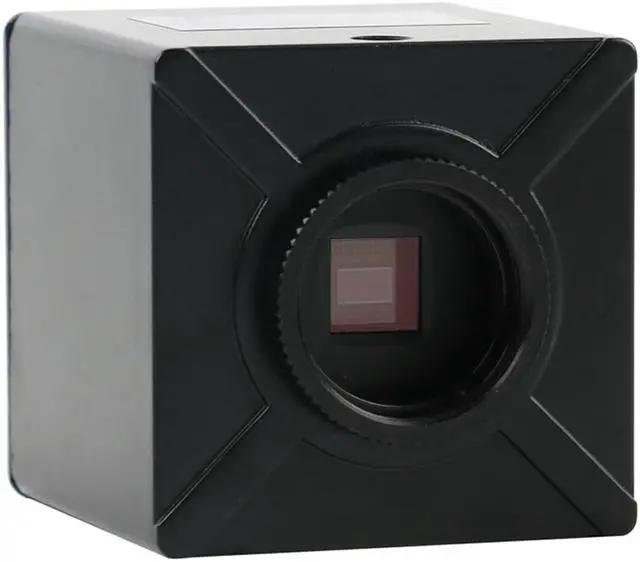
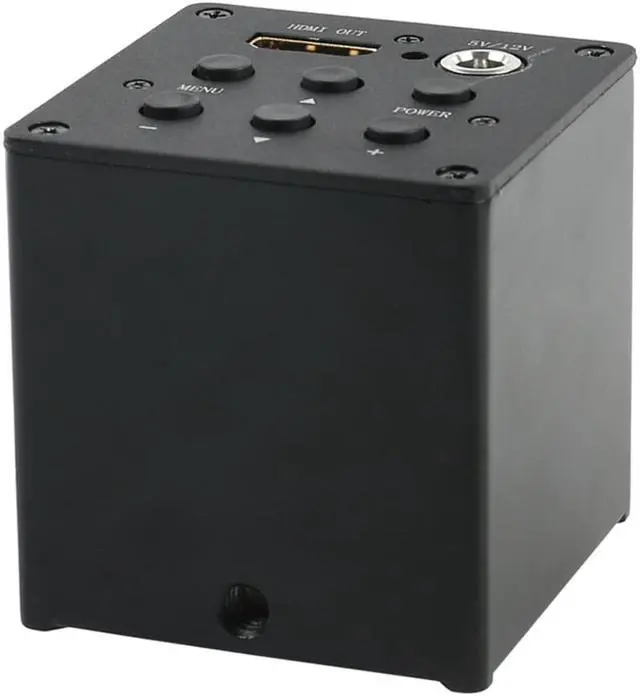
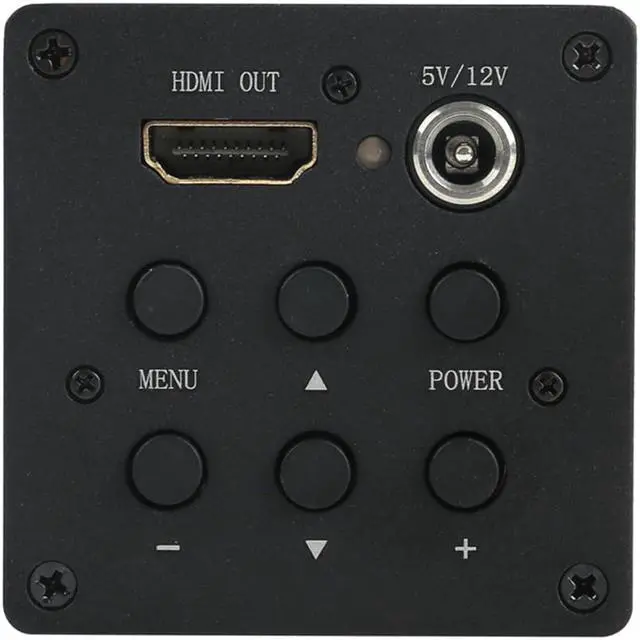
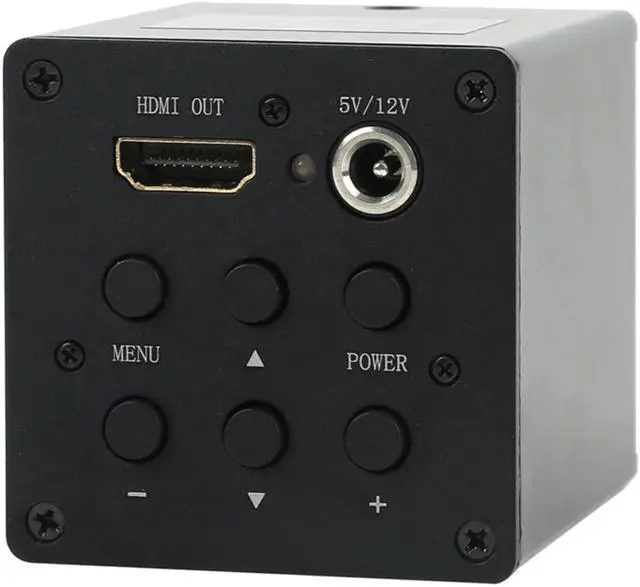
The 2 megapixel HDMI industrial camera has 8 horizontal lines or 8 vertical lines. It can be selected from 1 to 8 menus. The highest resolution of HDMI output is 1920x1080 60Hz.
Menu operation: Pressing the MEMU button once will open the main menu, and pressing the MEMU button again will close the main menu. After opening the main menu, you can see submenus such as exposure, white balance, digital noise reduction, and marker lines. Use the / keys to move the cursor to select the submenu to enter, and press +/OK to enter the submenu pointed to by the cursor. If you enter the exposure submenu, you will see a lot of menu items: mode (auto), shutter speed, auto gain control, sensitivity, auto exposure brightness, etc.; use the +/- keys to adjust the value. If you enter the White Balance submenu, you can see that the menu items are: Mode (Auto White Balance), Do a White Balance, Blue, Red, Speed, etc.; use the +/- button to select or deselect This option. To go back to the main menu just enter the return item.
Crosshairs move and change color: After the menu is closed, use the / keys to select the line to move. The movable line is the dotted line. Use the +/- keys to move the movable line up or down or left and right.
Change color: Line number -> Select the line to change the color (1-8) -> Line color -> Select color. Several ways to adjust the best image effects: 1. Adjust the brightness of the LED light source to make the brightness of the image reach a comfortable state. 2. If the object is a non-ferrous metal or feel color deviation, change the auto white balance mode to manual white balance mode. Put a blank sheet of paper under the lens, open the main menu, white balance -> mode select "manual white balance" -> point to "do a white balance" -> press + / OK. 3. If you pay attention to the details of the object, go to the "Image Adjustment" item -> find "Edge Enhancement" and use the +/- keys to adjust the value.
Common problems and solutions: 1. If the indicator light is green, but the display has no image, please press and hold the 1080P/- button for 5 seconds, then switch the monitor power. 2. The parameters are disordered and restored to the factory state: "Settings" -> "Factory Reset"3. The LCD display is incomplete and has black edges. Please press the AUTO button on the display. 4, "Settings" -> "Video Output Mode" After selecting other resolutions, the display cannot be displayed. Press and hold the 1080P/- button for 5 seconds. 5. The lens or imaging element is dusty. Please wash it with absolute alcohol (anhydrous ethanol) or wipe it off with a glasses cloth.
Camera parameters: 1, imaging components 2 million 1 / 2.8 -inch CMOS, effective pixels 1920X1080, frame rate 60 frames / sec, clarity 900 lines. 2, using the CS lens interface, you can choose any CS interface lens. 3.
Power input: +5V to +15V DC, maximum operating current is 450mA at +5V, and maximum operating current is 200mA at +12V.
Specification:
Model: Camera with
HDMI outputSensor: SONY sensor 1/ 2.8 inch
Effective Pixels: 1920H*1080VHDMI
Image resolution: 1280X1024 60Hz1366X768 60Hz1440X900 60Hz1920X1080 60HzData
Bits: 8bitpixel
size: 2.8
m* 2.8 mFrame rate: 60F/S
Definition: 900TV
linesScanning mode: Advance graduallyShutter
Type: Electronic
ShutterDynamic Range: 63dBSignal-to-noise
ratio:
44dBSensitivity: 1.0 V/lux-sec (550nm)
Exposure time: 10s60ms, automatic
exposureWhite balance: AUTO
Lens Mount: C/CSMenu
features: Brightness, contrast, color saturation, brightness, exposure, automatic exposure, vertical mirror, horizontal mirror, Ink, freezer, negative, black and white, the number of cross line (8), line
colorOSD: English/Chinese





 here!
here!