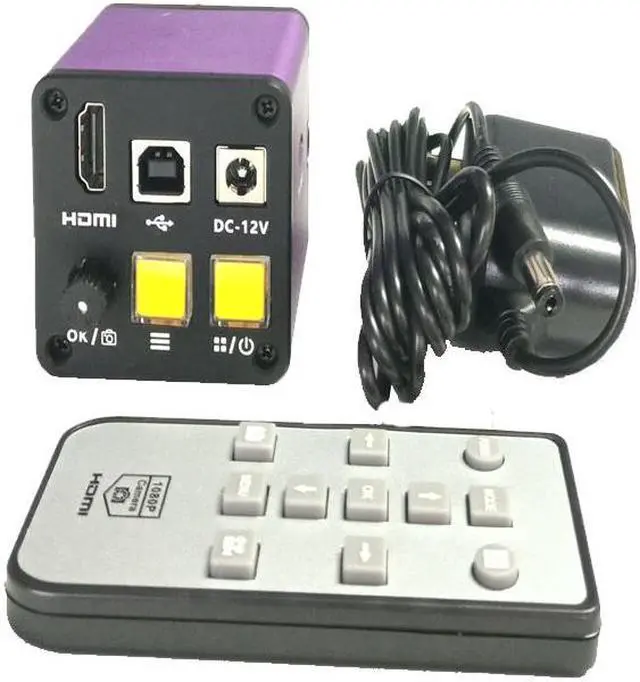
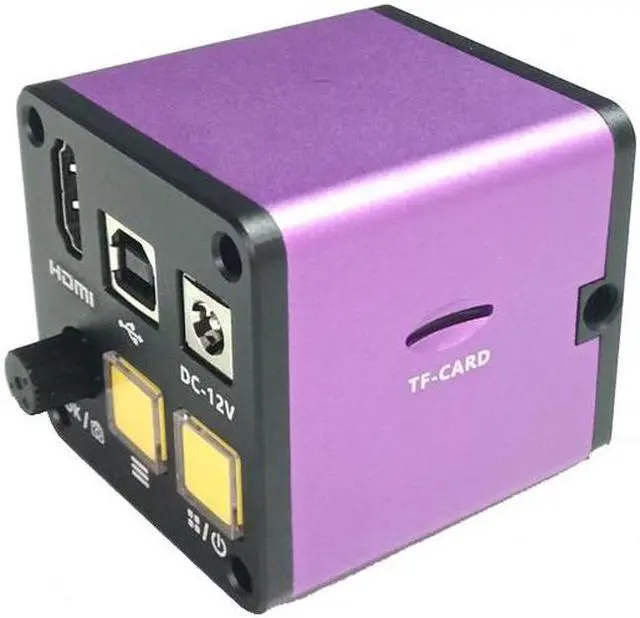
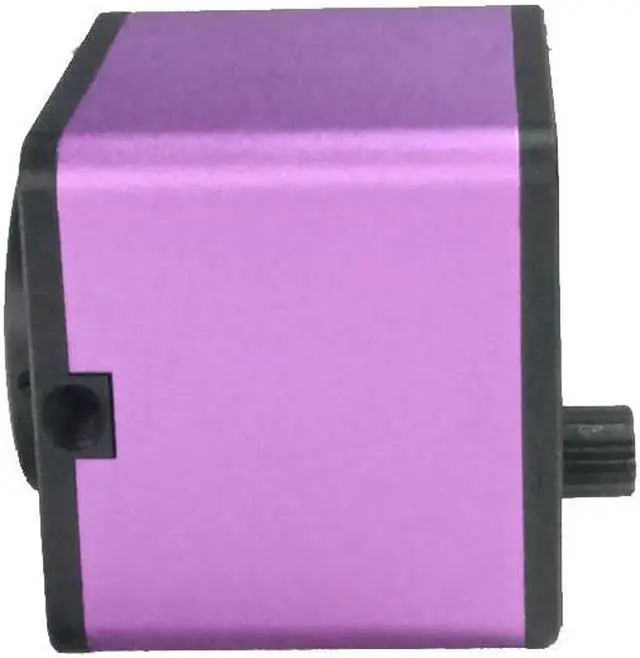
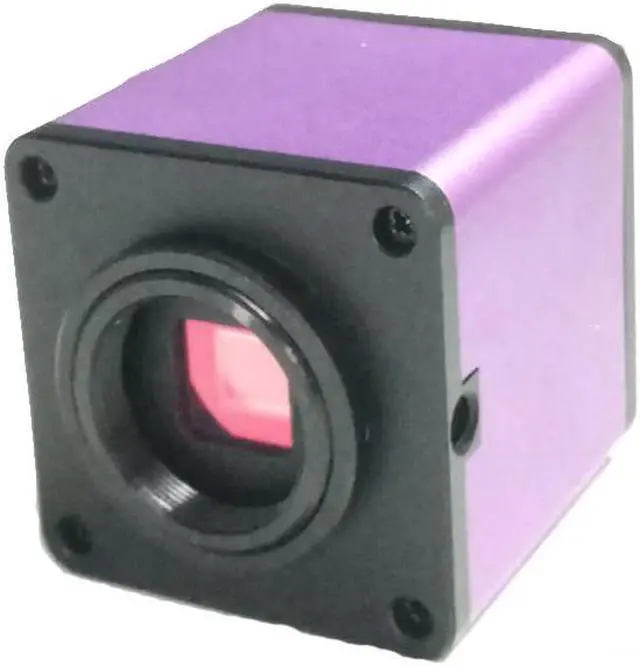
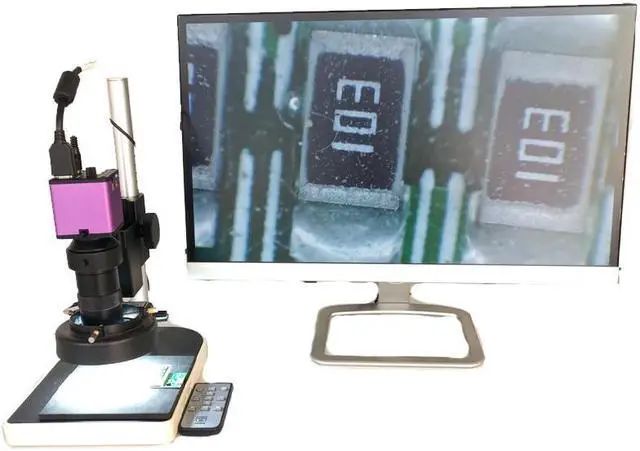
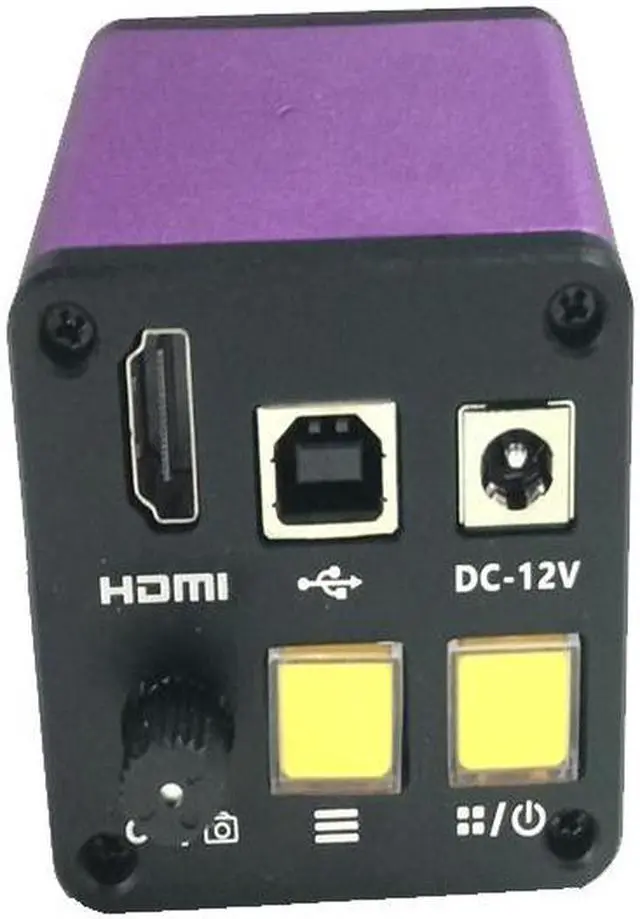
SpecificationMagnification: 0.5XMounting Size: 23.2mm, 30mm ,30.5mmC-mount Thread: 32TPI-UN-2ASuit Microscope: biological microscope and stereo microscopeFeature0.5X magnification to get a more wide view of microscopeC-MOUNT adapter to connect CCD camera or Digital eyepiece to microscopeIncluding two adapters from 23.2mm to 30mm and 30.5mm 1. HDMI connection monitor or USB connection to the computer,plug in 12V power supply2. Tap the switch key (wait for a few seconds for the first time),when the LED light changes from red to blue, the camera is running.Waiting for the display to show3. Tap the main menu button to bring up the main menu4. Tap the camera button to store the picture in the TF card.5. Tap the record button to jump to the recording function,then press the enter button to start recording,tap the record button again to store the preview for the picture.6. Rotate the shuttle counterclockwise to enlarge the image in the screen7. Rotate the shuttle clockwise to reduce the image in the picture.8. Press and hold the key to turn off the camera.