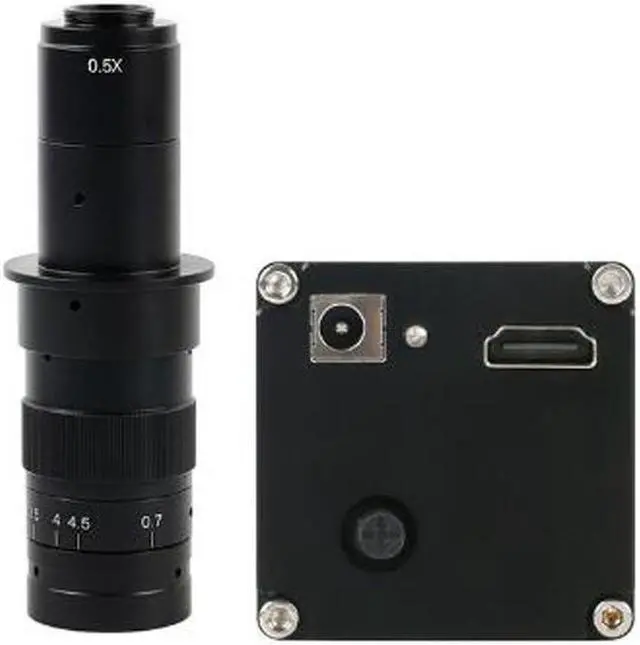
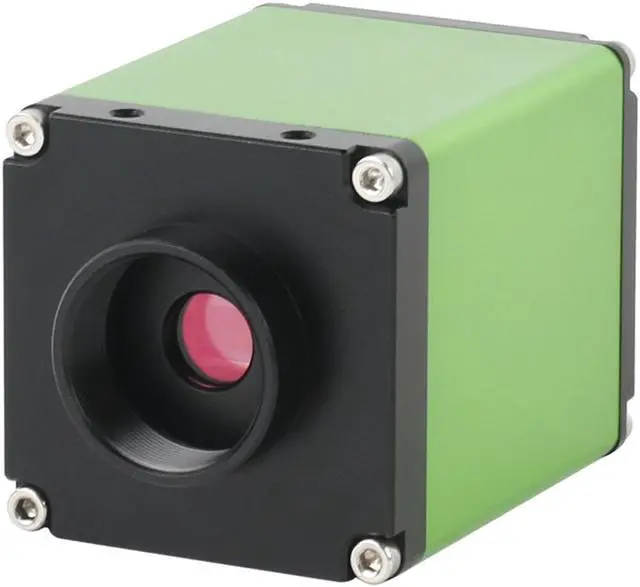
180X
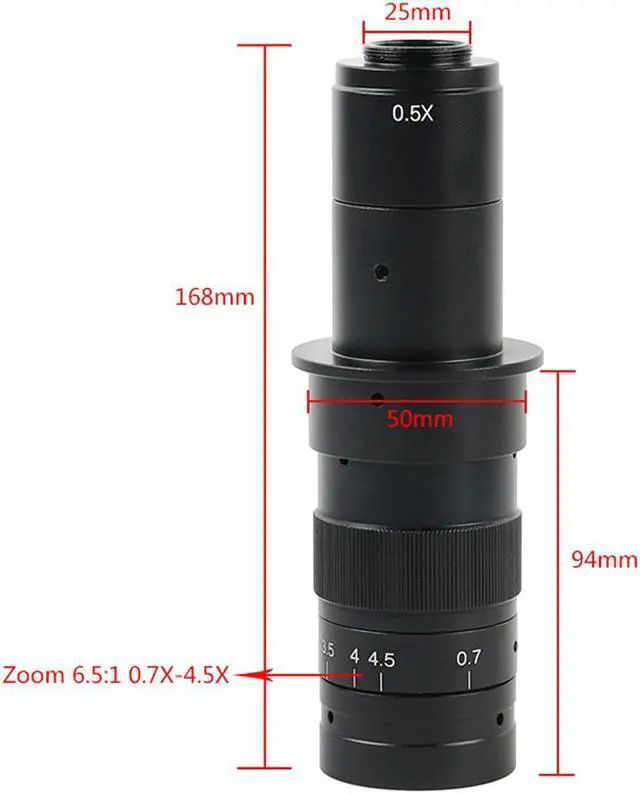
C-MOUNT Lens: Working
distance: 100mmzoom c-mount Lens 0.5X
C-mount adapterzoom ratios:
6.5: 1Objective Magnification Power by 0.7 - 4.5X (about 10 - 180X on the display)Size: 180mm (L) * 50mm (DIA)
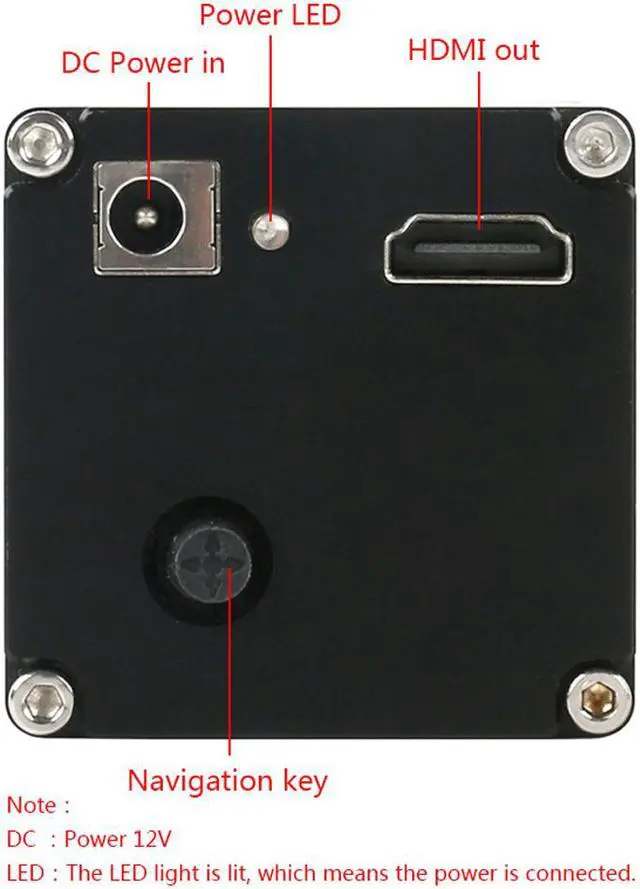
Weight: 500gNavigation key operation definition1. Up and down (or back and forth) push button: the main function menu cursor moves up and down. 2.
Left and right push button: Sub-function switch, sub-function operation.
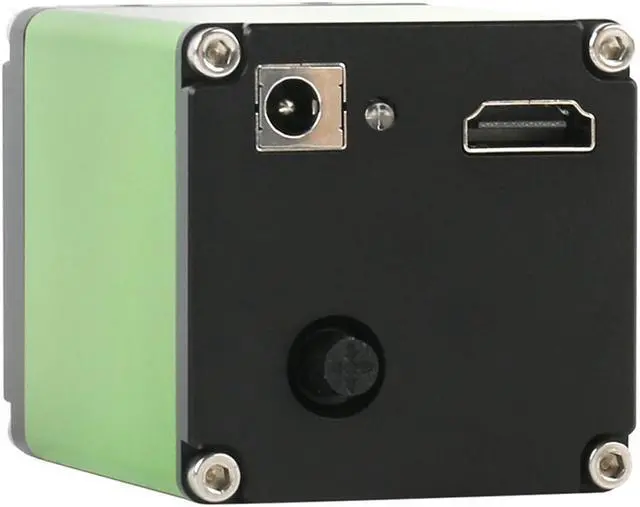
Center push button: Function confirmation, sub-function operation, etc. Connect the camera 1. Connect the camera to the monitor with an HDMI cable. Since the camera video resolution is 1920*1080, it is required that the LCD screen should be more than 22 inches. 2.12V DC power supply. 3.
Color correction (White Balance): Take a blank sheet of white paper and place it in front of the camera. Operate the navigation key to select the menu cursor to the P bar, left push button, WB with white color, the camera start white balance automatically. After the correction, the menu box will automatically revertto the original color.
Note: Be sure this operation must after other parameters to be set; otherwise it may affect the color. 4.
Auto Exposure: Operate the navigation key to select the menu cursor to the P bar, right push button, AE with white color. After the correction, the menu box will automatically revert to the original color.
Note: In order to obtain the best image effect, the brightness or exposure value should generally be below 80; High dynamic contrast, this function is to observe low contrast objects. Generally, it is recommended to be 0 (closed). FunctionCMOS Resolution2 million pixelsResolution1920*1080Pixel Size 3.75 mOptical Size1/2"Color
Depth 12:12: 12 RGB
Frame Rate60 fpsColor AdjustManual / AutoLuminance AdjustManual / Autoreference line8 (customizable)
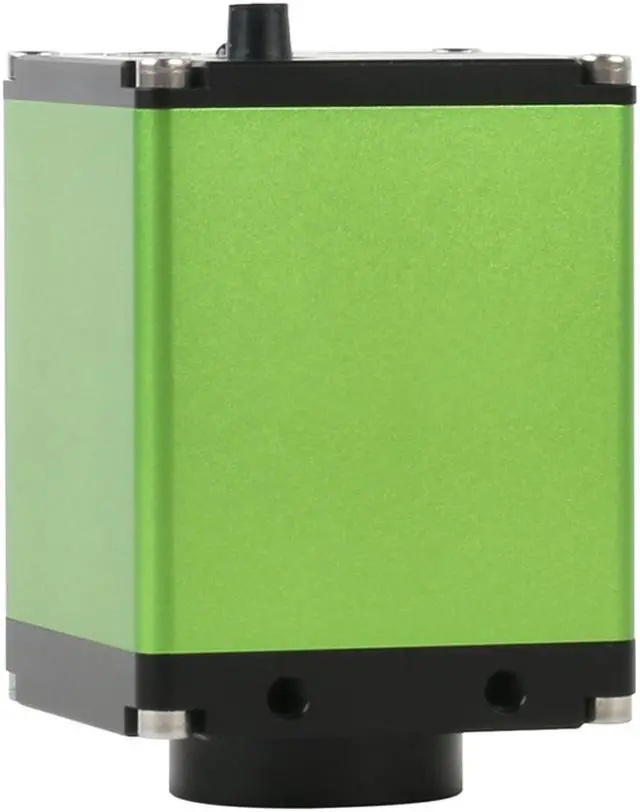
Grid line: 8 horizontal lines, 8 vertical linesThey can be changed six colorsLens jack: C-mountOSD menuHavePower InputDC 12V, 2ADimension70mm x 52mm x 52mmOperation Moisture5%85%Operation Temperature0~60COutput InterfaceHDMI Output