



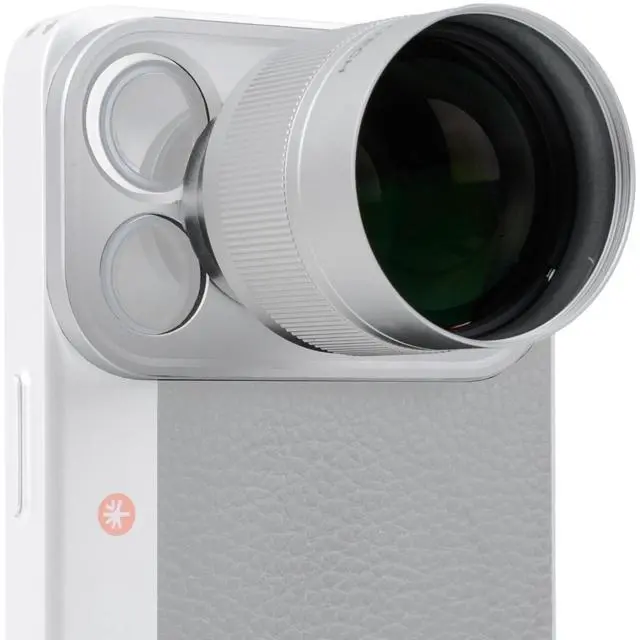
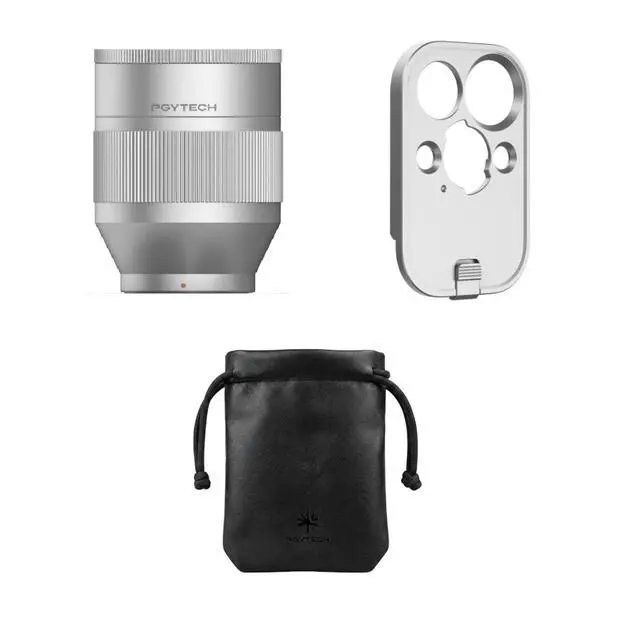
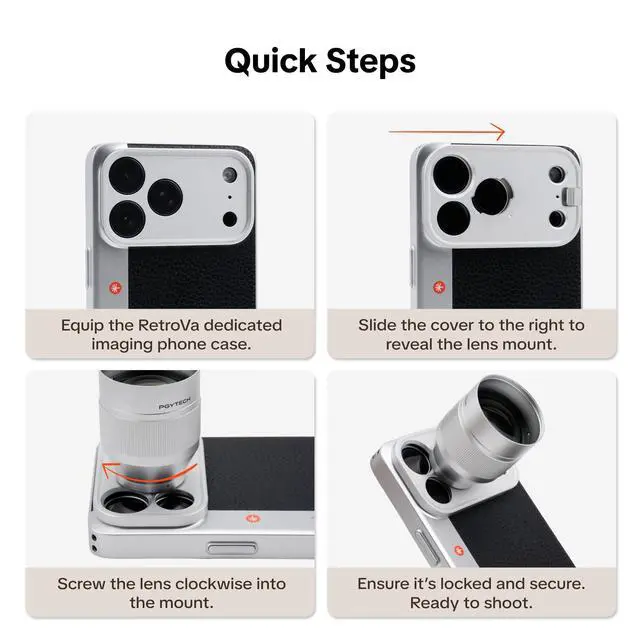
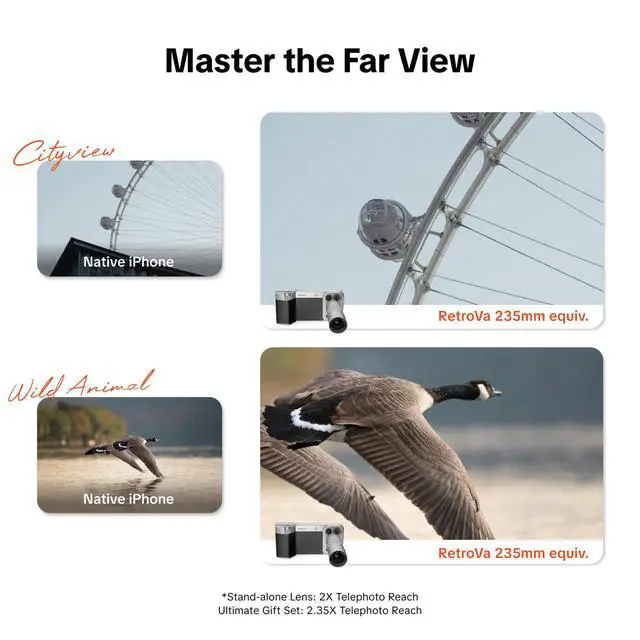


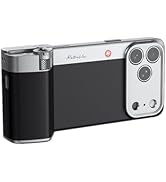
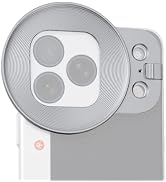
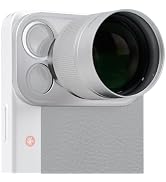
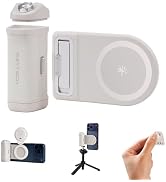
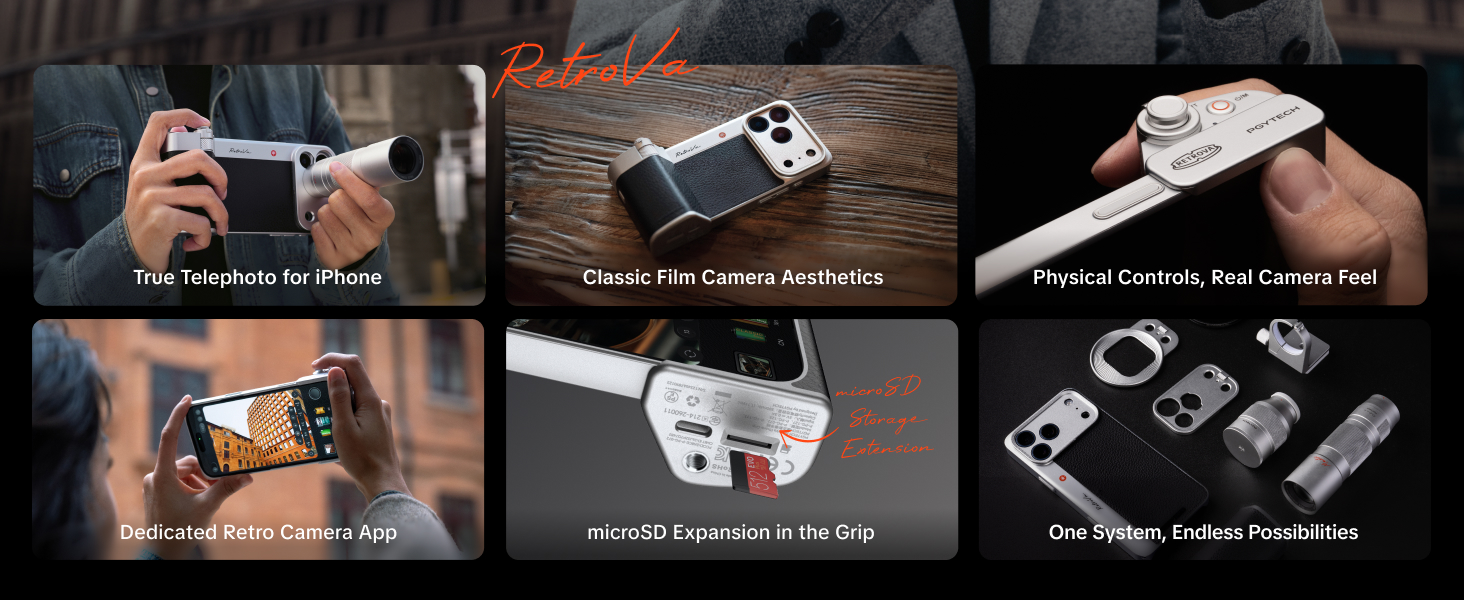
RetroVa Vintage Imaging Kit
How does the Phone Grip connect via Bluetooth?
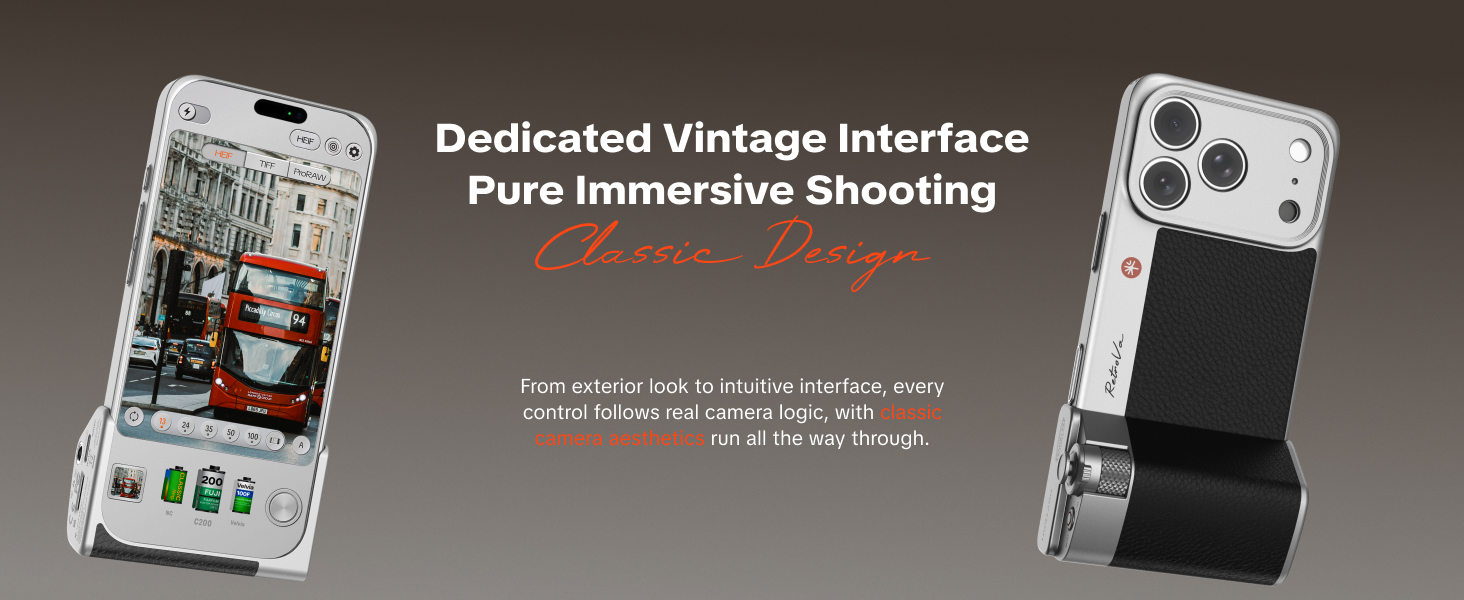
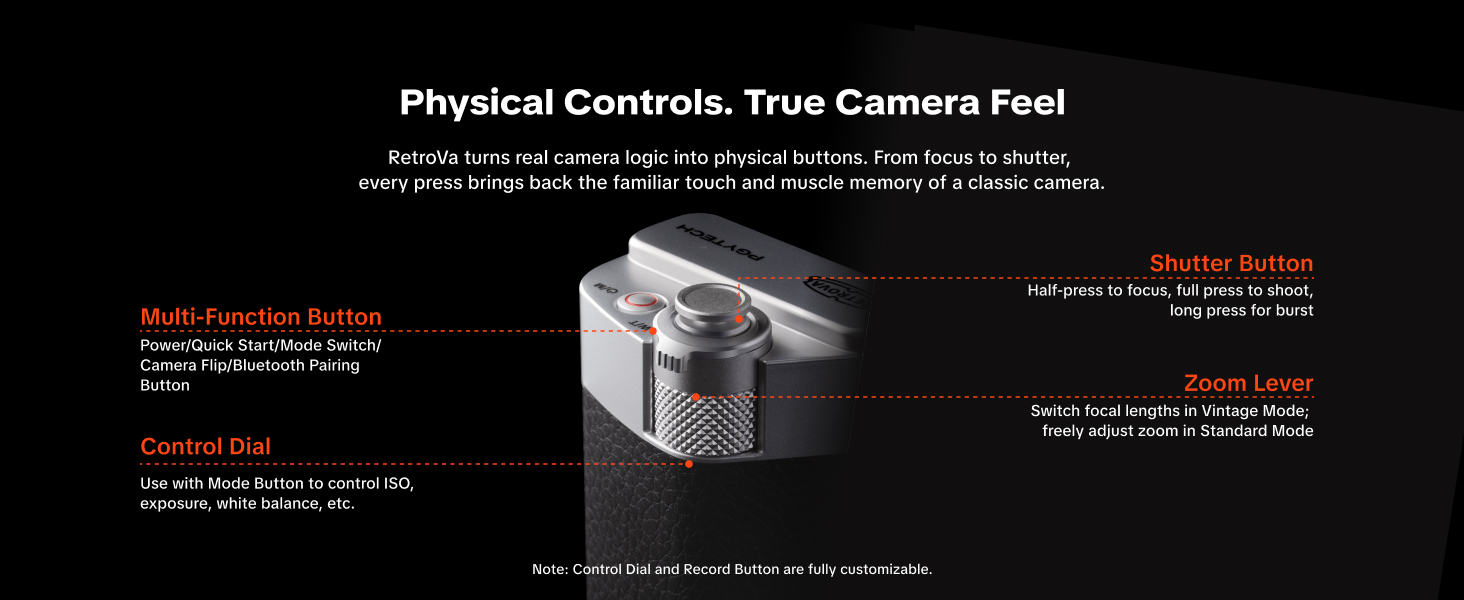
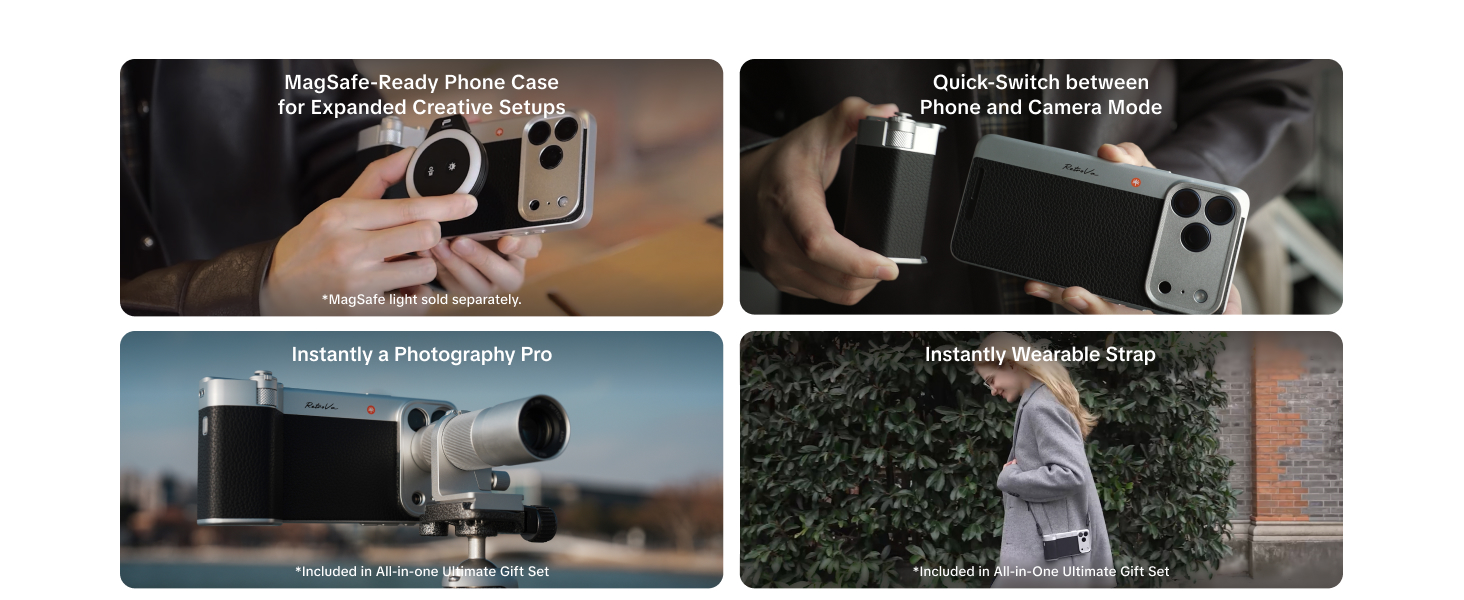
1 (native camera): Turn on the Phone Grip's Bluetooth, on the phone go to Settings ? Bluetooth, and connect to "PGYTECH RetroVa”.
2 (PGYTECH Pro Imaging app): Turn on the Phone Grip's Bluetooth, open the app, follow the on-screen prompt to connect.
Does the RetroVa Phone Grip's remote control function support third-party apps?
We are actively working on integration with third-party applications. Compatibility with additional apps is expected to be gradually introduced through future system updates.
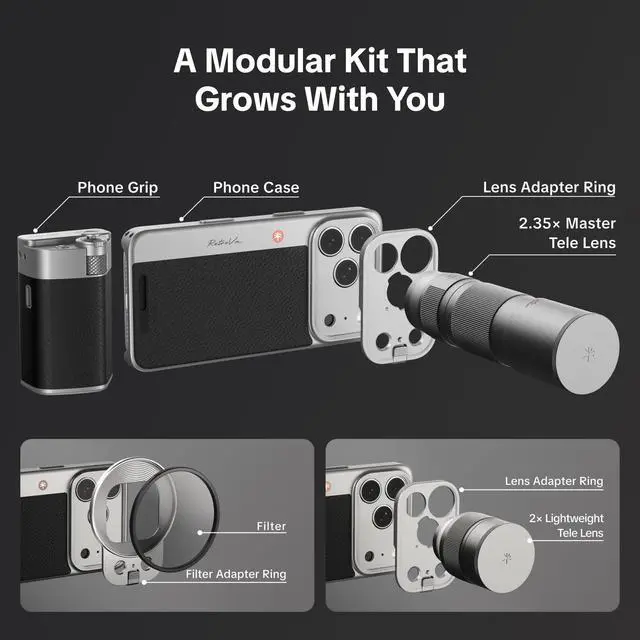
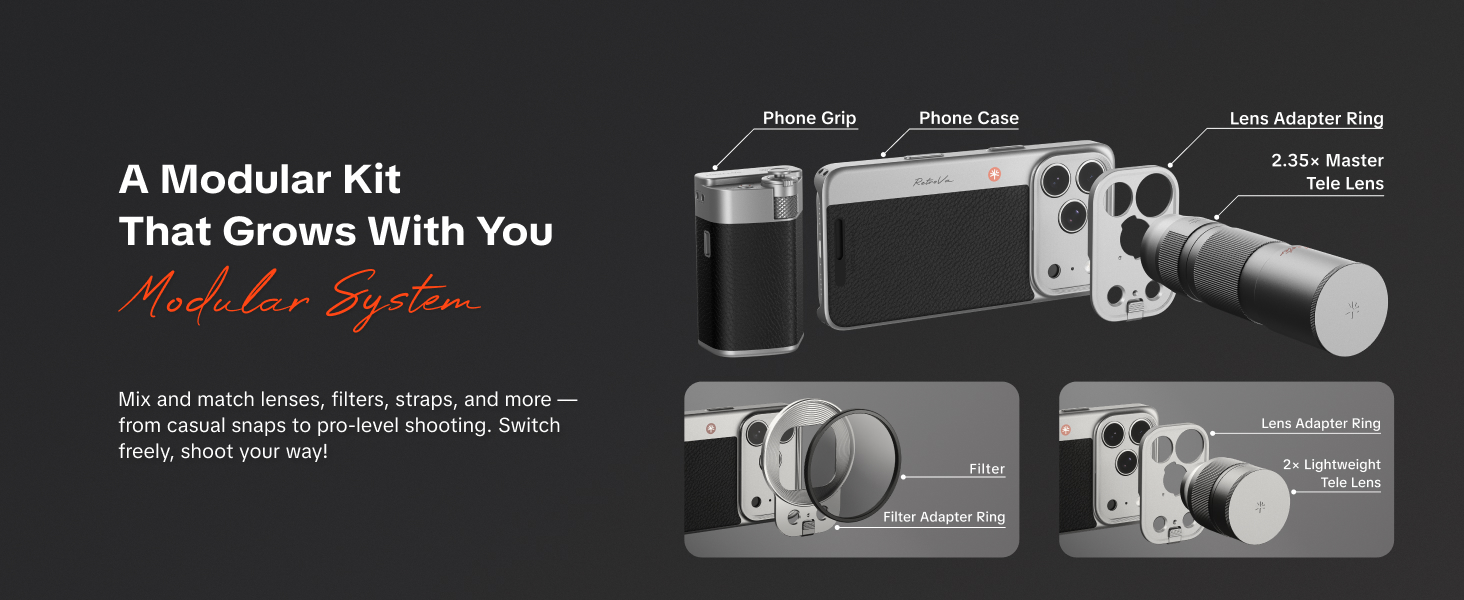
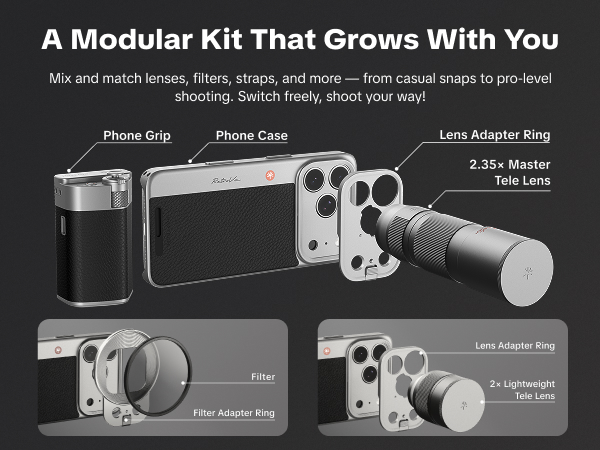
Can the lenses be used independently? Is the included adapter compatible with third-party lenses?
Currently, the lenses are designed exclusively for use with the matching adapter and are not compatible with third-party lenses. PGYTECH is actively developing a universal lens adapter to support mainstream external mobile lenses in the future.
Why is the image out of focus?
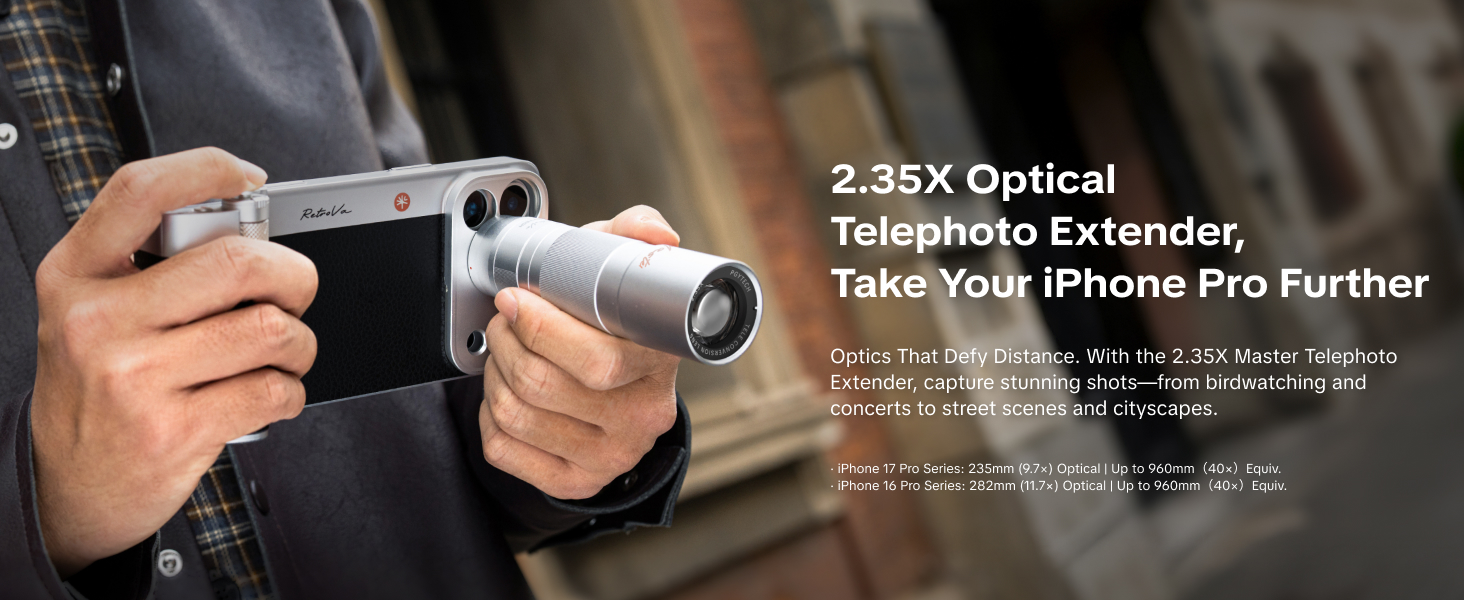
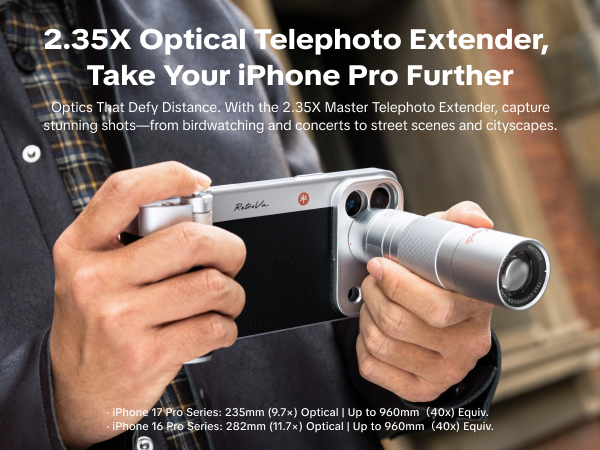
After installing a telephoto lens, the minimum focusing distance increases. The 2× lens requires approx. 5m (16.4 ft), the 2.35× lens requires approx. 6m (19.7 ft) for clear focus. Shooting at shorter distances may cause out-of-focus images.
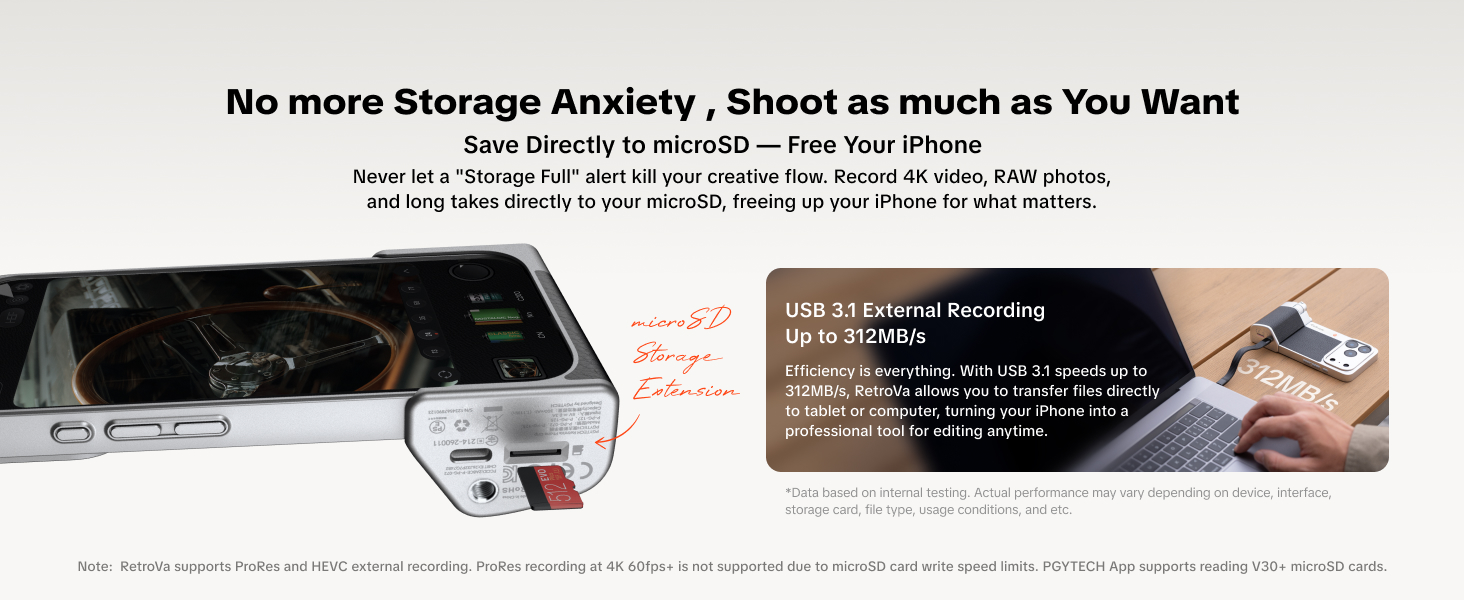
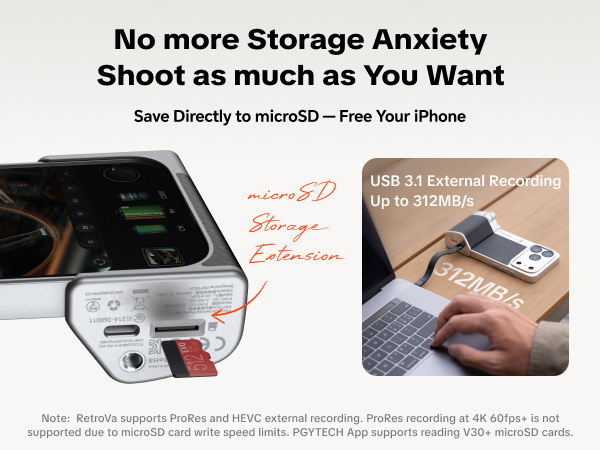
Why does the phone consume more battery when shooting with external recording using the Phone Grip?
When using external recording, the Phone Grip acts as a card reader and continuously transfers data to the phone, causing extra power drain. Tested from about 80% battery, power consumption increases by roughly 3% per hour. This is normal.
RetroVa Vintage Imaging Kit
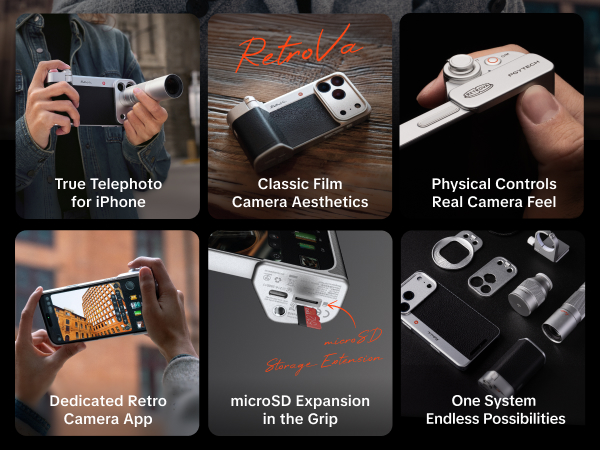
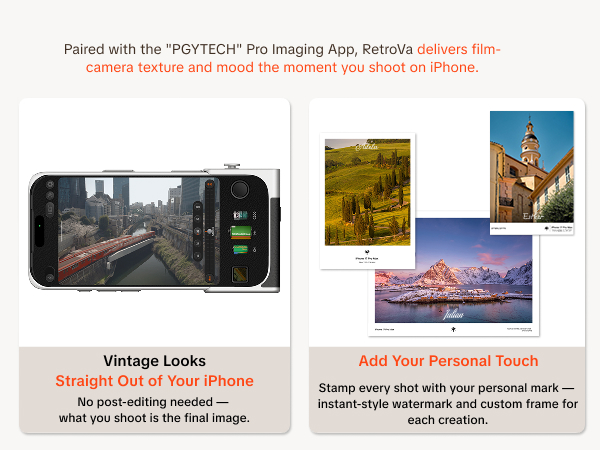
SYNC WITH THE "PGYTECH" PRO IMAGING APP
How does the Phone Grip connect via Bluetooth?
1 (native camera): Turn on the Phone Grip's Bluetooth, on the phone go to Settings ? Bluetooth, and connect to "PGYTECH RetroVa”.
2 (PGYTECH Pro Imaging app): Turn on the Phone Grip's Bluetooth, open the app, follow the on-screen prompt to connect.
Does the RetroVa Phone Grip's remote control function support third-party apps?
We are actively working on integration with third-party applications. Compatibility with additional apps is expected to be gradually introduced through future system updates.
Can the lenses be used independently? Is the included adapter compatible with third-party lenses?
Currently, the lenses are designed exclusively for use with the matching adapter and are not compatible with third-party lenses. PGYTECH is actively developing a universal lens adapter to support mainstream external mobile lenses in the future.
Why is the image out of focus?
After installing a telephoto lens, the minimum focusing distance increases. The 2× lens requires approx. 5m (16.4 ft), the 2.35× lens requires approx. 6m (19.7 ft) for clear focus. Shooting at shorter distances may cause out-of-focus images.
Why does the phone consume more battery when shooting with external recording using the Phone Grip?
When using external recording, the Phone Grip acts as a card reader and continuously transfers data to the phone, causing extra power drain. Tested from about 80% battery, power consumption increases by roughly 3% per hour. This is normal.
MagCam Phone Camera Grip
PGYTECH MagCam Phone Camera Grip
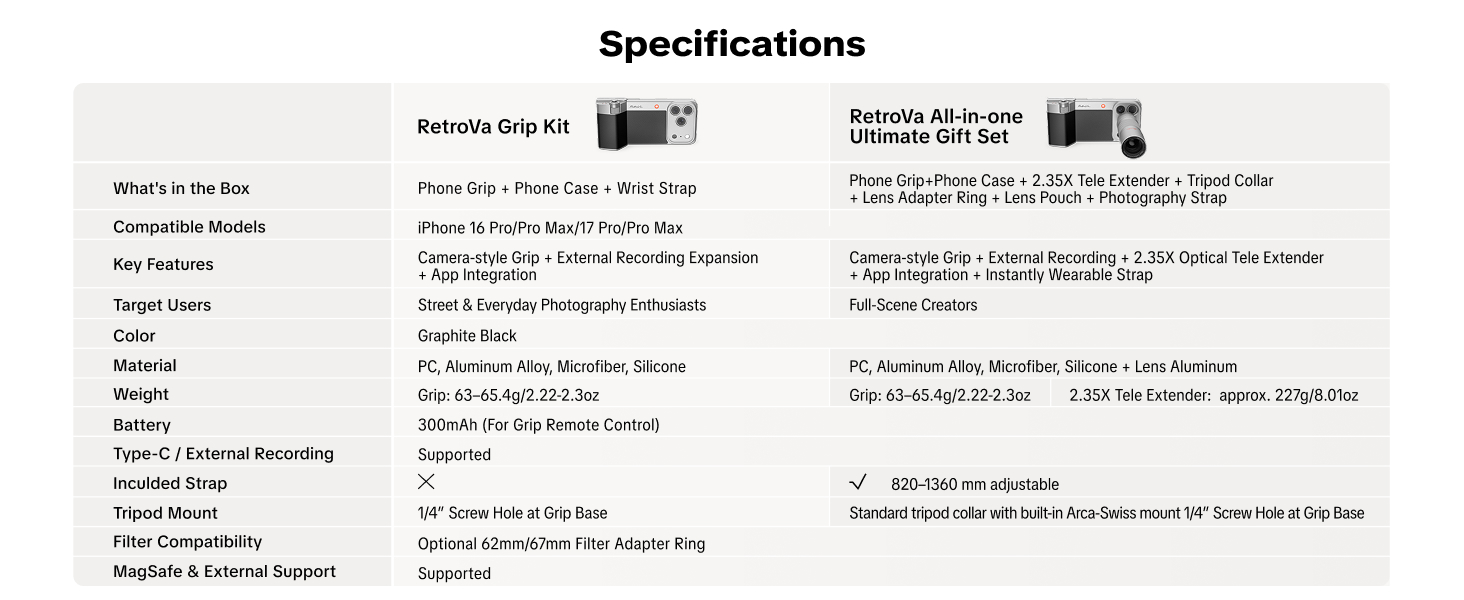
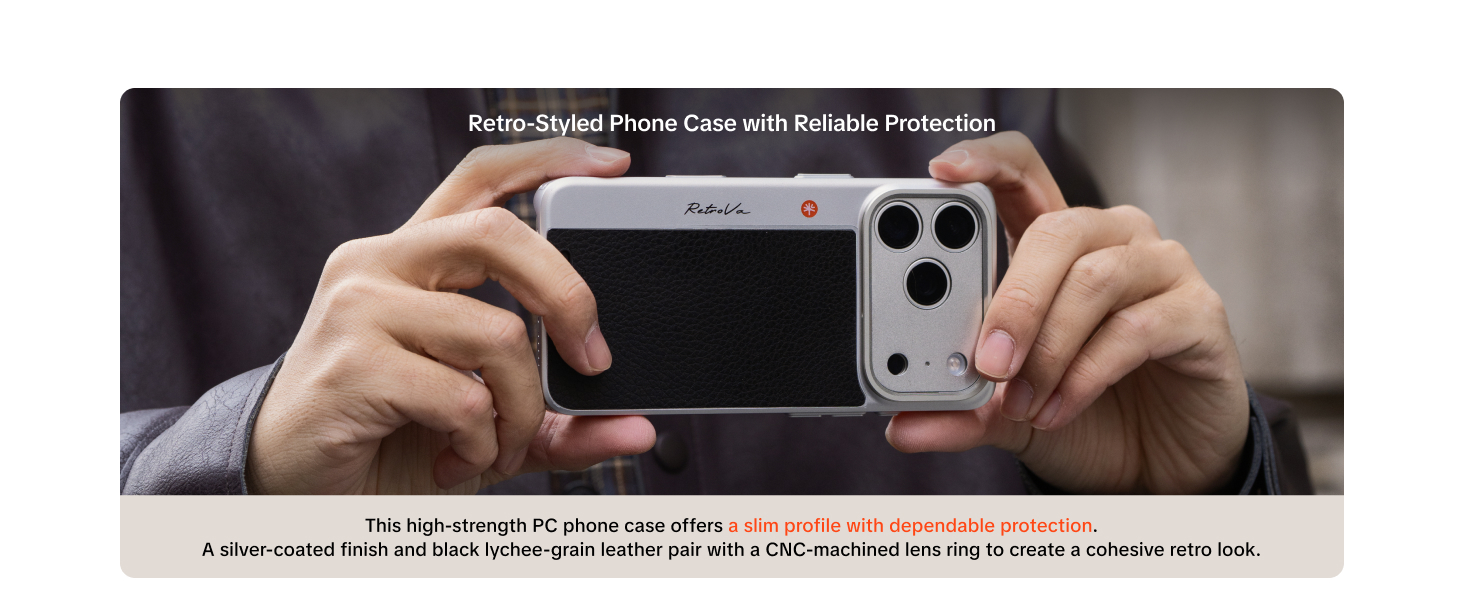
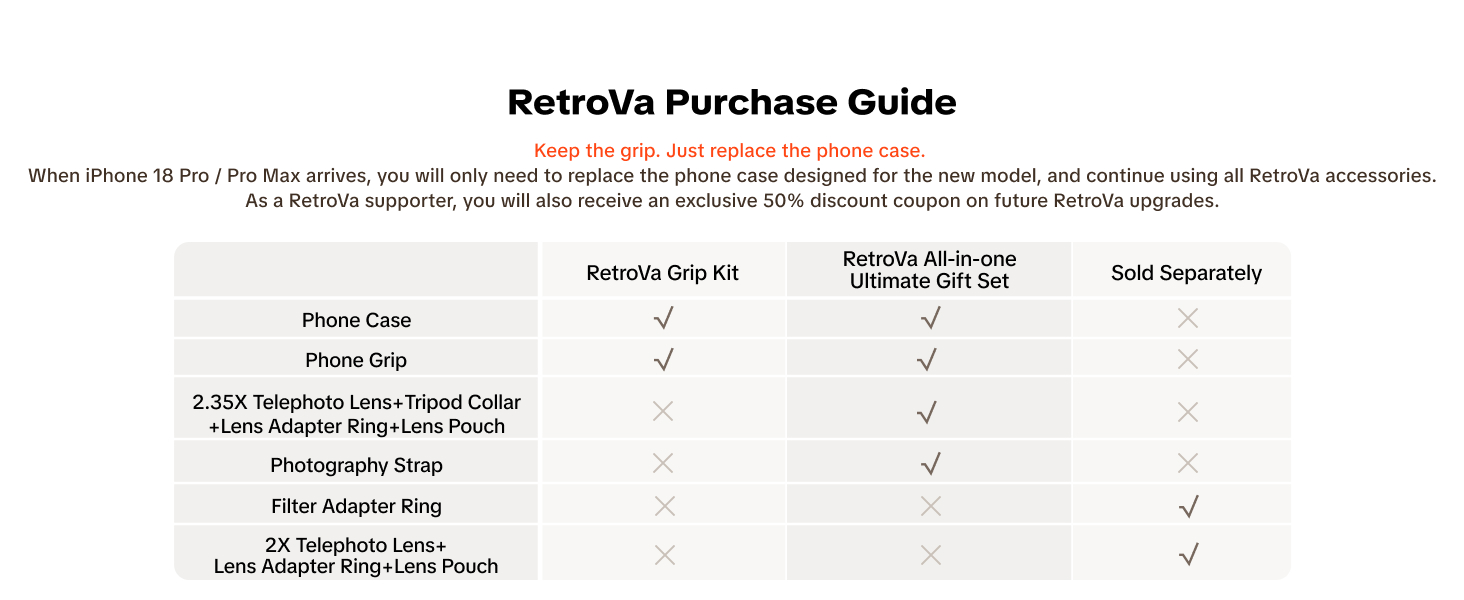
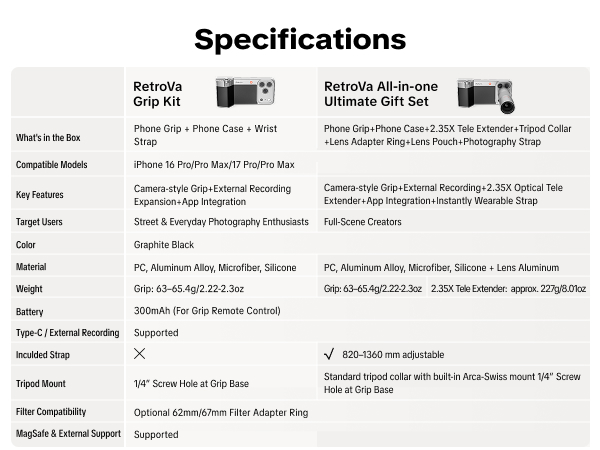
RetroVa Grip Kit
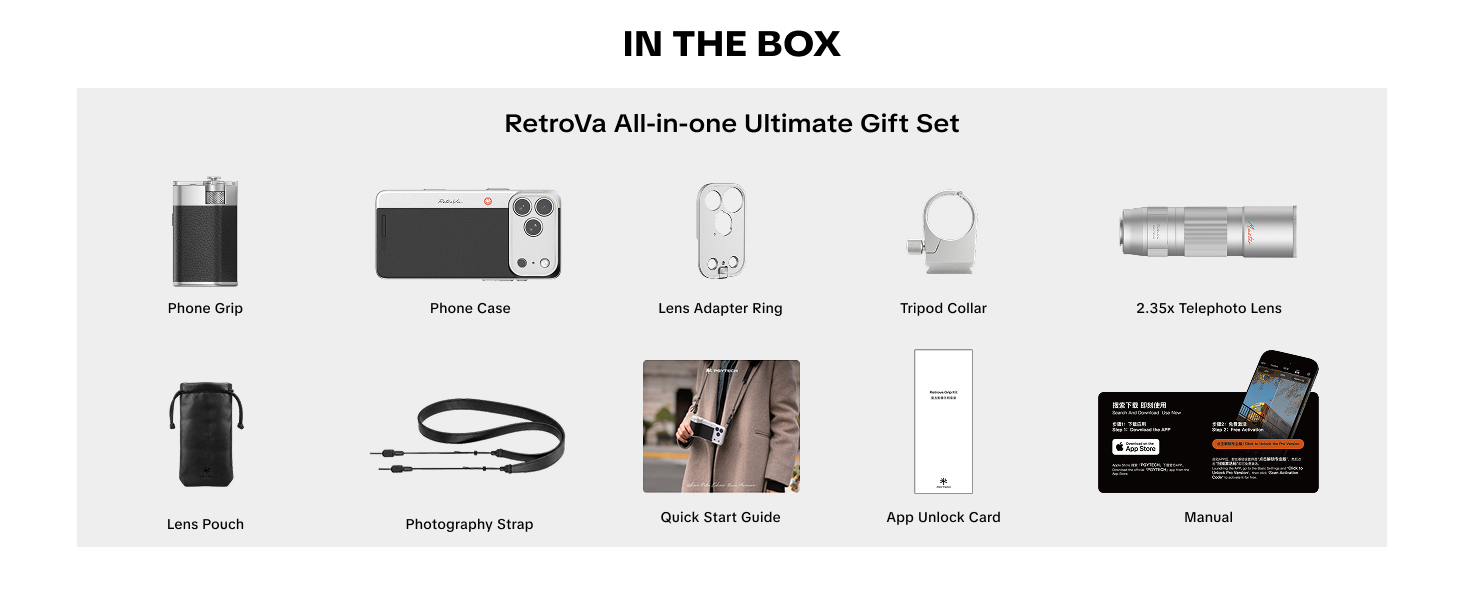
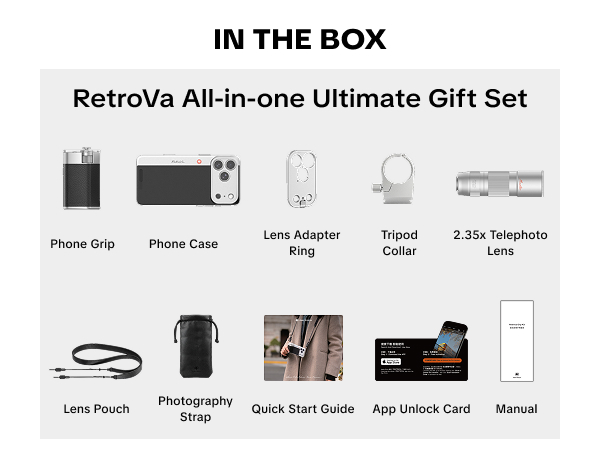
PGYTECH RetroVa All-in-one Ultimate Gift Set for iPhone 17 Pro Max
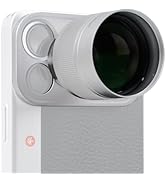
RetroVa Vintage Imaging Kit
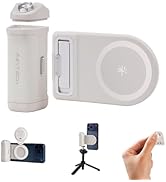
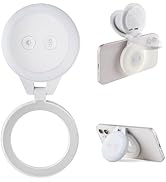
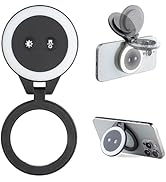
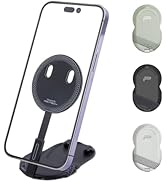
PGYTECH Phone Grip Fill Light
