




 here!
I’m your shopping assistant for PC builds, upgrades, and everything tech.
Got questions? Ask away!
Start a conversation
here!
I’m your shopping assistant for PC builds, upgrades, and everything tech.
Got questions? Ask away!
Start a conversation Hot Seller
 Top Rated




Any questions? Ask CelesteSM will help you find out quickly.
We want to ensure your holiday shopping this year is hassle-free. That’s why we’re automatically extending our return policies on almost every product! For purchases placed between November 1st, 2026 and December 31, 2026 you will have until January 31, 2027 to return your product.
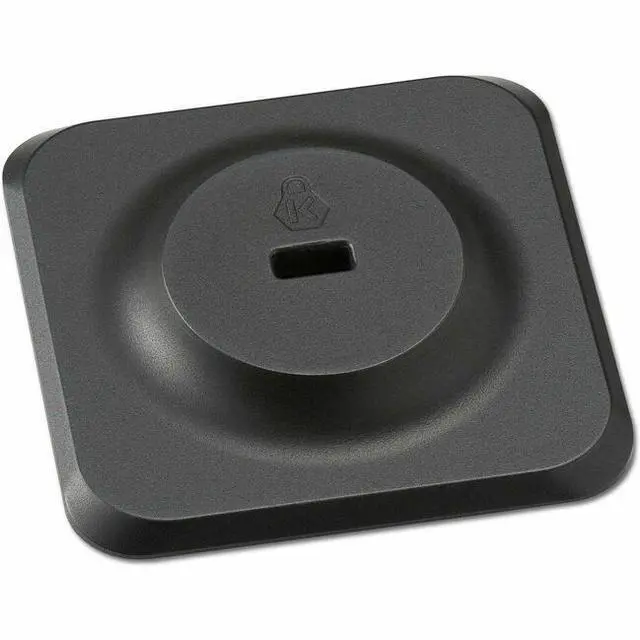
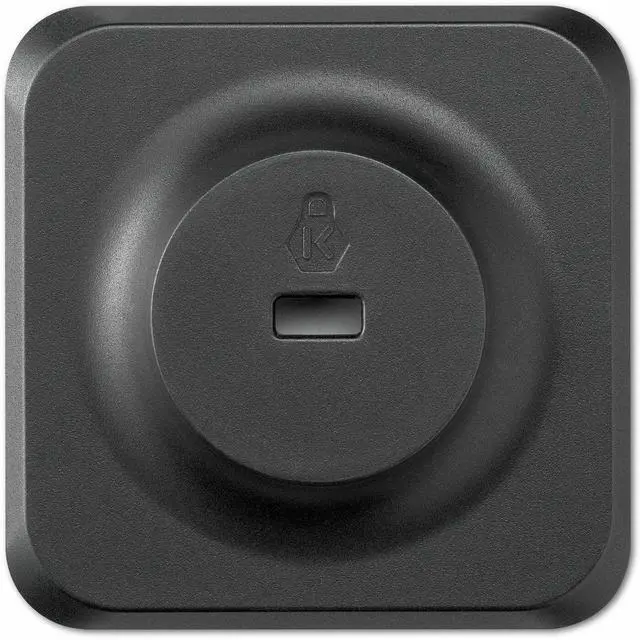
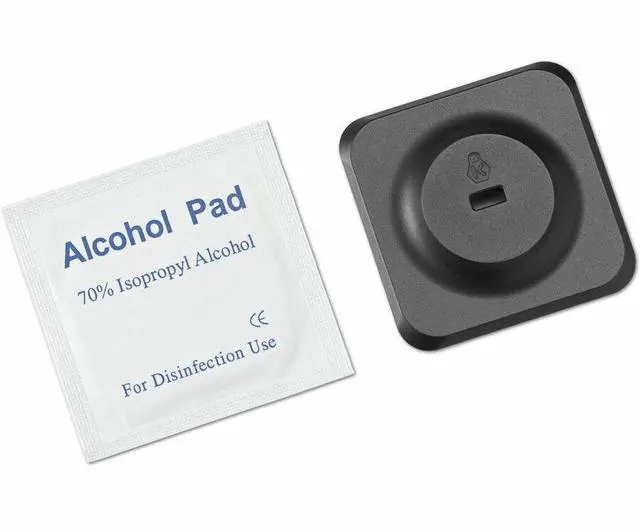
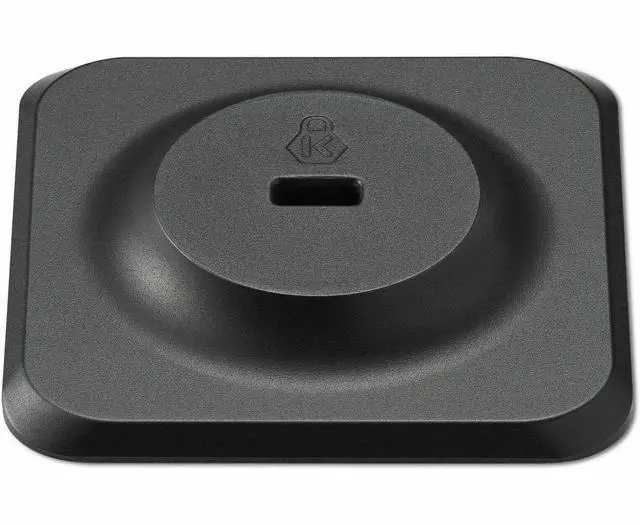
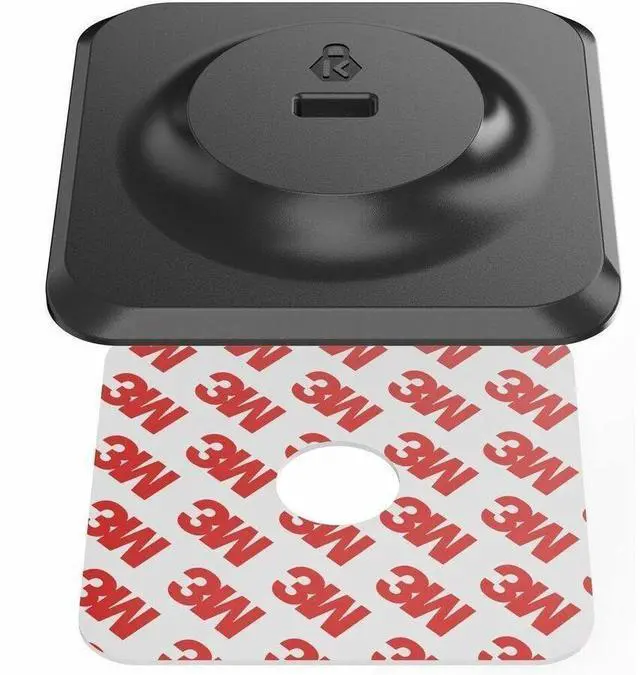
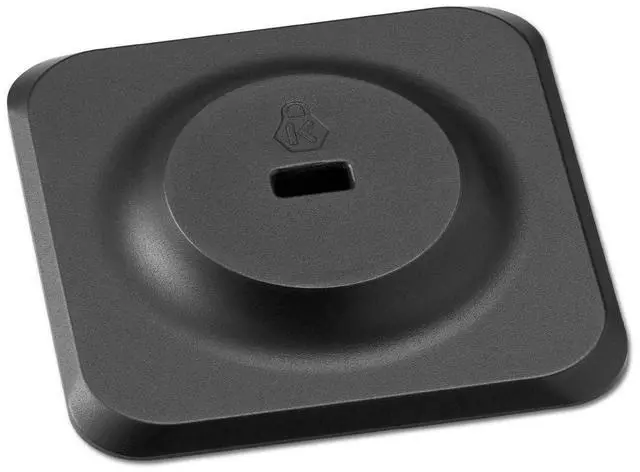
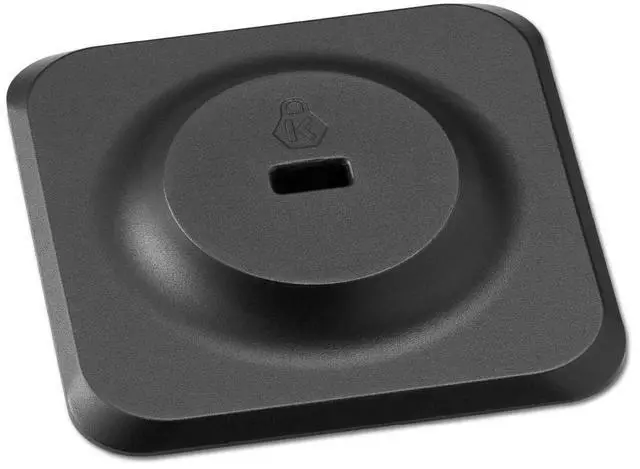
The Kensington Nano Security Slot Adapter Kit is a lock-slot adapter designed to add Kensington Nano Security Slot compatibility to devices that need a compact physical security option, making it suitable for office users, IT teams, and shared-workspace setups.
| Attribute | Value |
|---|---|
| Best For | Devices with a nano security slot that require an adapter kit to use Kensington-style physical locks |
Q: Should I buy the Kensington Nano Security Slot Adapter Kit or a universal 3-in-1 laptop lock?
A: Choose the Kensington Nano Security Slot Adapter Kit if your device does not have a built-in lock slot and you need a way to add Nano lock compatibility. Choose a universal 3-in-1 lock if your device already has a security slot and you want one lock that can fit standard, Nano, or wedge-shaped slots across different laptops. The adapter kit is the better fit for slotless devices; the universal lock is the better fit for mixed-device environments.
Q: Is this adapter kit better than buying a Nano lock for a laptop that already has a Nano slot?
A: No. If your laptop already has a built-in Nano security slot, a dedicated Nano lock is the simpler choice because it attaches directly to the device. The Kensington Nano Security Slot Adapter Kit makes more sense when the device has no compatible slot and needs an add-on anchor before you can use a Nano-style lock.
Q: Kensington Nano Security Slot Adapter Kit vs standard Kensington Security Slot Adapter Kit: which one should I choose?
A: Choose the Nano Security Slot Adapter Kit if you plan to use a Nano lock, which is common on thinner modern laptops and some tablets. Choose the standard Security Slot Adapter Kit if your existing lock uses the larger Kensington standard slot format. The right choice depends on the lock type you already own or plan to standardize on.
Q: Is an adapter kit a better choice than a port-based or device-specific lock for slotless laptops?
A: An adapter kit is usually the better choice when you want a more standard Kensington-style locking workflow and the device is compatible with an added anchor. A port-based or device-specific lock can be the better fit when the laptop design does not suit a surface-mounted adapter or when the lock solution is tailored to a specific model. Adapter kits favor flexibility; device-specific locks favor exact fit.
Q: What does this adapter kit actually do, and who is it for?
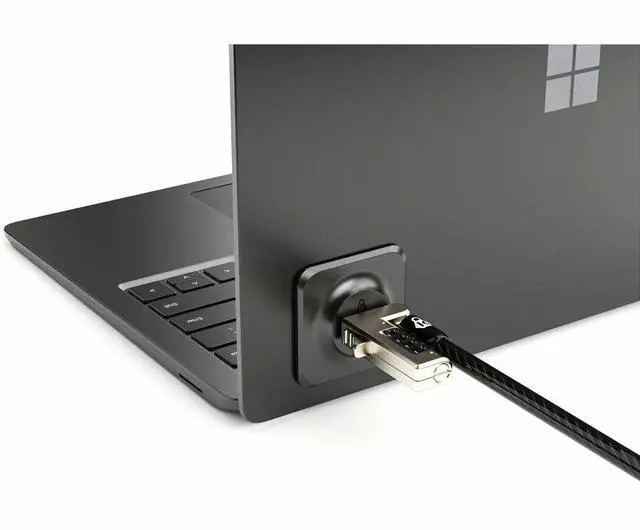
A: This kit is for laptops, tablets, and other devices that do not have a usable built-in lock slot. It adds a Nano Security Slot to the device surface so you can attach a compatible Kensington nano lock. It is most useful for office, classroom, front-desk, kiosk, and shared-workspace setups where theft deterrence matters more than portability.
Q: Do I need this if my laptop already has a lock slot?
A: Usually no. If your device already has a compatible and accessible lock slot, a direct laptop lock is the simpler choice. An adapter kit makes more sense when the device has no lock slot, the existing slot is blocked by the design, or you need to secure another piece of hardware that was not built for a lock.
Q: Is an adhesive lock-slot adapter a good choice for travel or everyday mobile use?
A: Not usually. An adhesive lock-slot adapter is better for semi-permanent security in fixed locations than for frequent travel. It is most suitable when the device stays on a desk, cart, counter, or studio station. If you move the device constantly, the main trade-off is convenience: a built-in lock slot or a device-specific lock solution is typically cleaner and easier.
Q: Is this better than buying a standard cable lock by itself?
A: Only if your device lacks the right lock slot. A standard cable lock alone is enough for devices that already have a compatible slot. This adapter kit solves a different problem: it creates a mount point for a lock on hardware that otherwise cannot use one. The trade-off is that you add an attached adapter instead of locking directly into the chassis.
Q: What is the main buying risk with this kind of lock adapter?
A: The main risk is compatibility mismatch. Buyers often confuse standard, nano, and wedge lock formats, but these are not interchangeable. Before buying, confirm that your intended lock matches the adapter's slot type and that your device has a flat, suitable surface for adhesive installation.
Q: Who is the Kensington Nano Security Slot Adapter Kit actually for?
A: It is mainly for laptops, tablets, or small devices that do not have a built-in lock slot but still need desk-level theft deterrence in offices, schools, events, or shared workspaces. It makes the most sense if you already use or plan to use a Kensington Nano lock system. It is less useful for devices that already have a compatible security slot.
Q: Do I need this adapter or just a different lock?
A: Buy this adapter only if your device has no security slot and you want to add one. If your device already has a slot, the more important decision is matching the lock type correctly: standard Kensington, Nano, or Noble Wedge. Several user discussions center on buying the wrong lock for the existing slot, not on needing an adapter.
Q: Is this worth buying for travel or public workspaces?
A: It can be worth buying if you regularly leave a device briefly in hotels, conference rooms, classrooms, studios, or coworking spaces and need basic physical deterrence. The trade-off is that it adds one more accessory to install and carry, and it is not a substitute for keeping the device with you in high-risk settings.
Q: What is the main trade-off of using a Nano Security Slot Adapter Kit?
A: The main trade-off is convenience versus security integration. The adapter helps devices without a lock slot work with Nano locks, but it is still an add-on rather than a factory-built slot. It is best for basic theft deterrence and compatibility, not for users expecting the simplicity of a built-in slot or universal fit with every lock standard.


