

Your Browsing History


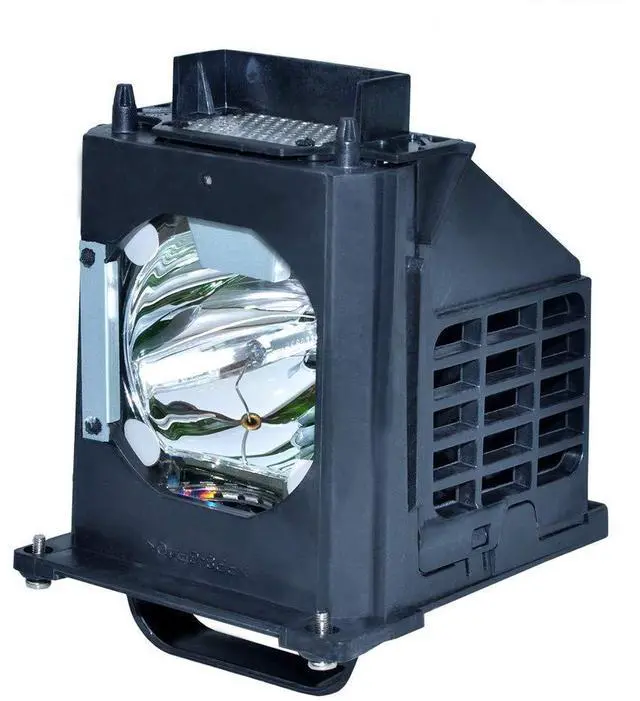
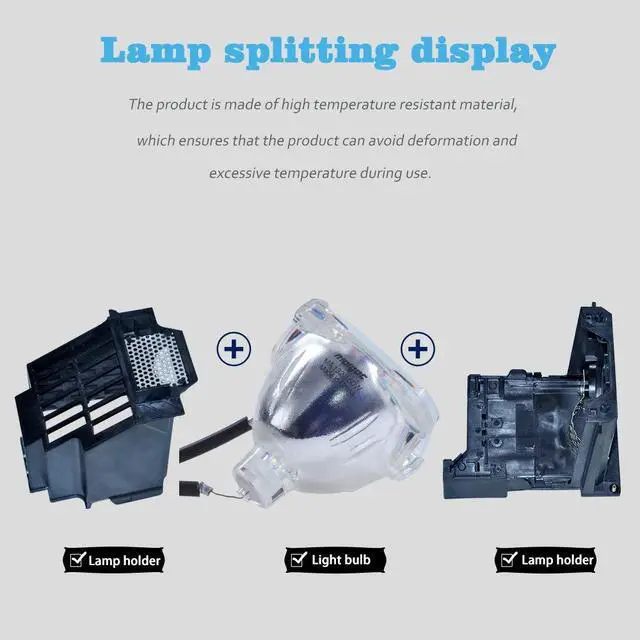
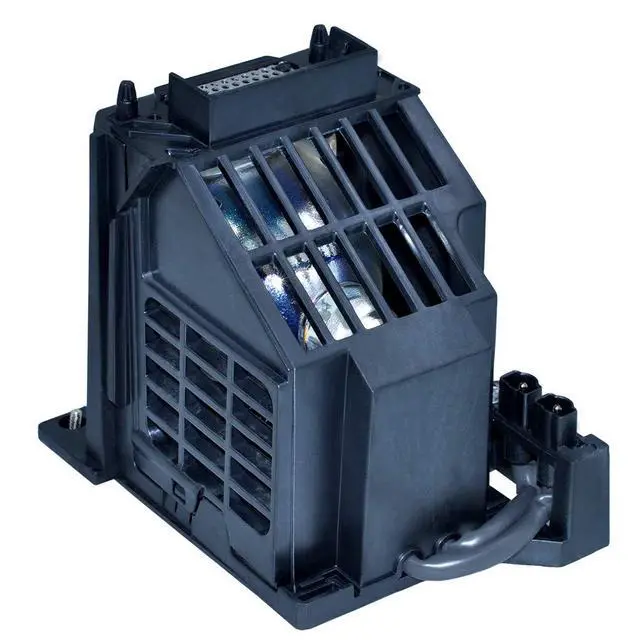
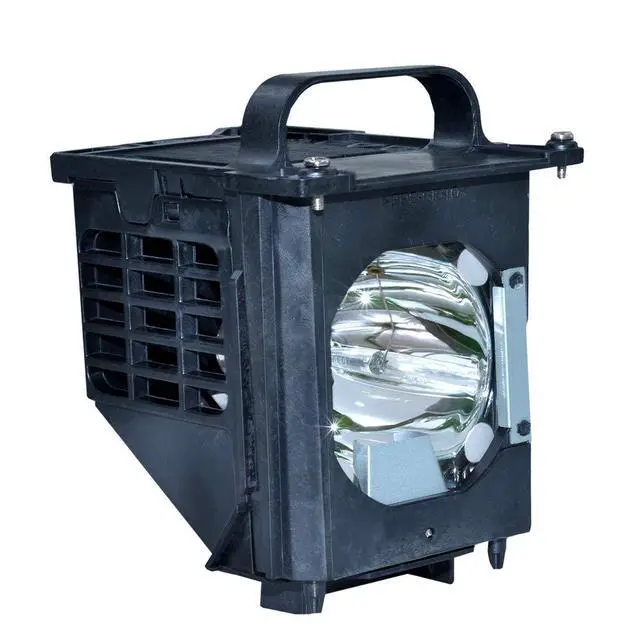
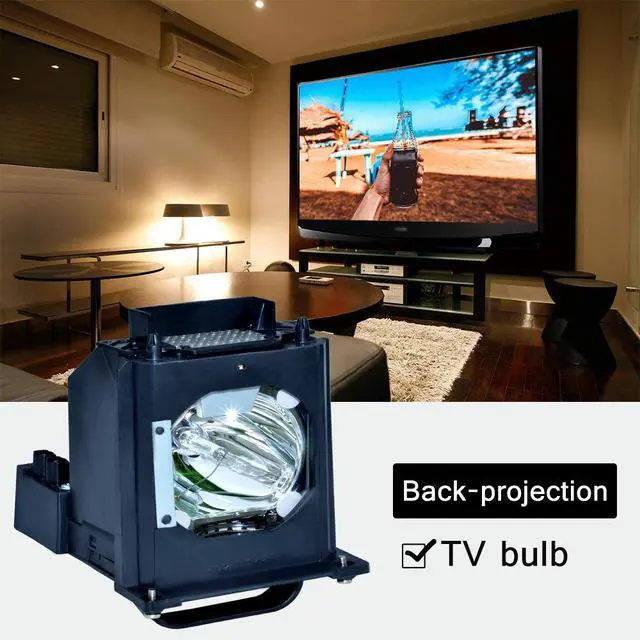


for 915b403001 Mitsubishi Replacement lamp WD-60735 WD-60737 WD-73737 WD-73C9 WD-65C9 WD-65735 WD-73735 DLP TV Replacemet Lamp
Limited time offer, ends 08/03 By Eristy shop
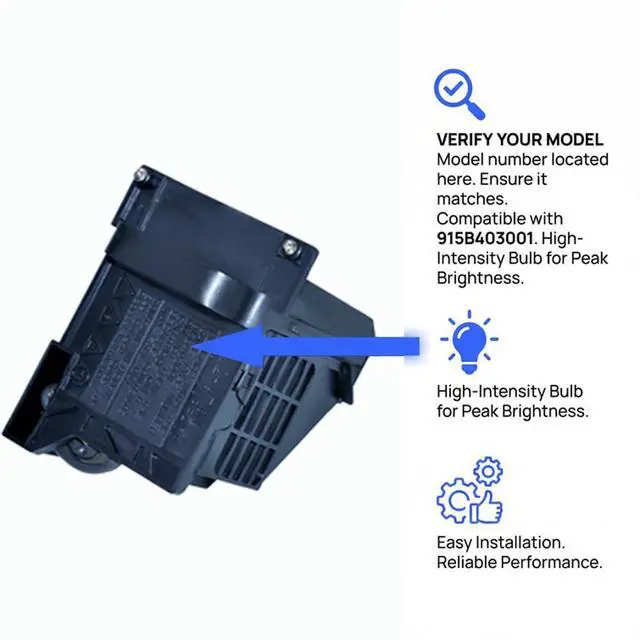
- Please consult your TV manual before making a purchase. The part number for this product is 915B403001. If your rear projection TV uses a different lamp part number, do not buy this item. This lamp is compatible with the following television models: WD-60735, WD-60737, WD-73737, WD-73C9, WD-65C9, WD-65735, WD-73735, WD-60C9, WD-82837, WD-65736, WD-73736, WD-65837, WD-82737, WD-73835, WD-65C8, WD-73837, WD-73C8, WD-56737, and DLP TV. Its more adaptable housing reduces installation time, getting your device operational again swiftly. Installation and Safety: You will find it very simple to install into your TV, following the same procedure as removing your old lamp. Pay attention to the connector and ensure it is properly connected. It is not electric; power off your TV when you install it. Before installing a new lamp, please carefully inspect the lamp interface on the rear-projection TV. If the lamp interface is dark or dusty, please use tools or cleaning agents to clean the connector before installing the new lamp. Ensure the new lamp is installed in the proper position and the lamp cover is fastened before plugging in the TV
+
+
Overview
Specs
Reviews

Any questions? Our AI beta will help you find out quickly.
Try me now
Please consult your TV manual before making a purchase. The part number for this product is 915B403001. If your rear projection TV uses a different lamp part number, do not buy this item. This lamp is compatible with the following television models: WD-60735, WD-60737, WD-73737, WD-73C9, WD-65C9, WD-65735, WD-73735, WD-60C9, WD-82837, WD-65736, WD-73736, WD-65837, WD-82737, WD-73835, WD-65C8, WD-73837, WD-73C8, WD-56737, and DLP TV. Its more adaptable housing reduces installation time, getting your device operational again swiftly. Installation and Safety: You will find it very simple to install into your TV, following the same procedure as removing your old lamp. Pay attention to the connector and ensure it is properly connected. It is not electric; power off your TV when you install it. Before installing a new lamp, please carefully inspect the lamp interface on the rear-projection TV. If the lamp interface is dark or dusty, please use tools or cleaning agents to clean the connector before installing the new lamp. Ensure the new lamp is installed in the proper position and the lamp cover is fastened before plugging in the TV
Warranty & Returns
Warranty, Returns, And Additional Information
Warranty
- Please contact the Seller directly for warranty information. Warranty information may also be found on the Manufacturer's website.
- CONTACT
Return Policies
- Return for refund within: 30 days
- Return for replacement within: 30 days
- This item is covered by Eristy shop Return Policy
Manufacturer Contact Info
- For a directory of all our manufacturers, please click below.
- Manufacturers Directory
LOADING...