



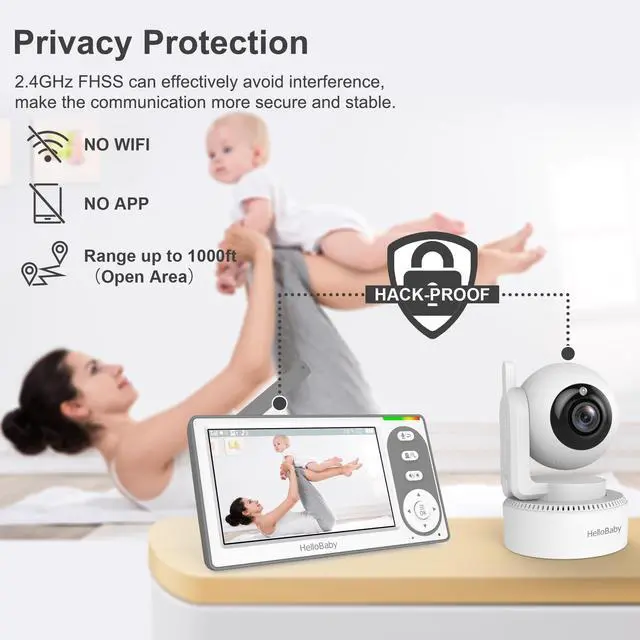
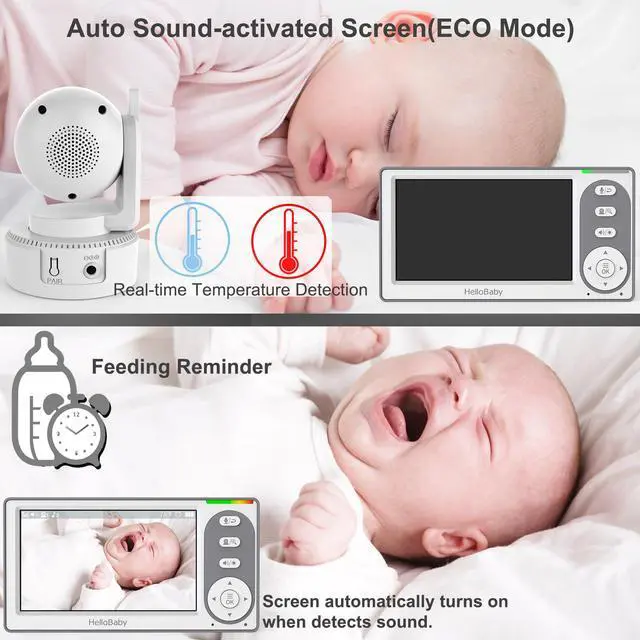


How can I leave the display switched on?
You only need to switch off the VOX mode and you can keep the normal bright screen state.
How can I mount the camera on the wall?
The base of the camera has a special buckle design and a mounting tool is included in the product package to easily install the camera on the wall.
How can I adjust the volume and move the view?
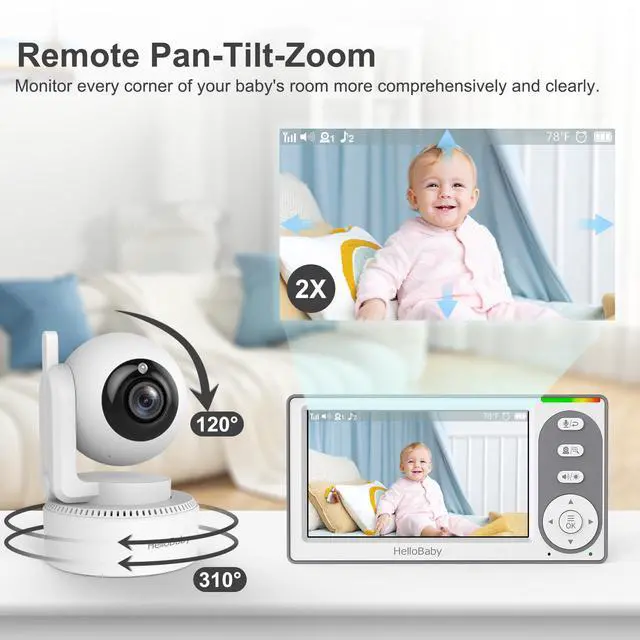
The direction of the picture can be adjusted with the arrow keys in 2x zoom mode, and the arrow keys are mainly used to adjust the volume at other times.
Is the camera rechargeable and wireless?
Current technology does not support wireless charging of cameras and cameras must be used when plugged in.
Can I switch off the camera and still hear the sound?
Yes, if you switch the camera on and click the power button once, the screen switches off.







Connect the camera to the power supply (always).
Press the MENU button and select the camera icon.
Select Add camera and select Camera.
While "Pairing" is displayed, press and hold the PAIR button on the camera.
As soon as pairing is complete, "v" is displayed on the screen.


How can I leave the display switched on?
You only need to switch off the VOX mode and you can keep the normal bright screen state.
How can I mount the camera on the wall?
The base of the camera has a special buckle design and a mounting tool is included in the product package to easily install the camera on the wall.
How can I adjust the volume and move the view?
The direction of the picture can be adjusted with the arrow keys in 2x zoom mode, and the arrow keys are mainly used to adjust the volume at other times.
Is the camera rechargeable and wireless?
Current technology does not support wireless charging of cameras and cameras must be used when plugged in.
Can I switch off the camera and still hear the sound?
Yes, if you switch the camera on and click the power button once, the screen switches off.
HelloBaby is Trustworthy for You!
Growing Up with Your Baby