


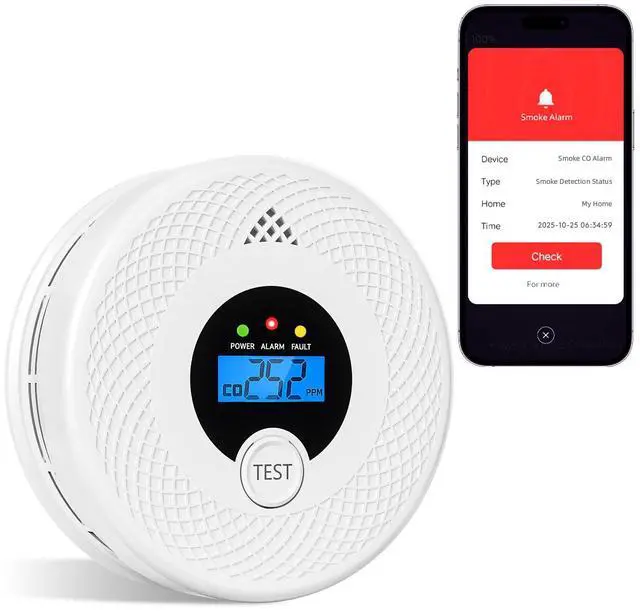
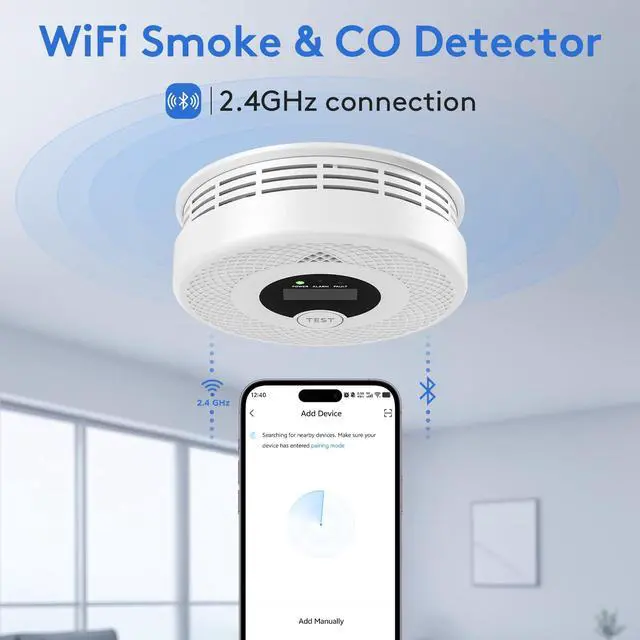
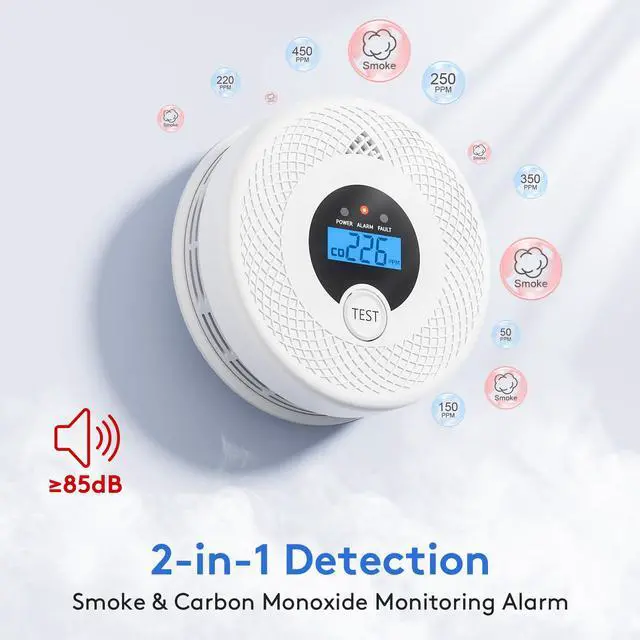
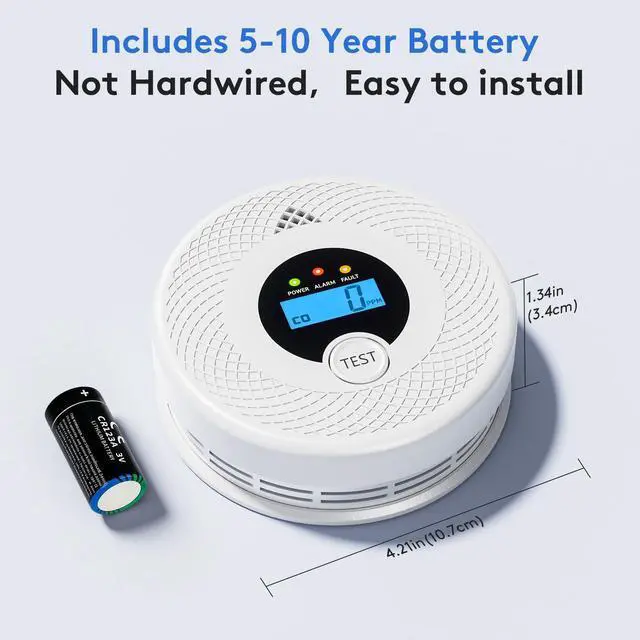
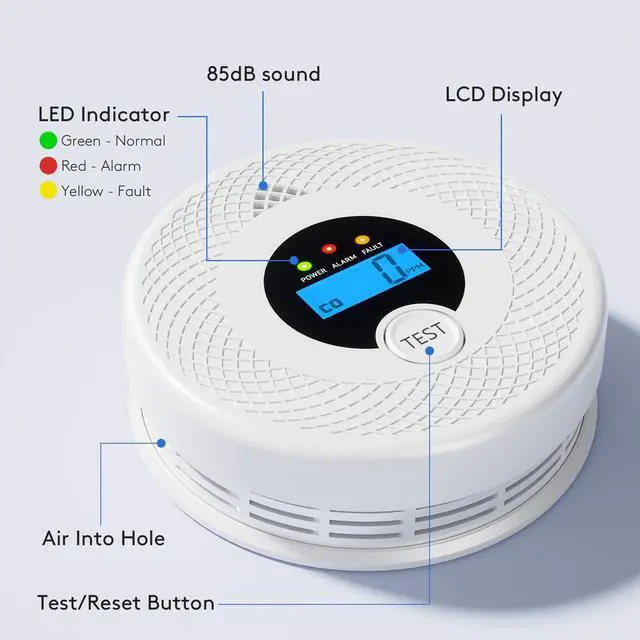


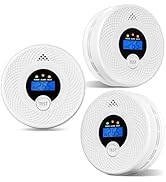
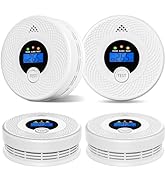
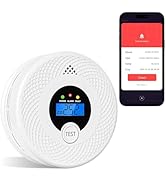
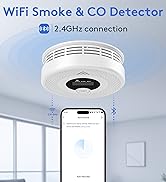
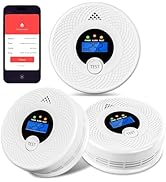
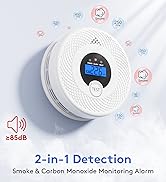
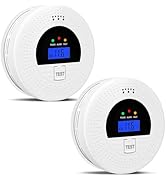
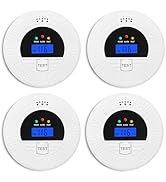

This WiFi smoke and carbon monoxide detector features highly stable photoelectric and electrochemical sensors for precise detection of both hazards. Connect the device to your phone via WiFi for real-time smart status syncing, making guarding your home more convenient.
Precise CO Sensitivity: 70ppm (60-180 mins), 150ppm (10-50 mins), 400ppm (4-15 mins), 700ppm (2-6 mins). Balances responsiveness and false-alarm prevention.

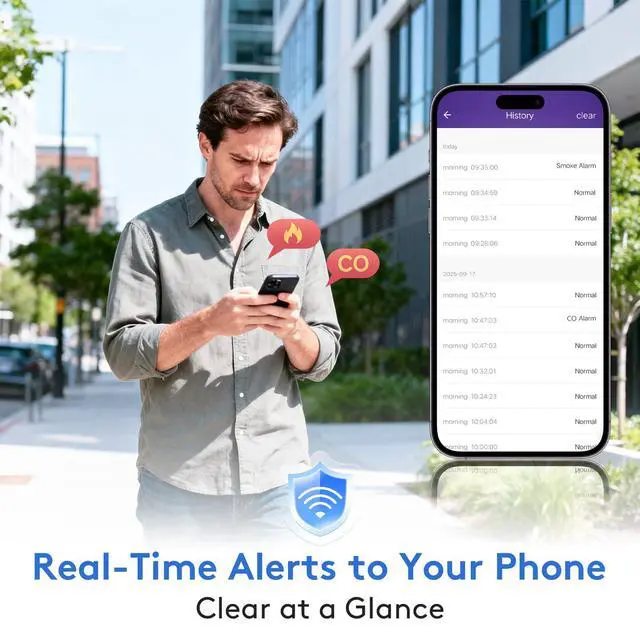
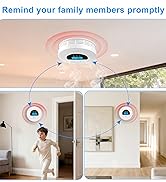
At home, the alarm will trigger audible and visual alerts, allowing seniors and children to quickly notice and respond; Outdoors, simply pair the alarm with your phone to receive instant notifications, keeping you informed about home security at all times.

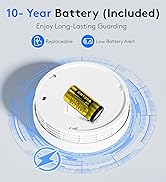
Long-lasting Battery - Easy Installation
1. Open the back cover and insert the battery
2. Drill holes to secure the bracket
3. Rotate clockwise to lock the alarm in place
4. Press the test button (recommended weekly testing)

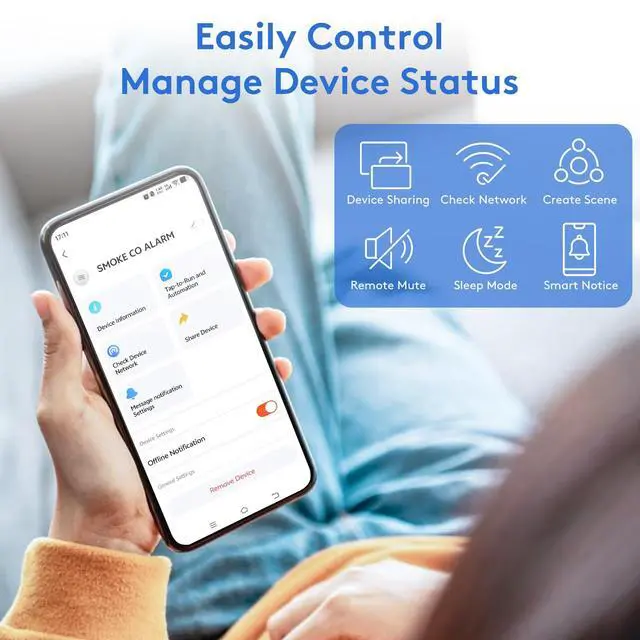
Smart WiFi - Easy Connection
1.Download the "Smart Life" app
2.Enable phone Bluetooth, pair the alarm via WiFi to add the device
3.View status and manage settings
4.Press the alarm’s test button – phone alert confirms successful pairing

Why can't the app detect the alarm even when I follow the steps?
Troubleshooting:
1.Ensure the alarm has batteries inserted and is tested
2.Verify Bluetooth is enabled on your phone and WiFi is set to 2.4GHz network
3.Check if WiFi signal is too weak (recommended distance =10 meters; avoid walls and metal obstr
How do I switch Wi-Fi networks or unbind the current Wi-Fi?
The process is simple and requires no app uninstallation. Press and hold the alarm button for over 3 seconds to unbind the current Wi-Fi. The device will then re-enter pairing mode (indicator light flashes).
Why can one phone connect, but another phone can't?
A device can only be linked to one phone number. If you want to use another phone number, you can share the device through the sharing feature, allowing both numbers to use it.
After receiving an alert notification outdoors, can I remotely control the alarm (e.g., mute it remotely)?
Yes. Upon receiving an alarm, you can use the Smart Life app to remotely perform actions such as “Mute Alarm” and “View Alarm Logs.” Note: The mute function automatically expires after 90 seconds. If the risk persists, the alarm may trigger again.
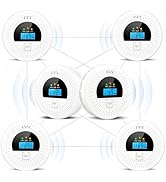
Can multiple units of this alarm be paired with the same app simultaneously in a home with multiple rooms?
Absolutely. Simply put each alarm into pairing mode one after another. The app will automatically detect new devices. You can name each unit (e.g., “Living Room Alarm,” “Bedroom Alarm”) to precisely identify the location of each alert.
10 Year Battery Detectors
WiFi Smoke and CO Alarm
Basic Upgrade - Interconnect 6

This WiFi smoke and carbon monoxide detector features highly stable photoelectric and electrochemical sensors for precise detection of both hazards. Connect the device to your phone via WiFi for real-time smart status syncing, making guarding your home more convenient.
Precise CO Sensitivity: 70ppm (60-180 mins), 150ppm (10-50 mins), 400ppm (4-15 mins), 700ppm (2-6 mins). Balances responsiveness and false-alarm prevention.

At home, the alarm will trigger audible and visual alerts, allowing seniors and children to quickly notice and respond; Outdoors, simply pair the alarm with your phone to receive instant notifications, keeping you informed about home security at all times.
Long-lasting Battery - Easy Installation
1. Open the back cover and insert the battery
2. Drill holes to secure the bracket
3. Rotate clockwise to lock the alarm in place
4. Press the test button (recommended weekly testing)
Smart WiFi - Easy Connection
1.Download the "Smart Life" app
2.Enable phone Bluetooth, pair the alarm via WiFi to add the device
3.View status and manage settings
4.Press the alarm’s test button – phone alert confirms successful pairing

Why can't the app detect the alarm even when I follow the steps?
Troubleshooting:
1.Ensure the alarm has batteries inserted and is tested
2.Verify Bluetooth is enabled on your phone and WiFi is set to 2.4GHz network
3.Check if WiFi signal is too weak (recommended distance =10 meters; avoid walls and metal obstr
How do I switch Wi-Fi networks or unbind the current Wi-Fi?
The process is simple and requires no app uninstallation. Press and hold the alarm button for over 3 seconds to unbind the current Wi-Fi. The device will then re-enter pairing mode (indicator light flashes).
Why can one phone connect, but another phone can't?
A device can only be linked to one phone number. If you want to use another phone number, you can share the device through the sharing feature, allowing both numbers to use it.
After receiving an alert notification outdoors, can I remotely control the alarm (e.g., mute it remotely)?
Yes. Upon receiving an alarm, you can use the Smart Life app to remotely perform actions such as “Mute Alarm” and “View Alarm Logs.” Note: The mute function automatically expires after 90 seconds. If the risk persists, the alarm may trigger again.
Can multiple units of this alarm be paired with the same app simultaneously in a home with multiple rooms?
Absolutely. Simply put each alarm into pairing mode one after another. The app will automatically detect new devices. You can name each unit (e.g., “Living Room Alarm,” “Bedroom Alarm”) to precisely identify the location of each alert.