




 here!
I’m your shopping assistant for PC builds, upgrades, and everything tech.
Got questions? Ask away!
Start a conversation
here!
I’m your shopping assistant for PC builds, upgrades, and everything tech.
Got questions? Ask away!
Start a conversation Hot Seller




Any questions? Ask CelesteSM will help you find out quickly.
We want to ensure your holiday shopping this year is hassle-free. That’s why we’re automatically extending our return policies on almost every product! For purchases placed between November 1st, 2026 and December 31, 2026 you will have until January 31, 2027 to return your product.
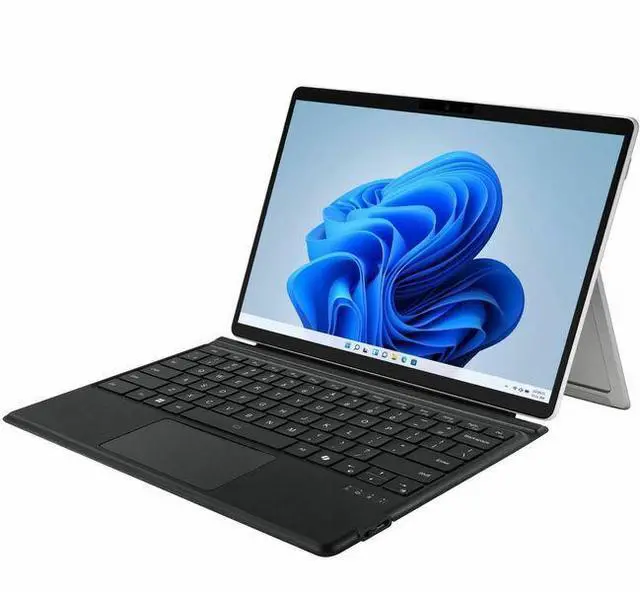
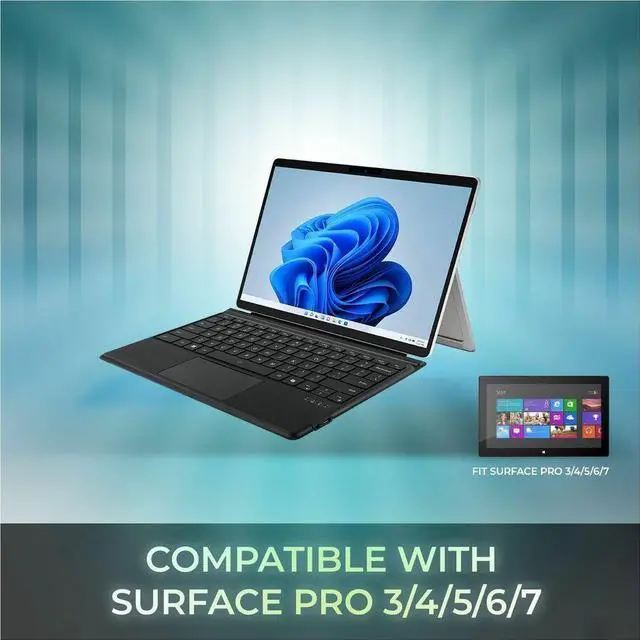
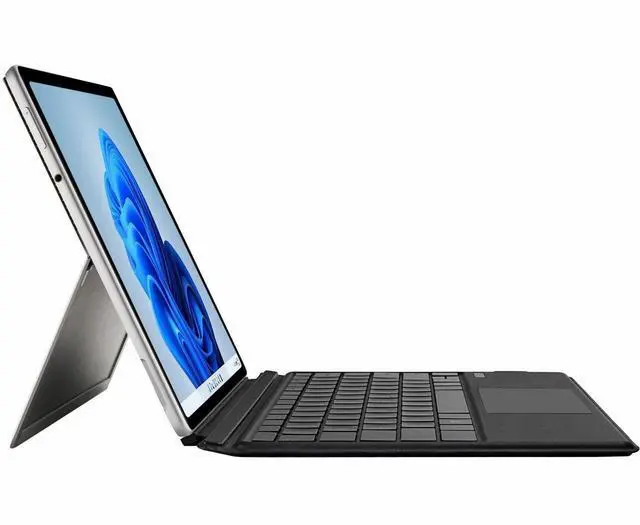
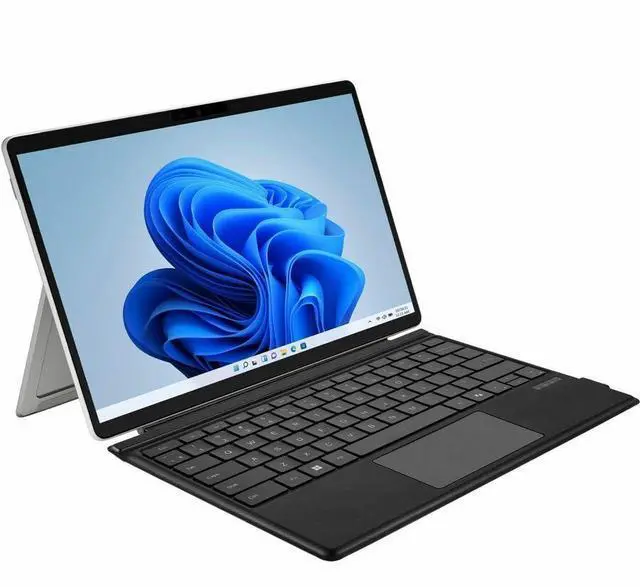
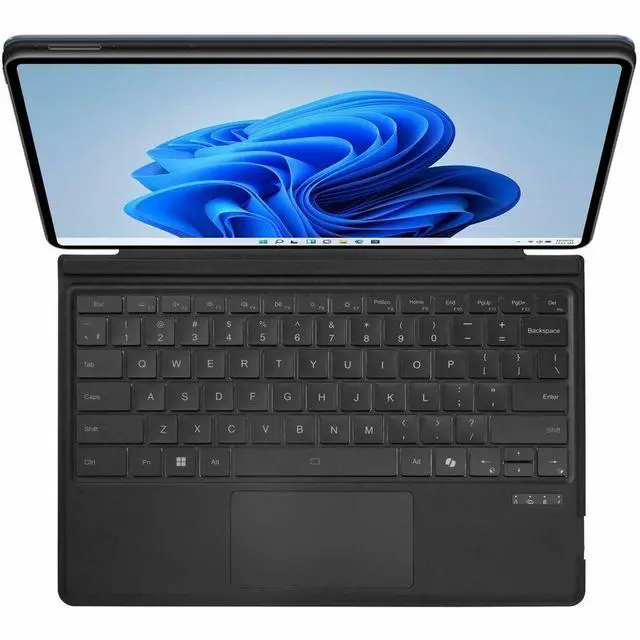
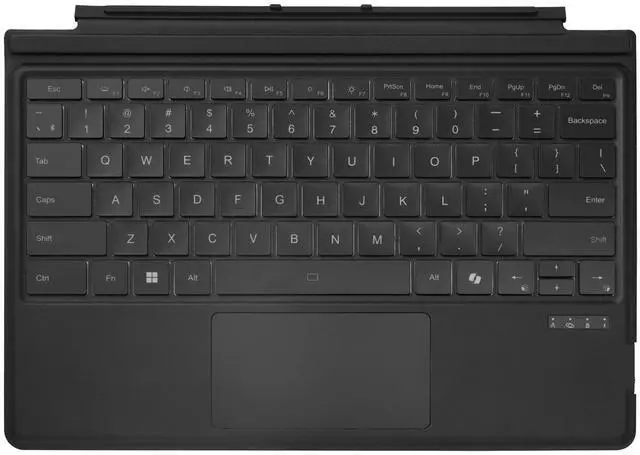
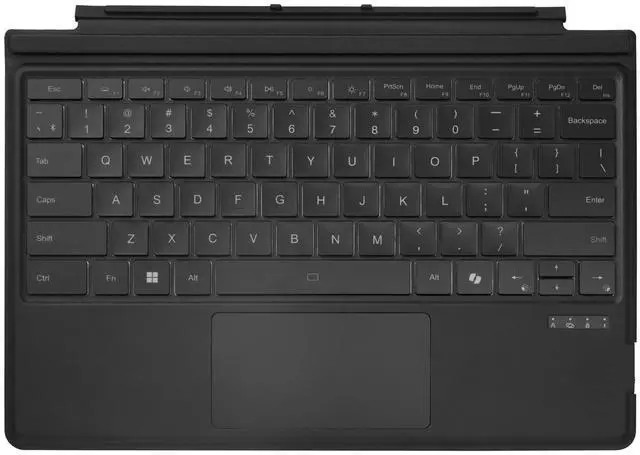
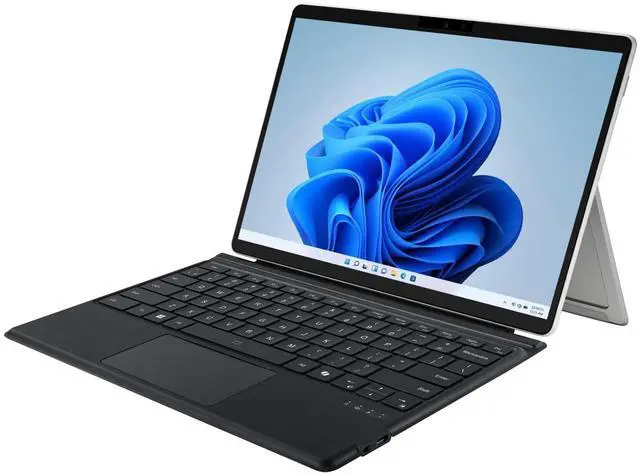
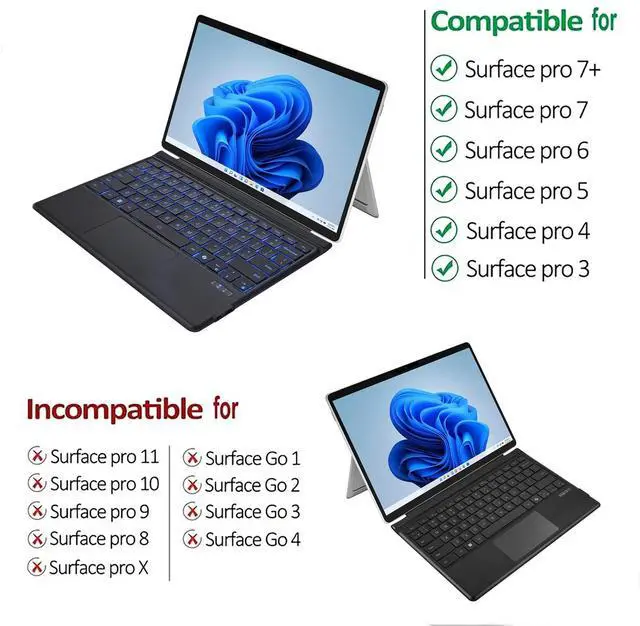
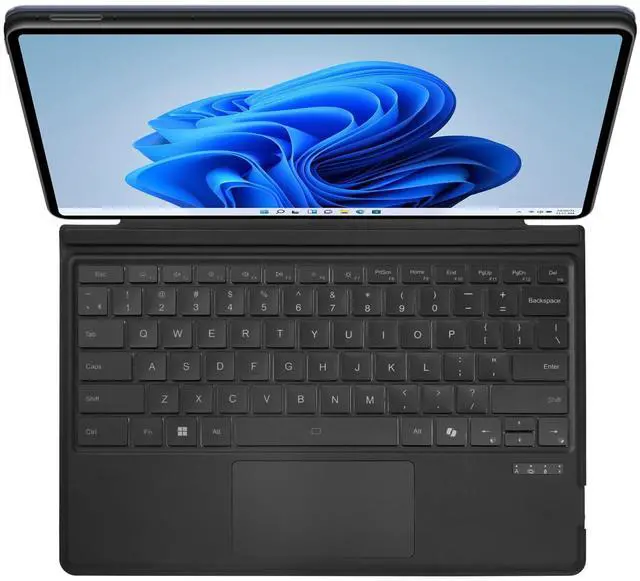
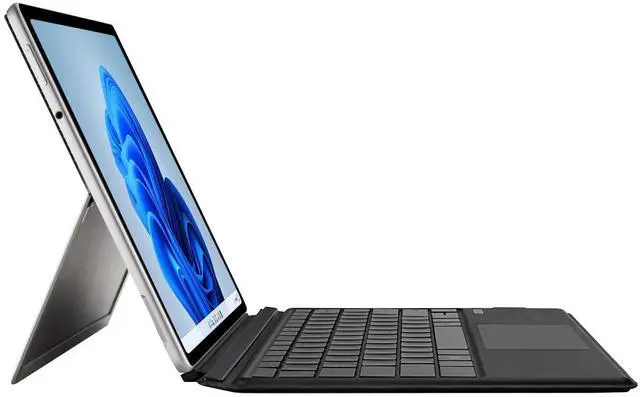
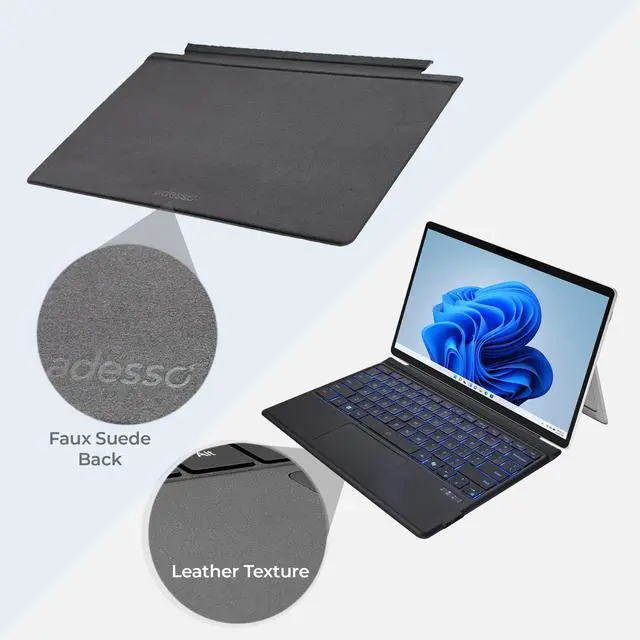
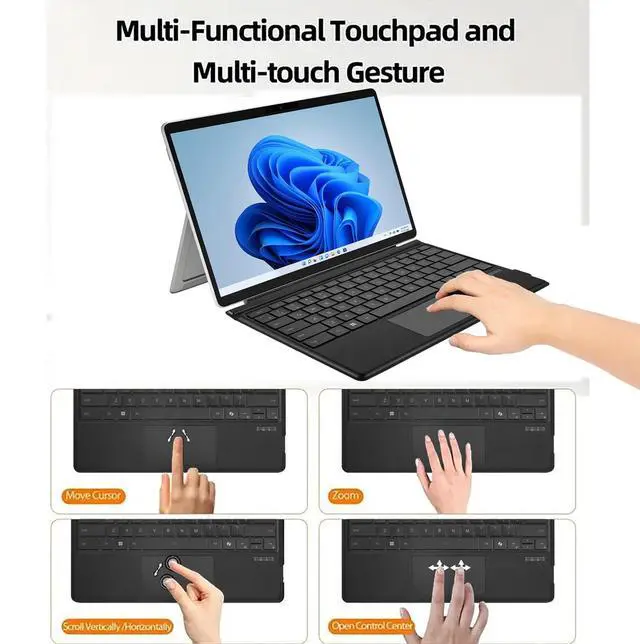
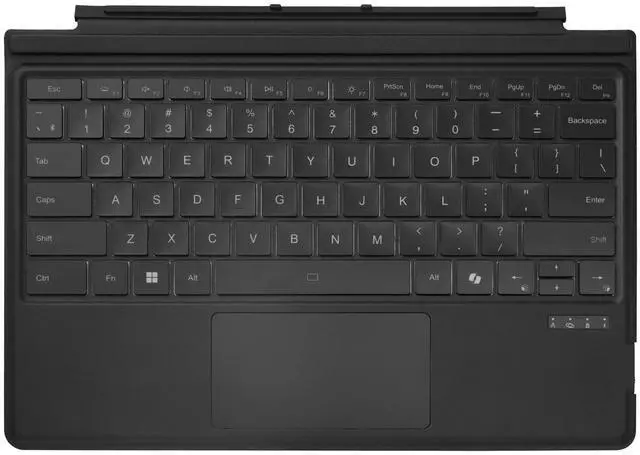
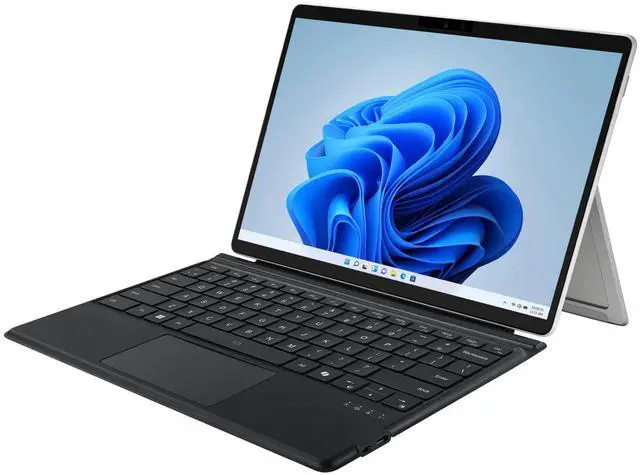
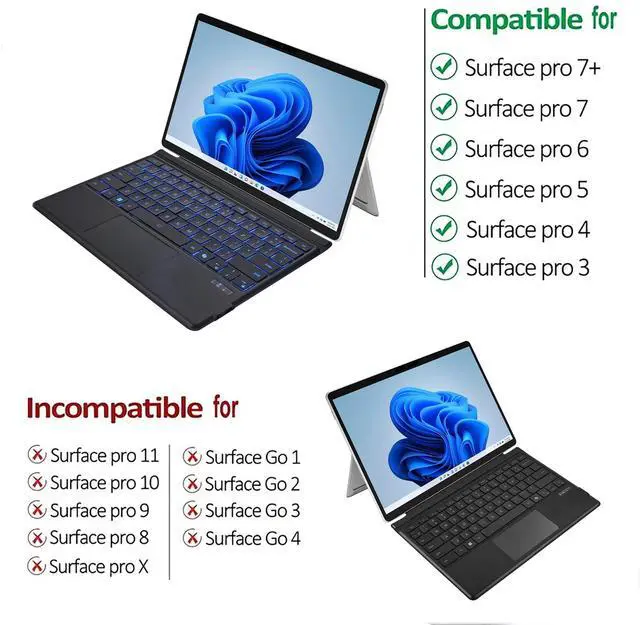
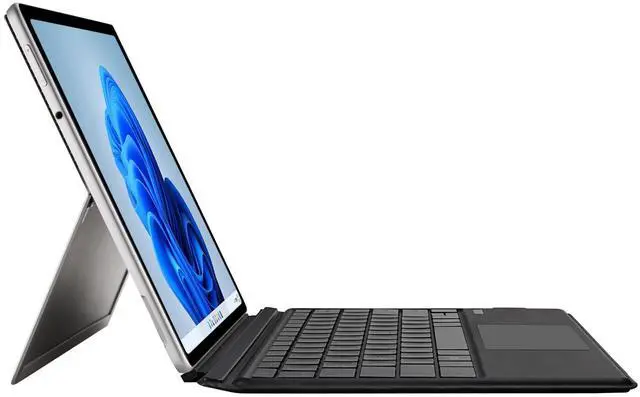
The ADESSO Surface Pro Case with Bluetooth keyboard and touchpad is a slim keyboard cover for Surface Pro 3, 4, 5, 6, 7, and 7+ users who want laptop-style typing, trackpad control, and a protective stand in a more portable setup.
| Attribute | Value |
|---|---|
| Best For | Surface Pro tablets needing a slim, folio-style aluminum case that integrates a Bluetooth keyboard and touchpad for on-device typing and protection |
| Items Included & Accessories | Package contains a portable Surface Pro case with integrated Bluetooth keyboard and touchpad, plus a USB-C cable and a quick start guide; package quantity 1 |
| Physical And Packaging | Item dimensions 12 L x 5 W x 1 H inches and item weight 1.2 pounds; package dimensions 2.8956 L x 27.6098 W x 31.9024 H centimeters and package weight 0.83 kilograms; shipped in one box |
| Materials And Construction | Enclosure material is aluminum; fabric type not specified in the provided data |
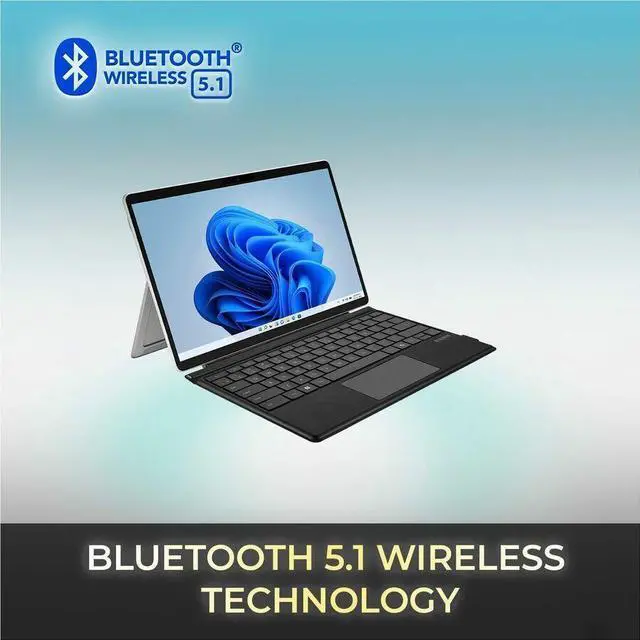
| Connectivity And Input | Integrated Bluetooth keyboard and touchpad; USB-C cable included (Bluetooth version not specified) |
| Power & Battery | Includes one rechargeable battery (battery type listed as lithium_ion; battery cell type listed as Lithium Polymer), lithium-battery energy 500 mAh, 2 cells, battery weight 30 g; batteries are required, included, and packed with the equipment |
| Manufacturer & Model Identifiers | Brand Adesso; Manufacturer Adesso, Inc; model number WKB-7030 |
| Shipping & Availability | Not shipped globally (Ships Globally = false) |
Q: Should I get this Adesso Surface Pro keyboard case or Microsoft's Surface Pro Type Cover?
A: Choose the Adesso case if you want a Bluetooth keyboard that works independently of the Surface connector and also adds a folio-style cover and stand. Choose Microsoft's Type Cover if you want the most native Surface experience, including direct pin connection, no separate charging, and the stronger track record for Surface-specific integration and gesture support. The practical trade-off is convenience and protection with Adesso versus tighter hardware integration with the official keyboard.
Q: Is a Bluetooth Surface Pro keyboard case better than a connector-based keyboard for travel?
A: A Bluetooth keyboard case like this Adesso model is the better fit when portability means flexible placement, detached use, or use beyond a desk, because it can work wirelessly within its rated range and does not depend on the Surface keyboard pins. A connector-based keyboard is the better fit when portability means quick open-and-type use with fewer charging tasks. The trade-off is wireless flexibility versus simpler day-to-day attachment and power management.
Q: Should I buy this Adesso keyboard case instead of a cheaper basic Bluetooth keyboard for my Surface Pro?
A: This Adesso case makes more sense than a basic Bluetooth keyboard if you want a Surface-specific fit, an integrated touchpad, and a cover that also works as a stand. A lower-cost generic Bluetooth keyboard is usually enough if you only need typing and already use a separate stand or mouse. The upgrade value here comes from combining protection, keyboard, touchpad, and travel setup into one accessory.
Q: Is this Adesso case a good upgrade from using an older Surface Pro Type Cover?
A: It is a sensible upgrade if your priority is moving from a standard attachable keyboard to a wireless folio-style setup with its own cover, stand, and Bluetooth connection. It is not automatically an upgrade in typing integration, because many Surface users still prefer the official Type Cover experience for native attachment and touchpad behavior. In short: choose Adesso for a different usage style, not just for a like-for-like replacement.
Q: Is this a good buy for Surface Pro 7 or 7+ owners who want a cheaper keyboard-and-case alternative to Microsoft's Type Cover?
A: Yes, if your main goal is a lower-cost all-in-one setup with a case, stand, Bluetooth keyboard, and touchpad for Surface Pro 3/4/5/6/7/7+. The main trade-off versus Microsoft's Type Cover is convenience: Microsoft's keyboard connects directly without Bluetooth or charging, while Bluetooth keyboard cases usually require pairing and battery management. This Adesso model makes more sense for buyers who value integrated protection and wireless flexibility more than the simplest attach-and-type experience.
Q: Is it good for travel, meetings, and light office work?
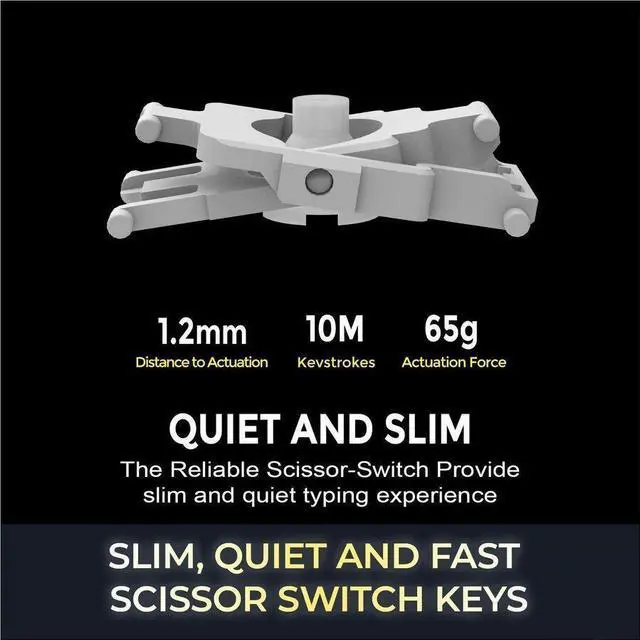
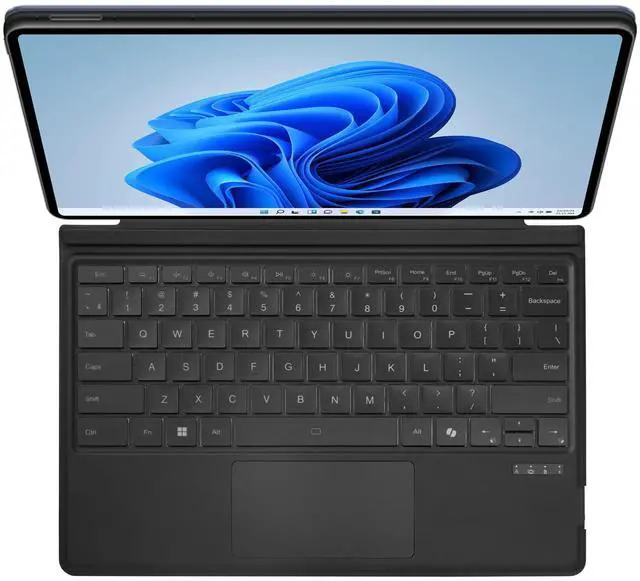
A: Yes, for light productivity. The design is slim, includes a stand, and uses scissor-switch keys that are intended to feel closer to a laptop keyboard while staying quieter. That makes it suitable for email, documents, web work, and meeting notes. The main limitation is that Surface-style keyboard setups are still less stable on cramped laps than a traditional clamshell laptop, so they work best on a desk, tray table, or conference table.
Q: Who is this keyboard case best suited for?
A: It is best for Surface Pro 3, 4, 5, 6, 7, and 7+ users who want one accessory that adds typing, touchpad control, front protection, and a built-in stand. It is a better fit for mobile office users, students, and travelers than for buyers who want the most seamless first-party keyboard experience. It is not the right choice for newer Surface Pro generations such as Surface Pro 8 and later, which use a different keyboard ecosystem.
Q: What are the main trade-offs of choosing this Bluetooth case instead of the official Surface keyboard?
A: The likely advantages are added case protection, a bundled stand, and broader wireless use because it connects over Bluetooth. The main trade-offs are that Bluetooth keyboards can introduce setup friction, need charging, and may be less straightforward than Microsoft's direct-connect Type Cover. If you prioritize plug-and-play simplicity, the official keyboard is the safer choice. If you want a more all-in-one case-plus-keyboard accessory, this Adesso design is the more practical option.
Q: Is this a practical alternative to Microsoft's Type Cover for older Surface Pro models?
A: It can be a practical alternative if you want a keyboard case for Surface Pro 3, 4, 5, 6, 7, or 7+ and prefer Bluetooth instead of the Surface connector. The main advantages are cross-model compatibility, a built-in touchpad, and a cover that doubles as a stand. The trade-off is that Bluetooth keyboards are generally less integrated than the original Type Cover, so buyers who want the most seamless attach-and-go experience may still prefer Microsoft's first-party option.
Q: Who is this keyboard case best suited for?
A: This case is best suited for people using an older 12 to 12.3-inch Surface Pro as a light productivity device for typing, web work, email, and note review. It fits users who want a slimmer travel setup and basic laptop-style input without paying for newer Surface accessories. It is less suitable for buyers who need a premium first-party feel, heavy lap use, or the tightest hardware integration.
Q: Is it a good choice for work, school, or note-taking on the go?
A: It is a reasonable choice for mobile typing and general work on older Surface Pro devices because the case adds keyboard, touchpad, and stand functionality in one accessory. For note-taking, it makes more sense for users who switch between typing and tablet use, rather than for pen-first users who want the lightest possible setup. The key trade-off is that an added case can improve protection and typing convenience, but it may feel less minimal than using the tablet alone.
Q: What are the main trade-offs compared with a built-in or directly attached Surface keyboard?
A: The main trade-offs are integration, lap stability, and input consistency. This Adesso model offers Bluetooth 5.0, a slim scissor-switch keyboard, and a touchpad, but it is still an external wireless accessory rather than a native Surface connector keyboard. Buyers choosing it should mainly value compatibility and price over the most rigid lap use or the most seamless tablet-to-keyboard transition.


 ADESSO


