

Your Browsing History
- Free 30-day Returns
$3.99

Meet Your Seller


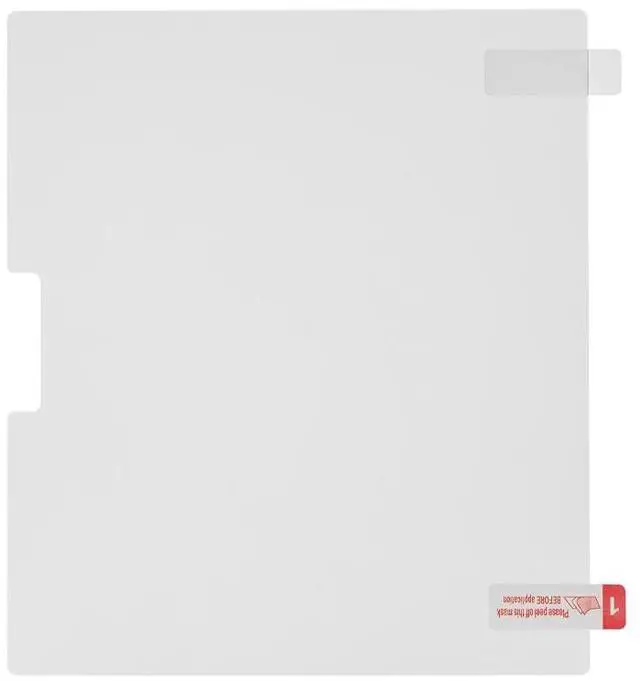


Onyx BOOX 7" Dedicated Writing Film
- Its paper-like texture offers a satisfying writing feel, reminiscent of real paper. Designed to resist scratches and fingerprints and reduce glare, it protects your screen while maintaining clarity and touch response.
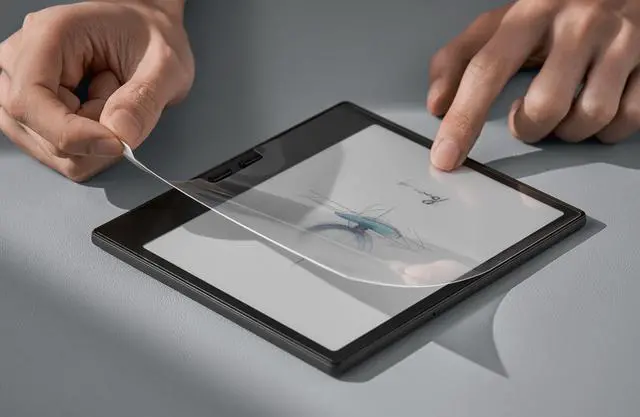
- * Dont stretch the film. The writing film may warp if stretched during application.
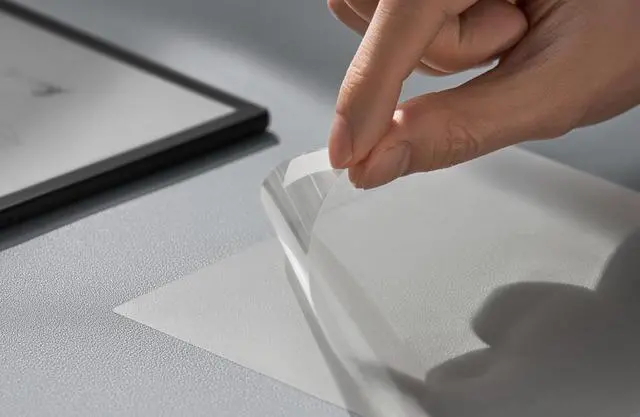
- ** Avoid using sharp objects like fingernails to lift the film. It may scratch the E Ink screen. Highlights
- Paper-like texture for a tactile writing feel.
- Scratch-resistant.
- Matte anti-glare and anti-fingerprint surface.
- Maintains high touch sensitivity.
- Easy installation.
- Feels Like Writing on Paper
- With a micro-textured surface, the writing film replicates the resistance and friction of paper. It improves your handwriting experience on the Go 7 and Go Color 7 (Gen II) with better control and enhanced precision. Whether you're taking notes or doing quick sketches, every stroke feels smooth and accurate.
- Full Protection, Uncompromised Clarity-Built for durability, this writing film shields your screen from daily scratches and wear, ensuring long-lasting protection and performance. Engineered with a matte finish, it significantly reduces glare and resists fingerprints, keeping the display clear and crisp under any circumstance.
+
+
Overview
Specs
Reviews

Any questions? Our AI mode will help you find out quickly.
Try me now
The writing film elevates the user experience with Go 7 and Go Color 7 (Gen II).
Specifications
Dimension: 151 x 132 x 0.12mm (5.94"" x 5.20"" x 0.005"")
Weight: Approx. 9 g (0.32 oz)
Compatibility
Go 7
Go Color 7 (Gen II)
How to Apply the Writing Film?
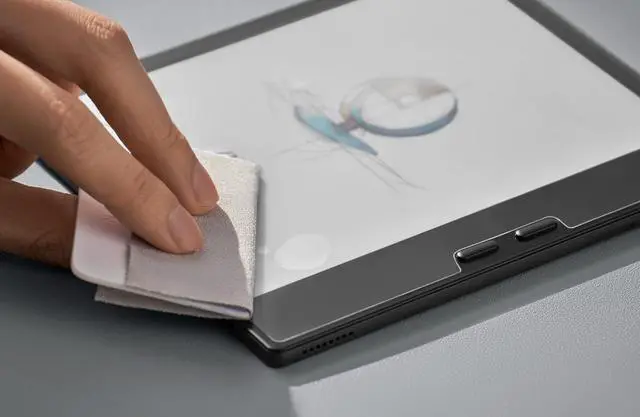
* Before installation, please clean the screen thoroughly to remove any fingerprints, oils, dust, and smudges, and prepare a spare card for bubble removal.
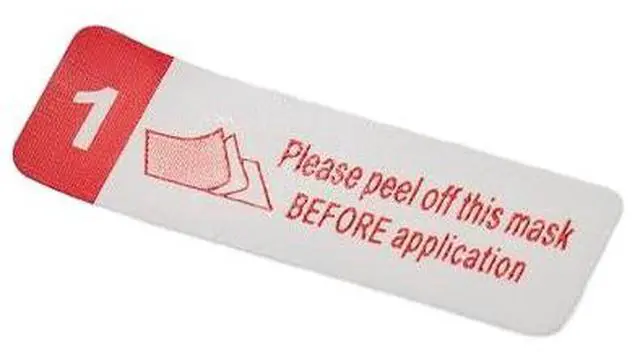
Step 1. Peel off label 1 to expose the adhesive side and carefully align it with the screen.
Step 2. Starting from the bottom, slowly press and glide the writing film upward smoothly.
Step 3. Wrap an anti-bubble card (not included) in the cloth and push the bubbles toward the edges.
Step 4. Once fully applied, wait a few seconds for the adhesive to fully bond, then remove label 2.
Warranty & Returns
Warranty, Returns, And Additional Information
Warranty
- Please contact the Seller directly for warranty information. Warranty information may also be found on the Manufacturer's website.
- CONTACT
Return Policies
- Return for refund within: 30 days
- Return for replacement within: 30 days
- This item is covered by Smart Lifestyle Brands Return Policy
Manufacturer Contact Info
- For a directory of all our manufacturers, please click below.
- Manufacturers Directory
LOADING...